



Design a personalized social media banner for free.
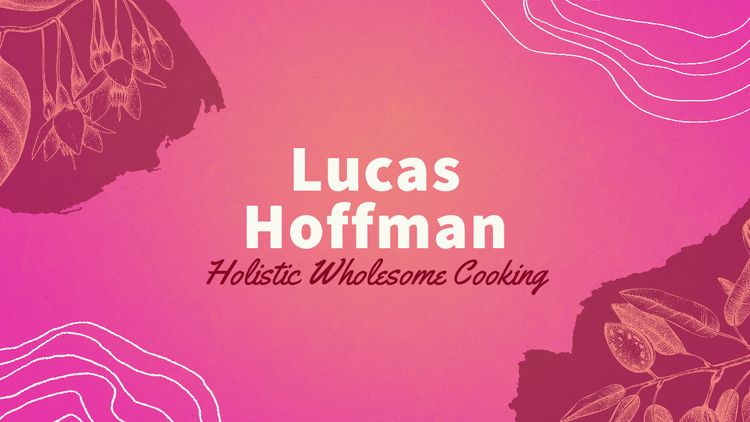
Get inspired and show off your personality with customizable social media banner templates. Adobe Express has hundreds of templates for you to use for Facebook Cover Photos, Twitter Banners, YouTube Channel Banners, and so much more. Get started with our intuitive and easy to use editing tools and have fun with all the customization options you have at your fingertips. Insert your favorite quote over a beautiful landscape, create a hilarious meme banner, or even make a collage with all your friends. Unleash your creativity and download your finished product instantly to share across all your social platforms.


How to make a social media banner.
Publish to all your destinations.
Export your social media banner in a variety of formats and download it right to your device.
Resize in seconds.
Whether you're printing your social media banner or sharing it to your social profiles, you can resize it for any destination in seconds. Choose your desired size and your design will automatically adjust accordingly.
Personalize in a snap.
Customize your social media banner with handpicked imagery, icons, fonts, and design assets. Upload your own or browse the stock libraries for the perfect visuals.
Start from a template.
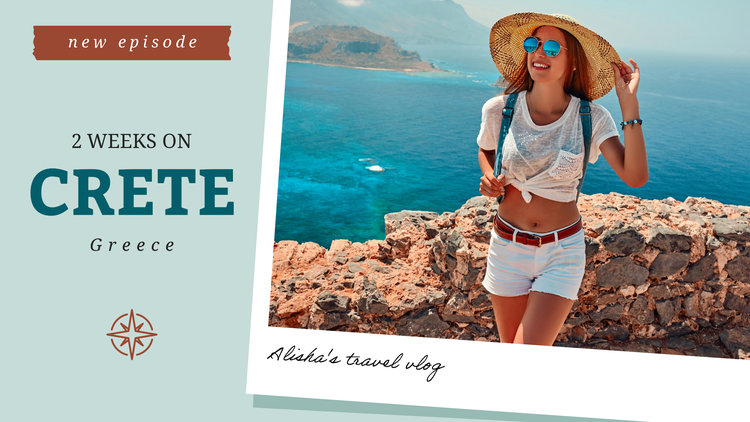
Explore trending templates created by professional designers to make a social media banner that stands out anywhere.
Create quickly and easily.
Open the app on web or mobile to create a social media banner quickly, easily, and for free.
Design your own social media banner with fun & free editing tools.
Have fun designing a social media banner unique to you and your social media platforms using Adobe Express editing tools. The editing features are available to all skill levels so that you can create something amazing in no time. Enjoy free access to stock images, icons, graphics, fonts, and more. Have fun sharing your new social media banner design with all your friends and followers.
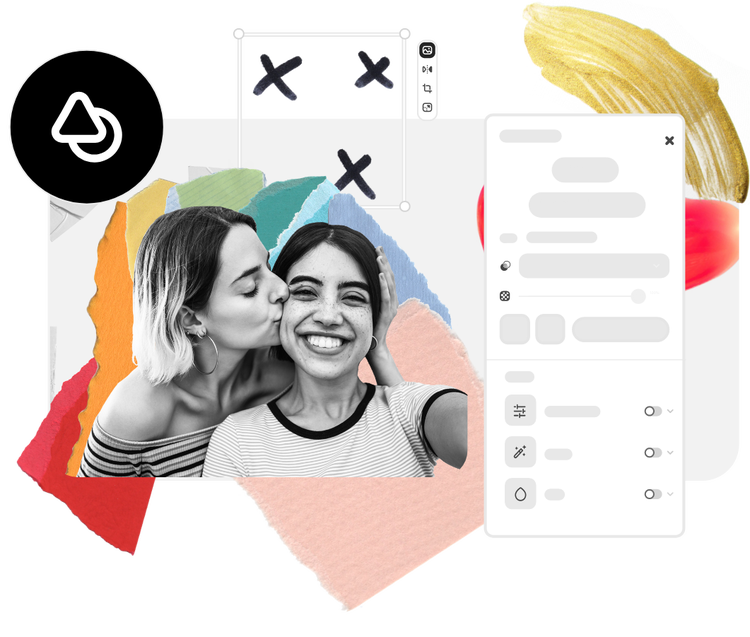
Let Adobe Express be your social media banner design expert.
Explore professionally designed templates to get your wheels spinning or create your social media banner from scratch. Establish a theme for your designs using photos, icons, logos, personalized fonts, and other customizable elements to make them feel entirely authentic. With Adobe Express, it's free and easy to make, save, and share your designs within minutes.
What should I put on social media banners?
Create a banner that expresses the personality of you or your brand. Create an image-only banner for a wallpaper effect. Feature a quote, photo collage, or slogan for a more graphic banner. For brands or businesses, use your banner to promote a sale or contact info for your business. Regardless of your banner’s intent, enjoy using up all the space on your canvas to drive your message home.
Can I animate my social media banner?
Certain platforms allow animated header or banner images. Use animation to your advantage to capture your audience’s attention. Choose from dozens of animation options to add life to the images of text in your design.
What is the ideal banner design size for different social media channels?
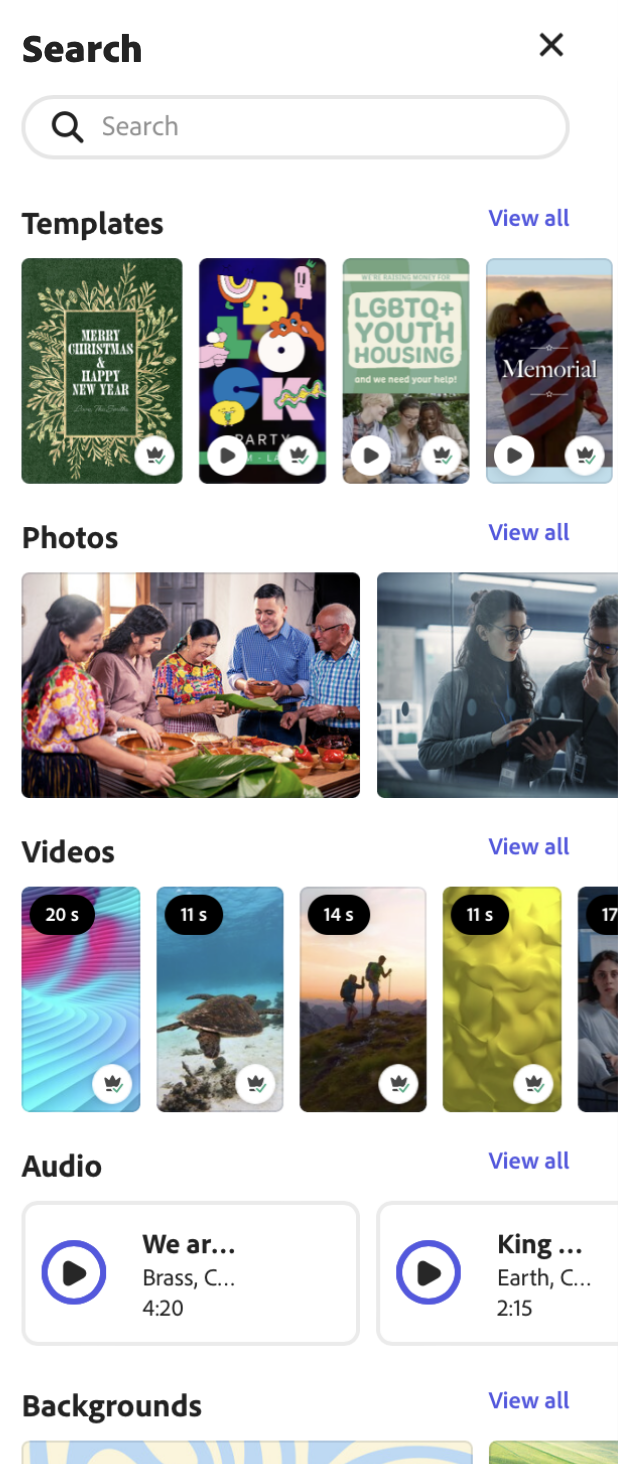
Facebook profile covers are 851px by 315px, LinkedIn profile covers are 1536px by 396, and Twitter headers are 1500px by 500px, to name a few. Search by platform in our template gallery to find a specific banner format. Use the Resize tool to browse preset sizes for almost any platform.
Can I get Adobe Express for free? If so, what’s included?
Yes, we have a free plan available for anyone. Enjoy everything you need to stand out, including thousands of templates, hundreds of Adobe Stock images, photo editing and effects, and much more. Visit our plans and pricing for details.
Can I create my own social media banner template?
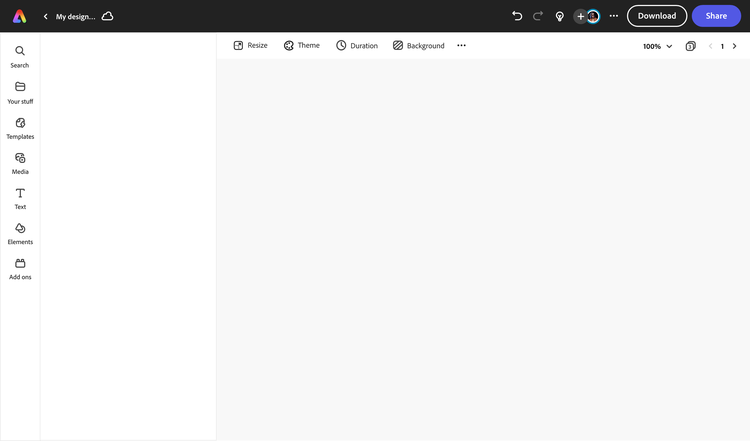
Any new or existing project can be turned into a shareable template. To turn your social media banner into a template, click on the three-dot menu at the left of the Download button and follow the steps to turn your design into a template.
illustrator

