



Create your own Pinterest pins.
Create custom and animated pins for your Pinterest boards with Adobe Express. Customize your pins with free filters, fonts, and more.
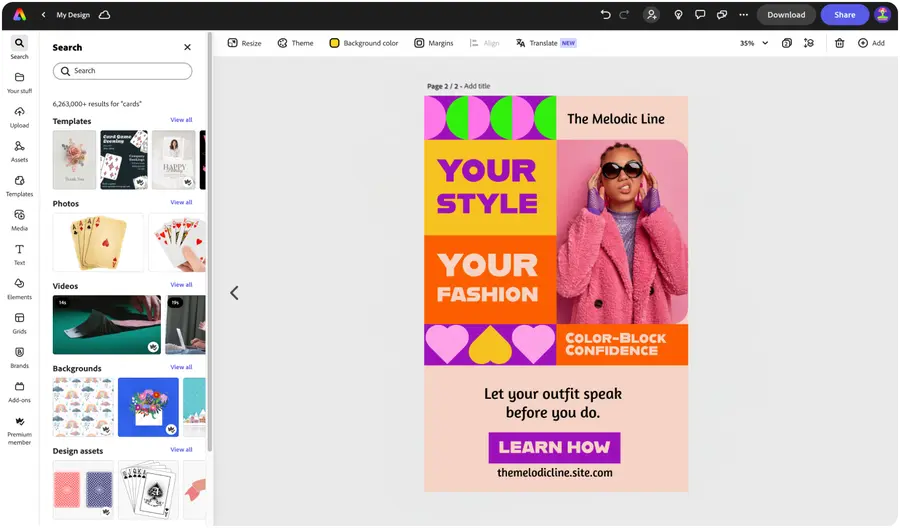

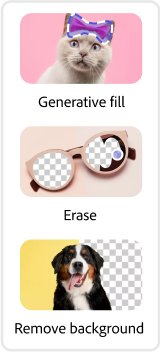
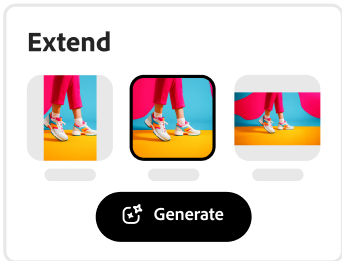


Easy all-in-one editor

One-click edits from any device
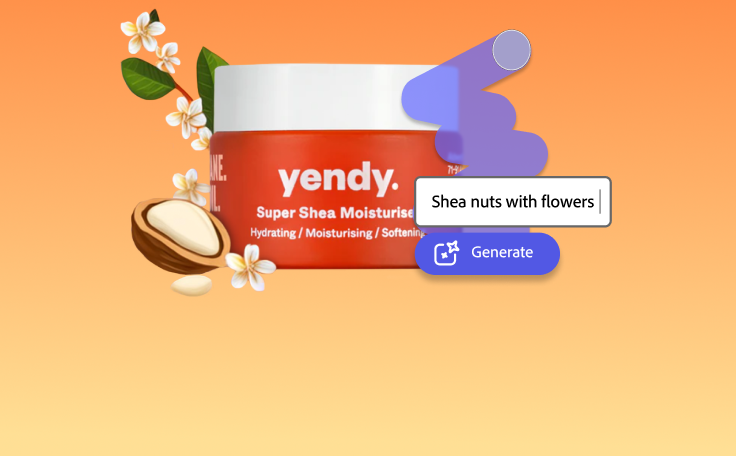
Fast creation with generative AI
Thousands of professionally-designed templates
Easily get started in Adobe Express.
Make a customized Pinterest pin graphic with Adobe Express.
Pinterest is an incredibly powerful digital tool. It can serve as social media by connecting Pinners with pins and users who have similar interests. It can be a mood board, a reading list, and a database all in one. You can also use Pinterest as a marketing tool to promote your own content. Take your original content, such as written blogs or travel photography, and turn it into an eye-catching pin to create brand awareness and invite new audiences to your site. Let your personality shine through creatively designed pins with Adobe Express.
 New templates
- Popular
- New templates


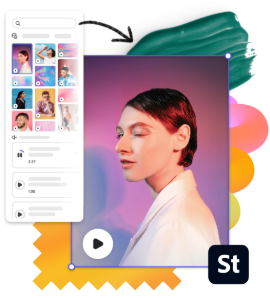
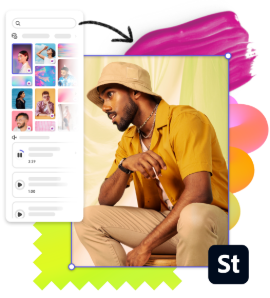
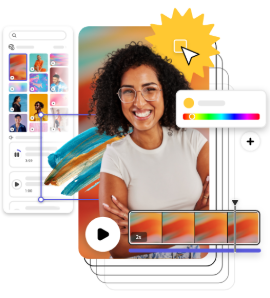
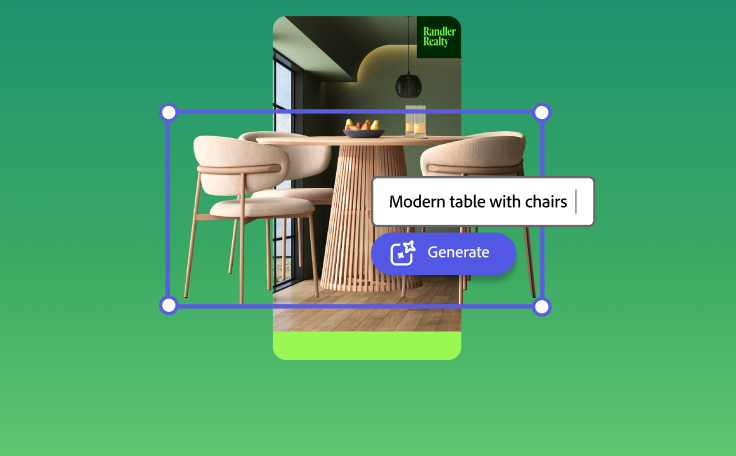
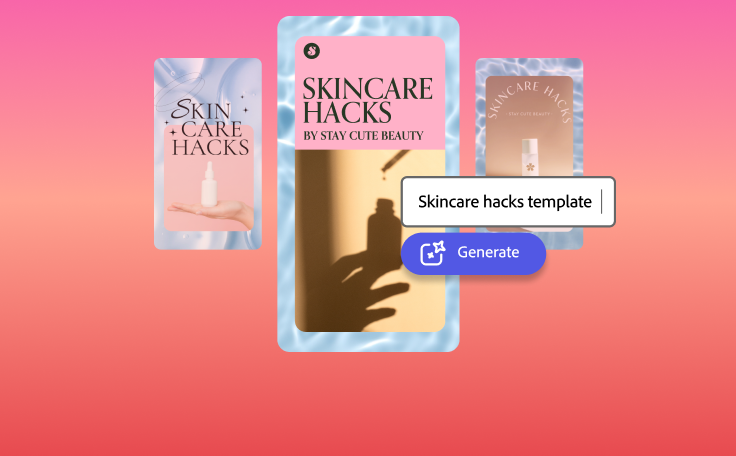
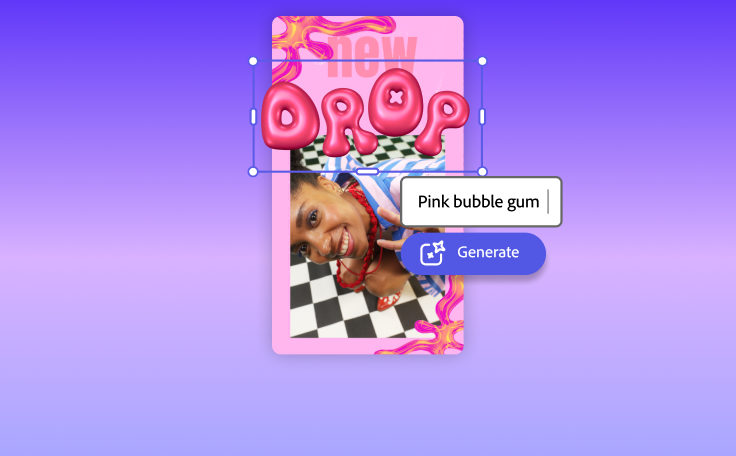
Launch the app.
Open Adobe Express to start creating for free on web or mobile.Explore trending designs.
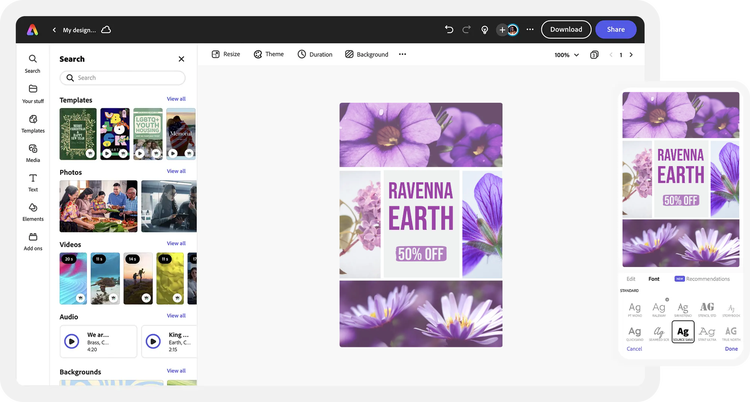
Search through thousands of templates made by professional designers to find one that matches your vision.Personalize your social media graphic.
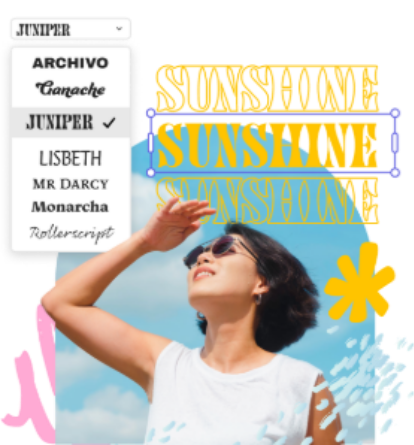
Upload your own photos, add amazing effects, and play with text. Discover tons of images, icons, and backgrounds in our asset libraries to add to your Pinterest pin design.Adjust and resize.
Enter in a custom size, or select from popular preset size options for all your social media destinations.Publish your custom graphic.
Save and download your finished design to your device and post it to all your social channels.
See what people are saying about Adobe Express.
Abs Ahlijah
Marketing & Content Coordinator @ Soul Session
"As a marketer who is always on the move. Adobe Express helps me to create fast, high quality content. Absolute endless features to enhance my creativity!"
Liz Mosley
Owner, Liz Mosley Design
"I use Adobe Express to create and schedule a lot of my own content, and by creating templates for my own brand I have saved my self hours marketing my business!”

Penuel Stanley-Zebulon
Student @ Pennsylvania State University
"The remove background image tool in Adobe Express saved me hours of tedious editing, effortlessly removing backgrounds and refining my images with just a few clicks."

Attabeira German de Turowski
Owner, Attabeira Oneline
"I use Express Premium for my social media efforts and Content Scheduler has helped me grow my following through consistent posting."

Mike Nappi
Owner, NappiMusic
"I'm all in on Adobe Express. Premium makes it easy for me to maintain a cohesive look and feel for my brand."
Discover even more features for easy content creation.
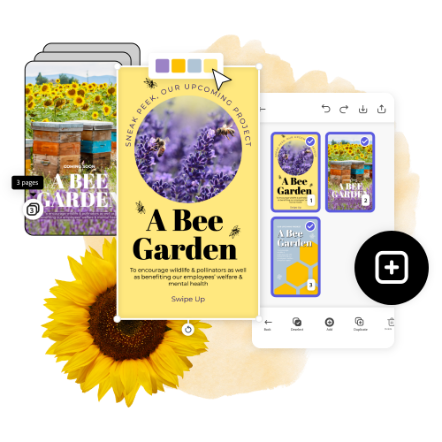
Choosing a Pinterest pin size.

The feed on Pinterest is displayed as a sort of collage, arranging pins of all different sizes next to each other like a lattice. However, the feed columns are fixed while the rows are not, which gives vertically formatted images the upper hand. The ideal image size for a pin is 735 x 1102 pixels or a 2:3 aspect ratio of a different size. If your content is square or horizontal, try cropping it to fit in this vertical 2:3 format. If that’s not an option, a horizontal or square graphic will work but may appear smaller in the feed. Pinterest is a place for sharing ideas, so don’t be afraid to make something creative.

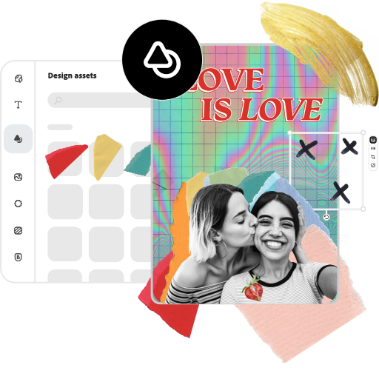
Let your creativity shine by using the Adobe Express Pinterest pin maker.
Pinterest is a social network that connects people worldwide and inspires them daily with new, beautiful, and original content. Let your content be something that inspires and motivates your audience. Post the content you have to share to your boards, connect with like-minded users, and increase your exposure with custom-made pins. Adobe Express makes it simple for you to design something original.
The world's leading businesses use Adobe Express.





Discover even more.
Frequently asked questions.
What kind of pins can I make with Adobe Express?

Create any kind of pin you’d like with a template or starting from a blank canvas. Make pins for recipes, outfits, DIY tips, infographics, or travel. For image-only pins, use our Photoshop-worthy effects to make your photo standout in the feed. Use multiple images for idea pins or carousels, and export animated graphics for video pins.
Should I include my logo on my pins?

What is the ideal size for a Pinterest pin?
Can I get Adobe Express for free? If so, what’s included?
Can I create my own Pinterest pin template?
What kind of pins can I make with Adobe Express? opened
Explore Related Posts


illustrator

