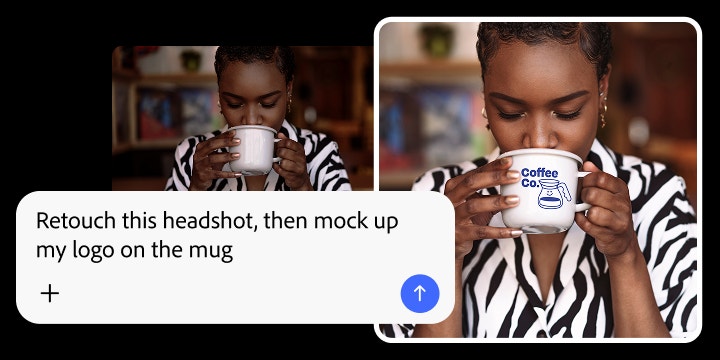
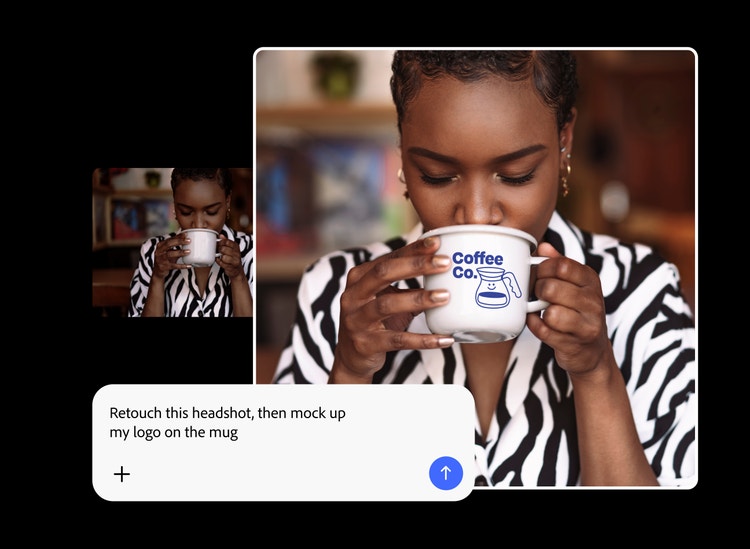
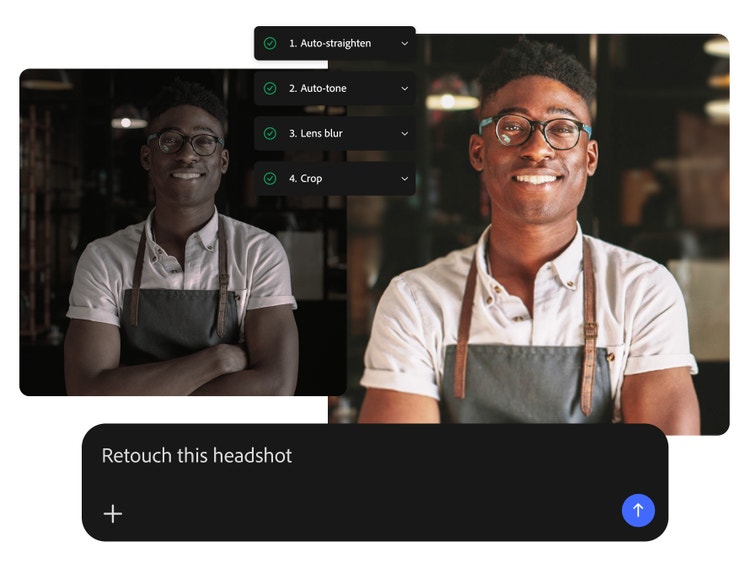
Adobe Firefly AI Assistant is a conversational creative experience powered by Adobe Firefly. It brings together tools from Photoshop, Illustrator, Premiere, Lightroom, and other Creative Cloud apps within the Firefly web app in order to assist creators in completing creative projects quickly. Simply describe your desired outcome, and Firefly AI Assistant orchestrates a multi-step workflow to deliver production-ready results quickly.
Adobe Firefly AI Assistant will become available in public beta on April 27, 2026 in the Adobe Firefly web app. It is available only to those with a Creative Cloud Pro plan or a Firefly Pro, Pro Plus, or Premium plan.
Adobe for creativity integrates Adobe's creative tools into Claude by Anthropic. Users will be able to work with tools from across Adobe Creative Cloud within Claude to edit images and videos, create templates, and more. Both free and paid Adobe users can access Adobe for creativity, with varying usage limits.
Adobe Firefly AI Assistant has access to tools for image generation, video generation, and creative tools from Photoshop, Illustrator, Lightroom, Premiere, and other Creative Cloud apps. Choose options from the Creative Skills library to run complex, multi-step workflows from a single prompt.
Al assistants in apps like Photoshop or Adobe Express are focused on tasks within that specific app. Adobe Firefly AI Assistant orchestrates workflows that use tools from across Adobe’s creative apps within a single conversational interface, connecting the right tools for the right task in the right order.