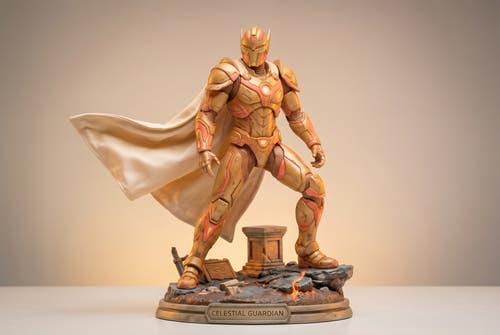
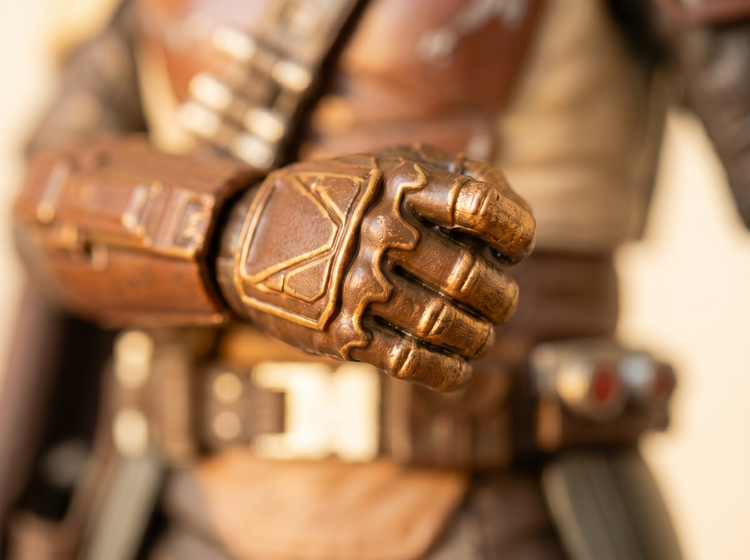
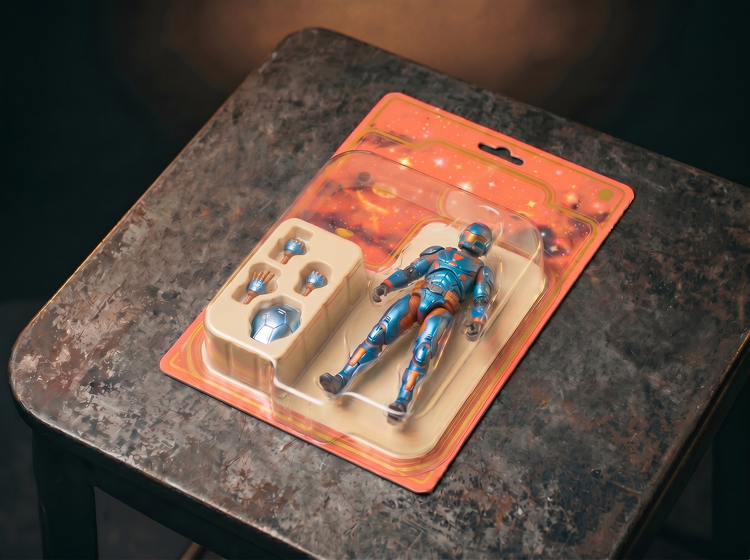
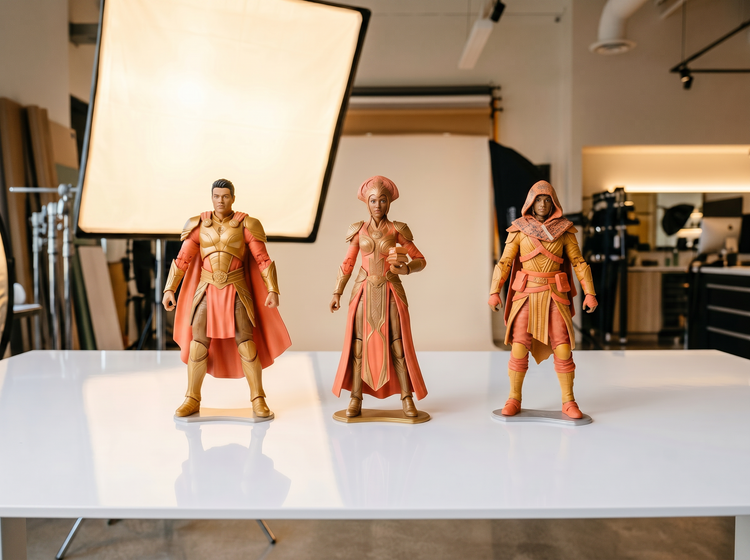
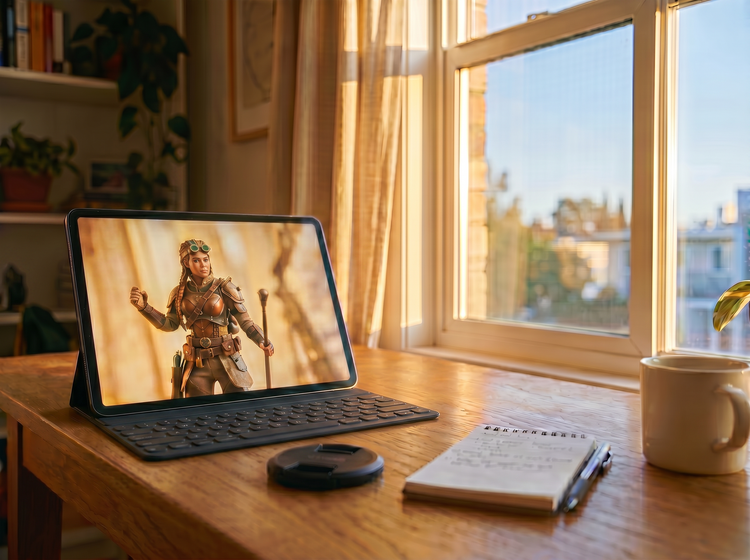
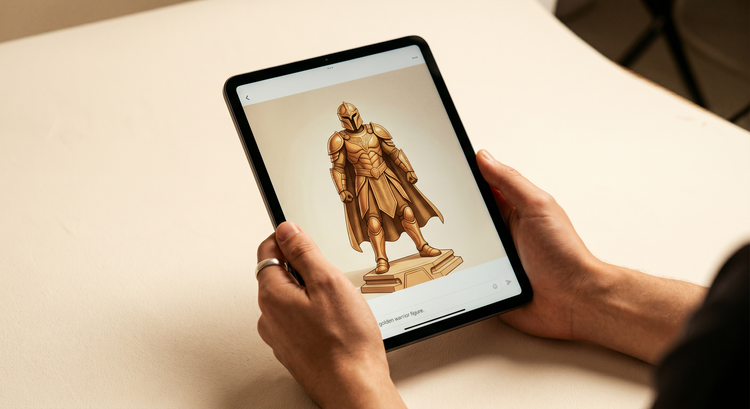
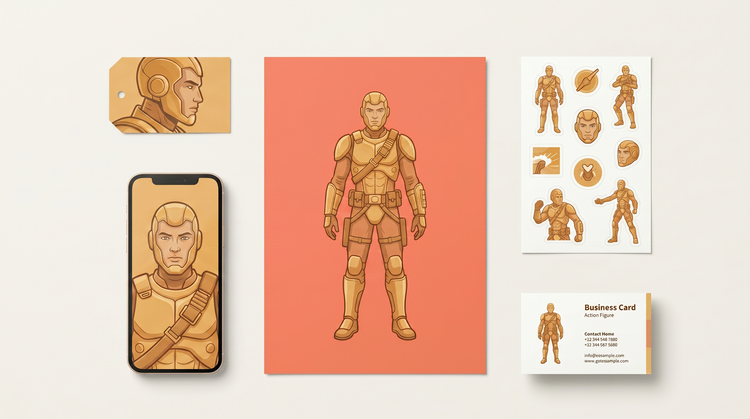
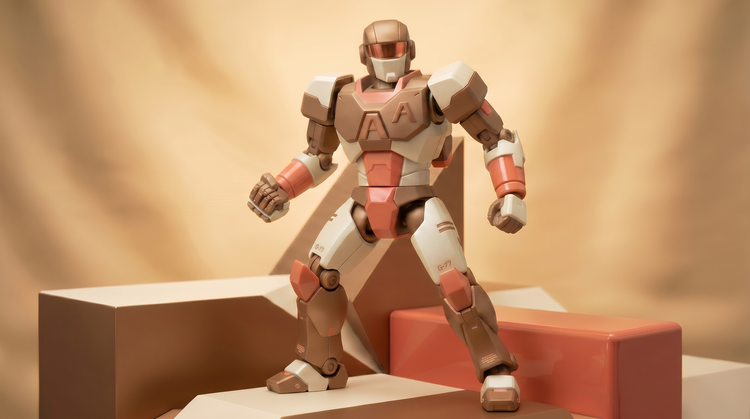
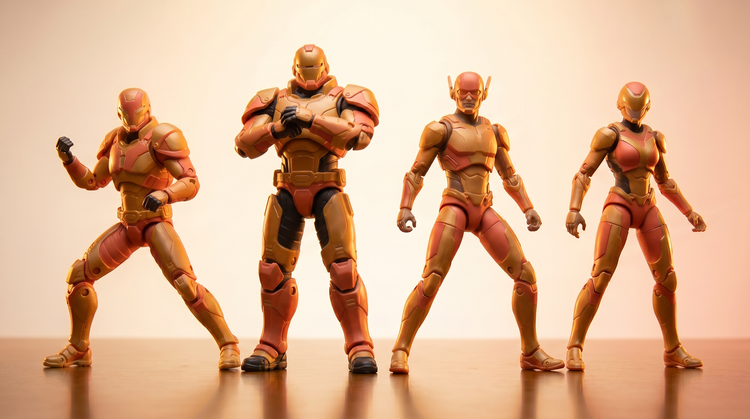
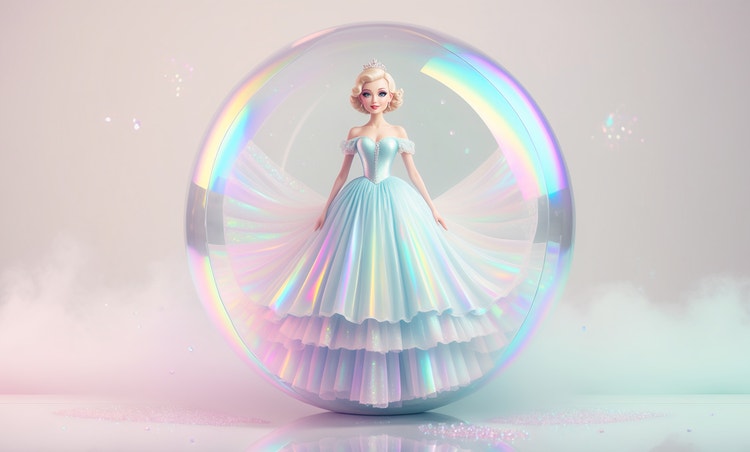
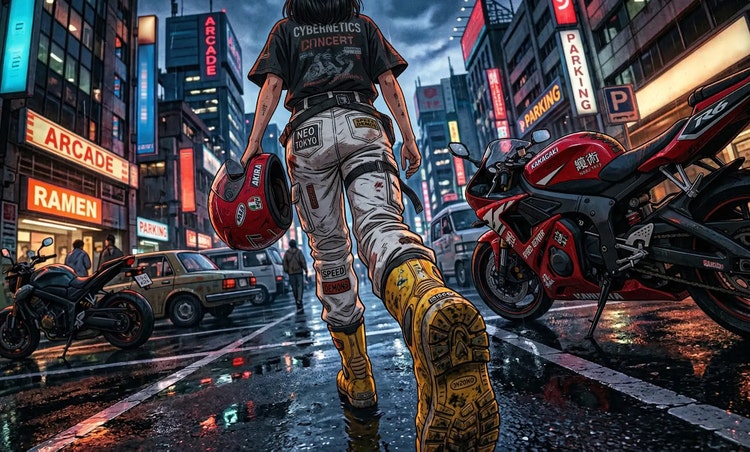
An AI action figure generator transforms a photo or text description into a toy-style render that looks like a plastic collectible figure. Adobe Firefly uses image-to-image AI to analyze your reference photo and generate a version that has the stylized proportions, molded plastic detail, and dramatic studio lighting typical of action figure toy photography. You describe the costume, accessories, and finish; Firefly builds the figure.
Yes. Upload a photo of yourself to Adobe Firefly Generate Image and describe the action figure style you want: costume, accessories, color scheme, and finish. Firefly uses the structure and likeness of your reference photo to generate a plastic collectible render. Use the Strength slider to control how closely the output follows your photo versus how freely the AI interprets the style.
A well-lit, clear photo of your subject against a neutral background works best. Front-facing or three-quarter-view shots give the AI the most structural information to work with. Avoid photos with heavy motion blur, low resolution, or cluttered backgrounds. The cleaner the reference, the more accurately the generated figure will reflect the subject’s likeness and proportions.
Describe the figure style specifically: the costume type (sci-fi armor, superhero suit, fantasy warrior), the accessories (weapons, shields, gadgets), the color scheme, and the finish (chrome, matte plastic, metallic). Add lighting and presentation details like “dramatic studio lighting” and “plastic collectible toy on display stand” to push the output toward a convincing toy photography aesthetic. The more specific your prompt, the closer the result will match your vision.
Yes. Upload a clear photo of your pet and describe the action figure treatment in your prompt. For example, “plastic collectible action figure of a golden retriever in superhero armor, molded toy style, dramatic studio lighting." Firefly uses the pet’s likeness as the structural reference and generates a stylized collectible version. Results work especially well with clear, well-lit photos that show the pet's full head and body.
Yes. The action figure art you generate with Adobe Firefly models is commercially safe. You can use it for personal projects, print-on-demand products, social media, or client work without additional licensing. If you use partner models available inside Firefly, review those models’ terms for commercial use, as they may differ from the Firefly model.
Include specific toy photography cues in your prompt: “molded plastic surface,” “blister pack collectible,” “toy photography studio lighting,” “PVC action figure detail,” and “hard plastic finish.” Use the Strength slider to push the output toward a more stylized, illustrative look rather than a photorealistic portrait. Generating multiple variations and comparing results helps you land on the combination of model, prompt, and strength that produces the most convincing toy aesthetic.
Yes. If you have a free account, you can start creating AI generated images and artwork in Adobe Firefly using free daily generations. This lets you explore what Adobe Firefly can do without committing to a plan. Learn more about
using Adobe Firefly for free. When you’re ready for more, you can upgrade to a paid subscription for additional access. Visit the Adobe Firefly pricing page for current
plan details.
The Strength slider controls how much the AI departs from your reference image. At lower strength settings, the output stays close to the structure and composition of your uploaded photo, preserving the likeness more tightly. At higher strength settings, the AI interprets your text prompt more freely, which can produce more stylized or transformed results. For action figure art, experimenting with mid-to-high strength settings usually produces the most convincing toy-style render while still reflecting the original subject.
Yes. Once you download your action figure render from Adobe Firefly, you can open it in Photoshop on the web or Adobe Express to refine, composite, or publish it further. Adobe Firefly integrates with the apps you already use, so you can move from generation to finished design without switching platforms.