


Brainstorm new video ideas, move into story creation, and finish with editing and assembly with AI. Whether you need a quick result or detailed control, you can go from idea to finished video with Firefly.
By uploading your image or video, you agree to the Adobe Terms of Use and Privacy Policy and confirm you are 18 years of age or older.
By uploading your image or video, you agree to the Adobe Terms of Use and Privacy Policy and confirm you are 18 years of age or older.
By uploading your image or video, you agree to the Adobe Terms of Use and Privacy Policy and confirm you are 18 years of age or older.
Discover video ideas and use cases with Quick Actions. Build a complete story scene by scene, then bring it to life in the Firefly video editor. Or jump straight from Quick Actions into the editor for a quick, polished result.
Create a video with generative AI and use plain language to make edits in the Edit tab of the Generate Video module. Add or remove objects or change backgrounds to take your video from almost there to picture perfect.

Take the video you generated in Quick Actions and then trim, reorder, or regenerate any frame with editing tools, all in Firefly.
A simplified timeline lets anyone arrange, preview, and edit clips. Go from raw assets to a finished video faster with Firefly editing tools.
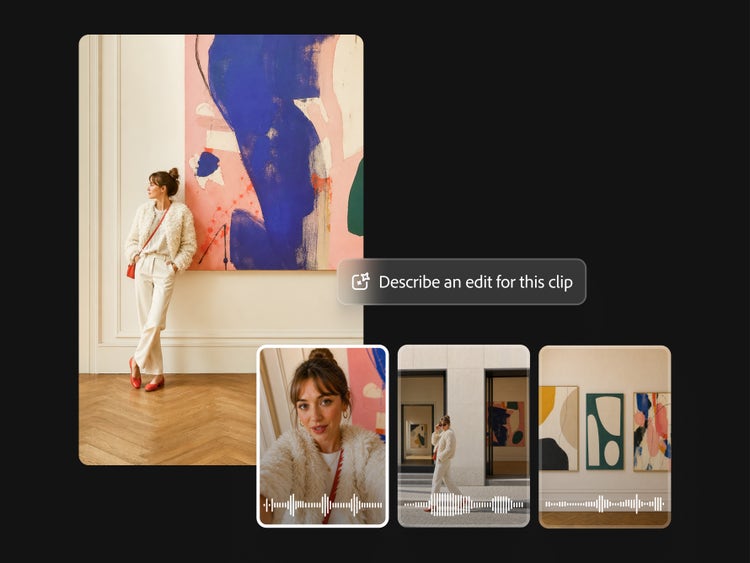
In the AI video editor, you can clarify dialog and balance levels across speech, music, and ambience with Enhance Audio. And there’s no need for a separate color changer. Quickly adjust exposure, contrast, saturation, and temperature using simple sliders, or try one-click looks for quick enhancements.
In the Firefly video editor, any video you’ve generated in Firefly will appear in your Generation History, so it’s easy to add to your timeline. You can also generate new scenes in the video editor and edit them together to create finished stories.
From initial idea to final cut, build the compelling video content you need with the AI video editor. Experiment with partner models, including Kling 3.0, a powerful AI video generator that’s ideal for fast, high-quality video production.
Log in to Adobe Firefly with your Adobe ID or create a free account if you don’t have one. Explore video use cases and formats with Quick Actions.
Choose a video use case and start building your video from a guided starting point.
Bring your clips together and create a polished video with Video Assembler.
Open in the Firefly video editor to perfect every detail. Drag clips from the Media panel, stack cutaways and overlays, and finalize your edit.
When you're ready, click Download and choose your format.
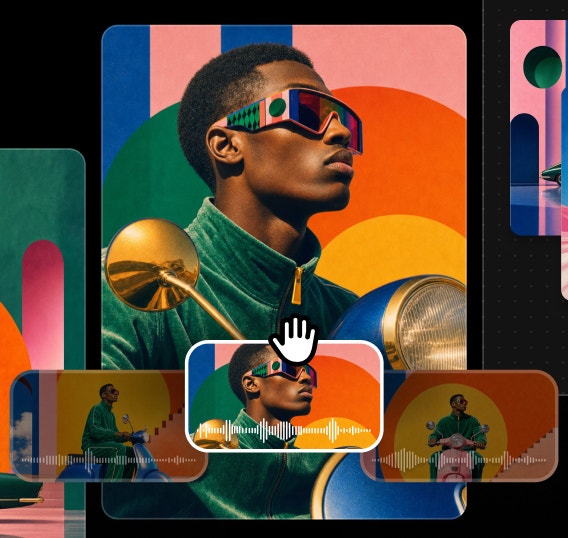
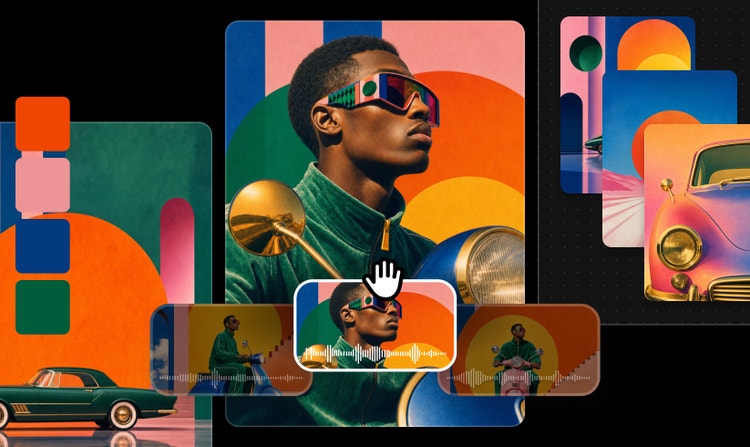
Firefly offers both prompt-based AI video editing and timeline-based tools, allowing you to create, refine, and rearrange content without switching platforms.
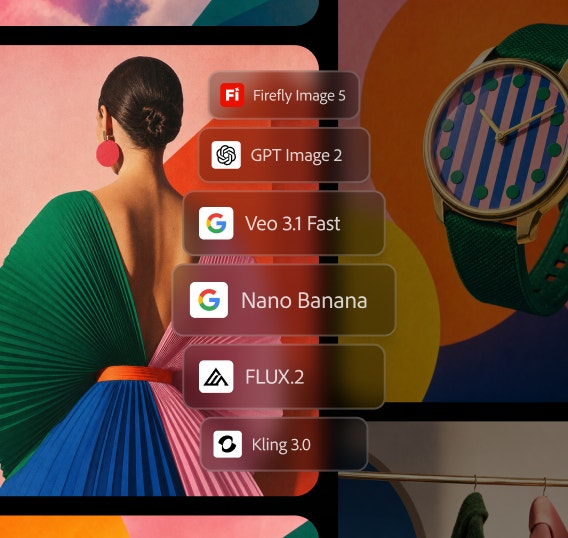
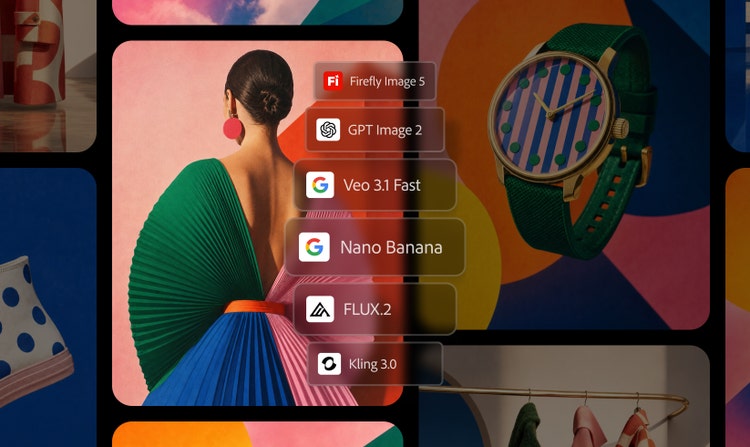
Access leading video models in one place, compare outputs, and refine results faster — giving you more creative flexibility than standalone tools.
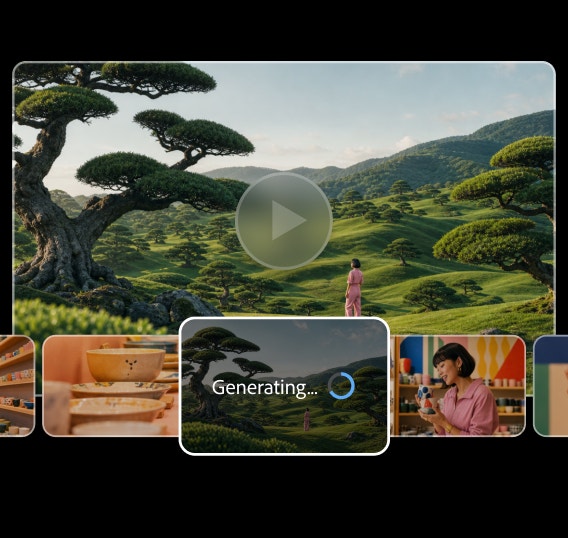
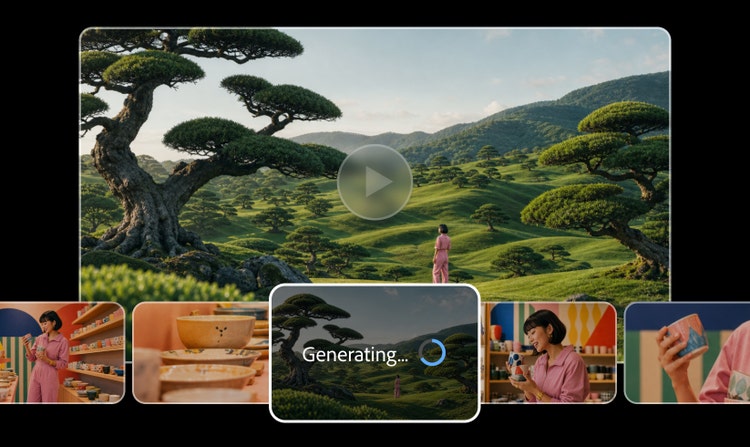
Create with ease, move fast, or refine every detail when precision matters. Firefly gives you the quality, speed, and flexibility to create your way, without complexity.
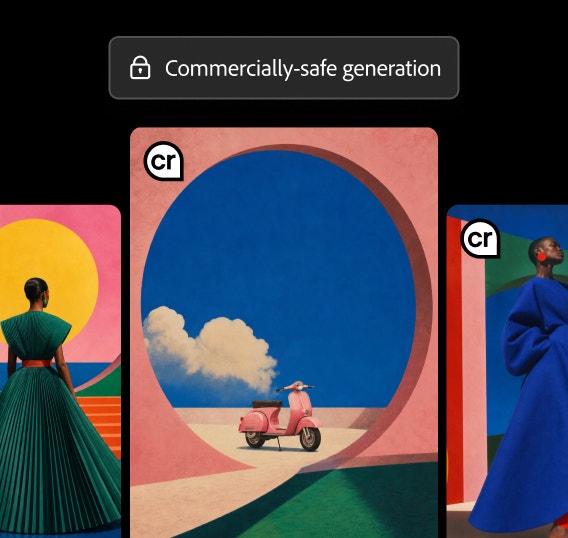
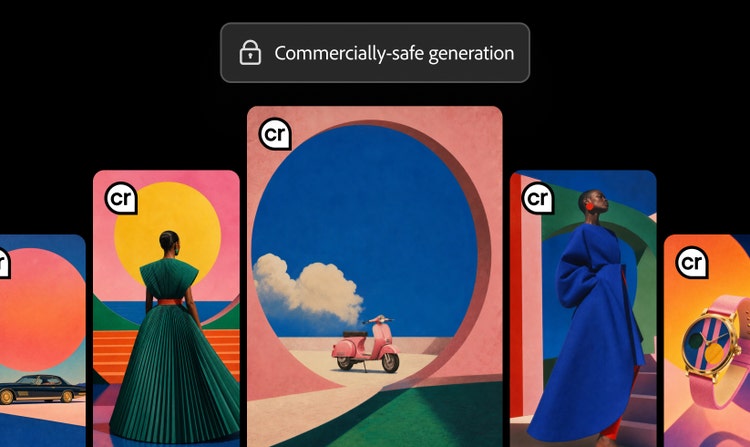
Firefly models are trained on licensed and public-domain content, so you can use them for marketing, client work, and business projects.
Adobe Firefly offers two options for editing videos with AI:
The Adobe Firefly Video Model (for video generation and prompt-based editing) is available on desktop browsers at firefly.adobe.com and on the Adobe Firefly mobile app for iOS and Android. You can generate video clips using Text to Video and Image to Video from your phone or computer, and your creations sync across devices through Generation History.
The Adobe Firefly video editor is currently available only on desktop (macOS and Windows) using the Chrome browser. Other browsers like Edge, Firefox, and Safari may not support all features yet.
There are two ways to generate new video clips:
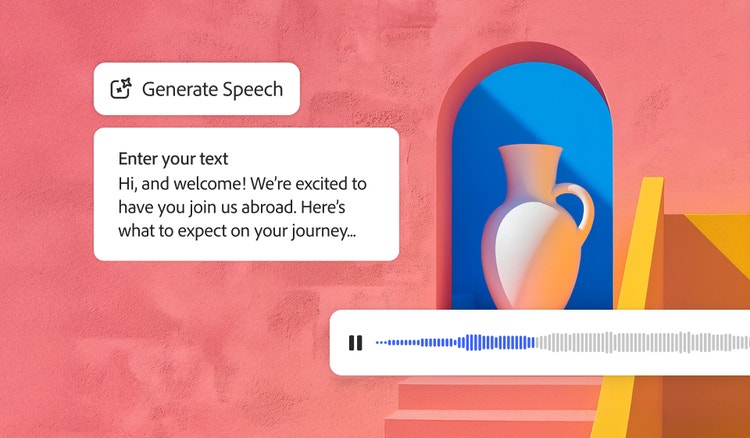
Quickly turn text into natural-sounding speech for videos, podcasts, and eLearning. Add realistic, high-quality voices in 20+ languages with customizable emotion, pacing, and emphasis with AI text to speech.

Generate Soundtrack analyzes your video to match your story and compose custom, emotionally rich music for every platform. Go from ideas to tracks instantly with Firefly’s AI music generator — licensed to use anywhere.

Imagine any sound effect and create it with Generate Sound Effects. Describe the effect, upload reference audio, or act it out into your mic — then easily add your high-quality effect to any video.

Create a studio-grade video featuring an engaging, lifelike avatar with Text to Avatar. It’s fast, easy, and always safe for commercial use. Perfect for business, education, or social media content.

