









.
  • audio
  • Keep it short and specific, like birds chirping
  • Adobe Generative AI Terms
  • Generate
  • Describe what you want to generate
  • Prompt
  • Suggestions
  • Tip
  • Variation 1
  • Variation 2
  • Variation 3
  • Variation 4
  • ff_campaign=embed_generate_acom&promoid=YKHWG2HQ&mv=other
  • Unable to process the request
  • Please describe what you want to generate.
  • Prompt exceeds the max length of 750 characters
  • Unable to play audio. Please try other variations.
  • Enter prompt

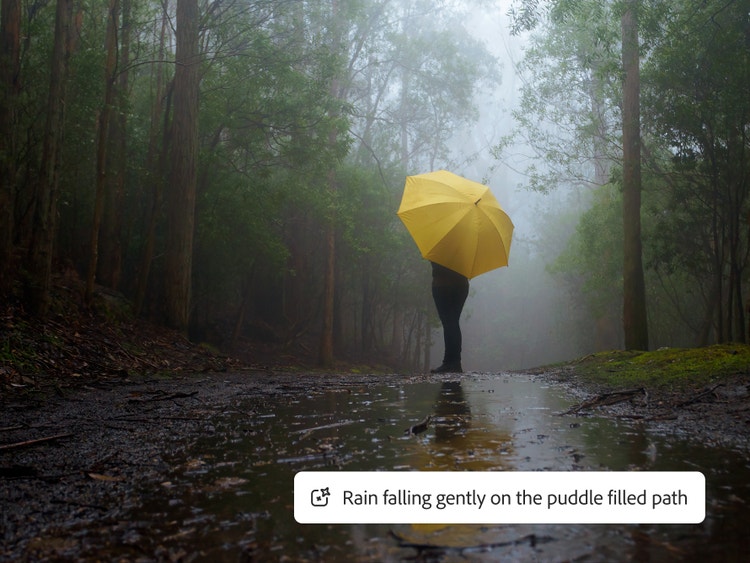
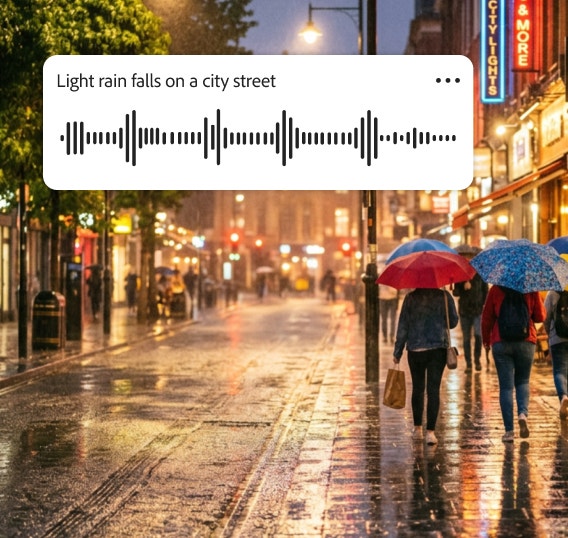
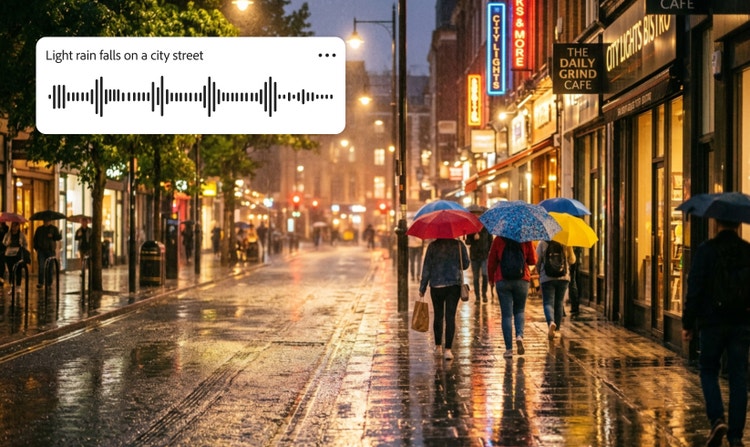
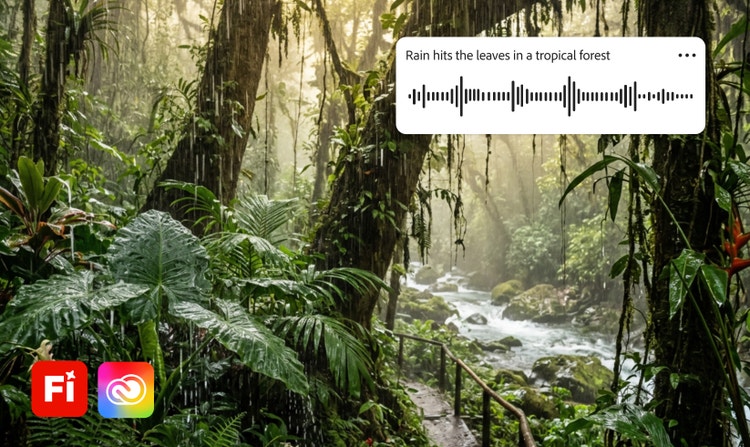
Explore rain sound effects generated in Adobe Firefly.

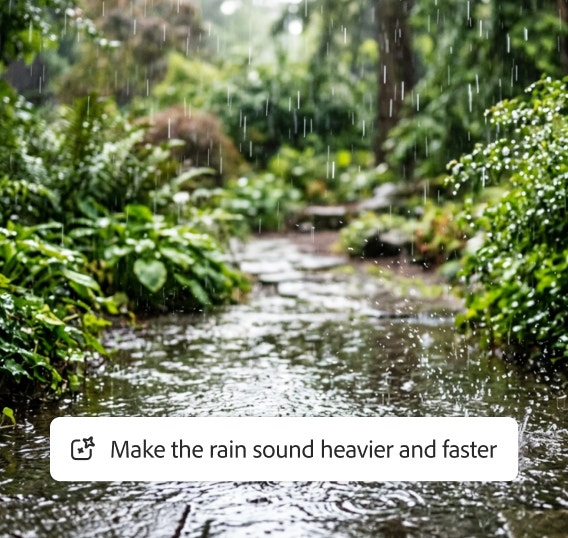
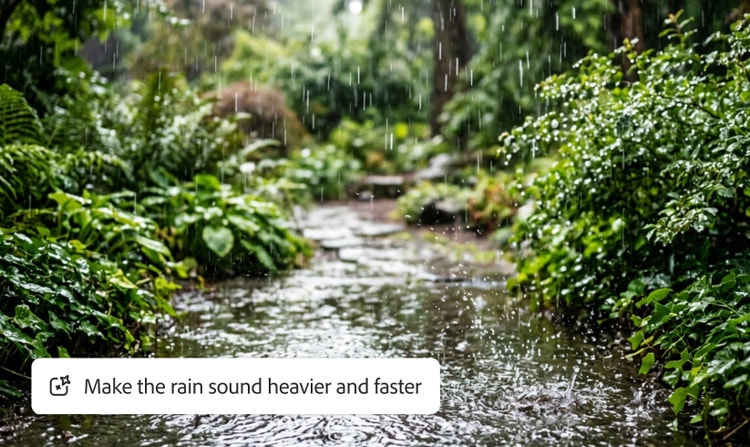
From a light pitter-patter to a big soak, Firefly makes it easy to generate authentic-sounding rain effects. Listen to a few examples, and then use text prompts or upload reference clips to create just the right audio for your project.

How to create rain sound effects with Adobe Firefly.

Creative control

The Adobe Firefly sound effects generator lets you fine-tune pitch, tone, and tempo to get the perfect result for your project.

Extensive rain sound effects library

Whether you need the sound of light rain hitting a windowpane or a heavy downpour on a tin roof, you can browse a variety of rain sounds in Adobe Firefly.

Commercial safety

AI rain sound effects generated by Adobe Firefly models are safe for commercial use, so you can incorporate them into digital ads, podcasts, audiobooks, and more.

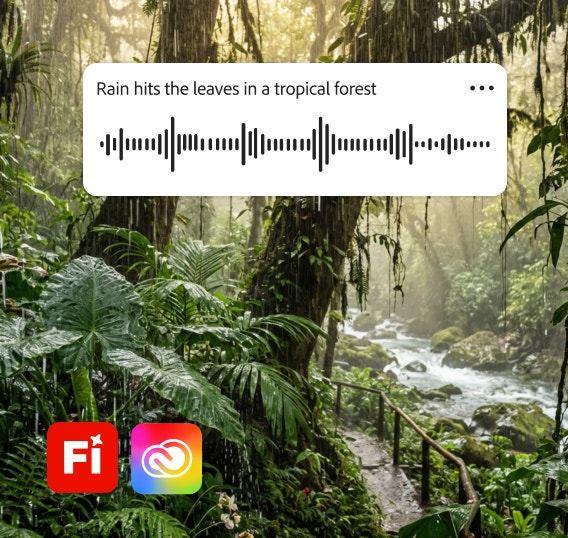
Workflow integration

Move seamlessly between the Adobe Firefly sound effects generator and Adobe Creative Cloud apps for a streamlined and professional workflow.

See what you can do in Firefly.

Discover even more features.

Questions? We have answers.

Share this page

Explore more Firefly tools.