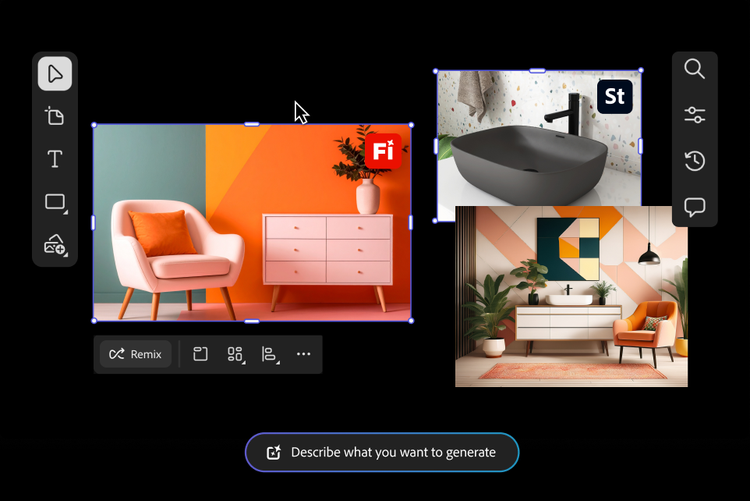
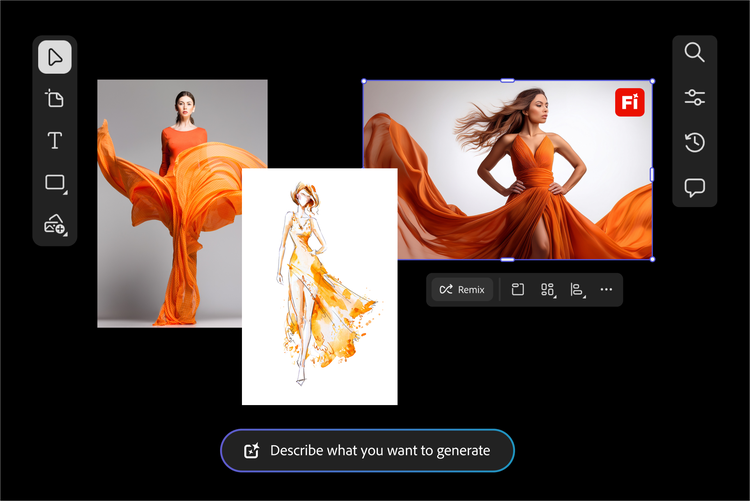
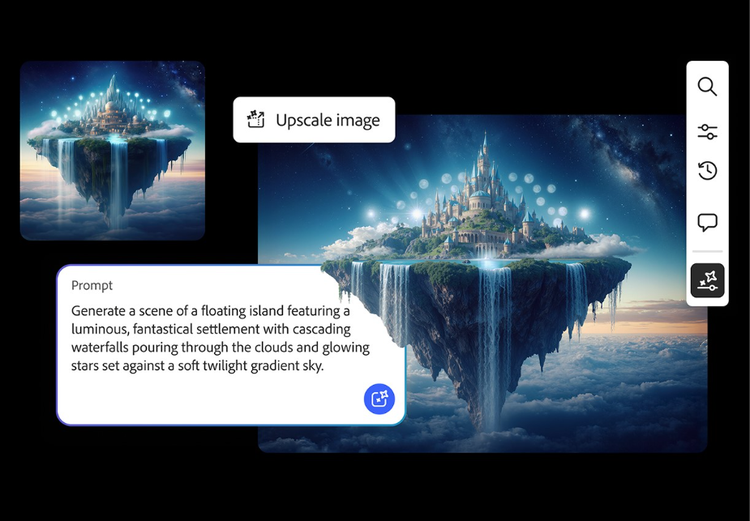
Yes, you can use Adobe Firefly to create storyboards from text prompts, image references, and rough sketches in Firefly Boards. Firefly supports multiple generative models, including partner models, so you can design, edit, and experiment with different visual styles and storyboard templates all in one place. With built-in editing and collaboration tools, plus seamless integration across the Adobe ecosystem, it’s easy to generate, refine, and share production-ready storyboards efficiently.
An AI storyboard generator turns text prompts, reference images, or scripts into visual storyboards. With Adobe Firefly you can easily generate consistent, scene-by-scene artwork.
The best AI storyboard generator should let you quickly turn written ideas into visual sequences that clearly communicate scenes, shots, and pacing without manual drawing. The Adobe Firefly AI storyboard generator does exactly that, using simple prompts to produce high-quality, editable frames that fit a wide range of creative projects.
You can start with Adobe Firefly Boards for free. Adobe Firefly stands out from other storyboard tools with an easy-to-use experience, built-in editing and collaboration features, and seamless integration across Adobe apps. It also provides access to multiple generative and partner models in one place, making it simple to create, refine, and move storyboards into production-ready workflows.
Yes, you can integrate your Firefly storyboards with other Adobe products like
Photoshop,
Illustrator, and
Premiere Pro. Firefly Boards support rapid AI-driven ideation, then let you move into production-ready tools for full creative control. Easy exports help keep visuals consistent across projects, making it simple to refine artwork, polish designs, or bring storyboard frames directly into video timelines for final production.
Adobe Firefly generates visually consistent storyboard frames based on your prompts, with built-in tools to refine composition, framing, and style. To get the most accurate and consistent results, use clear scene descriptions, reuse the same character and style references across panels, and specify camera angles or shot types in your prompts. These simple techniques help ensure your storyboards closely match your creative intent.
All you need is an internet connection, a script, text, or image prompt, and access to Adobe Firefly.
Content generated with Firefly AI is safe for commercial use. You are responsible for determining if content generated by partner models not created by Adobe are appropriate for your project.
Firefly is free to use, however you can gain access to all the latest generative AI features with a Firefly or Adobe Creative plan. View pricing.