https://main--cc--adobecom.aem.live/cc-shared/assets/img/firefly.svg Adobe Firefly
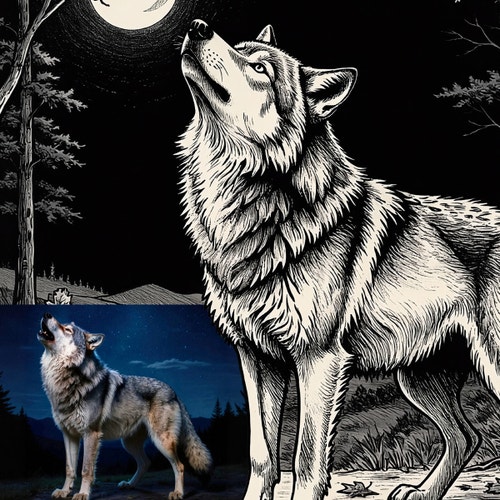
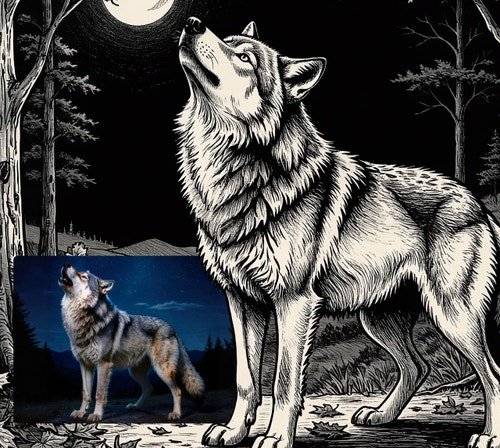
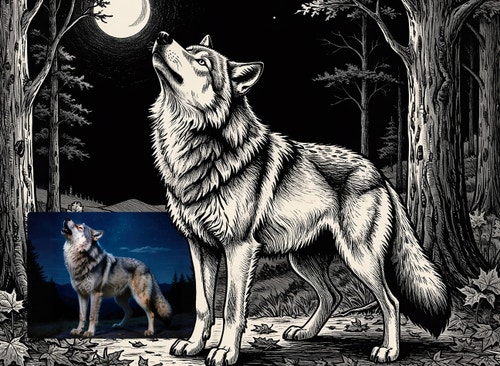
Turn photos into line art drawings.
Convert photos to line drawings using an AI line art generator.
Or tap here
File must be JPEG (JPG), PNG, or WEBP and up to 100MB.
By uploading your image, you agree to the Adobe Terms of Use and Privacy Policy and confirm you are 18 years of age or older.
Or tap here
File must be JPEG (JPG), PNG, or WEBP and up to 100MB.
By uploading your image, you agree to the Adobe Terms of Use and Privacy Policy and confirm you are 18 years of age or older.
Or drag and drop here
File must be JPEG (JPG), PNG, or WEBP and up to 100MB.
By uploading your image, you agree to the Adobe Terms of Use and Privacy Policy and confirm you are 18 years of age or older.
- File size larger than 100MB
- Unable to process the request
- We are unable to process this file type. Please try again.
- Only one file can be uploaded at a time.
- Image is smaller than the minimum dimensions (512 x 512 pixels). Please resize and try again.
https://main--cc--adobecom.aem.live/cc-shared/assets/img/product-icons/svg/firefly-80.svg
{{nbsp}}
Generate line drawing | Generate line drawing - Adobe Firefly
https://main--cc--adobecom.aem.live/cc-shared/assets/img/product-icons/svg/firefly-80.svg
Adobe Firefly
Generate line drawing | Generate line drawing - Adobe Firefly
https://main--cc--adobecom.aem.live/cc-shared/assets/img/product-icons/svg/firefly-80.svg
Adobe Firefly
The next evolution of creative AI is here for all your ideas, with image, video, audio, and vector tools.
Generate line drawing | Generate line drawing - Adobe Firefly
See what you can create.
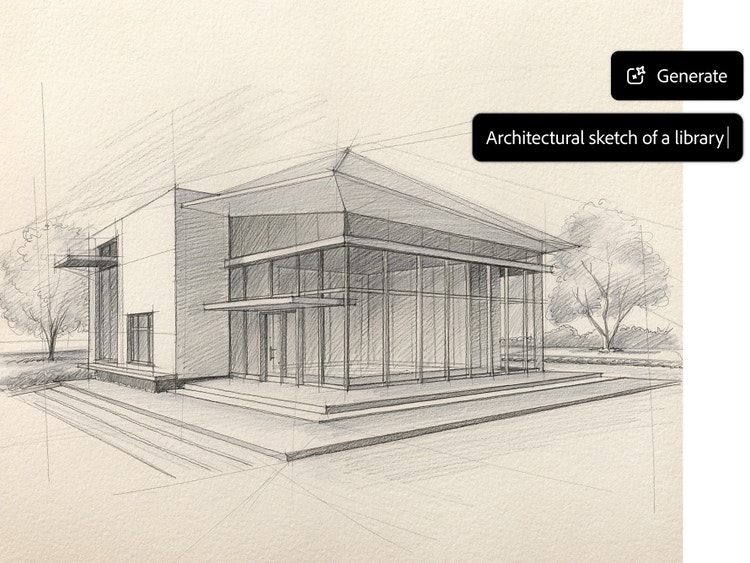
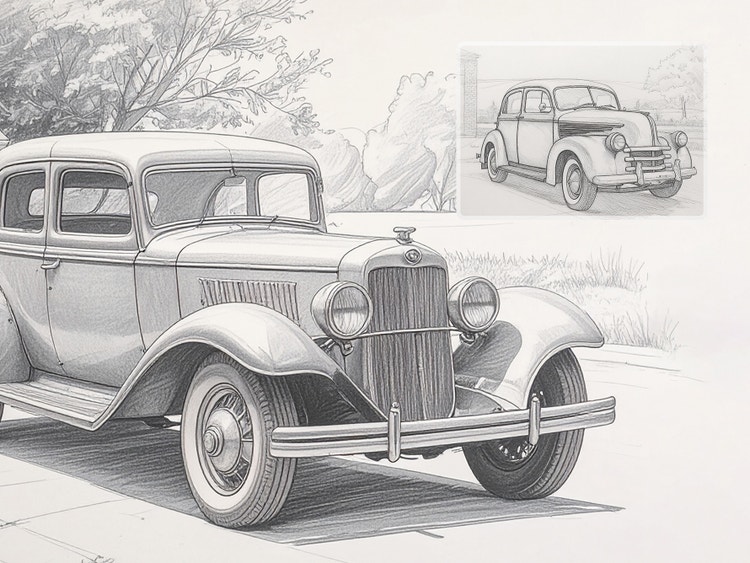
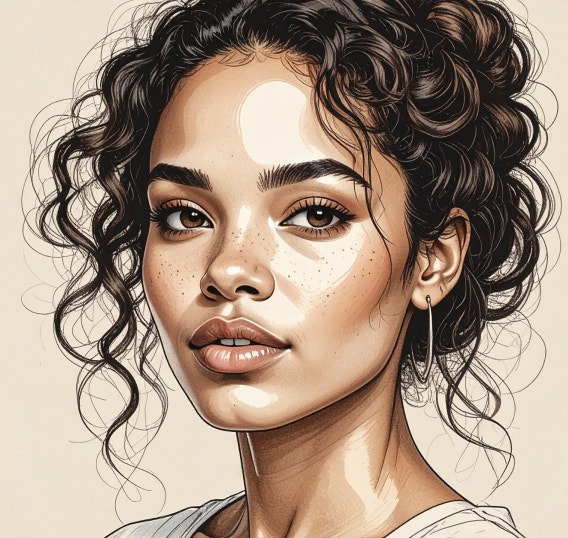
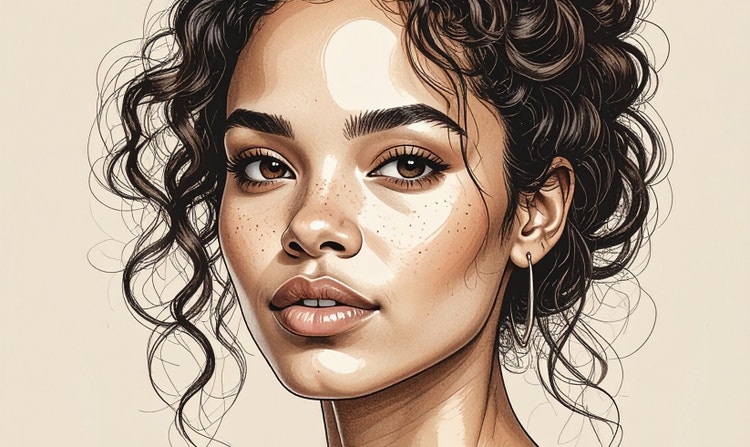
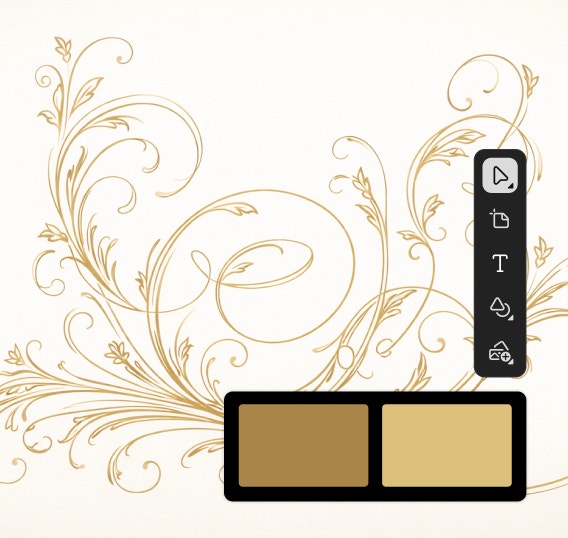
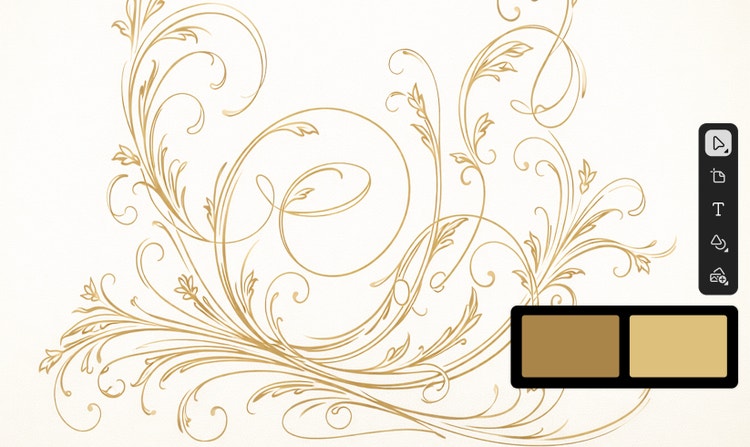
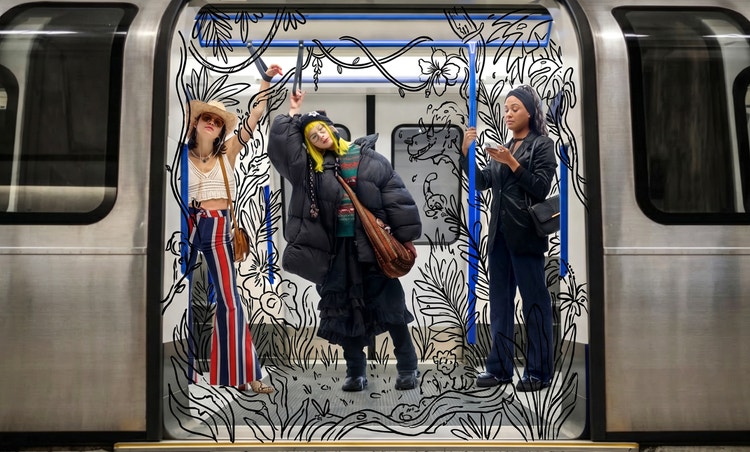
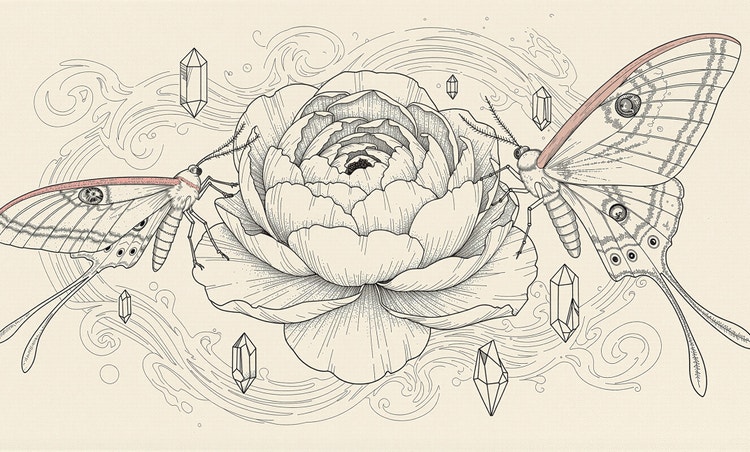
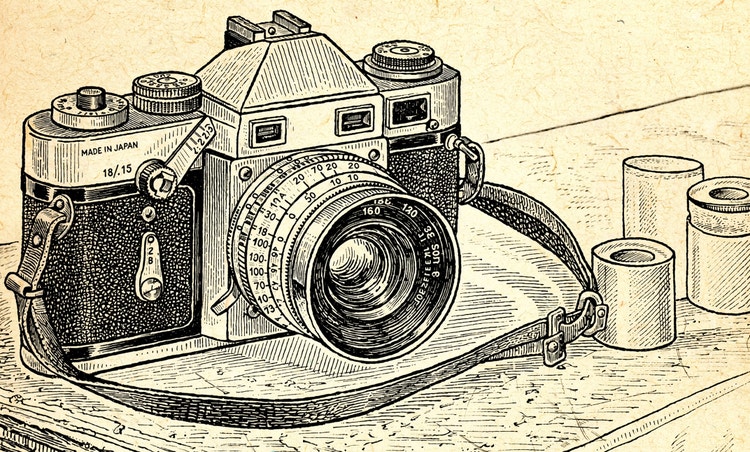
Use an AI line art generator to go from picture to line drawing or to produce sketches, doodles, and more from scratch. Create anything from a complex line drawing to a minimalist outline with Adobe Firefly creative AI.
Go from idea to detailed line drawing.
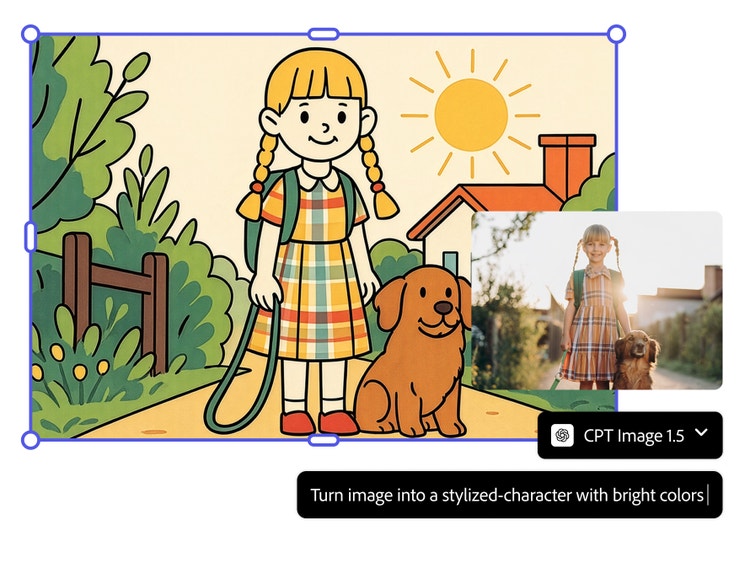
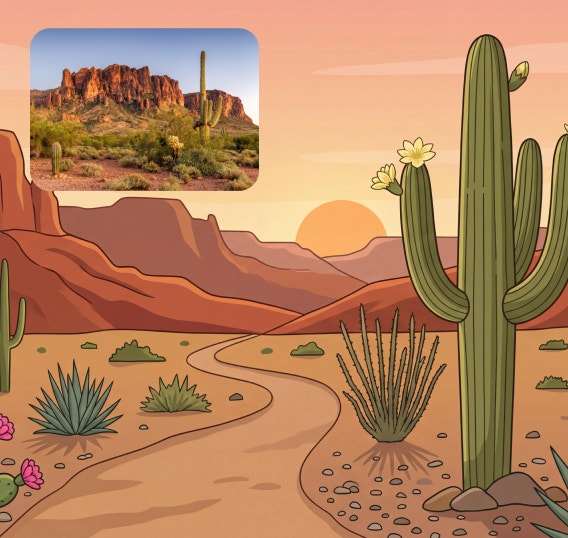
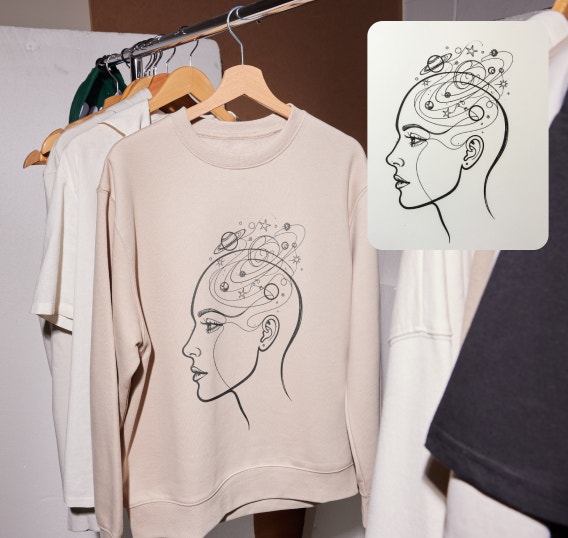
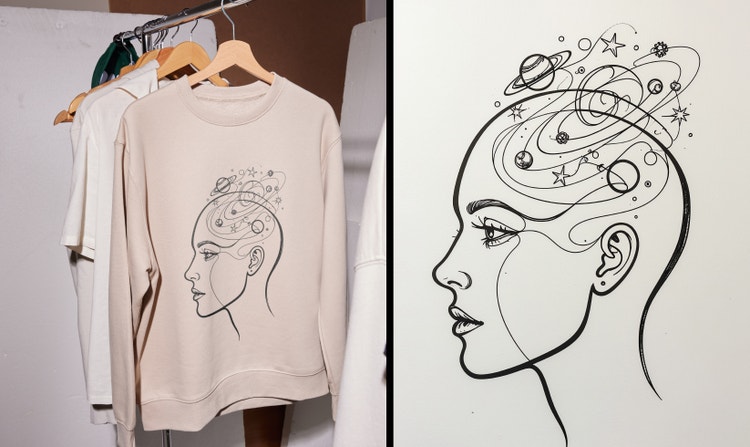
With Firefly you can easily generate complex line drawings and detailed sketches. Turn a photo into a line drawing by uploading a reference image and describing the line art you want to create from it, or simply write a description of the artwork you envision to generate something from scratch.
Explore line art styles from anime to abstract.
Push your creative limits with Adobe Firefly. Experiment with different kinds of line art styles, from minimalist sketches to bold comic styles. Use partner models like Gemini and GPT Image to generate unique variations, break through creative blocks, and explore new aesthetics.
Keep creative control with Adobe Firefly.
Use reference images to tailor your end results, leverage top AI models to get just the look you want, and train custom models to create line drawings to your exact needs. Use prompts to fine-tune every bit of your artwork including color, background, and more.
Apply your artwork to any project.
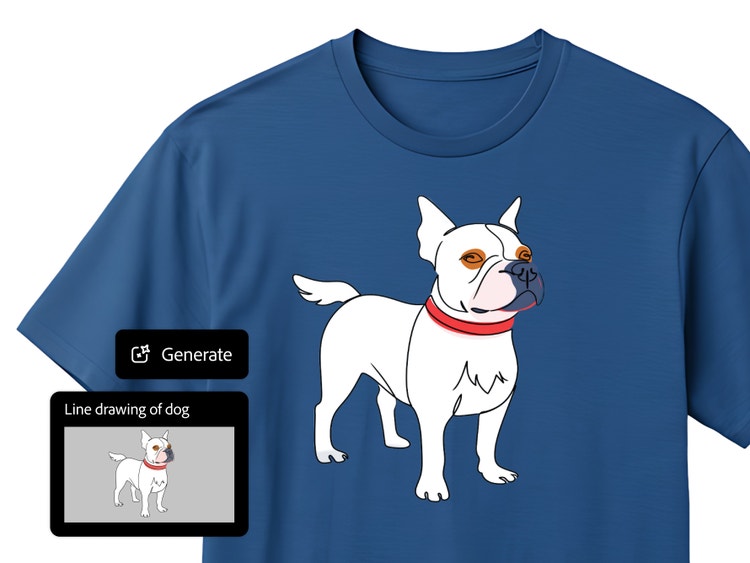
Add your unique line art creations anywhere. Apply your line drawings to posters, custom t-shirts, or stickers. From social media posts to tattoo designs, there are endless uses for your designs.
How to create line drawings with the AI art generator.
Step 1
Open Adobe Firefly.
Step 2
Click the Generate tab.
Step 3
Refine your results.
Step 4
Export and share.
Steps on how to create line drawings with the AI art generator.
PT5M
firefly
Ease of use
Quickly and easily generate doodles, sketches, and detailed line drawings in a wide variety of styles using a reference image or just a prompt.
High-quality results
Reliably create precise lines, bold strokes, and crisp, professional line drawings for stickers, illustrations, prints, and more.
Precision and control
Edit and refine your drawings with fast, intuitive tools to get just the look you want. Apply effects, adjust background details, add text, and more.
Commercially safe
Firefly models are trained on licensed and public domain content so you can use your outputs for professional projects.
See what you can do in Firefly.