
AI music generator: Compose music for your story with Generate Soundtrack in Adobe Firefly.
Generate Soundtrack analyzes your video to match your story and compose custom, emotionally rich music for every platform. Go from ideas to tracks instantly with Firefly’s AI music generator — licensed to use anywhere.
What is AI music generator?
Generate Soundtrack is an AI music generator in Adobe Firefly that analyzes your videos and creates music to match every story — your video, your vibe, your music. Compose with Firefly’s generative music model and make customizable soundtracks that are cleared for use anywhere.
https://main--cc--adobecom.aem.page/cc-shared/assets/img/product-icons/svg/firefly-80.svg
Adobe Firefly
https://main--cc--adobecom.aem.page/cc-shared/assets/img/product-icons/svg/firefly-80.svg
Adobe Firefly
The next evolution of creative AI is here for all your ideas, with image, video, audio, and vector tools.
AI music generator from video or text.
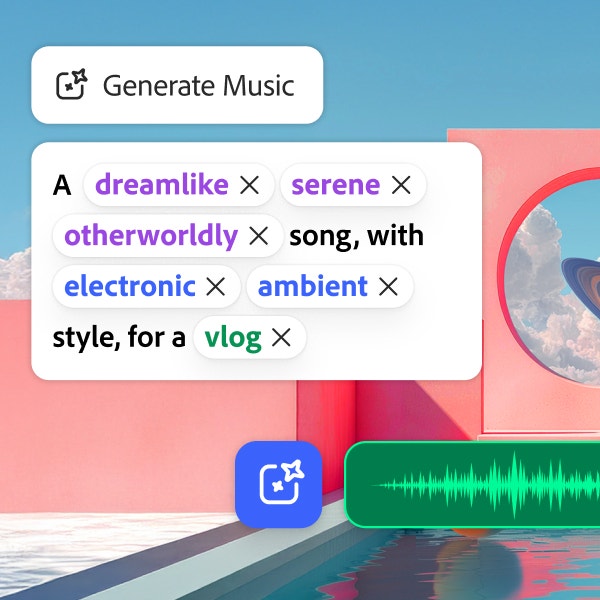
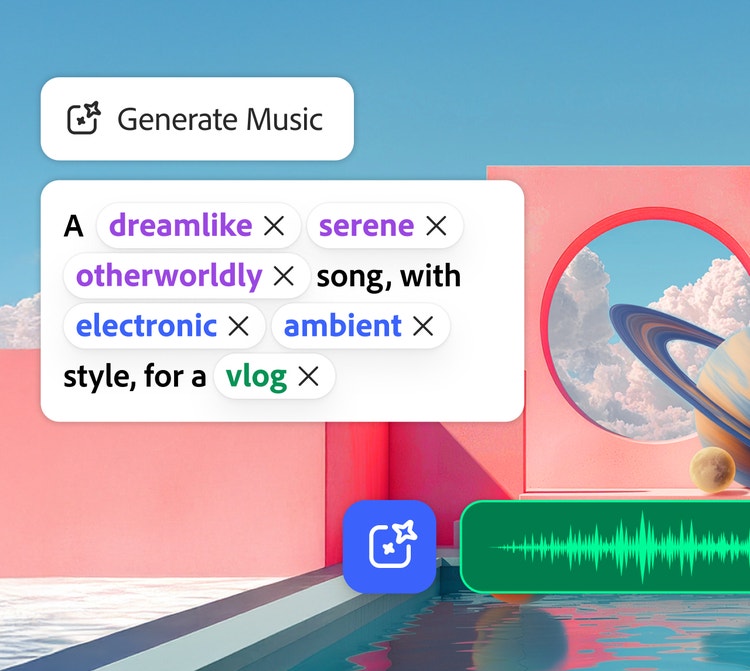
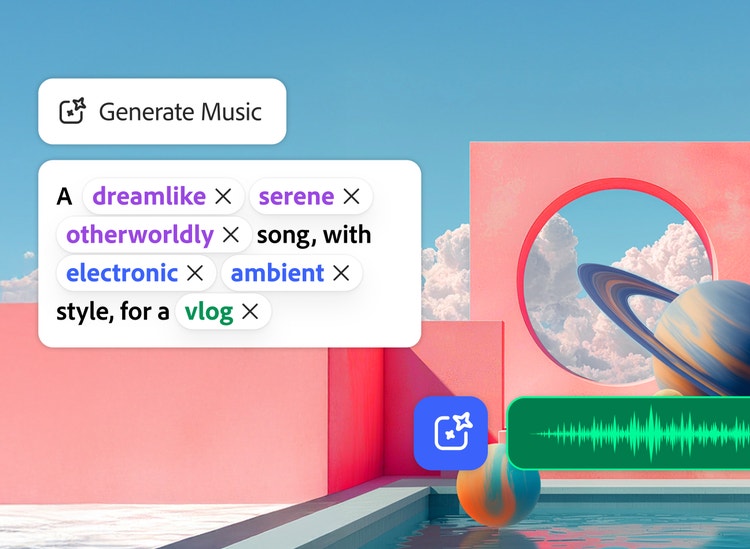
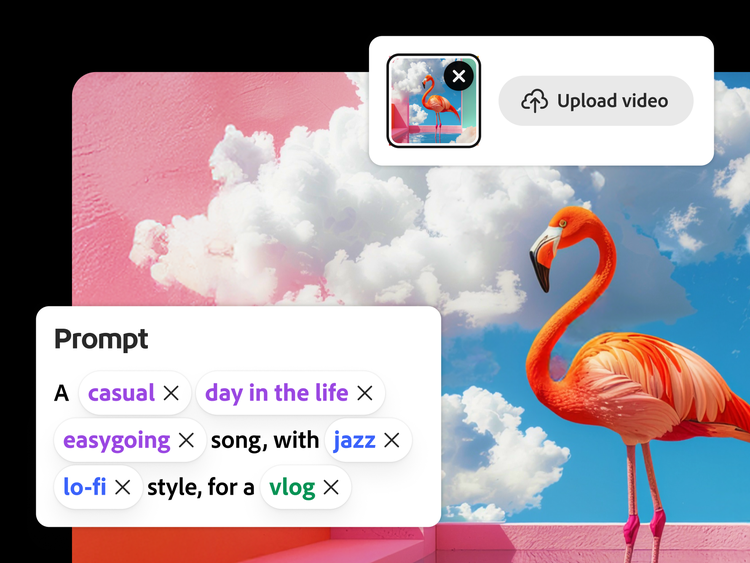
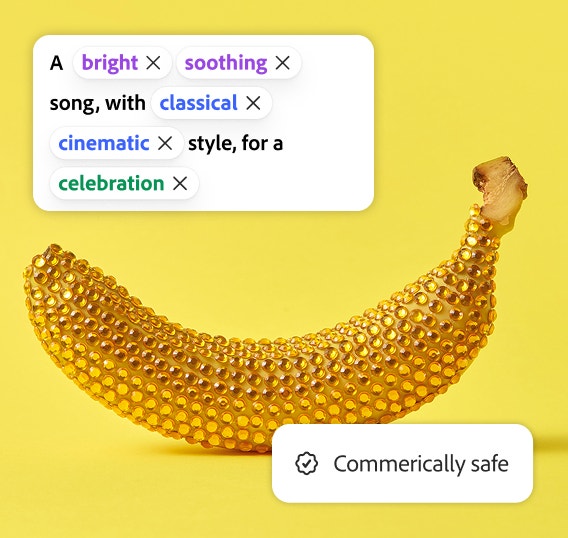
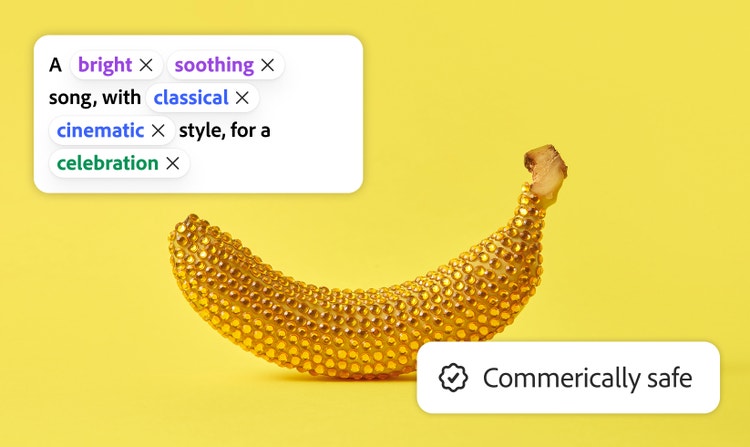
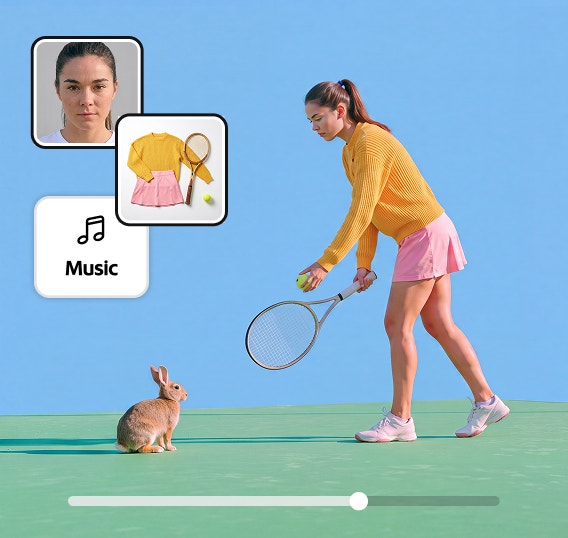
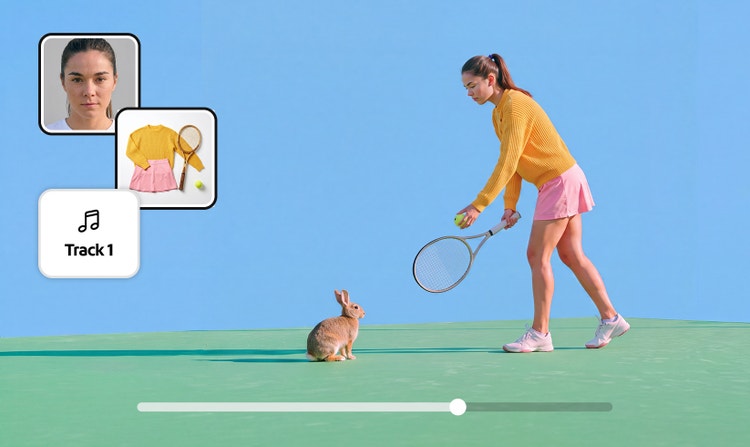
The AI music generator from text or video analyzes your footage and recommends music that matches its tone and vibe. Simply upload your video clips, and let Firefly provide a series of prompts to choose from — or you can enter your own to truly customize the soundtrack.
Score your story. Easy.
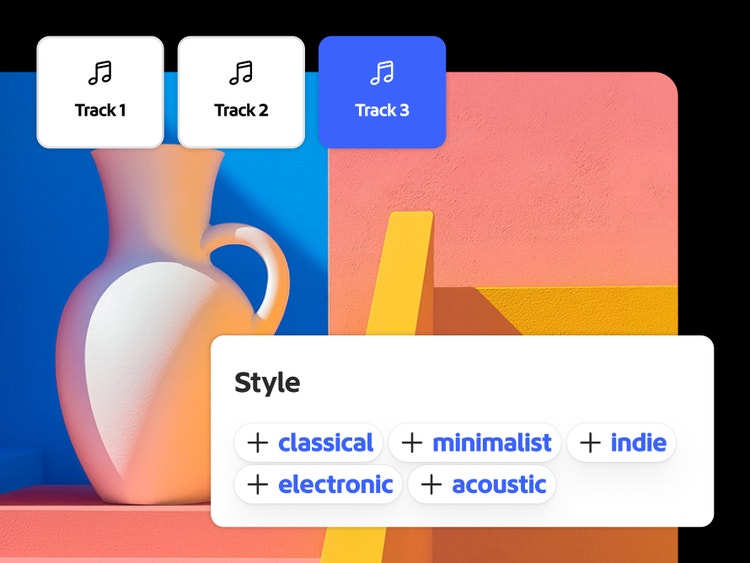
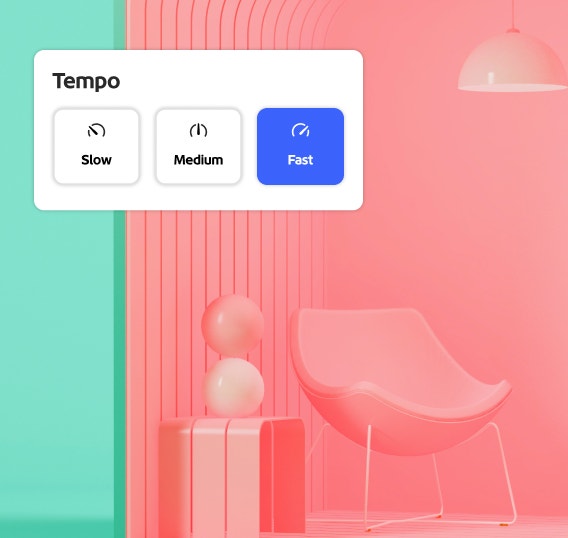
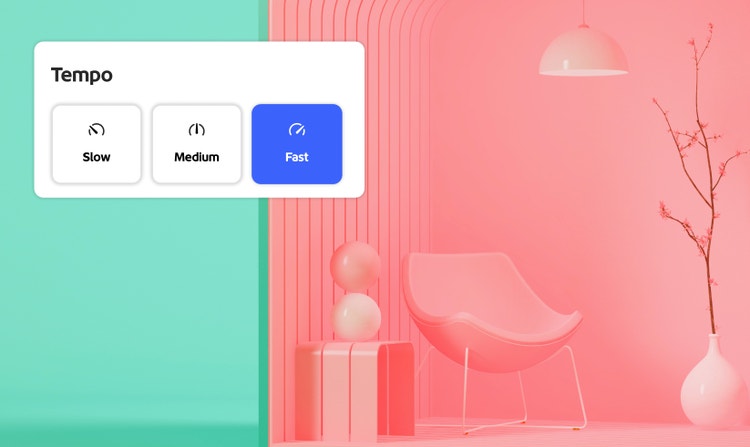
The AI music generator from text or video gives suggestions for vibes, genres, purpose, energy, and tempo for you to choose from. You can also enter specific text prompts for what you want. Choose from curated results to dial-in the perfect soundtrack.
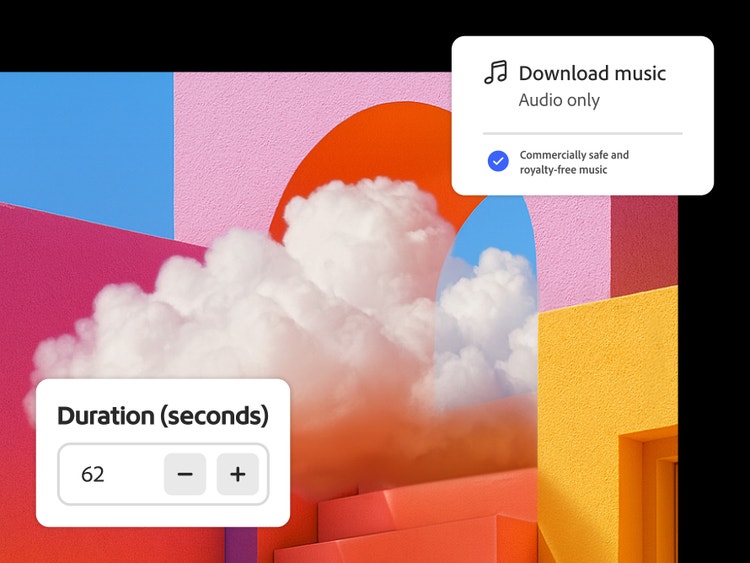
- Universal licensing freedom — create with confidence knowing your tracks are commercially safe and completely royalty-free.
- Easily customizable soundtracks — stand out with emotionally rich instrumental music for any video, across every vibe.
- Built for storytellers — no instruments required. Just imagination. Generate instrumental tracks tailored to your story.
AI music for any project.
Great background music makes everything better — social and vlog content, podcasts, marketing, gaming, how-to videos, lifestyle videos — you name it.
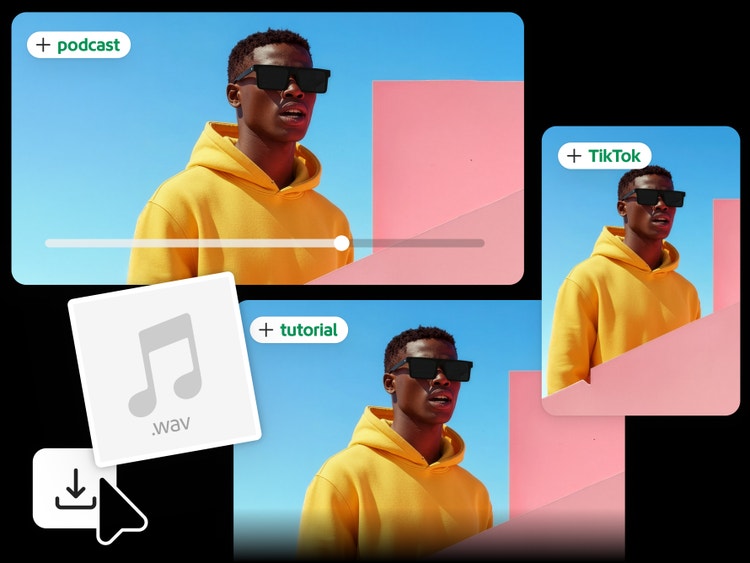
- Social & Vlog — Match tone, pacing, and emotion for TikTok, Instagram, and YouTube.
- Podcasts — Create intros, outros, and background beds for Spotify, Apple Podcasts, and Substack.
- Marketing — Craft catchy, branded music for product launches and promos.
Easy to create. Safe to use.
Generate Soundtrack in Firefly is commercially safe. And it's the leading AI music generator that provides custom-duration results. Which means less editing hassles, and no worries about content getting flagged.
How to generate AI music in Adobe Firefly.
Follow these steps to create a custom soundtrack with the AI music generator in Firefly.
- Open Firefly.
From the Adobe Firefly homepage, go to the Audio module and select Generate Soundtrack. Upload a video to score an existing video or generate using the prompts. - Customize.
Choose a vibe, style, and purpose with the guided prompt. - Dial in the timing.
Set the energy, tempo, and duration to fit your edit. - Generate & preview.
Listen to variations with simple playback controls. - Export.
Download your track as music or video (WAV), then seamlessly access it in Firefly for easy use in your projects.
Questions? We have answers.
What is an AI music generator?
Can AI music generators create vocals and lyrics?
How does Firefly’s AI music generator model create a soundtrack from my video upload?
What types of control do I have over music?
Is the music generated commercially safe?
Do I own the rights to the music I generate?
What file formats can I export?
Can I control track length and tempo?
Can I monetize YouTube or TikTok videos with this music?
Is Firefly's AI music generator free?
Learn more about generating images.
Generate Video
Generate video clips just from an idea. Choose from a range of resolutions and aspect ratios to meet your creative needs.
Generate Speech
Quickly turn text into natural-sounding speech for videos, podcasts, and eLearning. Add realistic, high-quality voices in 20+ languages with customizable emotion, pacing, and emphasis with AI text to speech.
Generate Sound Effects
Imagine any sound effect and create it with Generate Sound Effects. Describe the effect, upload reference audio, or act it out into your mic — then easily add your high-quality effect to any video.
Avatar Generator
Create a studio-grade video featuring an engaging, lifelike avatar with Text to Avatar. It’s fast, easy, and always safe for commercial use. Perfect for business, education, or social media content.