


Key out the green screen in your footage.
Upload a clip shot against a green or blue backdrop. Firefly will separate your subject from the background so you can take the shot wherever your story needs it.


Upload your clip and Adobe Firefly will key out the green screen so you can drop your subject into any scene, no studio backdrop required.
By uploading your image or video, you agree to the Adobe Terms of Use and Privacy Policy.
By uploading your image or video, you agree to the Adobe Terms of Use and Privacy Policy.
By uploading your image or video, you agree to the Adobe Terms of Use and Privacy Policy.


Green screen video lets you separate your subject from its background so you can place them anywhere. Upload a clip to Adobe Firefly, remove or replace the green screen, and build the scene you want for free.
Upload a clip shot against a green or blue backdrop. Firefly will separate your subject from the background so you can take the shot wherever your story needs it.
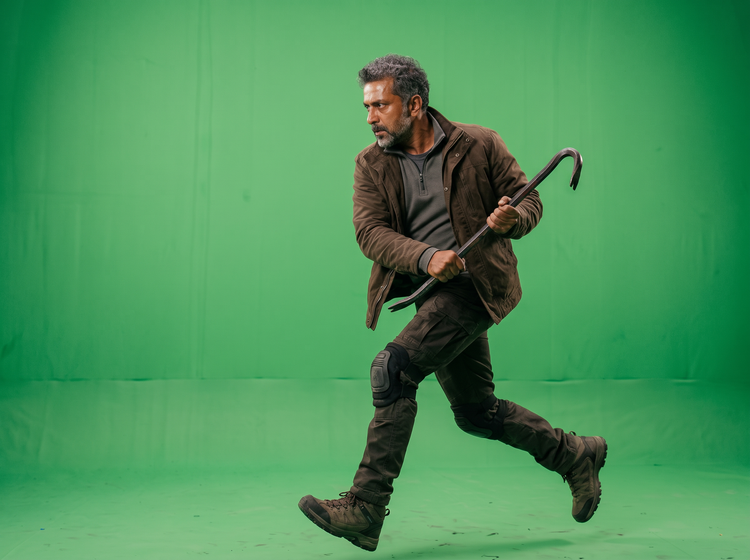
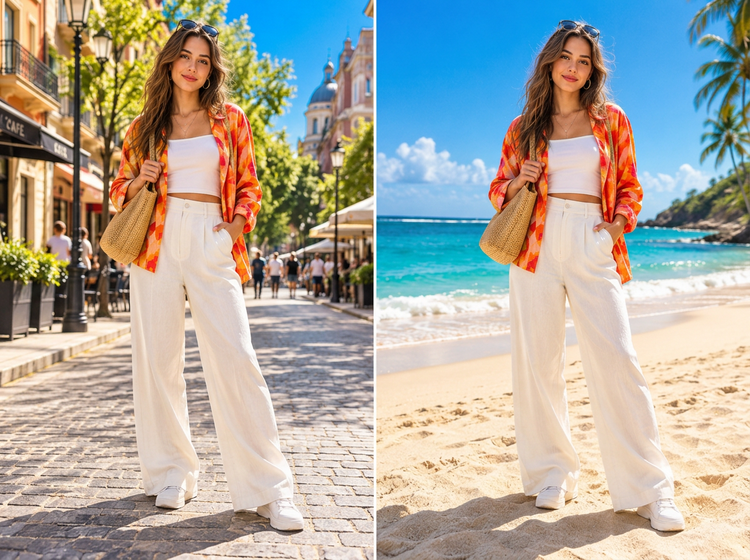
Replace the background with a new setting, from a clean studio sweep to an imagined location. Your subject stays front and center while the scene behind them changes.
Trim the clip, adjust the pacing, and arrange your shots in the AI video editor.
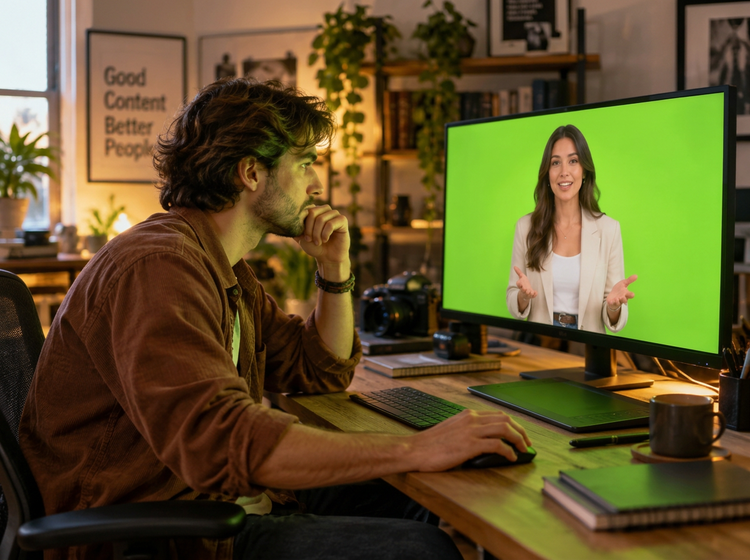
Log in to Adobe Firefly with your Adobe ID, or sign up for a free account if you don’t have one. Then open the Edit Video workspace in Adobe Firefly.
Upload an MP4 or MOV file between 5 and 20 seconds. Adobe Firefly works with one clip at a time, so pick the shot where your subject stands out against the backdrop.
Choose the option to remove the background, and Adobe Firefly will key out the green screen around your subject. Review the edges and adjust the selection if you need a cleaner cut.
Drop in a new scene behind your subject. Open the model dropdown menu in Adobe Firefly to pick an Adobe Firefly model or a partner model, then compare how each one renders the background. Available settings vary by model.
Download your edited clip as an MP4 file, then add it to a presentation, a social post, or a longer video in Adobe Firefly.
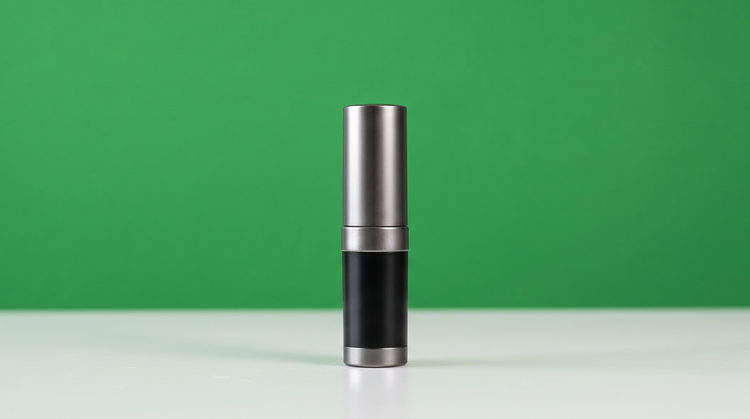
Guide the key frame by frame. Clean up edges around hair and motion, then adjust the new background so your subject sits naturally in the scene.
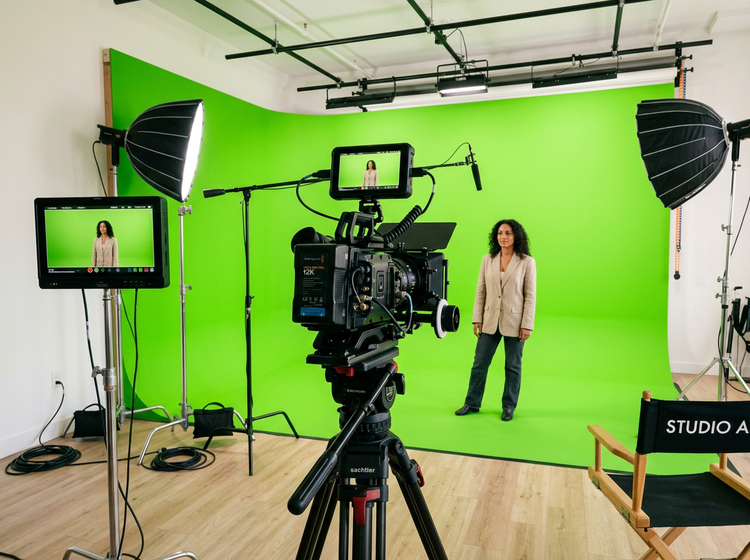
Alongside Adobe video models, you can edit with models built by Google, Kling AI, Seedance, Runway, and more in one studio. Switch between them in the model dropdown menu and keep the look that suits your story.
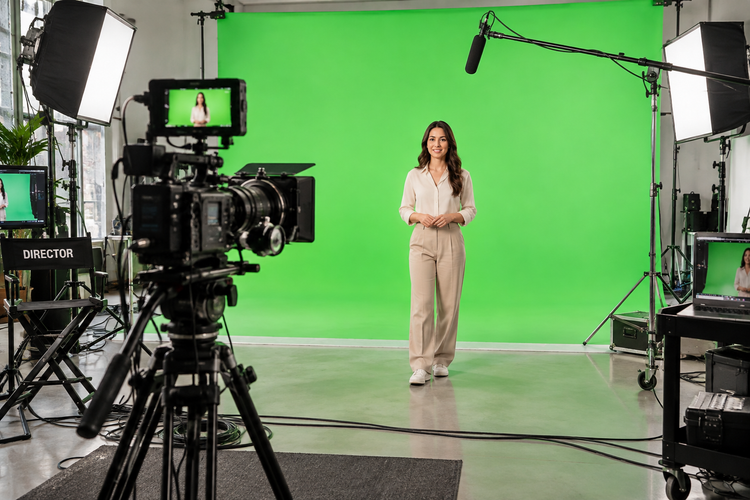
Go from a raw clip to a finished scene without switching apps. Upload your footage, remove the green screen, add a background, and refine the edit, all in Firefly.
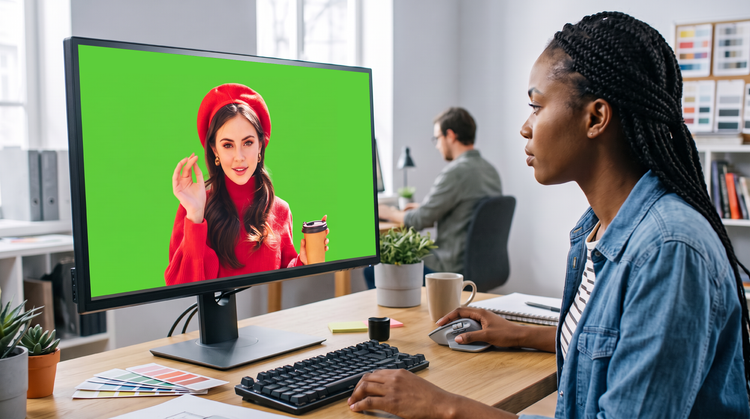
Whether you shot against a backdrop at home or on set, Firefly meets you where your footage starts. Upload a clip and shape a polished green screen video you can share.


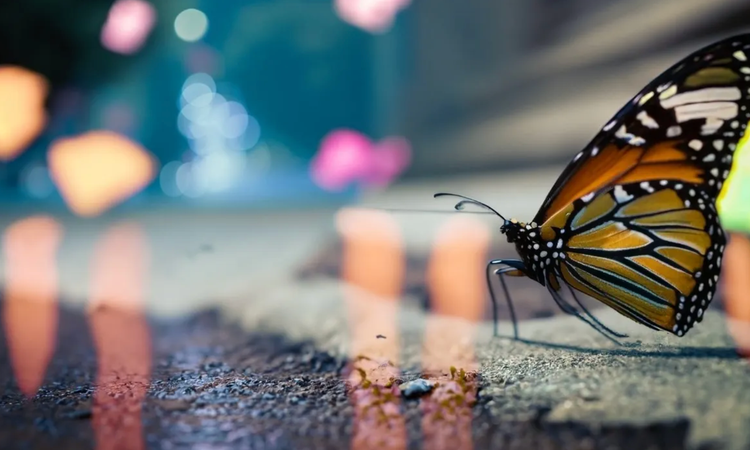
Learn how to use generative AI to boost productivity and discover new possibilities while maintaining creative control.
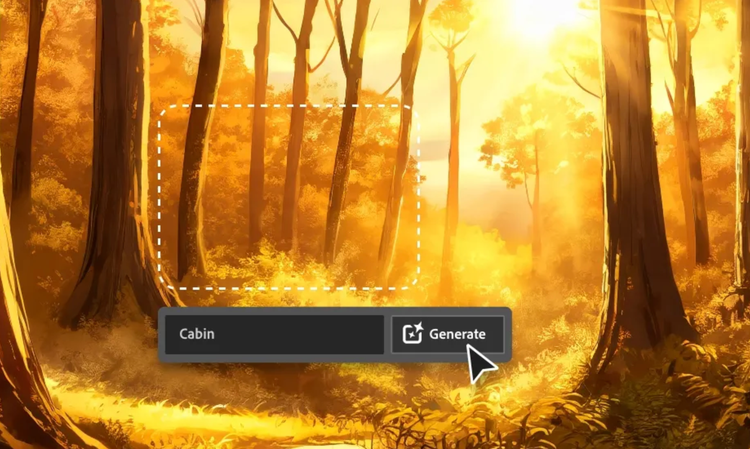
Generative AI is all over the headlines, and that’s not empty hype. This new technology is likely to be part of your life soon. Learn how generative AI works and start streamlining your workflow.

Learn about the AI tools available to graphic designers and how they can help you be more productive and take your work in surprising directions.

The best prompts for AI aren't always obvious. These tips get you to your destination in record time.

