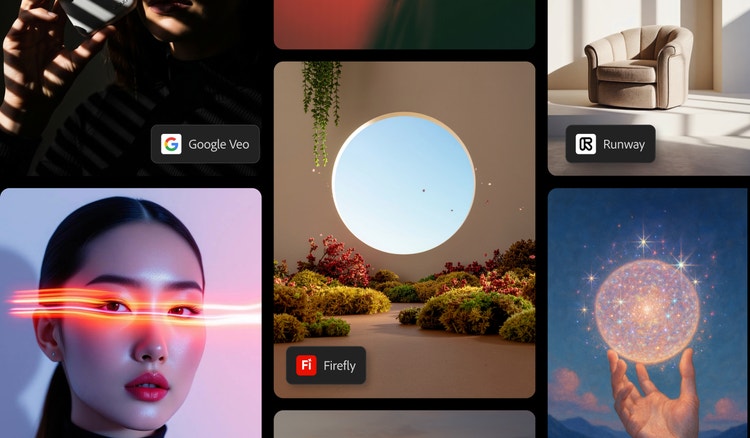
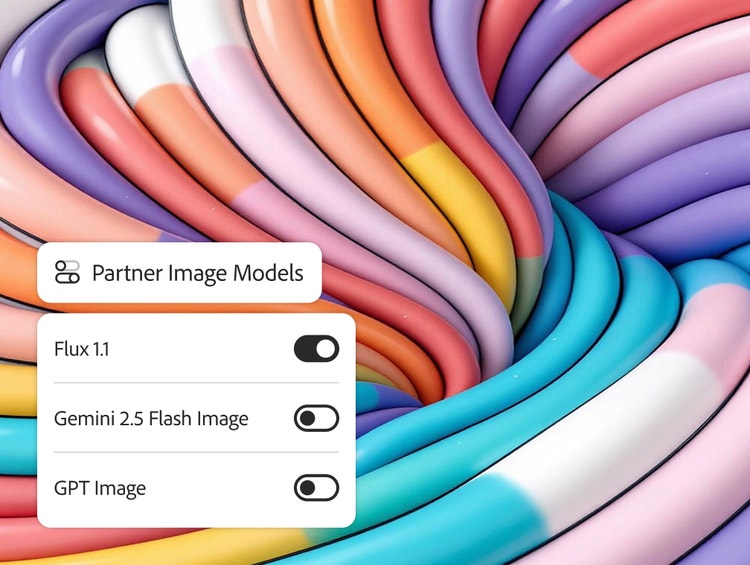
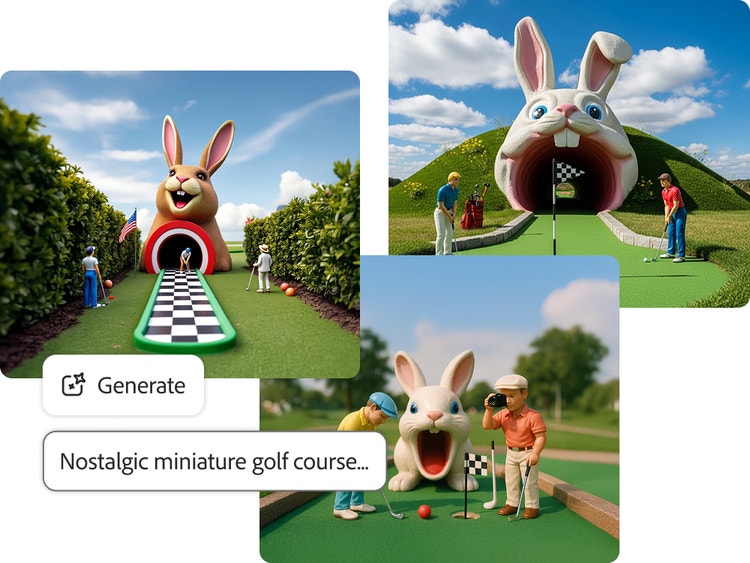
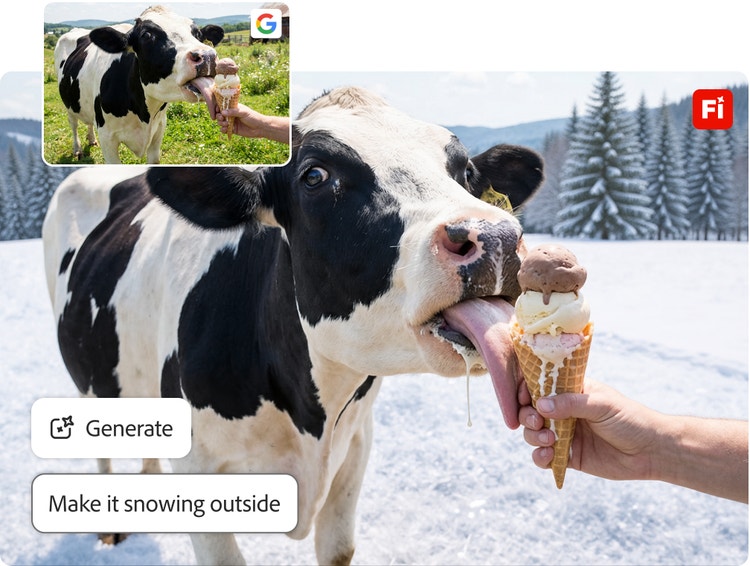
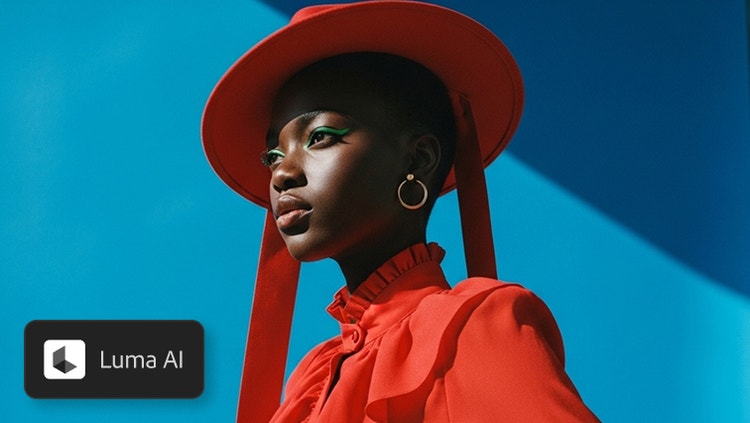
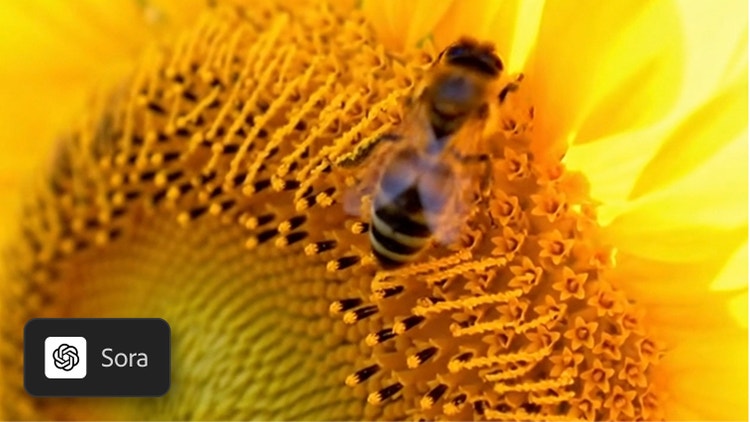
Adobe gives users the flexibility to choose from a variety of partner generative Al models in Adobe Firefly for their creative workflows. With partner models, users can explore different aesthetic styles without switching between applications and workflows and select the partner model that best suits their needs.
When generating content, you can select between Adobe’s proprietary models or a partner model from the Model dropdown menu.
Adobe’s proprietary Firefly models and partner integrations are designed for professional use. You can explore, experiment, and publish with confidence — knowing that Adobe and our partners do not train on your personal or project data.
Yes. Firefly supports multiple AI models across image, video, and audio workflows. You can generate variations using models from Google, OpenAI, Luma AI, Pika, Black Forest Labs FLUX models, Ideogram, and Runway — all accessible within the unified interface in Firefly.
In choosing model partners, Adobe takes a community-first approach and collaborates with the latest AI innovators. Each partner model is evaluated for quality, user control, reliability, and creative diversity — ensuring every integration enhances your workflow, not disrupts it.
Adobe provides access to information on the partner models you can use in Adobe apps, but it is the responsibility of the creator to decide whether partner models are appropriate for their projects, taking into consideration factors such as the focus of the model, how it was trained, and whether or not it is safe for commercial use.