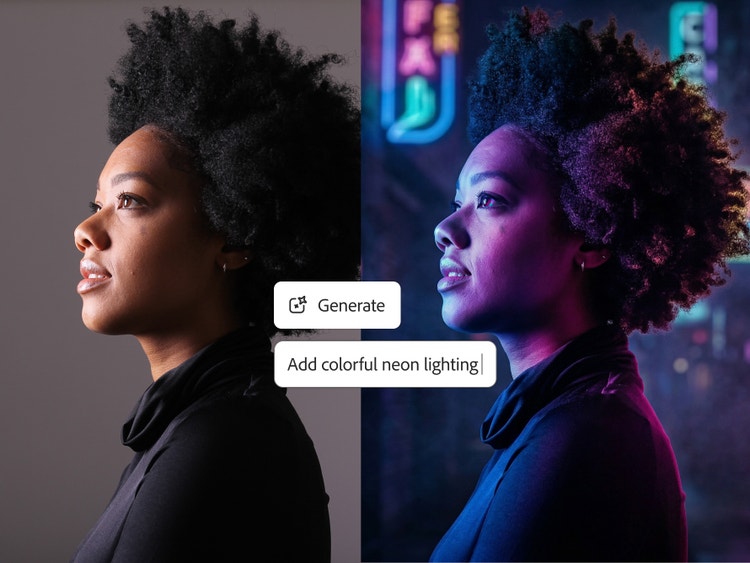
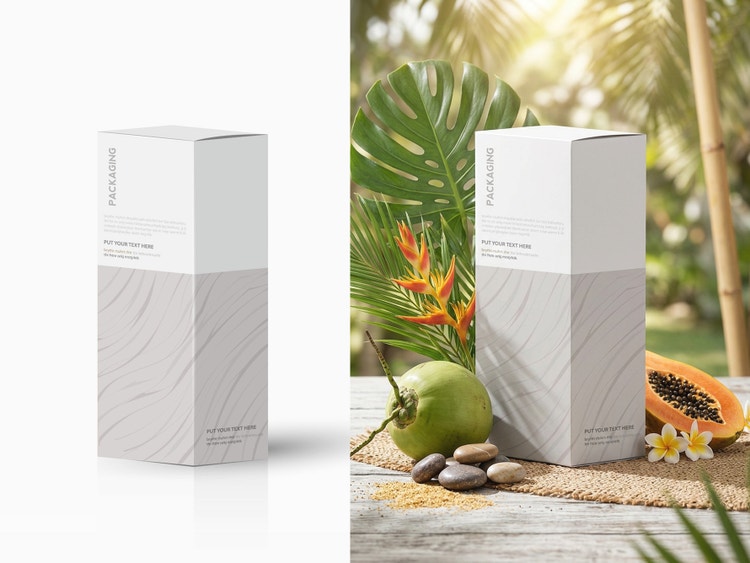
An AI photo editor uses artificial intelligence to simplify image editing and enhancement. With Adobe Firefly, you can upload or generate an image, then use intuitive prompts to remove objects, adjust lighting, change backgrounds, or refine color and composition easily.
The best AI photo editor enables users to quickly and easily make major transformations and quick edits, such as replacing a background or retouching the fine details of an image, with high-quality results. The Adobe Firefly AI photo editor is a strong choice for achieving such results without sacrificing creative control.
The Adobe Firefly AI image editor is built for everyone, so you can make professional-quality edits using simple text prompts without advanced photo editing skills.
Adobe Firefly works seamlessly across devices, so you can create and edit on desktop, mobile, or tablet, whether you’re using Mac, Windows, iOS, or Android. Start refining images on your laptop, then switch to your phone or tablet to keep editing on the go.
Projects sync automatically through Adobe Creative Cloud, making it easy to collaborate with teammates or clients and maintain a consistent workflow across platforms. Adobe Firefly also supports style transfers and other creative effects, so you can match looks or themes between devices without losing quality or context.
With Adobe Firefly, you can:
- Use Prompt to Edit to add, remove, or replace objects and backgrounds by typing a text prompt of what you want to change.
- Clean up images with Generative Remove to remove unwanted elements.
- Extend backgrounds to multiple aspect ratios and sizes by using Generative Expand.
- Increase resolution and image clarity using Generative Upscale.
- Select and indicate specific parts of an image you want to change with the Markup tool.
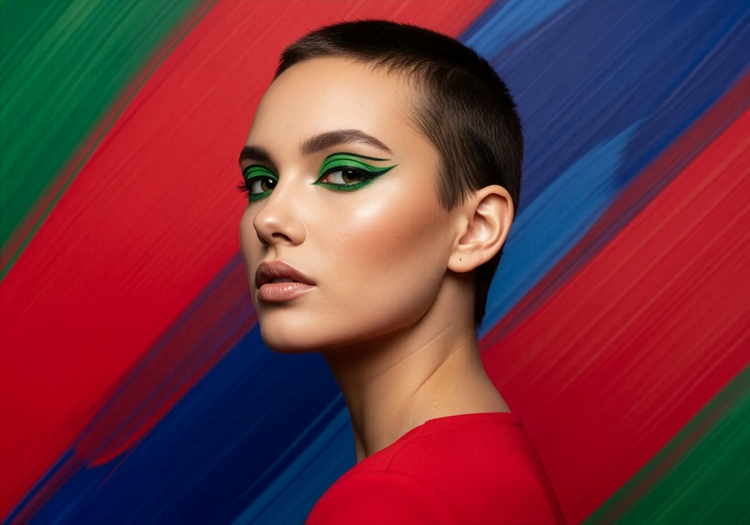
- Transform photos into new styles or moods using image-to-image editing.
The AI photo editor gives you flexible tools to enhance, reimagine, and perfect any image.
Adobe Firefly is built for realism and professional-grade quality. Its models are trained on licensed content to produce commercially safe, natural-looking edits that blend seamlessly into your images.
Adobe Firefly is ideal for beginners thanks to its easy-to-use interface and simple text-based editing. You can start creating right away, experiment freely, and refine results without advanced photo editing experience.
Yes, you can use the Prompt to Edit feature in Adobe Firefly for free. Free users receive free daily generations, so you can try the Adobe Firefly AI photo editor.
Adobe Firefly generative AI models are commercially safe. The Adobe Firefly generative AI models were trained on licensed content, such as Adobe Stock, and public domain content where copyright has expired. For partner models, you are responsible for determining whether the model is appropriate for your project.
Adobe does not train and has never trained Adobe Firefly on user content. Adobe Firefly models are trained on a dataset of licensed content, such as Adobe Stock, and public domain content where copyright has expired. Adobe Stock content is covered under a separate license agreement, and Adobe compensates contributors for the use of that content.
Adobe Firefly stores your generated content and prompt history in your account’s Generation History, so you can review and reuse your past work. Your content is kept private and is never used to train AI models. You can also manage and delete items from your history.
Adobe Firefly offers a range of models, including its own commercially safe Adobe Firefly models. Users can also select from partner models from Google, OpenAI, Runway, and more.
Learn more about partner models here.
Adobe Firefly is available across desktop and mobile on web browsers like Chrome, Microsoft Edge, Firefox, and Safari.
Users can upload JPEG (JPG), PNG, or WebP files up to 100MB to the AI Image Editor.