https://main--cc--adobecom.aem.page/cc-shared/assets/img/firefly.svg | Adobe Firefly logohttps://main--cc--adobecom.aem.page/cc-shared/assets/img/ff-lockup-f4.svg | Adobe Firefly
Free AI character generator.
Bring characters to life with Adobe Firefly. Use prompts to customize appearance, style, and personality to create your ideal character.
- image
- video
- Describe a subject, an action, a place, a mood, or a style.
- Adobe Generative AI Terms
- https://main--cc--adobecom.aem.page/creativecloud/animation/testdoc/unity/generate.svgGenerate
- Describe what you want to generate
- Prompt
- Tip
- Unable to process the request
- Please describe what you want to generate.
- Prompt exceeds the max length of 750 characters
https://main--cc--adobecom.aem.live/cc-shared/assets/img/product-icons/svg/firefly-80.svg
Adobe Firefly
https://main--cc--adobecom.aem.live/cc-shared/assets/img/product-icons/svg/firefly-80.svg
Adobe Firefly
The next evolution of creative AI is here for all your ideas, with image, video, audio, and vector tools.
Realize bold ideas with an AI character generator.
An AI character generator uses artificial intelligence to create original characters from text prompts or style inputs, helping you quickly turn your ideas into fully realized characters in moments.
Explore a variety of styles with an AI character generator.
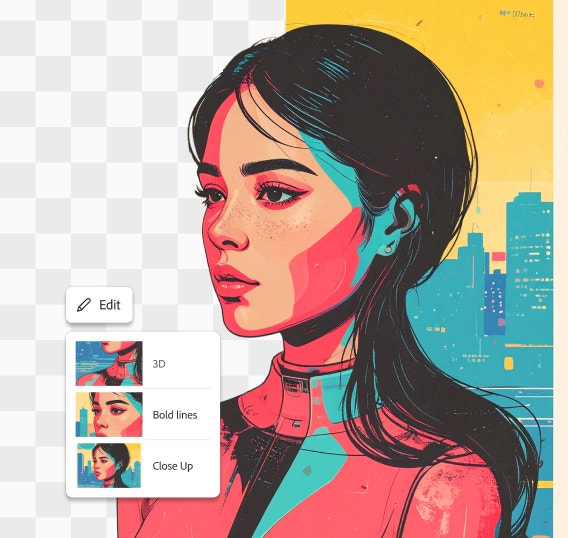
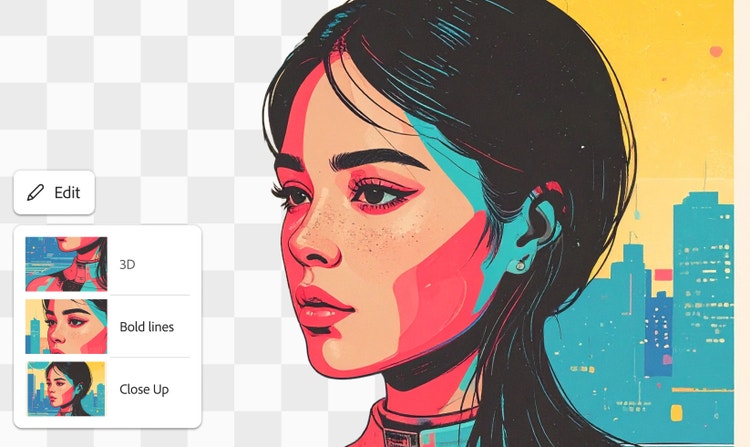
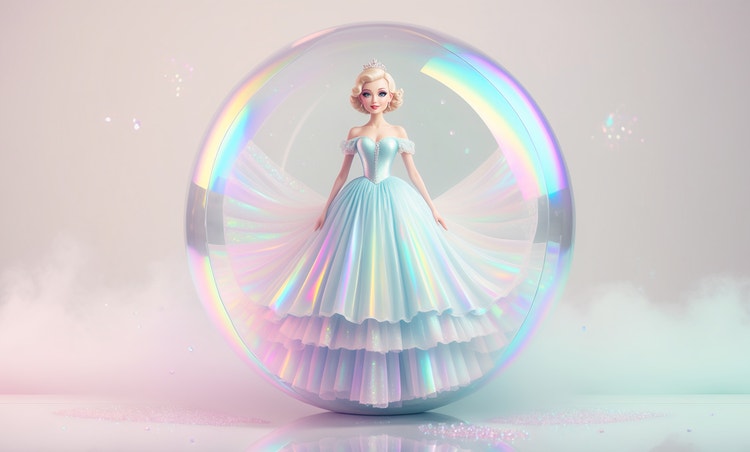
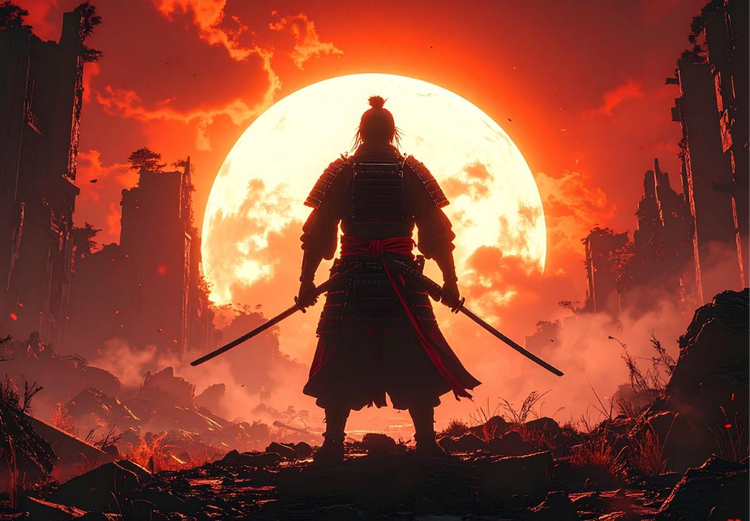
Bring any character style to life with an AI character generator. Design a sleek cyberpunk bounty hunter, a whimsical forest sprite, or a retro-inspired cartoon villain with a descriptive prompt. The creative possibilities are wide open, from romance protagonists to storybook creatures or gritty noir detectives. Whether you’re exploring visual ideas for a game, comic, animation, or personal project, the AI character creator makes it easy to explore different styles, moods, and poses as you develop unique personalities and appearances.
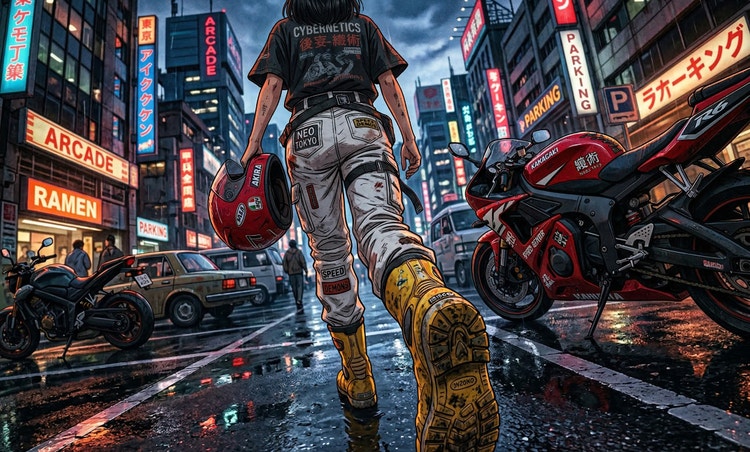
Generate an AI character for any creative project.
AI characters can enhance many creative projects — from game design and concept art to animation, storytelling, and more. Firefly works best when you tell it how and where you want to use your character. Add motion to your character with the Generate Video feature. Whether you’re building a sci-fi hero, a fantasy creature, or an anime-inspired mastermind, a little direction goes a long way. Let your ideas take the lead.
Get precise results from your AI character prompts.
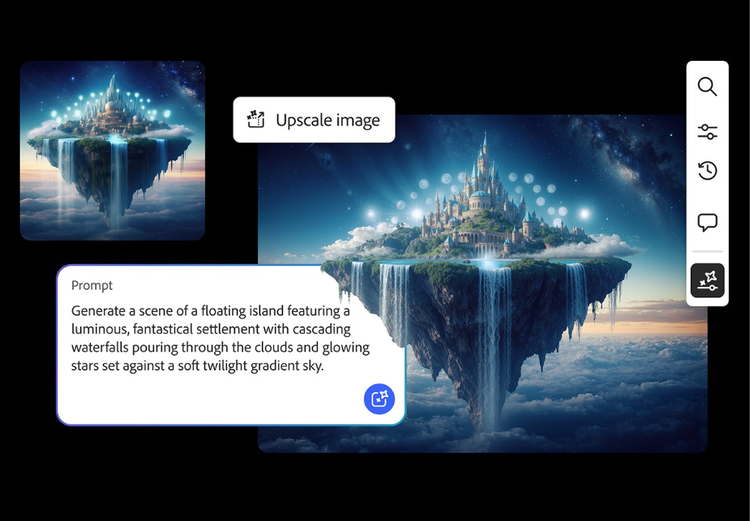
Use generative AI and simple text prompts to create AI characters quickly. Use detailed descriptions with adjectives like "friendly gray-and-white cat in a frilly blue dress" or genres like "anime style". Add additional descriptive words to your prompt to adjust shape, attitude, and more. The more specific your prompt, the more accurate your results will be. You can keep refining your character with the AI image editor or the AI video generator, applying subtle edits to lighting, texture, color, and more.
How to create an AI generated character.
Step 1
Open Firefly.
Step 2
Write a text prompt or upload a reference image.
Step 3
Refine and fine-tune the AI-generated character.
Step 4
Generate your character.
Step 5
Save, download, and share new AI character art.
- How to create an AI generated character.
- Steps on How to create an AI generated character
- PT5M
- firefly
Maintain character consistency
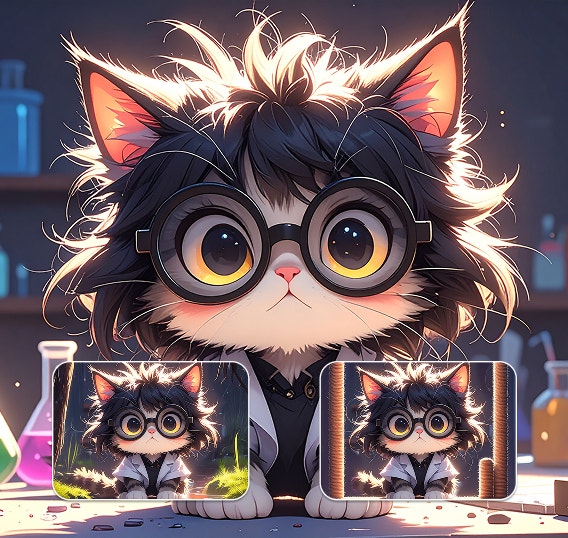
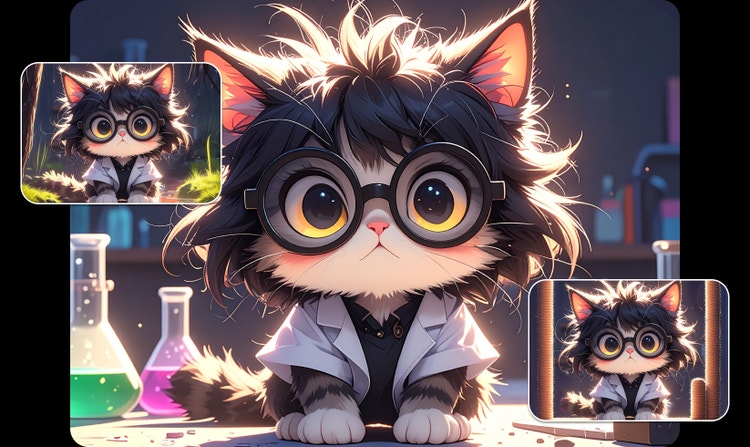
Generate variations of your character in new situations and settings while keeping style consistent. Use your results for game development, animation, branding, and storytelling projects.
Experiment with AI models
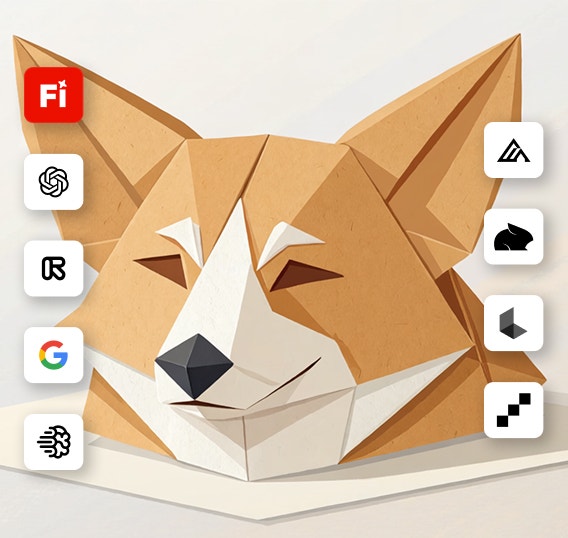
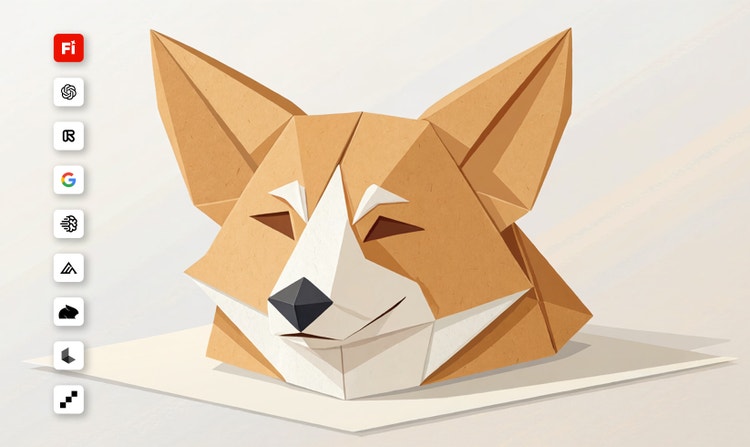
Creators can control which parts of an image they want to change and which they want to preserve.
Refine your results
Use advanced editing tools in Firefly to fine-tune your character designs. Adjust lighting and texture, add or replace a background, expand your image, and more.
Keep editing in Adobe apps
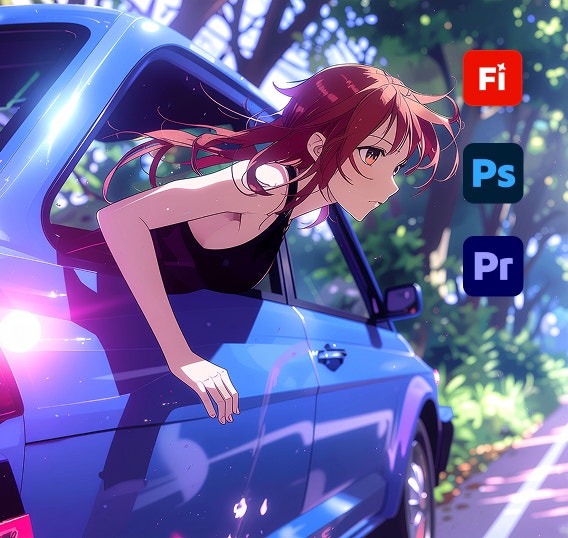
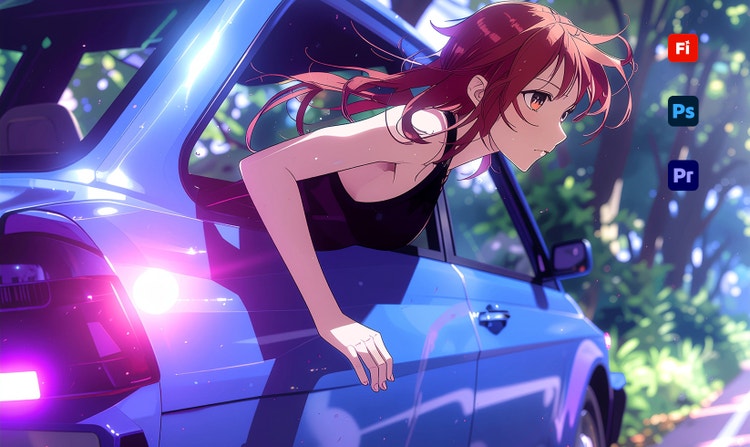
Your Firefly generations can be easily opened and edited in Adobe apps like Photoshop, Premiere, and more so you can create anything from start to finish without interrupting your workflow.
See what you can do in Firefly.