



Make animations for TikTok for free.
Quickly and easily make animated content for TikTok for free. Use your own voice or audio file to make your animation.
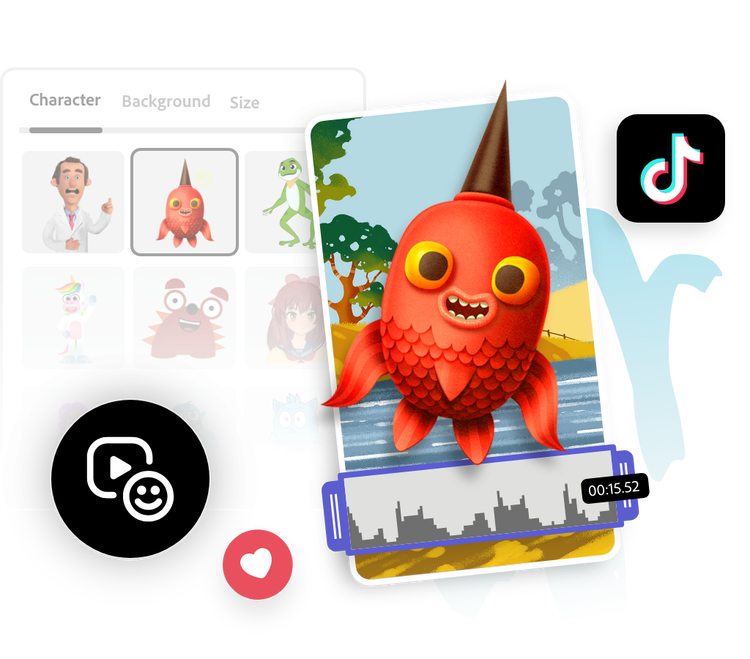
1. Character & audio.
Pick a character. Upload an audio file or record your dialogue.

2. Customize.
Preview your audio and animation. Change the character or background as desired.

3. Continue editing.
Download your new TikTok animation to save or share, or keep editing in Adobe Express.
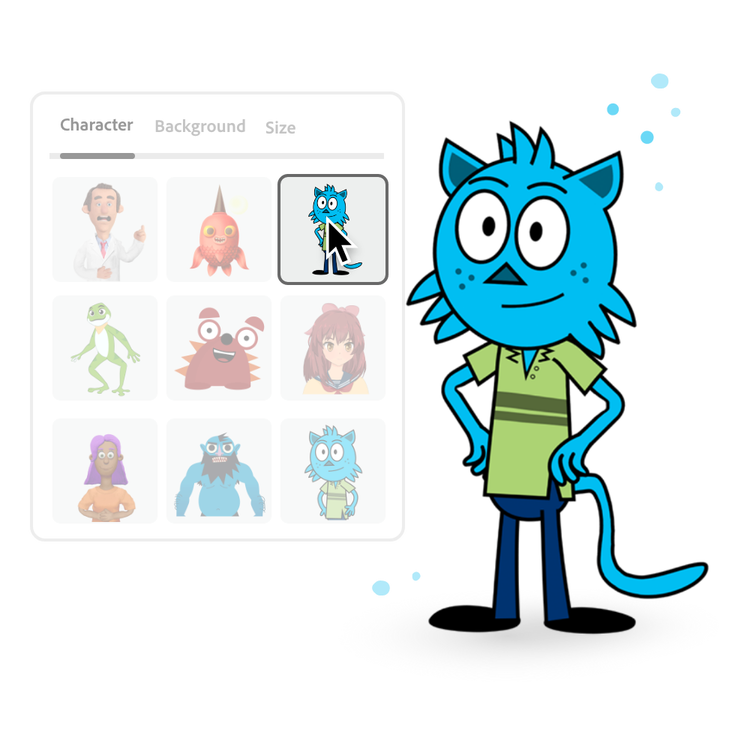
Choose your character.
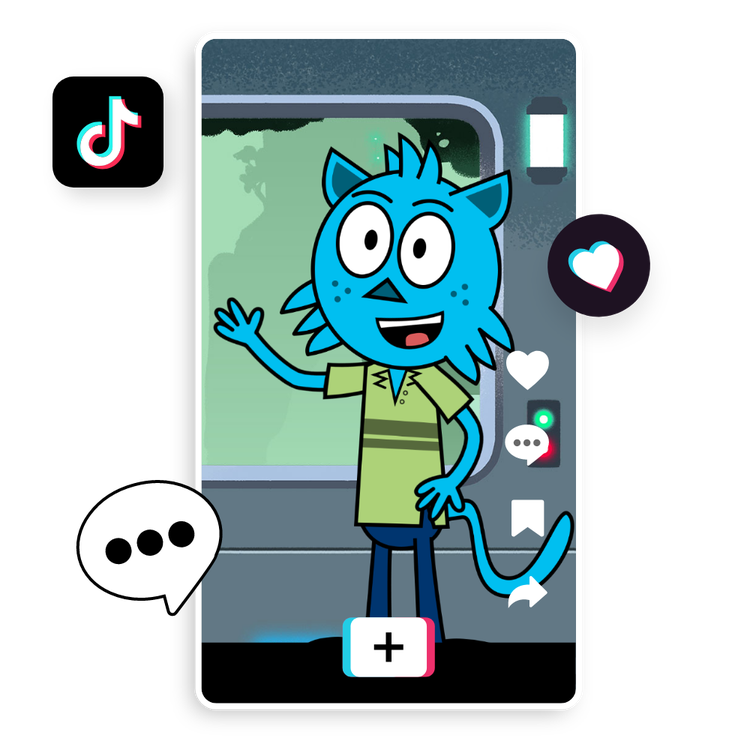
Select an engaging animated character for TikTok. Browse a collection of fun monsters, anime-inspired characters, unique animals, and more. Try out any of the imaginative characters to see how they fit with your audio. Swap out your character at any time for someone else.
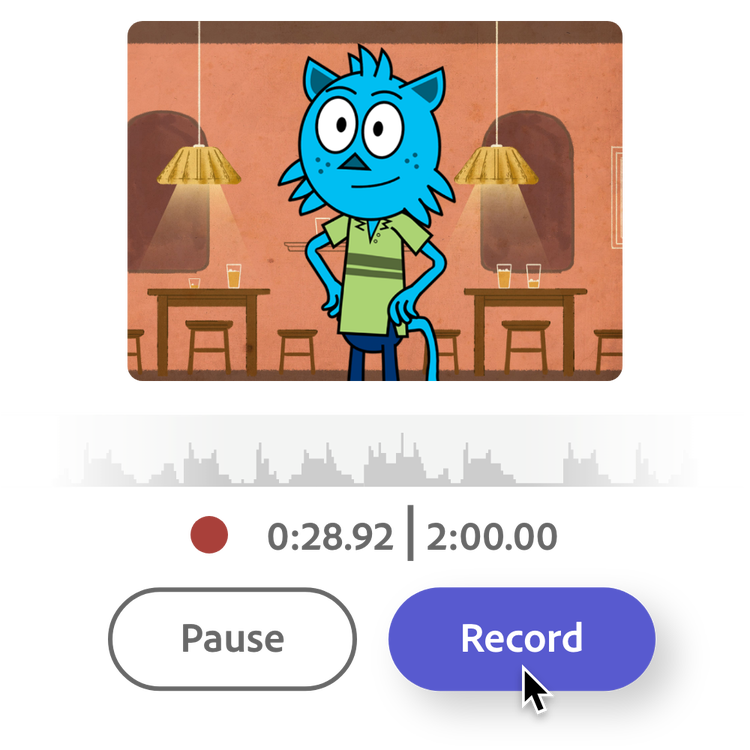
Record or upload your audio.
There are two ways to add audio to your animation – record your audio or upload a file. Choose the record option and say your dialogue after the countdown. Or save a trending sound from TikTok to your device and upload it to our editor. Audio files can be up to two minutes long. Hit done when you’re ready to generate your animation.
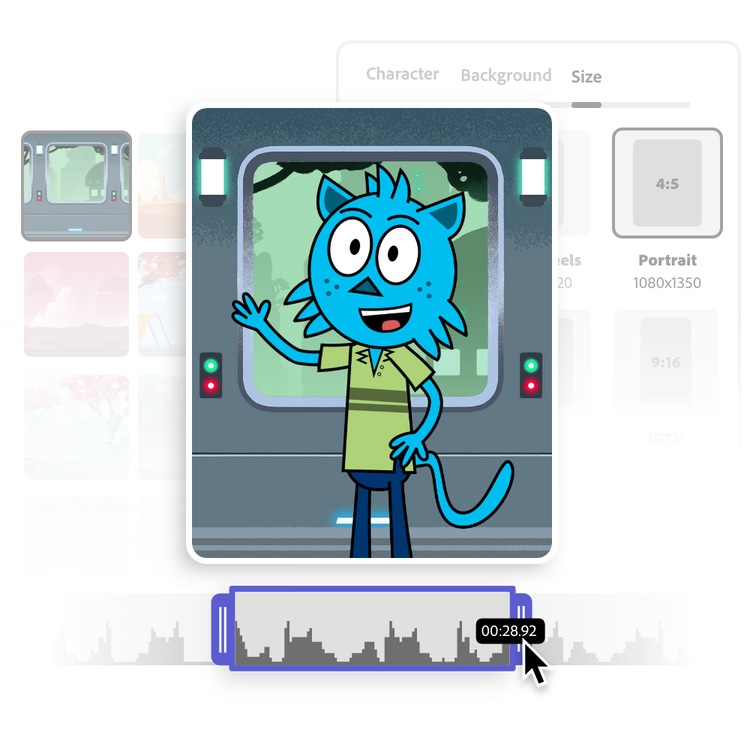
Customize it.
Further personalize your animation by picking the perfect backdrop. Once you generate your animation, you can adjust the length of your video by using the trim handles.
Share your animation with your TikTok audience.
Use the dropdown menu to select TikTok as your output, then select the preset size to make your video a perfect fit. Instantly download your finished character animation right to your device and upload it straight to your feed or your TikTok story. Among all the filter effects out there, your custom animated character is sure to stand out to your TikTok friends and followers.
Make videos on the go.
Quickly and easily make videos on the go using Adobe Express. Trim, resize, change speed, and merge videos in seconds. Available on mobile and web.
Frequently asked questions.
What makes Adobe Express the best animation tool for TikTok?
Our Animate Characters tool empowers everyone to animate a character quickly and easily. All you have to do is pick a character and start recording your voice, then watch your animated character come to life in seconds. No experience required. Best of all, it’s free to use anytime, anywhere.
Can I make animations for TikTok on my phone?
Absolutely. Quickly and easily animate characters on your mobile device by recording or uploading audio, picking a character, and downloading.
Can I change the background of the animation?
Pick from a variety of backgrounds. Change your background at any time and download.
What type of audio files can I upload?
You can upload WAV or MP3 audio files. It’s also possible to upload MP4 files as audio-only. If you’re using Safari as your browser, you can upload AIF files, as well.
Can I use Adobe Express for free? If so, what’s included?
Yes, we have a free plan available for anyone. Enjoy everything you need to stand out, including dozens of quick action tools, thousands of templates, photo editing and effects, and much more. Explore our plans and pricing for details.
illustrator

