Design graduation invitations for free.
Invite your loved ones to celebrate the fruits of your labor with a unique graduation invitation. Get started fast with free, professionally designed templates you can easily personalize and print right in Adobe Express. Print available for US, UK, Australia, and Canada desktop and mobile users.
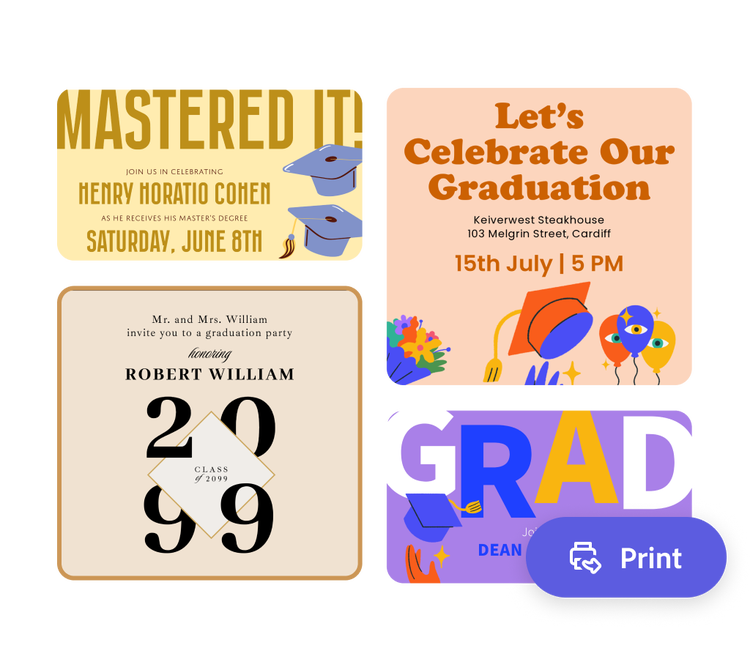
Or start with these popular templates
How to make graduation invitations.
1. Pick a graduation invitation template.
Use the search bar to find a template that matches the graduate’s personality or major. From regal and collegiate to colorful and quirky, you’re bound to find the perfect starting point in Adobe Express.
2. Customize it.
Select any text box to switch font styles and add in your invitation's details such as the graduate’s name, date, and location of the ceremony or party. Upload the graduate’s photo and school photo for a personal touch.
3. Order your printed invitations.
Share your graduation invitation digitally (by downloading as a PDF, JPG, or PNG file). If you’re using the US, UK, Australia, or Canada desktop or mobile version of Adobe Express, you can order high-quality prints in the full online editor and get them delivered to your door.
Don’t miss a moment with a fast design process.
Using Adobe Express as a graduation invitation maker allows you to personalize every aspect to the honoree. Quickly edit the text, upload class photos, and choose a color scheme that matches the alma mater. Open the full Adobe Express editor to dig even deeper into our design tools.

Let Adobe Express be your design expert.
Designing graduation invitations the entire student body can use? With a Premium plan, you can apply your school’s branding in a single click with Brand kits. That includes school colors, logo, and fonts. Create and edit designs regardless of skill level.
Give the gift of a printed graduation invitation.
The graduation invitation maker easily shows you the design steps to creating a polished final product. Once your design is ready to go, you can either download to print from your computer or order prints from the Adobe Express app and have your graduation invitations delivered to you (available to US, UK, Australia, or Canada desktop or mobile users).
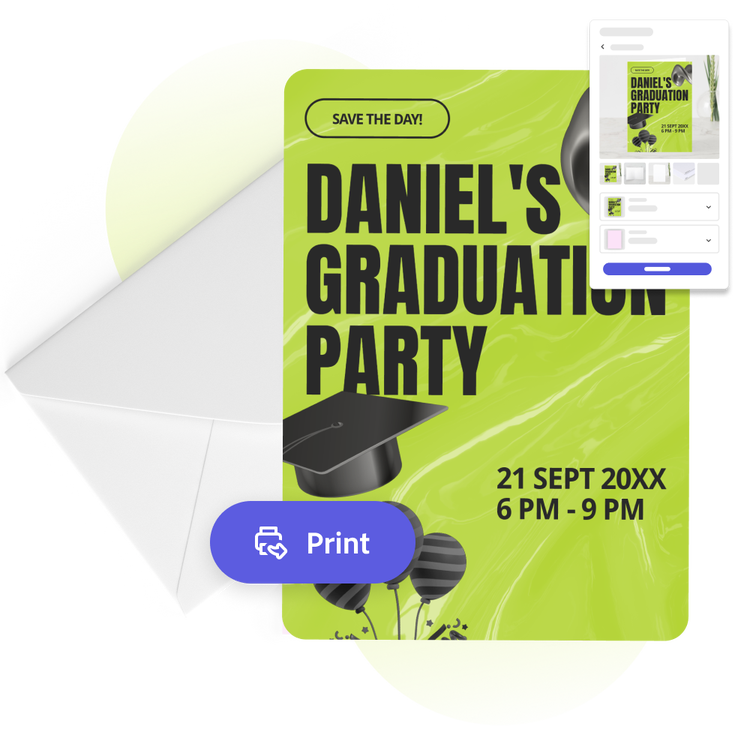
The fast, easy, and free graduation invitation maker for everyone.
Whether you're inviting guests to your graduation ceremony, party, or just want to announce the good news, Adobe Express can help you design a graduation invitation that reflects the wonderful achievement of receiving a diploma or degree. It’s as easy as selecting an invitation template below, filling in the graduation details, and uploading your own photos and logos. Then it’s done in just a few clicks. Create and edit designs regardless of skill level.

Collection ID
(To pull in manually curated templates if needed)
Orientation
(Horizontal/Vertical)
Width
(Full, Std, sixcols)
Limit
(number of templates to load each pagination. Min. 5)
Behaviors
(still/multiple-pages/video/animated)
Sort
Most Viewed
Rare & Original
Newest to Oldest
Oldest to Newest
Premium
(true, false, all) true or false will limit to premium only or free only.