Design your map with Adobe Express.
Maps can be used in many ways to enhance your design project, like visualizing regional datasets in an infographic or showing off a dream vacation in a travel brochure. Using the Super Map World map maker add-on in Adobe Express to design your map can help your audience see the intended destination in a creative and engaging way.
*Note: this is not a generative AI feature.
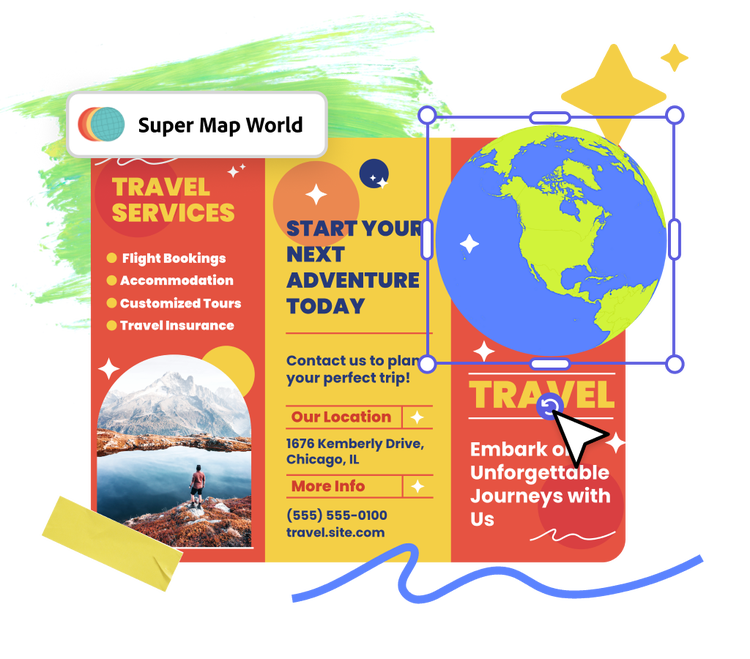
How to make a map.
1. Launch Adobe Express.
Open Adobe Express for free on your desktop or mobile device, then search "map" from the add-ons panel and click “Add” to install the Super Map World add-on within the Adobe Express app.
2. Add your map.
Using the search function, find the geographic region you want to depict. The Super Map World add-on will be populated with a variety of design options to choose from.
3. Continue editing.
When you’ve picked the map you like best, you can add it to your design as a small, medium, or large size. Continue to edit the map in the Adobe Express editor or download if you’re done.
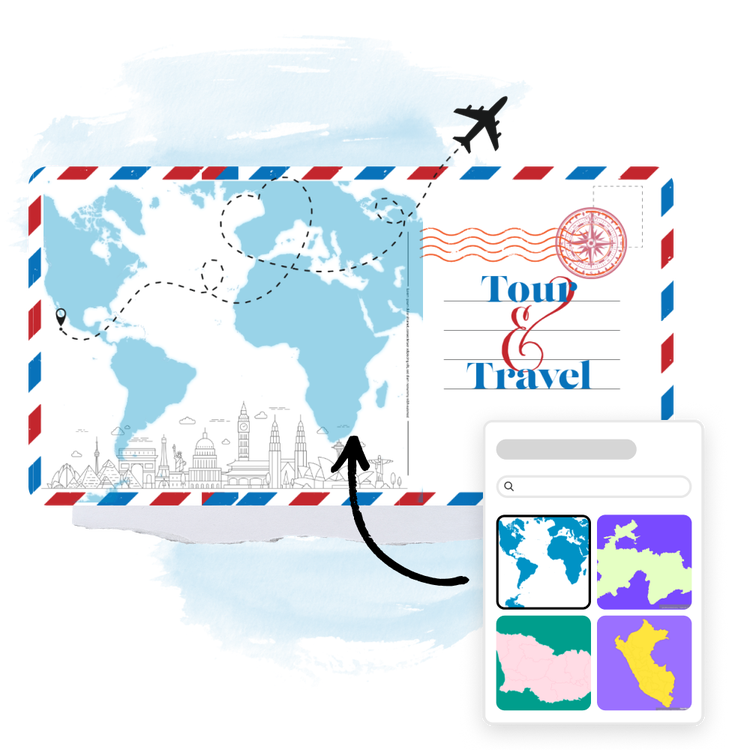
Showcase the world in style.
Maps created with the Super Map World add-on let you pick specific regions you want to showcase in various styles and color schemes. Each map lists the location name, latitude, longitude, and a description of the map type. This add-on is like having a cartographer at your fingertips. Whether you're creating an infographic or planning a destination wedding, you can further customize your map with eye-catching fonts, images, graphics, and more within Adobe Express.
Resize your map in Adobe Express.
Making a slide deck sharing your research on a specific region or creating a social post about your most recent favorite travel destinations? With a Premium plan, you can instantly resize your design to fit the dimensions of any social channel, webpage, or flyer in one click.
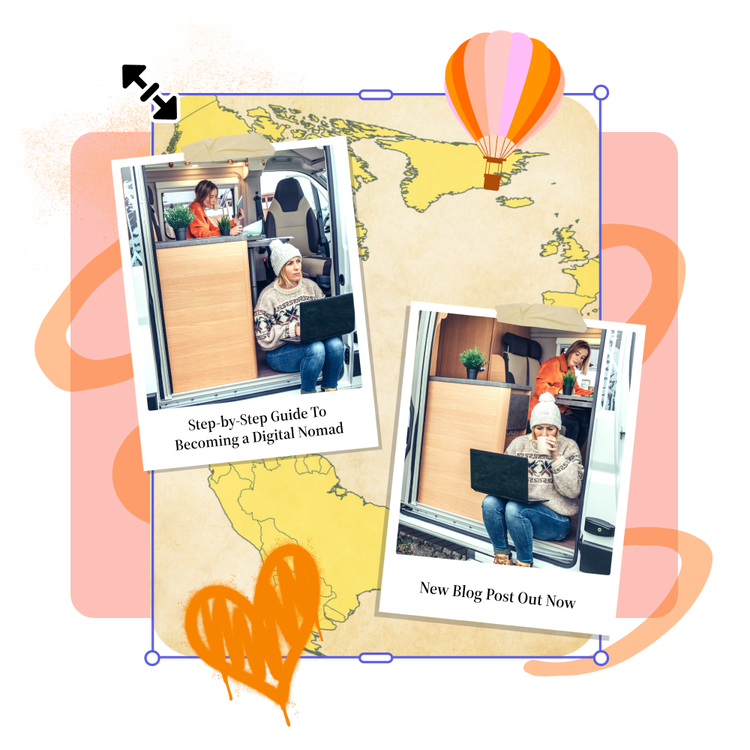
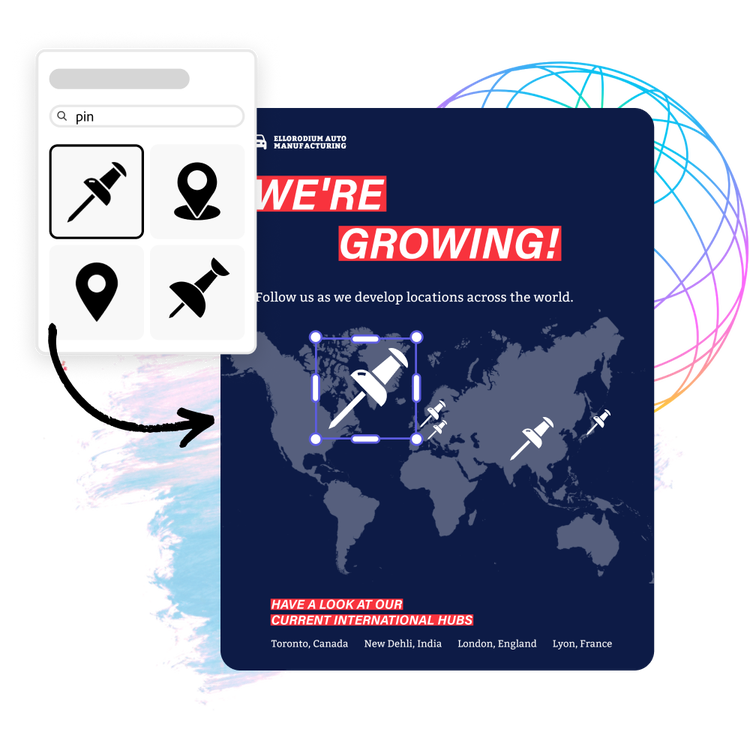
Use your map as a starting point for imaginative creations.
After you’ve added your new map to your Adobe Express project, you can edit it endlessly. Change the color and background. Arrange it with other maps to create a slice of the world. Add icons to depict important information. Or flip it upside down to pretend it's a new fantasy world of your creation.