



Free MP3 converter.
Convert your audio file to an MP3 in Adobe Express for easier editing and sharing.
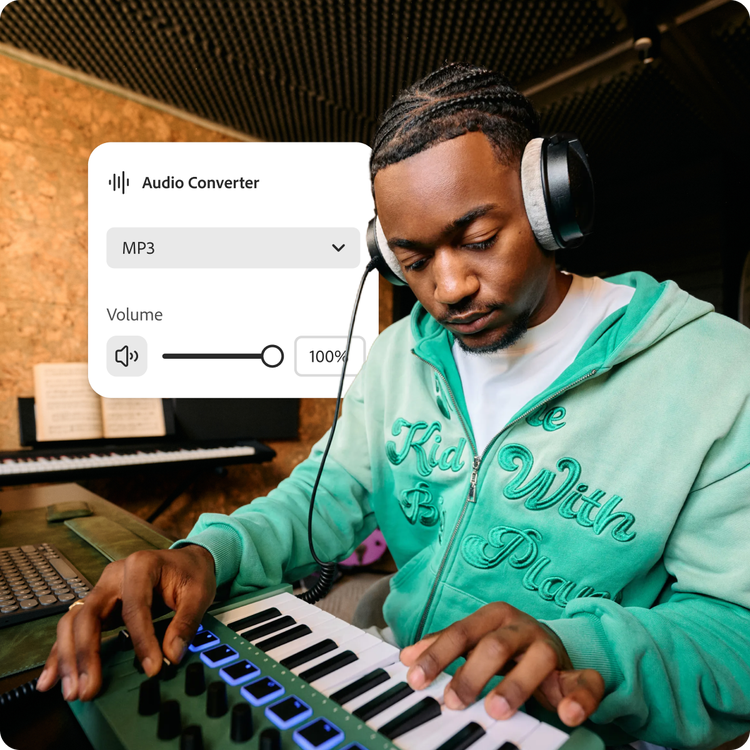
Drag and drop an audio
or browse to upload.
File must be WAV or M4A and up to 1GB
 Free to useNo credit card required
By uploading your audio you are agreeing to the Adobe Terms of Use and acknowledging the Privacy Policy
1. Upload.
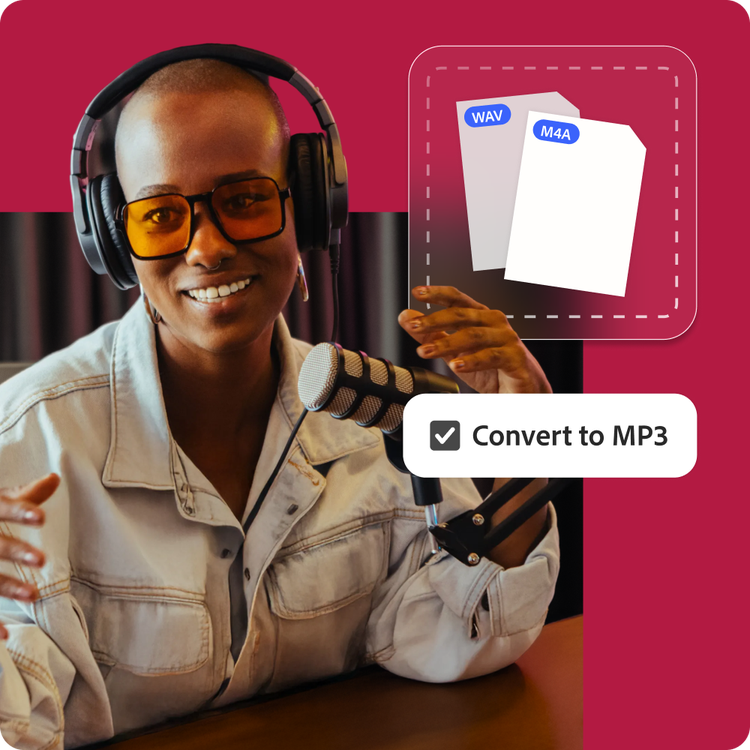
Drag and drop your audio file (WAV or M4A) into the converter tool. Or upload from your device.
2. Convert.
Select MP3 as your output type, then convert your audio file into a high-performing clip in just a few clicks.

3. Continue editing.
Download your audio as an MP3 file, then share it as is or add it to another Adobe Express project by combining video, Adobe Stock sound effects, animation, and much more.
Shorten your workflow.
Whether you’re repurposing video content into a podcast episode or immortalizing a voice note from a loved one, Adobe Express simplifies a multi-step process. Convert and compress your audio into an easy-to-edit, easy-to-store MP3 file all in one place. Download and go or jump right into editing.
Create audio files that cut through the static.
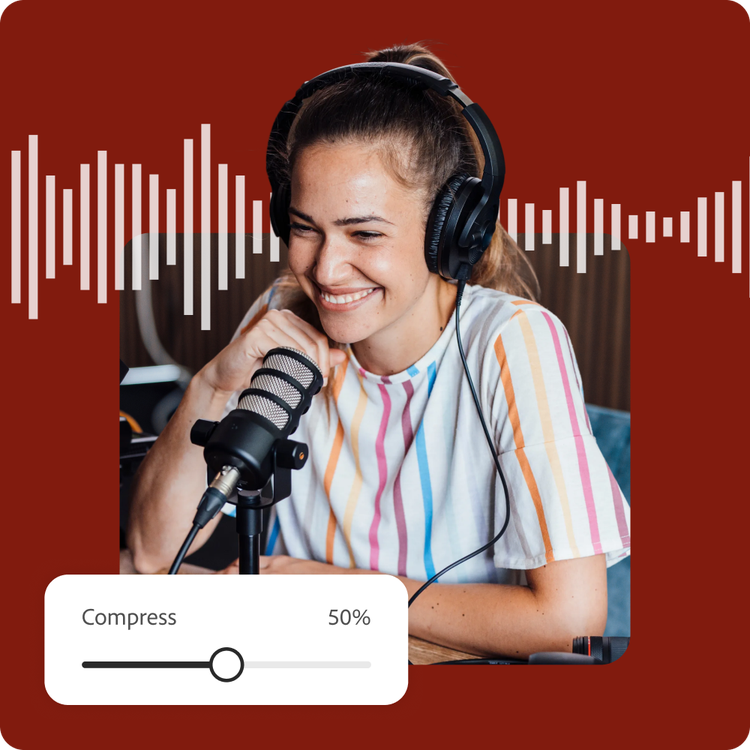
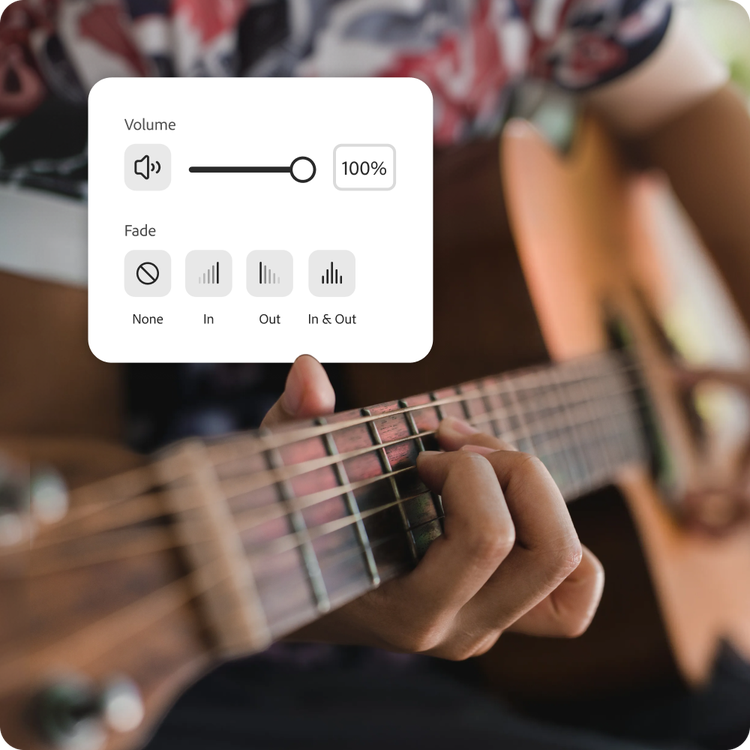
With the MP3 converter, you have control over the level of compression your file goes through—more for a smaller file or less for higher bitrate. For a clearer sound, use the enhance speech tool to enhance, adjust volume, and transitional fading.
Powerful audio editing, simplified.
Whether you’re an aspiring musician or producing a school radio show, converting and compressing audio takes no time in Adobe Express. Take your projects further with audio editing tools that are professional-quality but beginner-friendly.
Hundreds of thousands of templates and assets to start customizing today.
Promote your newly converted MP3 file in a variety of creative ways, like an audiobook thumbnail, short podcast video clip, or stand-out album cover artwork. Explore our template library to get started. Then customize with design assets, fonts, and images.

Convert your audio for seamless playback.
Your sound can go further when converted to MP3. Transform a WAV interview recording that’s too big to share with the team into a compressed MP3 that’s easy to email and store. MP3 uses lossy compression to significantly reduce file size, making it ideal for podcasts, music tracks, voice recordings, and web delivery.
Adobe Express makes it easy to convert WAV, M4A, and other audio formats into MP3 without noticeable degradation in listening quality. With broad compatibility across browsers, mobile devices, media players, and editing tools, MP3 remains one of the most universally supported audio codecs. Choose MP3 when you need efficient compression, faster uploads, and dependable playback across virtually any platform.
Publish and deliver audio faster.
Large audio files can slow down uploads, eat up storage space, and create playback issues across platforms. Converting your audio to MP3 reduces file size, making your content easier to distribute without compromising listening quality. Whether you’re preparing audio for podcasts, online courses, social media, or email sharing, MP3 helps streamline delivery and accessibility.
Adobe Express MP3 converter lets you quickly prepare audio for smoother workflows across web, mobile, and desktop environments. Don’t spend time waiting for files to be ready. Meet your deadlines, meet the moment, and create even more in the create-anything app.
Frequently asked questions.
What is the difference between an MP3, WAV, and M4A?
MP3, WAV, and M4A are common audio formats that differ in quality, compression, and compatibility. MP3 uses lossy compression to create smaller file sizes with good audio quality. WAV files are typically uncompressed, preserving full audio detail for professional recording and editing. M4A files, often encoded with AAC, offer efficient compression and strong sound quality, especially within Apple devices and modern streaming ecosystems.
What is the maximum supported file size?
The Adobe Express MP3 converter supports files up to 1GB in size. The audio compressor will give an estimated output file size as you adjust the compression slider.
Why does compression degrade audio quality?
Compression is the act of making a file smaller. With audio, this is done by simplifying parts of the original file, such as removing frequencies that may be less noticeable to the human ear. Higher levels of compression create smaller files, but can affect the audio quality. The Adobe Express compression tool takes a subtle approach, so the effects are barely noticeable to the listener.
Can I convert to an MP3 on my phone?
Absolutely. This MP3 converter works on both web and mobile, so you can compress and convert your audio anytime, anywhere.
Can I use Adobe Express for free? If so, what’s included?
Yes, we have a free plan available for anyone. Enjoy everything you need to stand out, including dozens of quick action tools, thousands of templates, photo editing and effects, and much more. Explore our plans and pricing for details.

