



Add click sound effects to your videos for free.
A versatile and realistic sound effect can elevate the audio in TikTok, YouTube, or any other video content. Now you can add a realistic click sound effect to your project in Adobe Express, along with more than 15,000 other sound effects available in the Adobe Stock library.
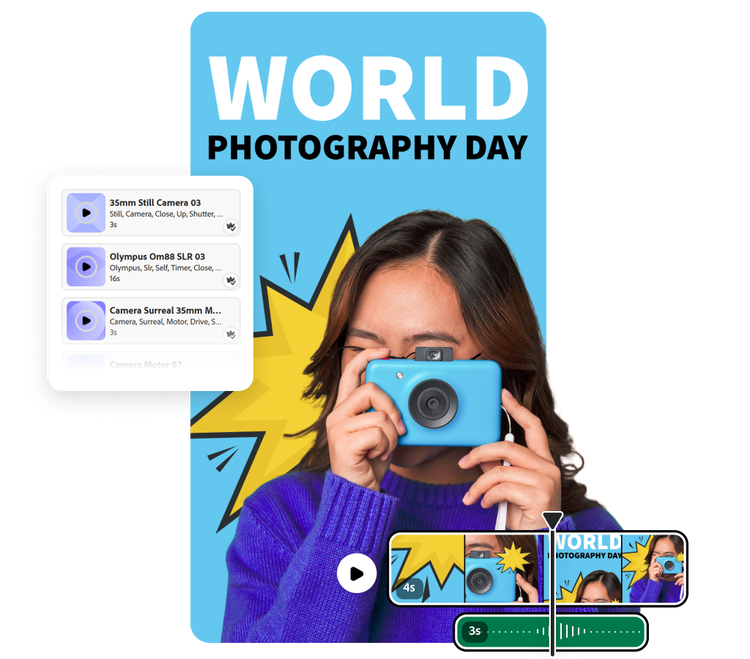
1. Open your project.
Open Adobe Express and upload your video file. Or start a new project entirely using Adobe Stock videos.

2. Add click sound effects.
In the media panel, select Audio then navigate to Sound effects. Search for click sound effects or get specific (like camera click or keyboard click). Customize the clip volume, fade, and duration.

3. Continue editing.
Download your audio-edited video to save or share or continue editing in Adobe Express.
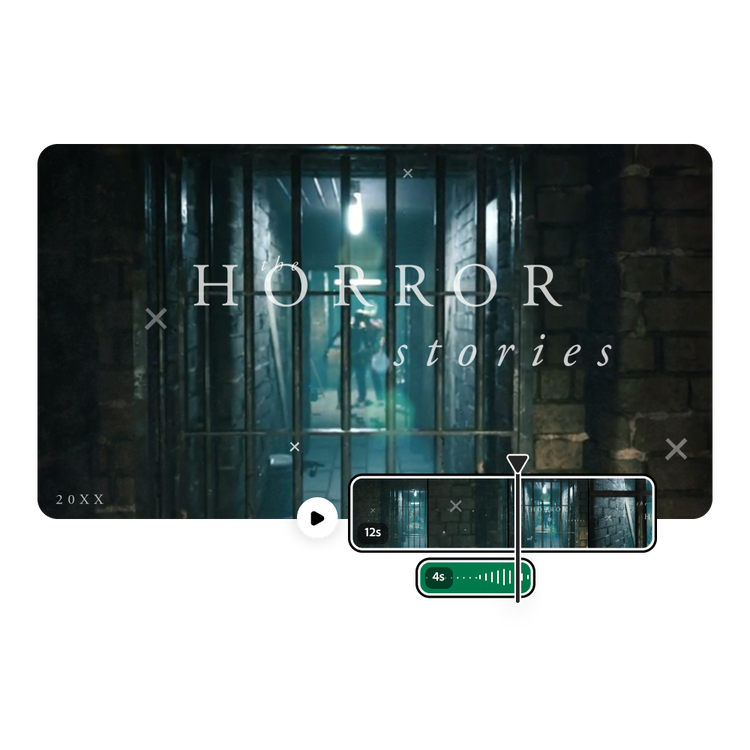
Adding sound effects has never been easier.
Adding sound effects can bring your video to the next level. A click sound effect, specifically, can be a great asset because of how versatile it is. Use a camera click for an artsy transition between photos in a slideshow or a calculator click to dramatize the big profit reveal to your team. Finding the right sound effect in Adobe Express is as easy as searching, sampling, and selecting. No experience needed.
Tons of click sound effects to choose from and more.
Browse through hundreds and hundreds of distinct and diverse click sound effects for actions ranging from nail biting to pulling the lever of a slot machine. Adobe Express has more than click sound effects, though. Out of 15,000 sound effects to choose from, you’re bound to find one that matches the tone and ambiance you’re looking for. Then easily customize the trim, volume, and fade for the final touch.
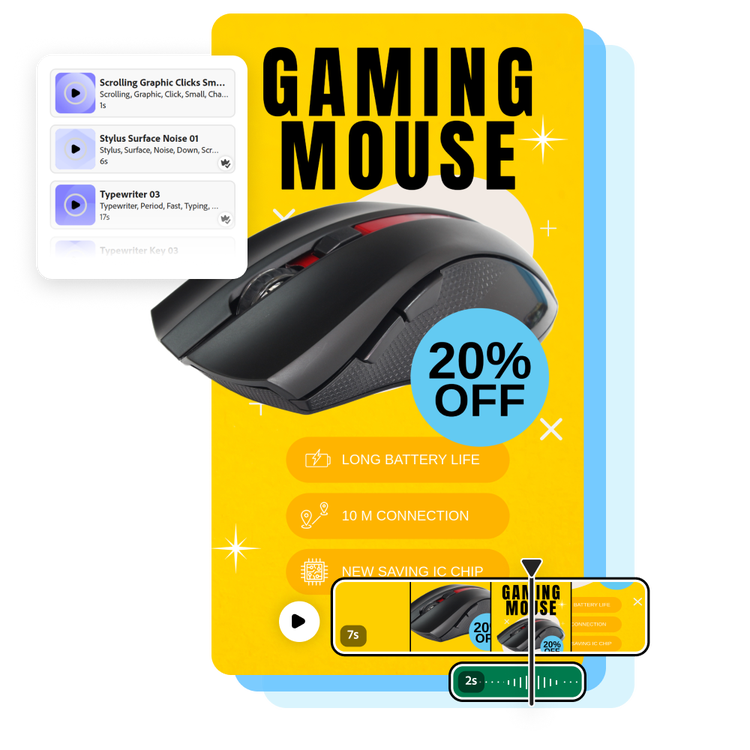
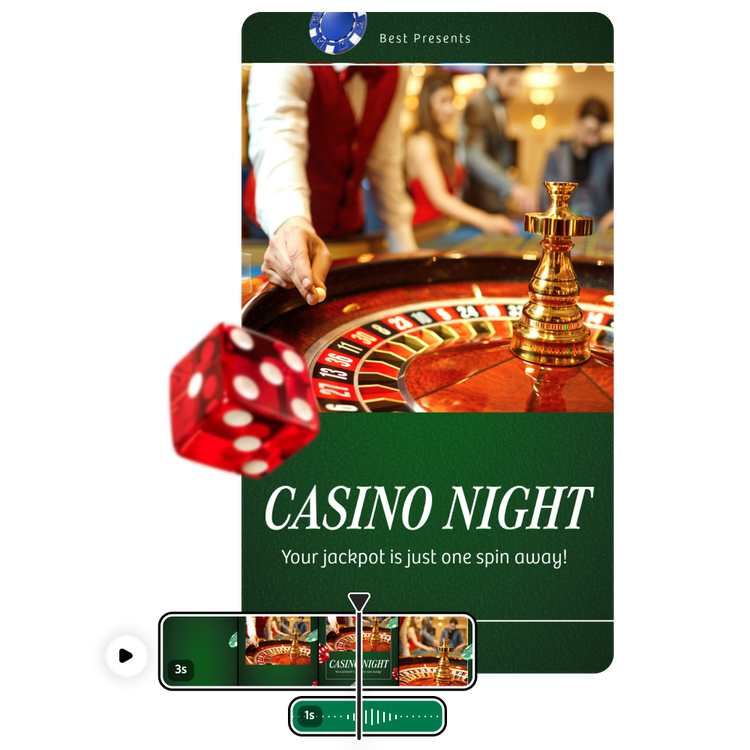
Add click sound effects to any Adobe Express project.
See how a sound effect can enhance your next Adobe Express project, whether it's a video or something else. Try adding a click sound effect to your class presentation or musical composition. Adobe Express gives you all the tools to unleash your creativity and try something new.
Share your click video on social media in moments.
As easy as Adobe Express makes it to add and edit click sound effects, it’s even easier to post the final product on your social channels like TikTok, Instagram, or YouTube with the built-in Content scheduler. You can even adjust the video dimensions for different platforms by selecting Resize. Get the most out of your projects with the quick and easy tools offered in Adobe Express.
Make useful videos on the go.
The handy Adobe Express mobile app makes it simple to add and edit a click sound effect to a video, no matter where you are. After previewing as many options as you want, select the sound effect of your choice to add it to your project. Share directly to your social channels or download it to your device. Best of all, you don’t need any sound design experience to edit and share a video complete with the perfect click sound effect.
Frequently asked questions.
What makes Adobe Express the best audio editing tool?
Our editing tools empower everyone to control the audio on a video with no experience required. Add click sound effects, background music, and clips from a wide array of genres. Then adjust the fade, trim, and volume in seconds.
Can I add click sound effects to a video from my phone?
Absolutely. Quickly and easily add a click sound effect to your video on your mobile device by uploading your video and searching for the effect that best fits your project. You can download the clip from the app or post directly to your linked social media accounts.
How long are click sound effects?
The Adobe Stock library of sound effects includes thousands of clips ranging in duration. Some are less than a second long while others are closer to 90 seconds. If you find a click sound effect you like, you can always trim it to the exact length you need or duplicate it to make it longer.
When should I use a click sound effect?
You can use a click sound effect at any point in your video. Click sound effects are incredibly versatile and can be used to indicate a particular action, in a transition, or musical composition. Easily move the click sound effect around by dragging and dropping it in the editor.
Can I use Adobe Express for free? If so, what’s included?
Yes, we have a free plan available for anyone. Enjoy everything you need to stand out, including dozens of quick action tools, thousands of templates, photo editing and effects, and much more. Explore our plans and pricing for details.

