



Free online PNG cropper.
The online PNG Crop tool from Adobe Express transforms your images into the perfect size in seconds.
Drag and drop an image
or browse to upload.
File must be JPEG, JPG, PNG or WebP and up to 40MB
 Free to useNo credit card required
By uploading your image or video, you agree to the Adobe Terms of use and Privacy Policy
1. Select.
Upload your PNG to our Crop image tool.
2. Crop.
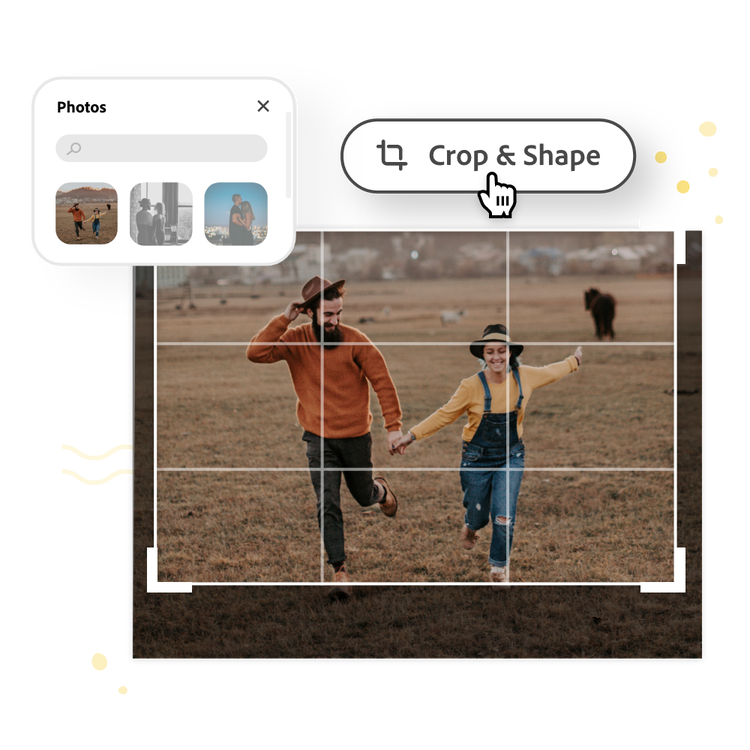
Drag the handles to create your desired crop.

3. Continue editing.
Instantly download your cropped image or keep editing.
Upload, crop, and download instantly.
Easily crop a PNG online in seconds. Choose a photo to crop, upload it to our PNG Crop image tool, and use the freeform box and guidelines to create a perfect crop.
Share your cropped PNG online.
Out of all the picture cropping apps, Adobe Express lets you cut PNG images quickly so you can share them instantly. Download your newly cropped photo to share on social media or any other printed or digital destination.
Do more with your image.
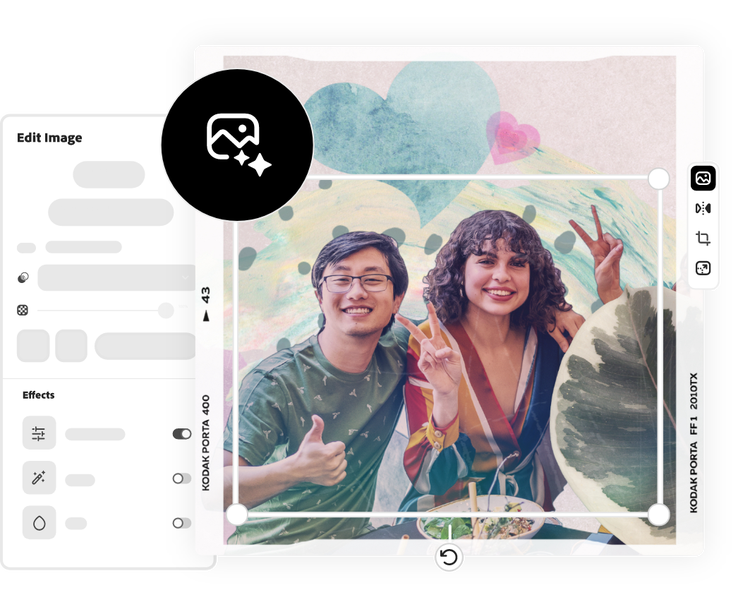
Cropping your PNG for another project? Unleash your creativity with the photo editing capabilities and design tools from Adobe Express. Remove the background of your image to highlight the subject, apply filters, or add GIFs and animation for a dynamic design. There are countless ways to create a compelling image for any printed or digital format.
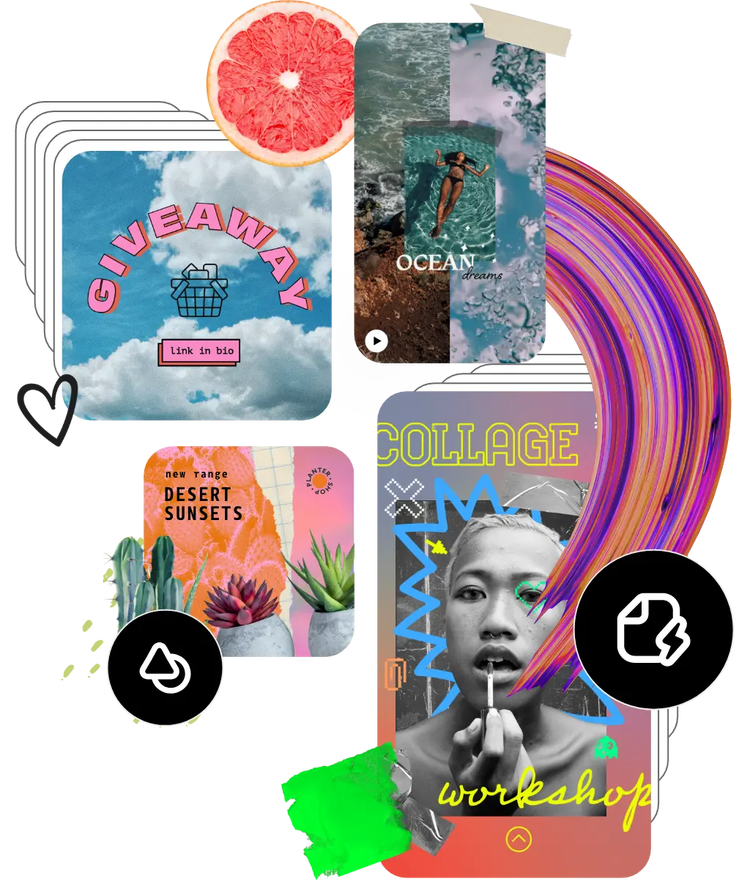
Hundreds of thousands of templates and assets to start customizing today.
Get inspired and save time with expertly designed templates to get you started. Adobe Express has an ever-growing collection of portrait, landscape, square, and vertical templates to create designs that stand out on any channel, any device.
Frequently asked questions.
Can I crop a PNG on my phone?
Absolutely. Add your desired image to a new project in the Adobe Express free mobile app. Tap on the image and use the Edit menu to Crop & Shape your photo into a circle, oval, or tons of other shapes.
How can I crop a PNG for social media?
Use the Crop & Shape tool to crop your PNG using aspect ratios in the most popular preset sizes for social media. Then, instantly download your image right to your device to share on all your social media channels.
Can I crop a PNG into a circle with Adobe Express?
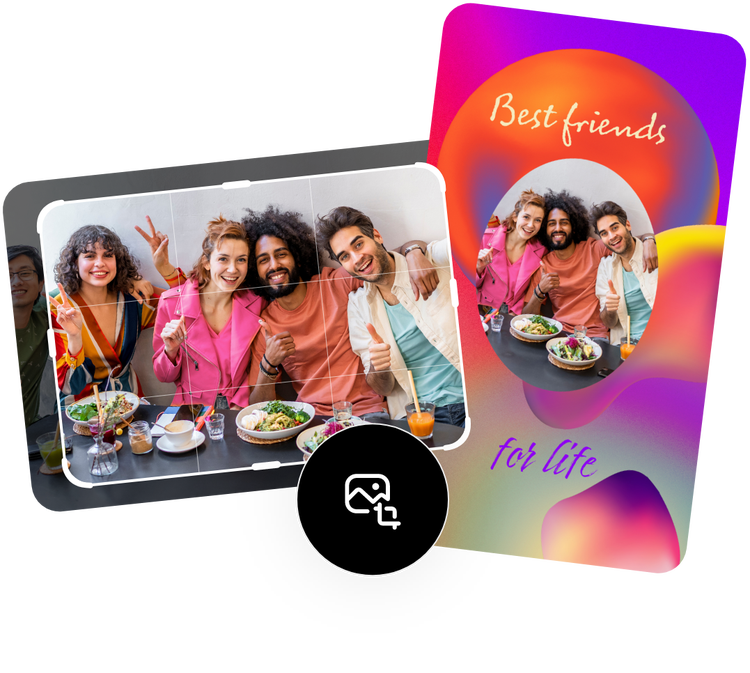
Yes, the Crop & Shape feature makes it easy to crop your PNG into a circle, as well as a star, heart, oval, and much more.
Does the size or quality change after cropping a PNG?
Generally, cropping a PNG will make it smaller. You can control this by making your canvas the desired size for your final image and then fitting your cropped image to fit. The quality will remain the same, unless you dramatically enlarge your cropped image.
Can I get Adobe Express for free? If so, what’s included?
Yes, Adobe Express has a free plan that includes core features like photo editing tools and effects and thousands of free templates. Learn more about our plans and pricing.

