Create a Facebook QR code for free.
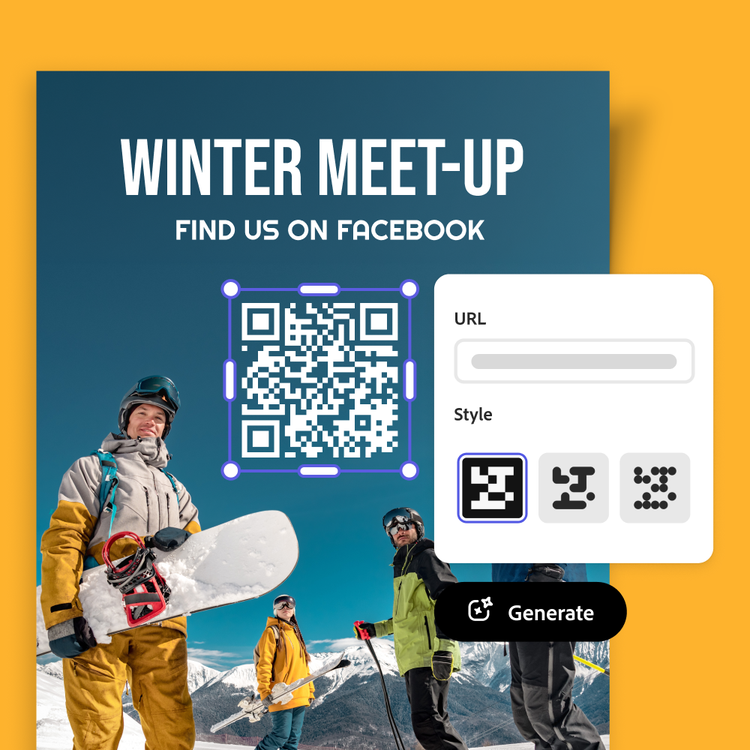
Send fans and customers directly to your Facebook page with a scannable QR code. Using the Facebook QR code generator in Adobe Express, you can easily create a QR code that streamlines how you connect.
Enter your URL
How to create a Facebook QR code.

1. Generate.
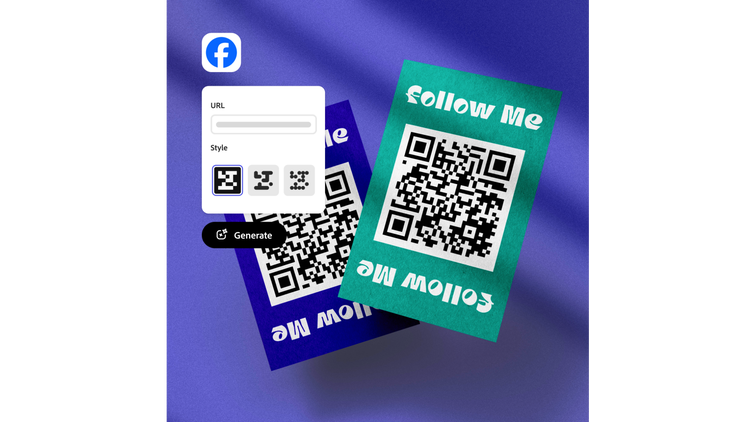
Open the QR code generator, enter your Facebook URL, and tap the Download button. The image instantly changes to show your new QR code.
2. Personalize.
Customize the style and color of your free generated QR code to match your branding.

3. Continue editing.
Download the Facebook QR code image in your preferred file type or upload it to your Adobe Express project to create tabletop placards for craft shows, printed flyers, business cards, and so much more.
Share your Facebook page with a quick scan.
Whether you own a small business, create content, or just like to network, it’s easy to share your Facebook page with a QR code. Display your code at a craft fair table, on business cards, vCards, and so much more. In Adobe Express its easy to place your scannable QR code on multiple marketing assets.
Let Adobe Express be your Facebook QR code maker.
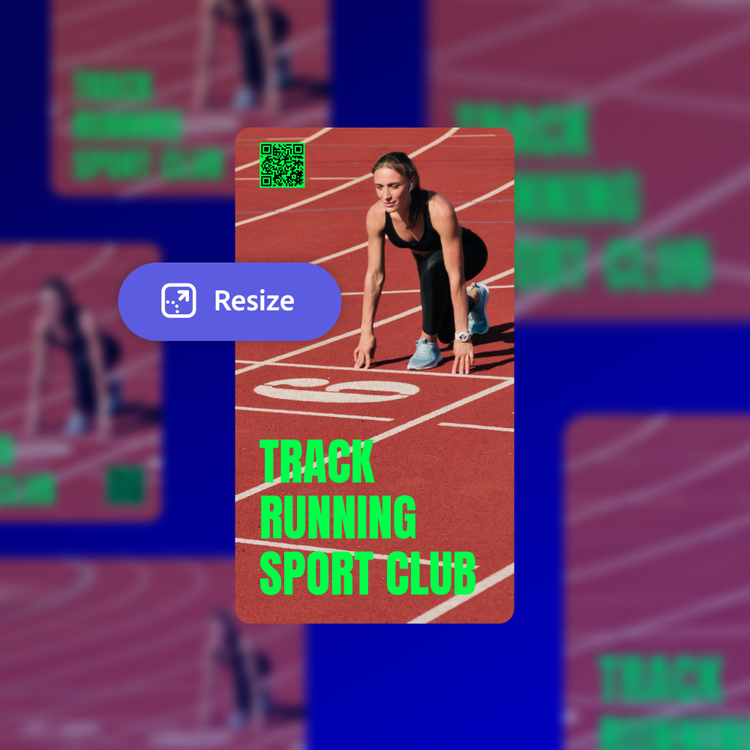
The Facebook QR code generator is simple to use. Just put in your Facebook URL then customize the color and style. Upload it to your Adobe Express project and then share it anywhere. You can also duplicate designs and resize them to create consistency throughout all your marketing materials.
Create Facebook QR codes that match your branding.
In Adobe Express, it’s easy to showcase your brand. Start with a customizable template, then upload your new Facebook QR code and your logo. Select a color scheme and a favorite font. With a Premium plan and Brand kit, you can auto-apply your branded assets with one click.


Stand out with Adobe Express.
Adobe Express is the quick and easy create-anything app to make impactful social posts, images, videos, flyers, presentations, documents, and more. With customizable templates, Adobe Stock design assets, and generative AI, it’s quick and easy to make attention-grabbing content. No experience required.
Choose from thousands of templates.
Adobe Express has thousands of expertly designed templates you can add a QR code to and make it easy for anyone to access your page or site. Create QR codes to highlight different categories or types of content – videos, campaigns, landing pages, brochures, work samples, and feedback pages. For another option, add a download link in a QR code to a PDF version of your flyer or brochure. Adobe Express templates help you stand out on any channel and every device.