



Create an Instagram QR code for free.
Send followers to your Instagram page with a scannable QR code. Using the Instagram QR code generator in Adobe Express, you can easily create a QR code that streamlines how you connect.
Generate QR code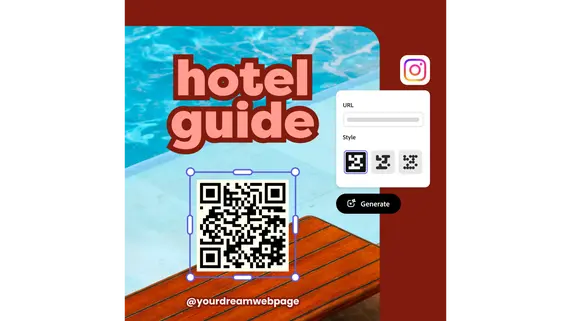
1. Generate.
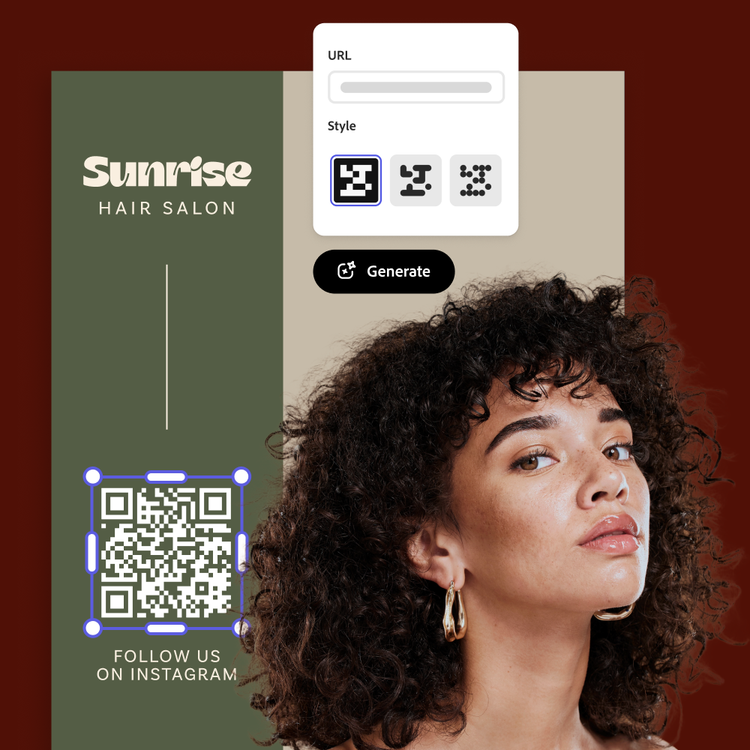
Open the QR code generator, enter your Instagram profile or post URL, and tap the Download button. The image instantly changes to show your new QR code.
2. Personalize.
Customize the style and color of your free generated QR code to match your branding.

3. Continue editing.
Download the Instagram QR code image in your preferred file type or upload it to your Adobe Express project to create printed flyers, business cards, and so much more.
Share your Instagram page with a quick scan.
It’s easy to drive traffic to your Instagram page with a scannable QR code. Whether you’re promoting a holiday event or a new small business account, displaying a QR code on a flyer, business card, or other printed material can help bring awareness to your online presence. In Adobe Express, it’s easy to create functional marketing tools.
Create and customize Instagram QR codes.
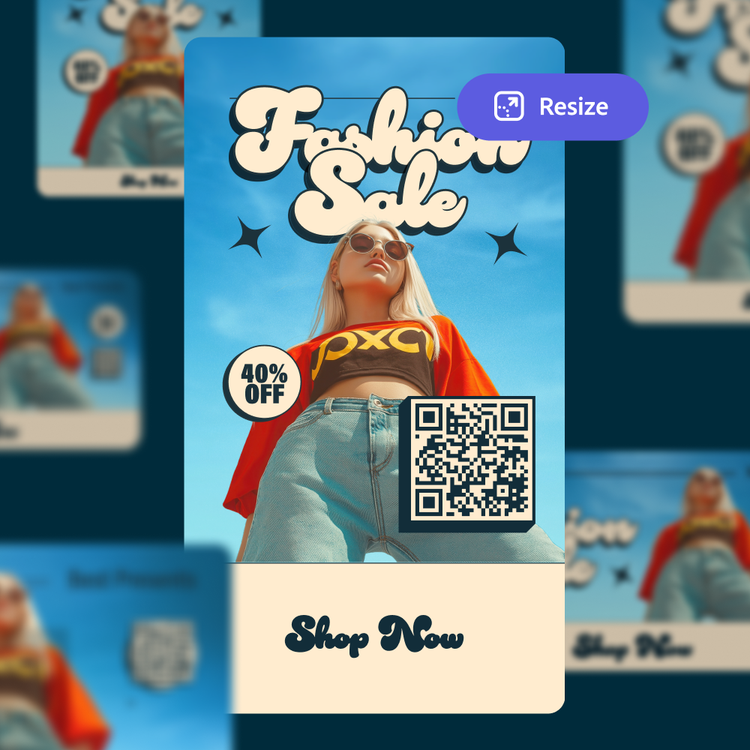
The Instagram QR code generator is simple to use. Just put in your Instagram URL then customize the color and style. Upload it to your Adobe Express project and then share it anywhere. You can also duplicate designs and resize them to create consistency throughout all your marketing materials.
Create branded Instagram QR codes.
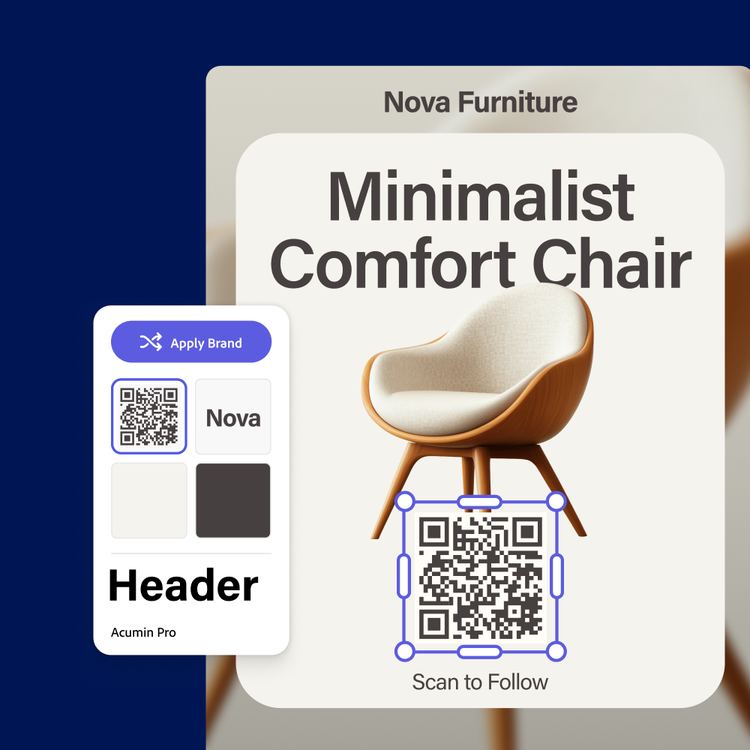
In Adobe Express, it’s easy to showcase your brand. Start with a customizable template, then upload your new Instagram QR code and your logo. Select a color scheme and a favorite font. With a Premium plan and Brand kit, you can auto-apply your branded assets with one click.
Stand out with Adobe Express.
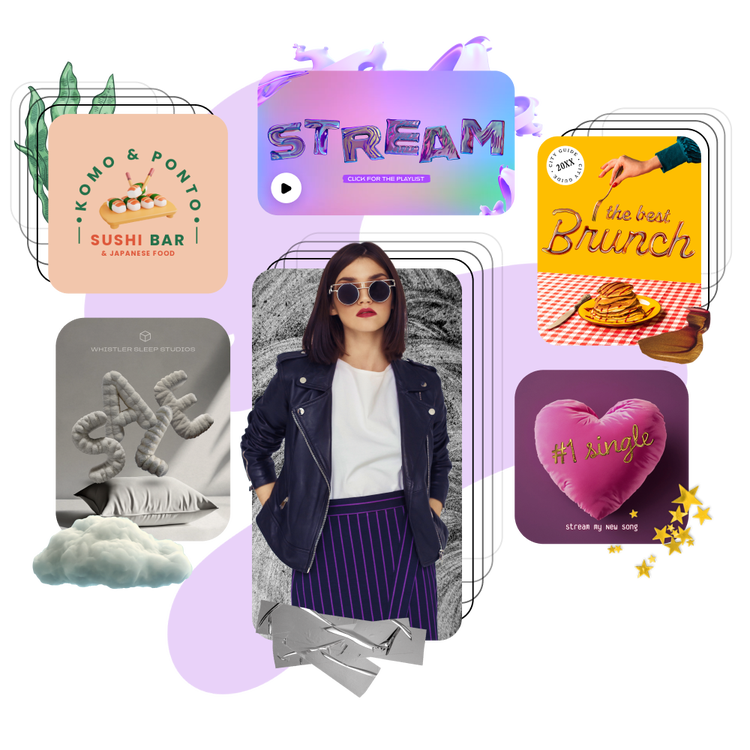
Adobe Express is the quick and easy create-anything app to make impactful social posts, images, videos, flyers, presentations, documents, and more. With customizable templates, Adobe Stock design assets, and generative AI, it’s quick and easy to make attention-grabbing content. No experience required.
Choose from thousands of templates.
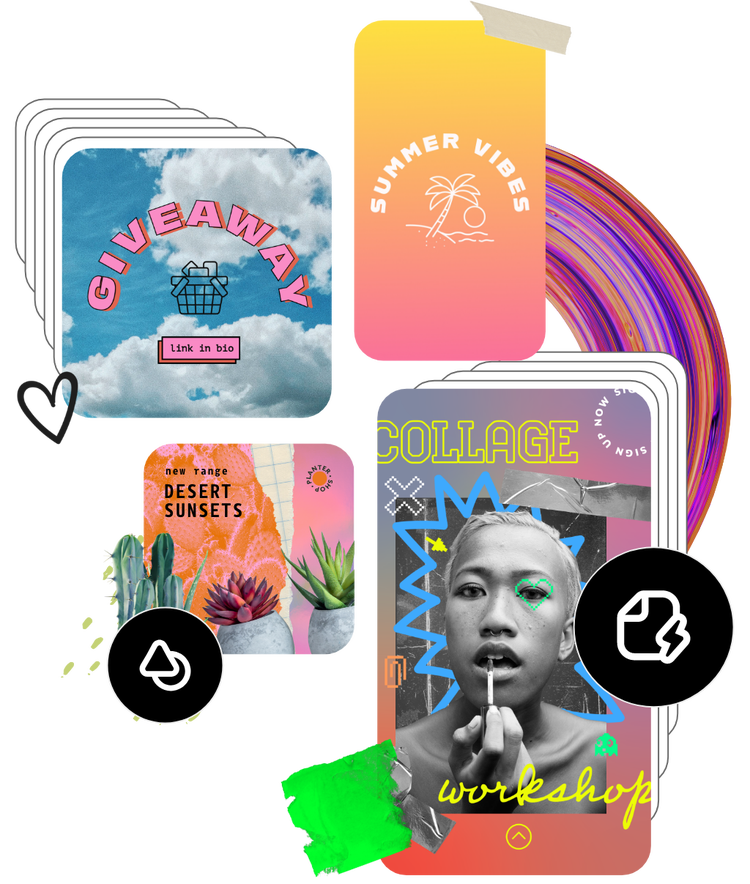
Adobe Express has thousands of expertly designed templates you can add a QR code to and make it easy for anyone to access your page or site. Create QR codes to highlight different categories or types of content – videos, campaigns, landing pages, brochures, work samples, and feedback pages. For another option, add a download link in a QR code to a PDF version of your flyer or brochure. Adobe Express templates help you stand out on any channel and every device.
Frequently asked questions.
How do QR codes work?
A QR code stores information as a pattern of black and white squares that represent binary data. When you scan it, a camera and decoding software analyze the pattern, reconstruct the data, and convert it into usable information like a URL or text. Most smartphones can read QR codes from the camera app, though older models may need to download a separate app.
How do I create an Instagram QR code using Adobe Express?
It’s quick and easy to create an Instagram QR code with Adobe Express. Upload your link of choice to the QR code generator, follow the prompts, then download it to your device. Then upload it to your project in Adobe Express.
How should I display my Instagram QR code?
There are numerous ways to display Instagram QR codes. Start by thinking about how people will interact with it. For example, if you have a physical product, you could put the QR code on the label or tag. Or for personal use, you could put it on a greeting card to direct family members to photos of a recent life moment. The possibilities are endless.
Can I create my own Instagram templates?
Any new or existing project can be turned into a shareable template. To turn your Instagram post into a template, click Share and then Convert to template. You will then be directed to name the template, lock layers, and set style parameters before saving the template.
Can I get Adobe Express for free? If so, what’s included?
Yes, we have a free plan available for anyone. Enjoy everything you need to stand out, including thousands of templates, hundreds of Adobe Stock images, photo editing and effects, and much more. Visit our plans and pricing for details.





