
Make it all. All in one place.
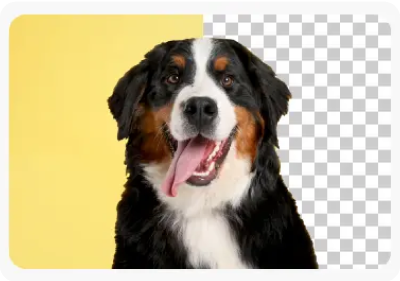
Create video, marketing, and social content fast - edit photos and PDFs in one app with Adobe Express, powered by Adobe Firefly AI and one-click tools like background removal.

Fast and free editing for videos, images, and more is just a click away with Adobe Express Quick Actions.
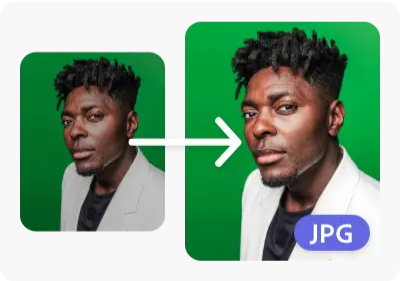
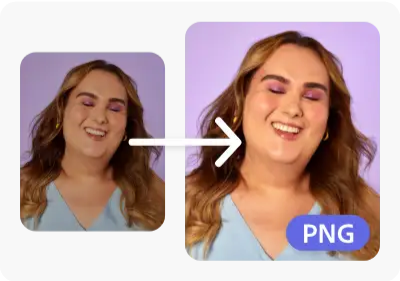
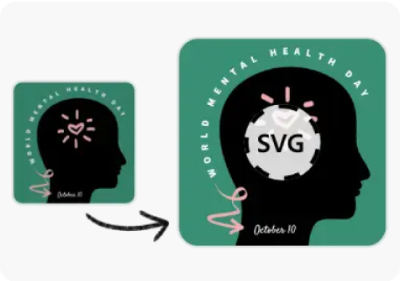
Resize content, convert files, and add animated effects quickly.
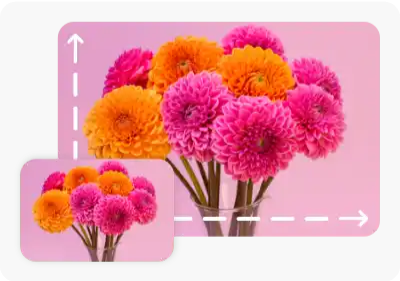
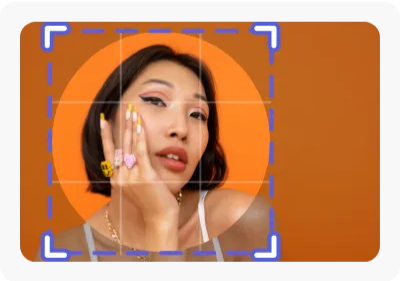
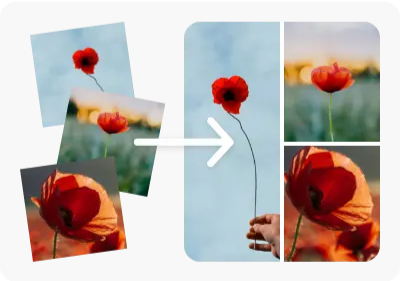
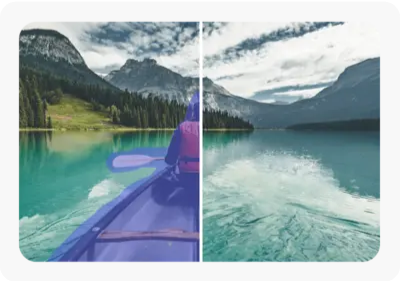
Resize, crop, convert, and enhance your photos in seconds with powerful tools made simple.
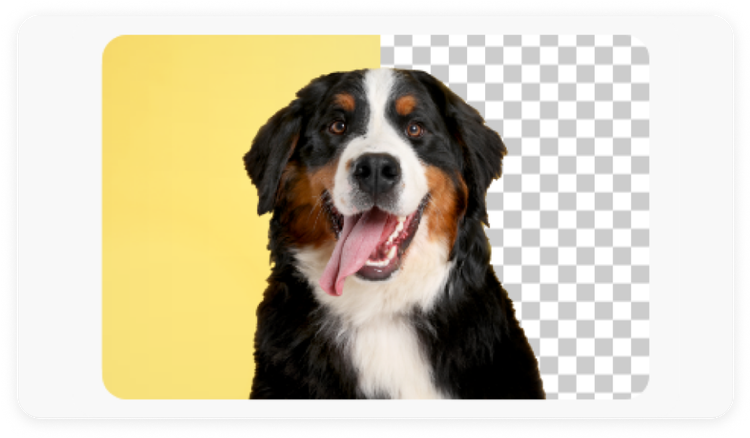





Create video, marketing, and social content fast - edit photos and PDFs in one app with Adobe Express, powered by Adobe Firefly AI and one-click tools like background removal.
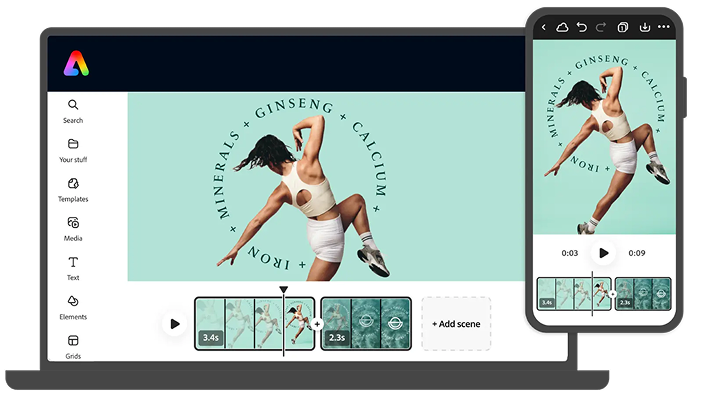
Drag. Drop. Impress. Combine clips, artwork, and music quickly for social videos that stand out. No experience necessary.
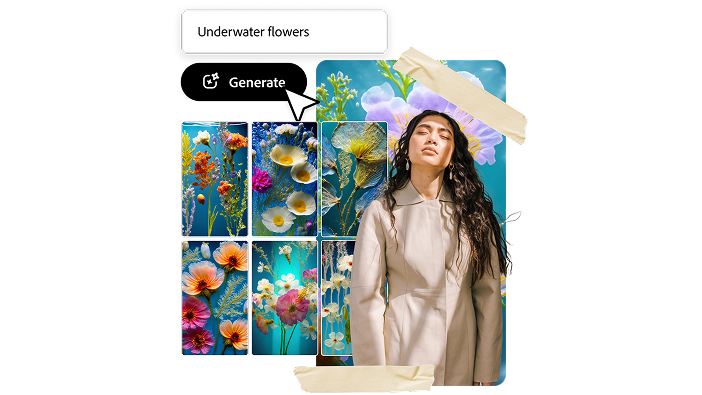
Your imagination is your only limitation with text to image and text effects tools, powered by Adobe Fire fly. You type it. Adobe Express generates it.
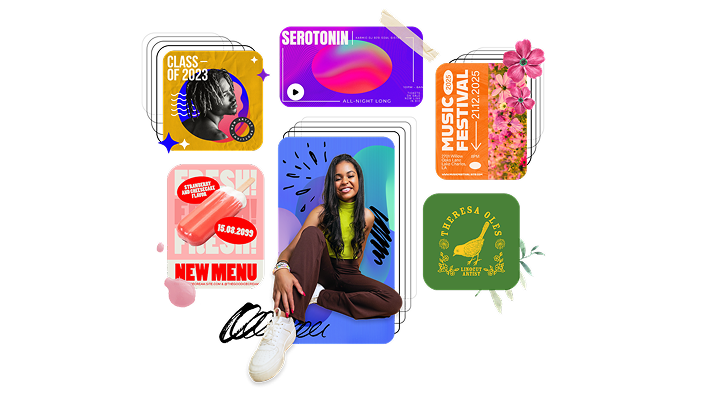
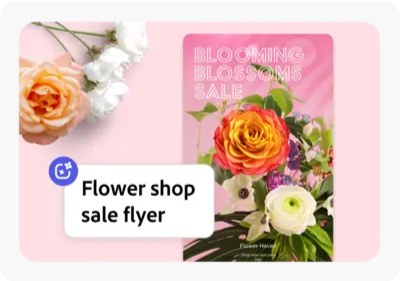
Start with thousands of free templates for videos, tutorials, social media graphics, posters, and flyers - plus logos, business cards, thumbnails, and more.
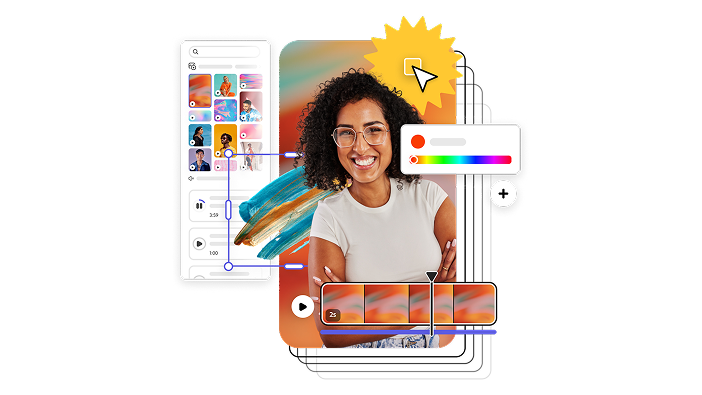
Access the Adobe Stock royalty-free photos, video and audio collection* with millions of on-trend and seasonal stock content perfect for any occasion.
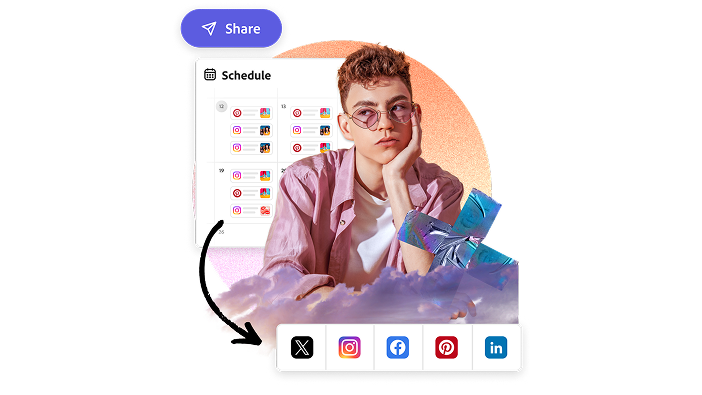
Manage your social media posts easily with the built-in content scheduler to plan, schedule, preview, and publish your social content all in one place.
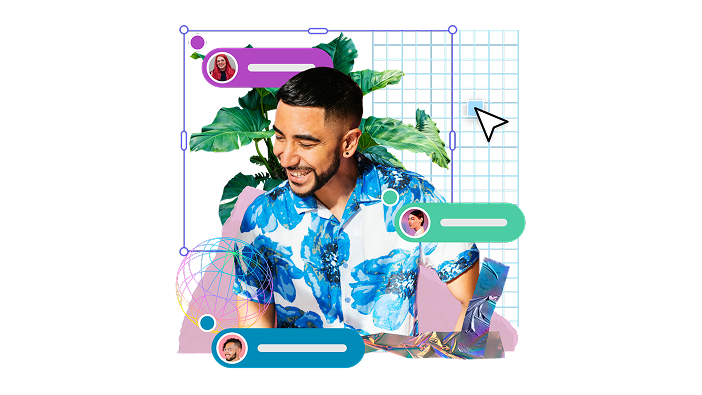
With projects, you have a centralized spot for relevant files, brand logos, fonts, and colors. Easily collaborate with others. Invite them to your project. Comment. Co-edit. Create.
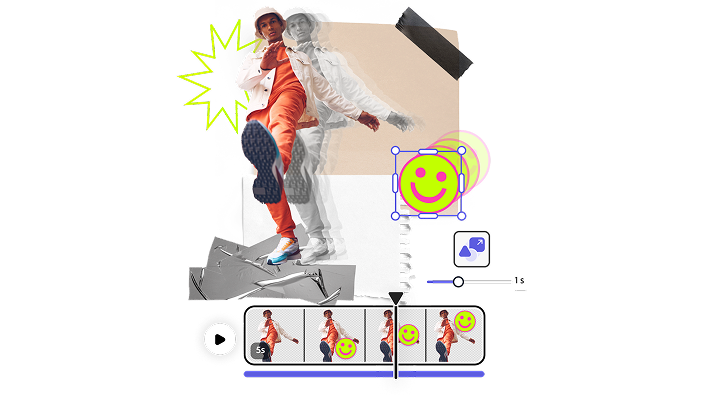
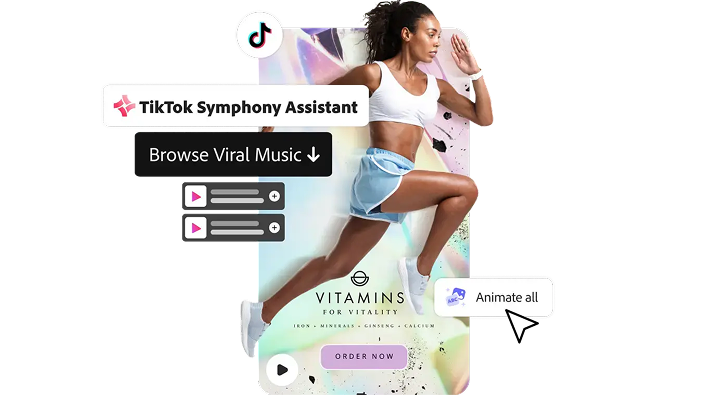
Create attention-grabbing content by adding animated effects to any element on your project. Turn your static posts into a scroll-stopping visual when you add movement to text, images, and icons.
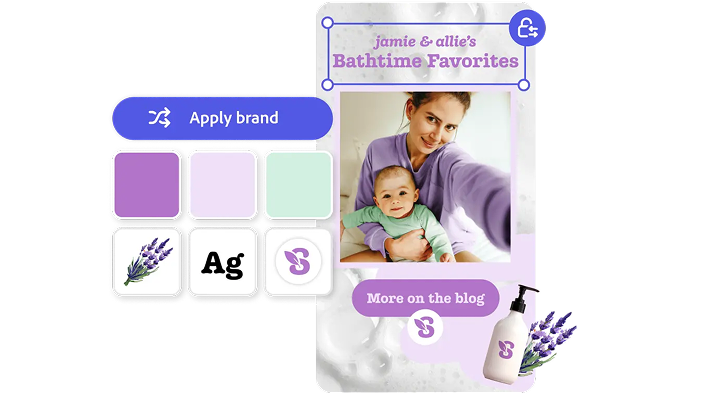
Take control of the look and feel of your content. Upload your brand logo, fonts, and colors and apply them to any design.
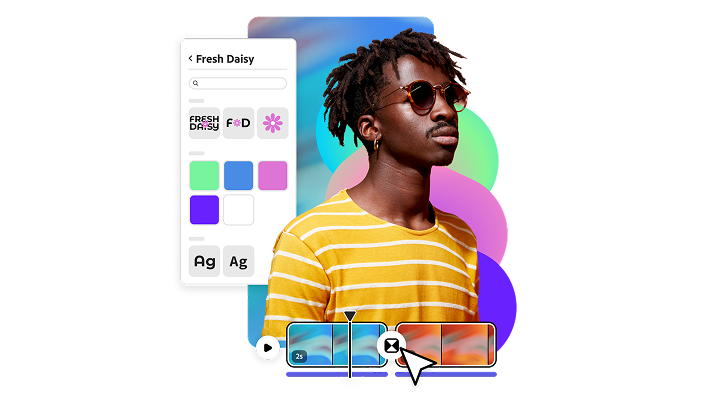
Get the look you want with easy-to-apply effects, filters, textures, and overlays to any image or video in your project.
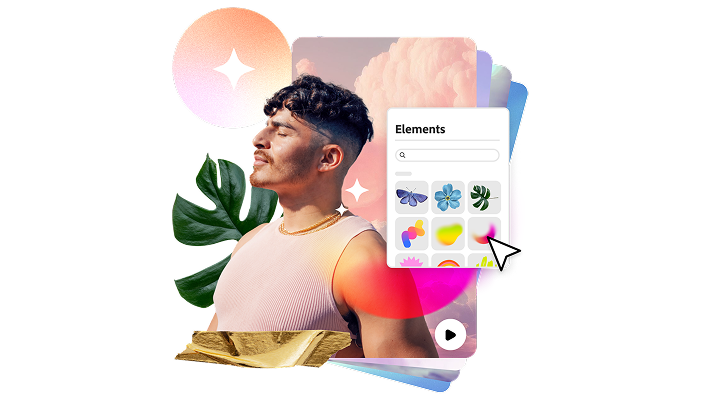
Discover tons of images, icons, backgrounds, videos, and more available at your fingertips. You can even search up a mood or aesthetic to get curated design assets just for your project.
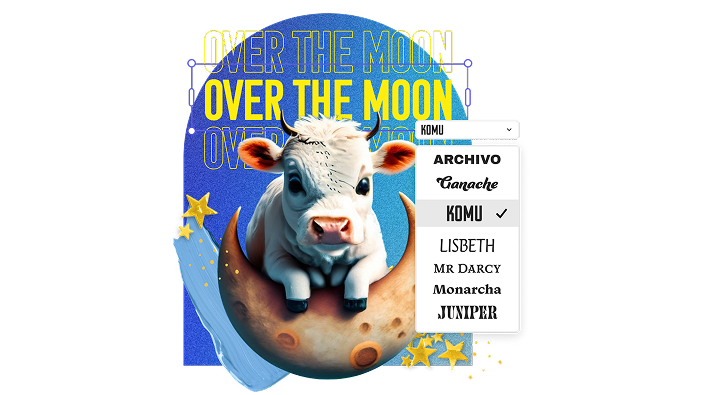
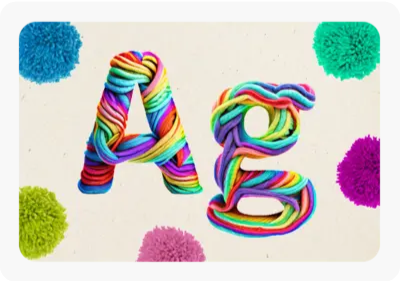
Choose from thousands of free, licensed Adobe Fonts to add to your flyers, photos, videos, or social content. If you can’t decide, get recommended font pairings and text templates curated for your project right in the editor.
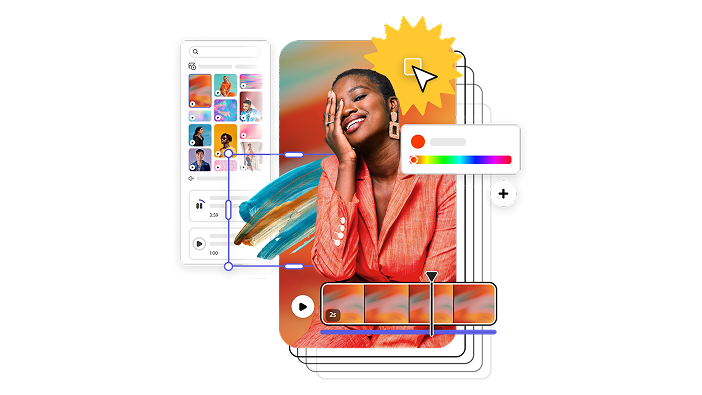
Customize premade templates, graphics, and text to make them your own.
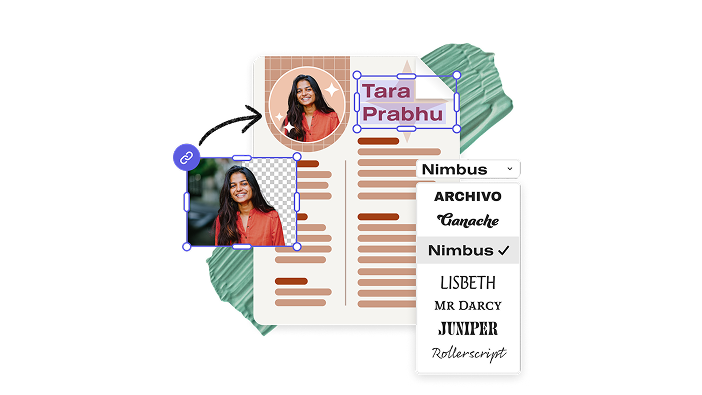
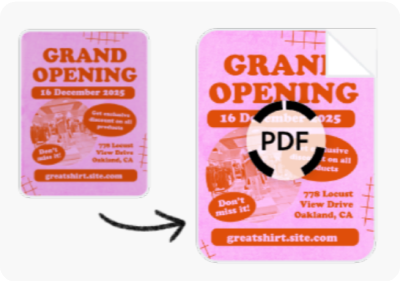
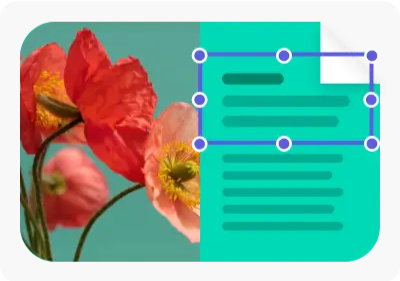
Share your ideas by creating, tweaking, combining, and converting PDFs. You can even edit text and resize images in your documents.
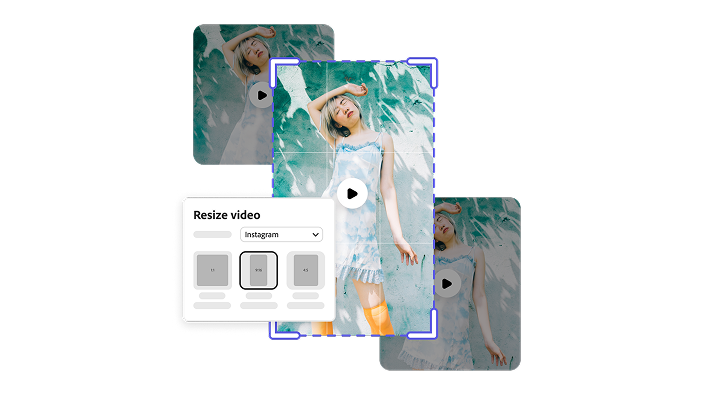
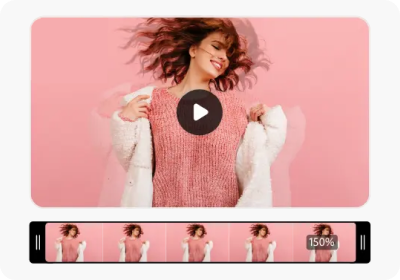
Say goodbye to remembering video dimensions for every social media channel – instantly resize your video and static social posts in just a few taps. Trim and crop your videos down in the same editor.