



Free video compressor.
Deliver a smooth streaming experience with our quick and easy video compressor.
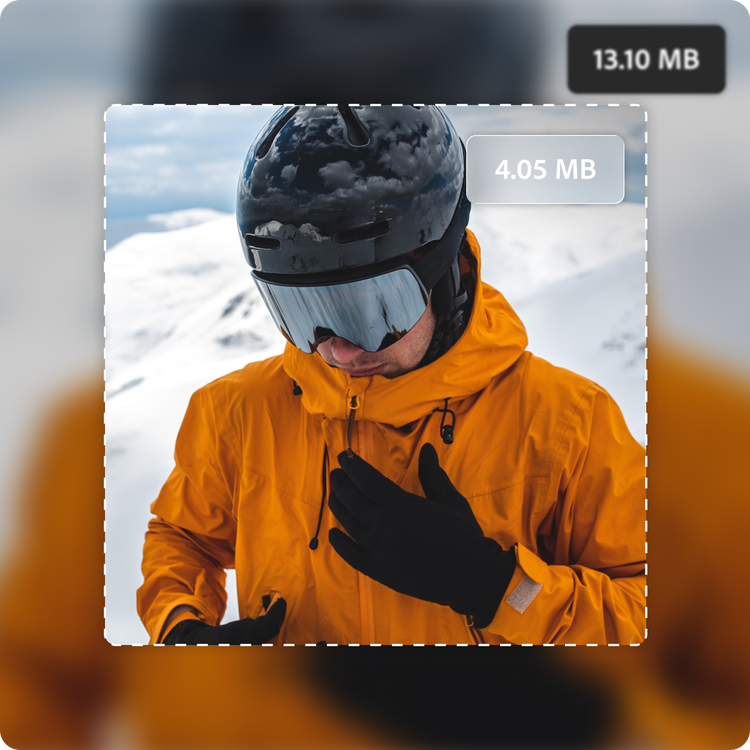
Drag and drop a video
or browse to upload.
File size can be up to 1GB
 Free to useNo credit card required
By uploading your video, you agree to the Adobe Terms of use and Privacy Policy
How to compress a video.
1. Upload.
Drag and drop your MP4 or MOV video file into the compressor. Or upload from your device files.

2. Compress.
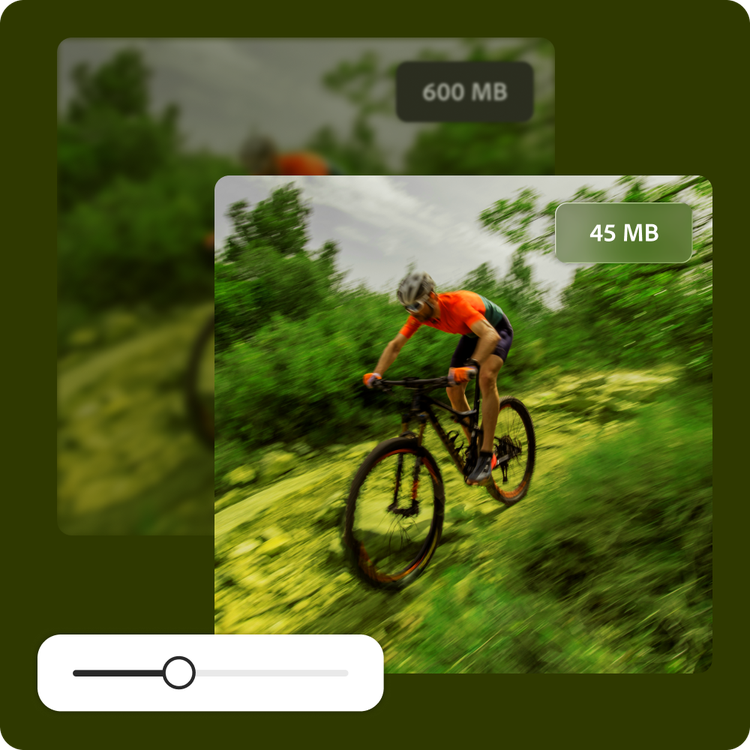
Drag the slider to your desired level of compression; whether that’s max compression and a small file size, balanced, or minimal compression with a higher resolution. The estimated output file size is clearly displayed before downloading.

3. Continue editing.
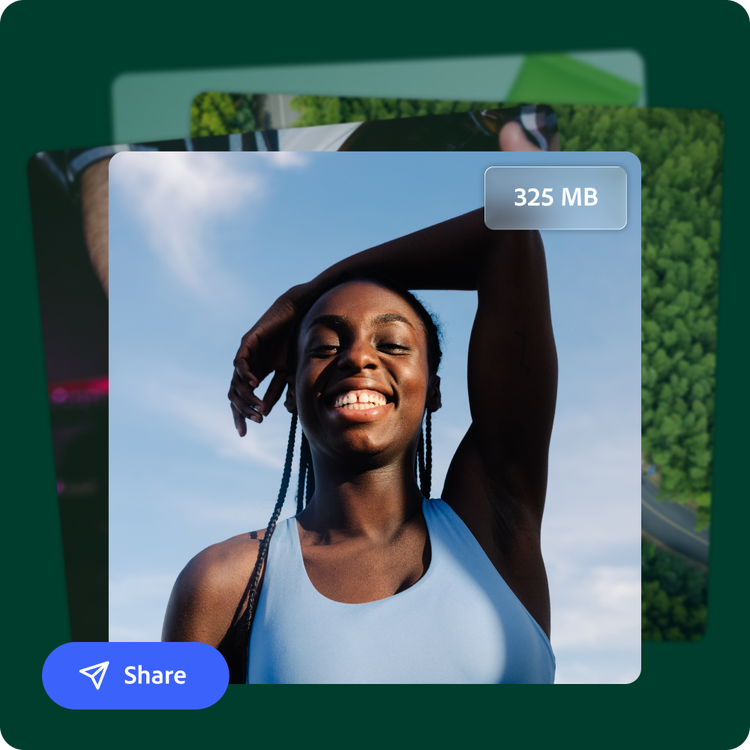
Your compressed video is ready. Save it, share it, or keep editing it to make it your own.
Compress videos without sacrificing quality.
Now that high-quality videos can easily be shot on everyday smartphones, even home videos can take up a lot of space.
In Adobe Express, you can turn a 600 MB, 2-minute 4K clip shot on an iPhone into 45 MB MP4. The compressor works by reducing the video’s bitrate while preserving overall quality.
Create a seamless sharing experience.
Improve upload times with a thoughtfully compressed video. Instantly download your compressed video to your device, so you can share it across your digital destinations.
Compress, cut, and polish your videos.
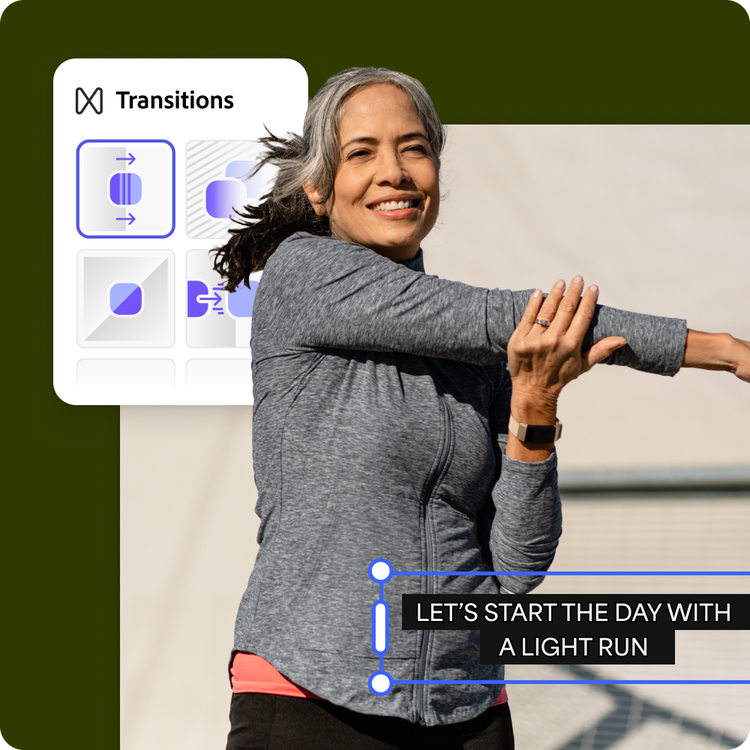
Whether you’re a content creator or the family historian, compiling and compressing videos is simple with Adobe Express. Take it further with video editing tools anyone can use. Add captions, transitions, and animations for a professional-quality touch.
Hundreds of thousands of templates and assets to start customizing today.
Turn your newly compressed video into a sizzle reel, commercial, or short social video. Explore our template library to get started. Then, add other pre-loaded design assets, fonts, icons, or images to customize your video project. You’ll walk away with a truly unique video, ready to share.

Compress large videos to store and send.
Videos can take up a lot of space. Adobe Express has an easy tool to compress the size of your videos without compromising on the visual quality, built with compression technology for efficient file reduction. Turn your favorite clips into files that are web- and storage-friendly. Say goodbye to slow website load times and irksome device storage space warnings.
You’re in control of the amount of compression applied to your video, whether you’re uploading an MP4 or MOV file. In Adobe Express, you can also convert your video files. Turn any MP4 into a smaller GIF or a MOV file into an MP4, which has broader compatibility. Make your videos perfect for their final destination and intended audience. Just upload, compress, and share.
Optimize videos for every platform.
Not every video is created the same way, nor should it be shared the same way. A cute family video shared on the group chat deserves different treatment than the portfolio reel that sits on your corporate homepage. With Adobe Express video compressor, you can download your video in the optimal size and quality for your purpose.
Simply upload your video file, and Adobe Express video compressor will turn out a file that is ready to share in no time. Need more finishing touches? You can keep editing in Adobe Express. Add audio, transitions, and text. Adjust the timing, trim, and so much more. Creating a captivating, useful video is easy to do, whether you’re sitting at your desk or commuting on the bus thanks to the Adobe Express mobile app.

