



Switch to Adobe Express for video creation.
See why some creators are choosing Adobe Express over CapCut, the quick and easy app for creating videos, YouTube thumbnails, social posts, and more. Edit your video, make it on-brand, then publish direct to TikTok, Instagram, and other social apps.
Discover the top features that everyone loves.
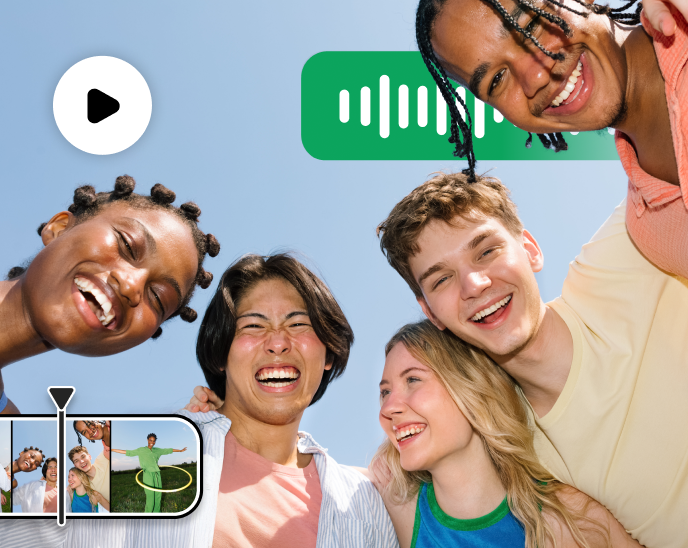
Video made easy.
Make video editing effortless with drag-and-drop controls, in-app recording, and direct publishing and scheduling to multiple social channels.
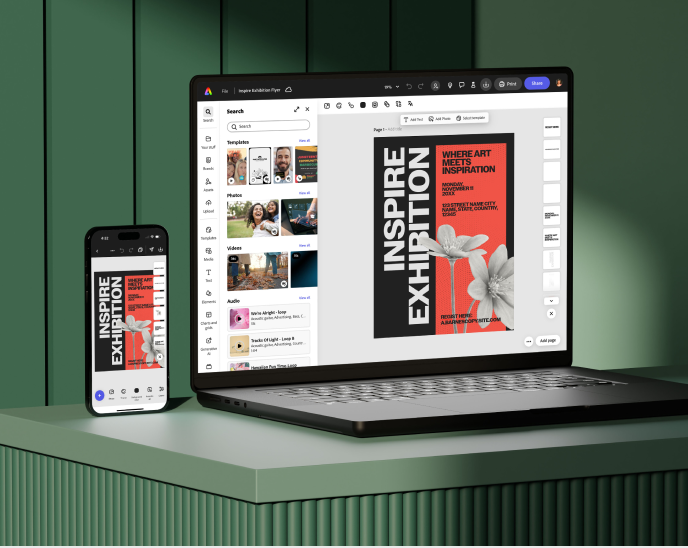
Create anytime, anywhere.
Create content seamlessly across your desktop browser and phone. Files stay synched so you can work wherever you are. Download it. Schedule it.
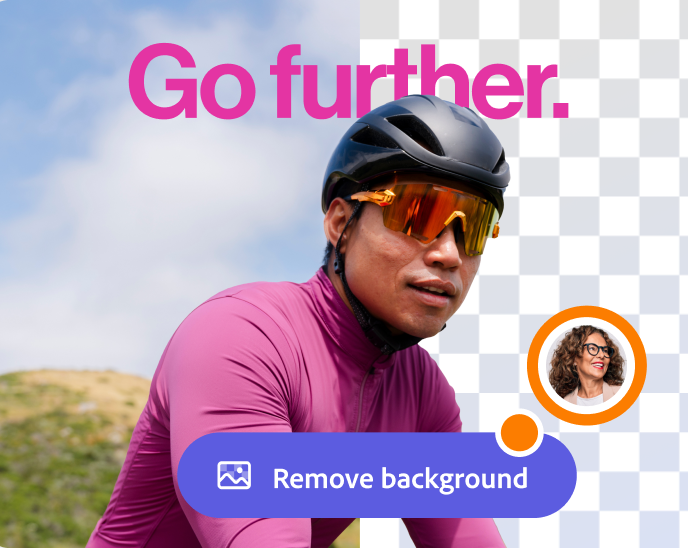
Complex edits in a single click.
Remove backgrounds, generate QR codes, add video captions, and more. Adobe Express is the quick and easy content creation editing app.
Compare Features
Adobe Express Free
on mobile
CapCut Free
on mobile
| Make standout content fast | Adobe Express Free on mobile | CapCut Free on mobile |
|---|---|---|
| Create and edit videos, designs, photos, presentations, all in one editor | Separate video and photo editors | |
| Free video auto-caption generation with no monthly limit | Quick Action | CapCut offers 8 free generations per month; advanced styles require Pro plan. |
| Never adds watermarks to your videos | Must pay for Pro plan to remove watermarks | |
| Import from Google Drive, OneDrive, Dropbox, and more | via add-on | |
| Seamless integration across Adobe apps like Photoshop, Illustrator, InDesign, Firefly, Acrobat and Lightroom | No download/upload needed |
| Edit once and share to multiple social channels | Adobe Express Free on mobile | CapCut Free on mobile |
|---|---|---|
| Plan, publish, and schedule direct to social channels | 1 account per social network including TikTok, Instagram Stories and Reels | No built-in content scheduler |
| Publish to multiple channels simultaneously | ||
| Get AI-generated social captions tailored to your design. Available in 45+ languages. | via Content Scheduler | No built-in content scheduler |
| Add social mentions directly in captions when scheduling posts | Facebook, Instagram, LinkedIn, X | No built-in content scheduler |
| Translate text from any design in up to 45+ languages and bulk translate 20 languages at one time in the same file |
| Create on-brand videos at scale | Adobe Express Free on mobile | CapCut Free on mobile |
|---|---|---|
| Extract brand colors, fonts, logos from images in one-click | ||
| Collaborate in-app in real time | ||
| Share video templates in-app with collaborators |

