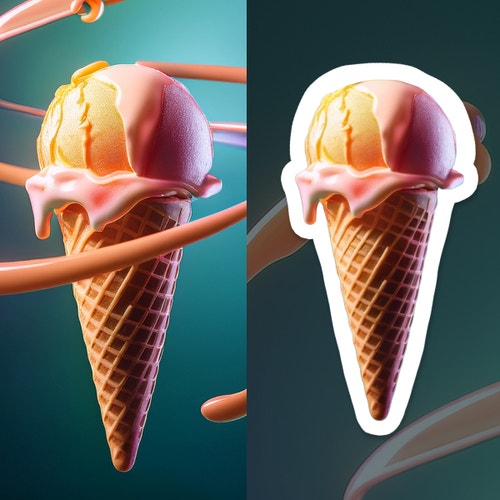
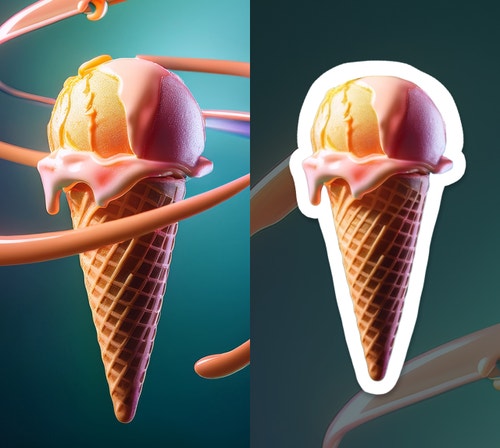
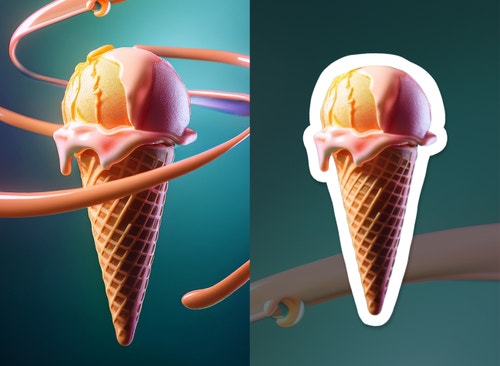
An AI sticker generator creates stylized sticker graphics from text prompts or images, allowing users to design custom characters, logos, or icons optimized for digital or print use. The Firefly AI sticker generator offers these benefits along with ease of use, speed, and precision.
The best AI sticker generator allows users to create high-resolution, customizable stickers while maintaining consistent style across collections. The Firefly AI sticker generator delivers on these attributes, and also provides precise prompt control, refinement tools, and workflow integration with the Adobe ecosystem.
Yes, AI tools can help you generate multiple variations of a character or theme from photos, artwork, or prompts. With Adobe Firefly, it's easy to build cohesive sticker packs for messaging apps, merchandise, or branding.
Firefly generative AI models are commercially safe. The Adobe Firefly generative AI models were trained on licensed content, such as Adobe Stock, and public domain content where copyright has expired. For partner models, you are responsible for determining whether the model is appropriate for your project.
The file format that is best for stickers depends on if you plan to edit your design in another app and the specific file requirements of the printing service you use if you are creating analog stickers. You can download a PNG file from Firefly and convert it as necessary.
Write clear, descriptive prompts. Include phrases that describe key styles and elements like "bright pastel colors", "cartoon style", "white sticker border", or "transparent background" to get the best results. You can also use the Enhance Prompt feature in Firefly to get help improving your prompt.
Yes, you can turn your logo into a sticker. Upload an image of your logo and use prompts and advanced editing tools like Generative Fill to design a professional-looking logo sticker.
Yes, you can use the Adobe Firefly sticker generator for free with an Adobe account. If you have a free account, you’ll get free daily generations to create custom sticker designs from text prompts across a range of styles and themes. Learn more about
using Adobe Firefly for free. Upgrade to a paid plan for higher-volume generations and access to additional features.