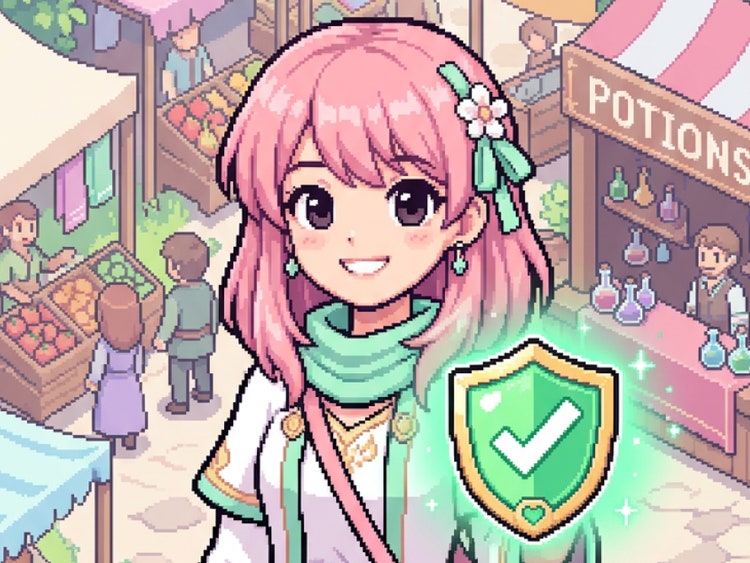
Yes. Images generated with Adobe Firefly models are commercially safe to use in games, merchandise, client work, and marketing materials. Adobe Firefly models are trained on licensed and public-domain content. You're responsible for determining whether images generated with partner models are appropriate for your projects.
Start with the character type and any defining features, then add the pixel resolution feel, color palette, and background treatment. For example: "chibi anime mage, 16-bit sprite style, purple and gold palette, transparent background." The more specific your prompt, the closer the result will be to what you have in mind. Use the
image-to-image tool to upload a reference if you want to anchor the visual direction before generating.
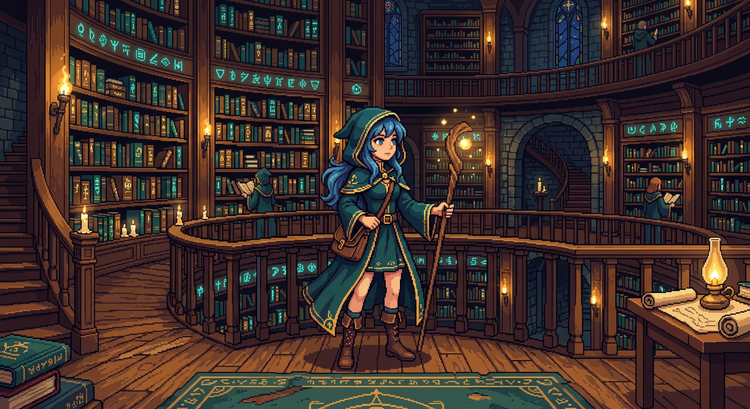
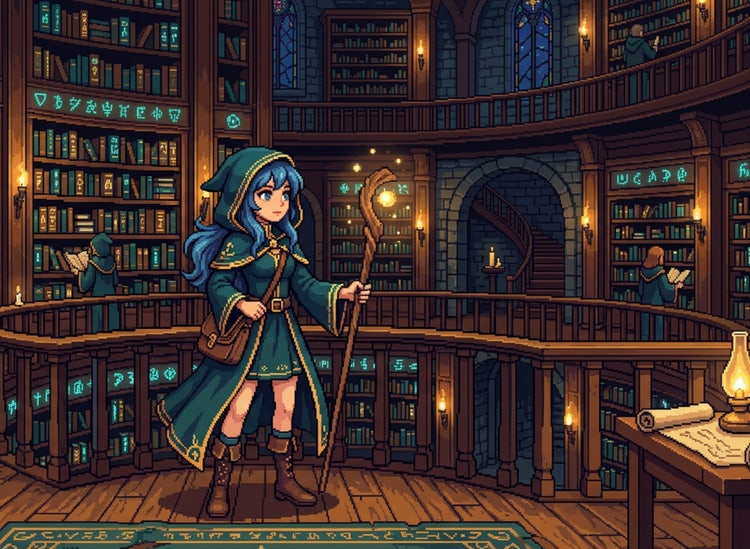
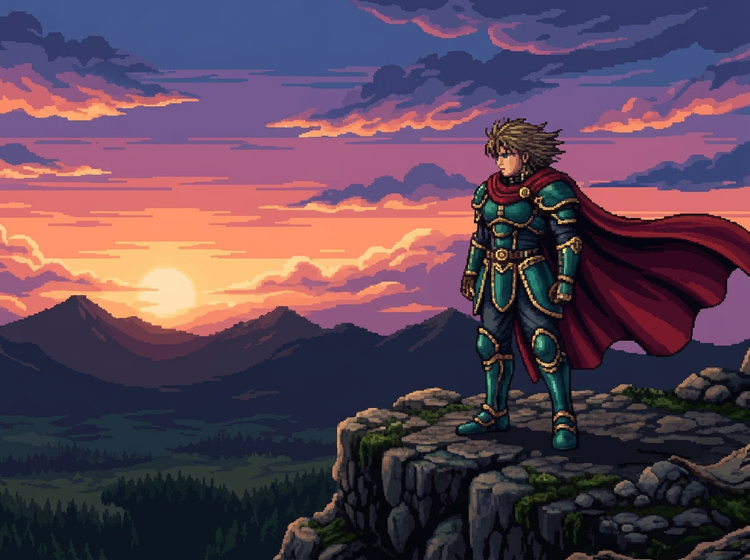
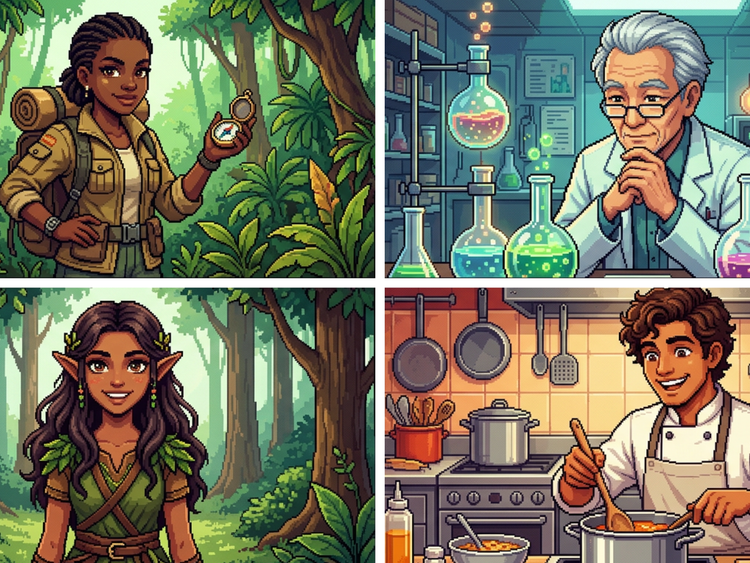
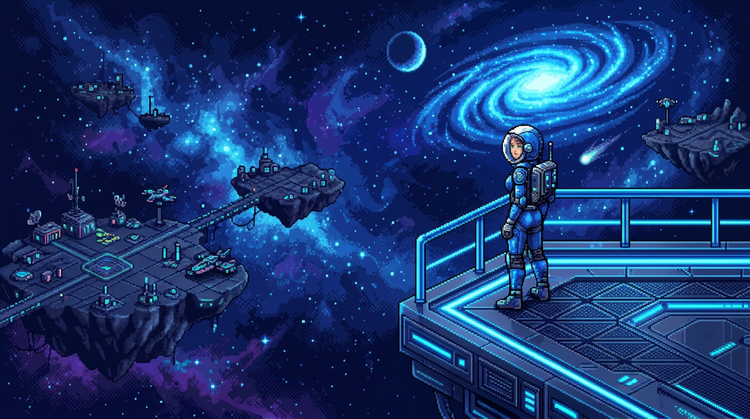
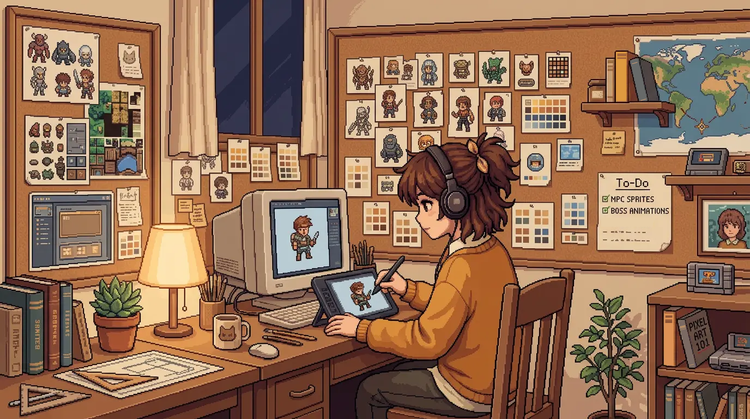
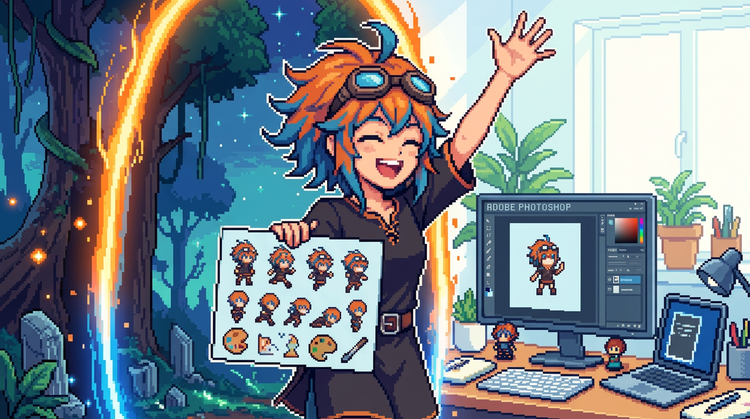
Anime pixel art combines the visual conventions of anime, such as expressive proportions, vivid palettes, and distinctive character features, with the grid-based, blocky aesthetic of pixel art. The style is common in indie games, fan art, and retro-inspired game projects. With Adobe Firefly, you describe the character and style you want and generate results without drawing each pixel manually.
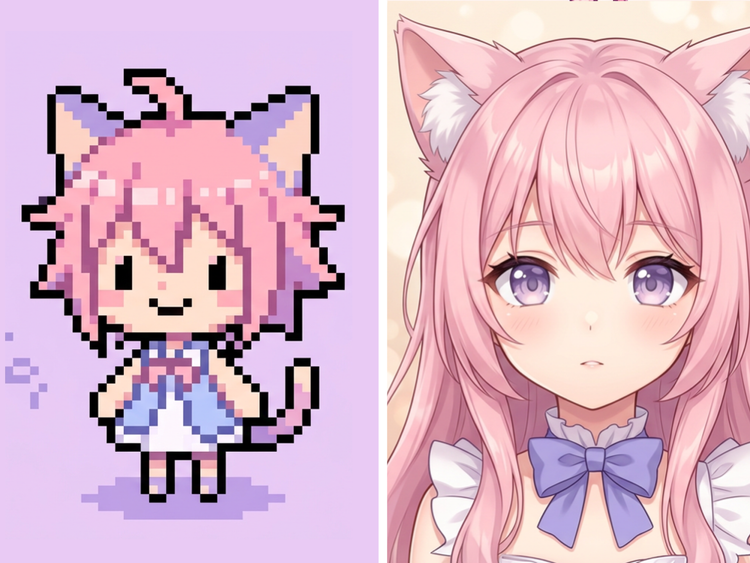
Standard AI-generated images are smooth and photorealistic or painterly. Pixel art is defined by its visible grid of colored squares, giving it a stylized, retro quality. When you include pixel art style cues in your prompt in Adobe Firefly, the result reflects that grid-based aesthetic rather than producing a low-resolution version of a smooth image. Specifying details like resolution feel, sprite style, or dithering in your prompt helps Adobe Firefly produce a true pixel art result.
Use detailed, repeatable prompts that lock in the character's proportions, color palette, and style cues. Saving your prompt language and reusing it across generations helps maintain consistency. You can also upload a reference image using the
image-to-image tool to anchor the visual style before generating new variations. For full sprite sheets, treat each frame as a separate generation and use the same core prompt.
Indie game developers use anime pixel art for characters, tilesets, and UI elements. Designers use it for merchandise, stickers, and social media content. Hobbyists and fan artists use it to create characters inspired by their favorite series. With Adobe Firefly, you describe the style and subject you want and get results you can use across all of these contexts.
Yes. Images generated with Adobe Firefly models are designed for commercial use. You can include them in games you sell or distribute without additional licensing steps for output from Adobe Firefly models. Review the
Adobe Generative AI terms for the full details before publishing.
Generate Image in Adobe Firefly produces PNG files. PNG is ideal for pixel art because it supports transparency and uses lossless compression, which preserves the hard pixel edges and color accuracy of your result.
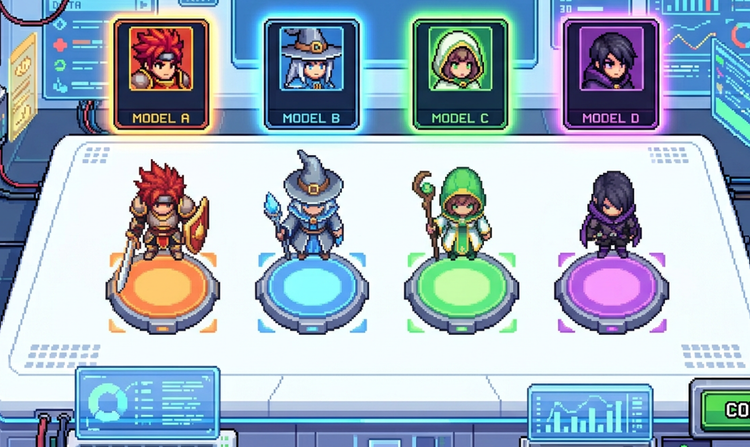
The best AI tool for anime pixel art gives you real style control, reliable results you can use in professional projects, and the flexibility to work with multiple models. Adobe Firefly brings together top AI models in one studio, with prompting tools that let you direct the pixel resolution, character style, and palette. You get commercially safe results from Adobe Firefly models alongside the ability to compare results across partner models to find what fits your project.
Yes, you can generate anime pixel art for free with an Adobe account. Free users receive free daily generations, so you can try Adobe Firefly without a paid plan. When you're ready for more, you can upgrade to a paid subscription for additional generative credits and access.