
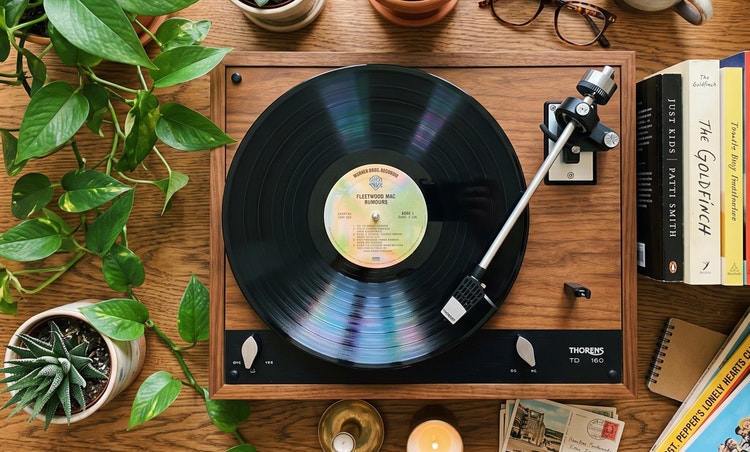
Generate custom button sound effects.
Describe the sound you want the button to make and use the Duration slider to choose the length of the audio clip. You can also use your voice as a guide.



With Firefly, you can easily create sound effects for every type of button — from an app component to the sound of pressing a buzzer — and use them in your video, audio, or UI projects.
Alert Text




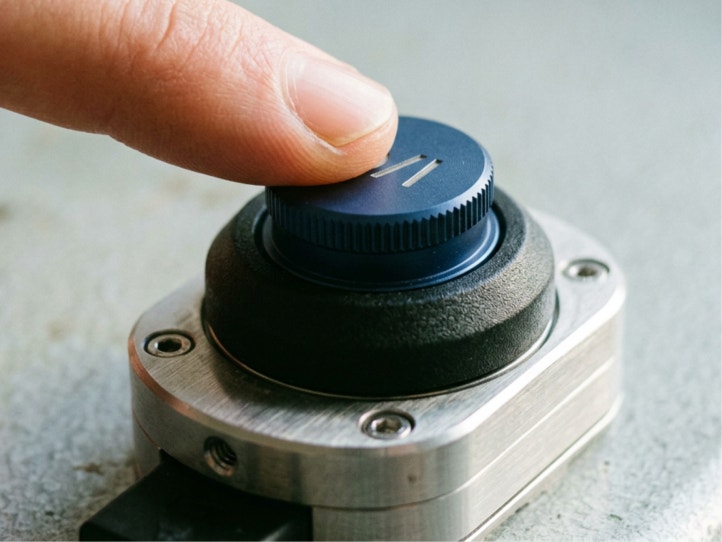

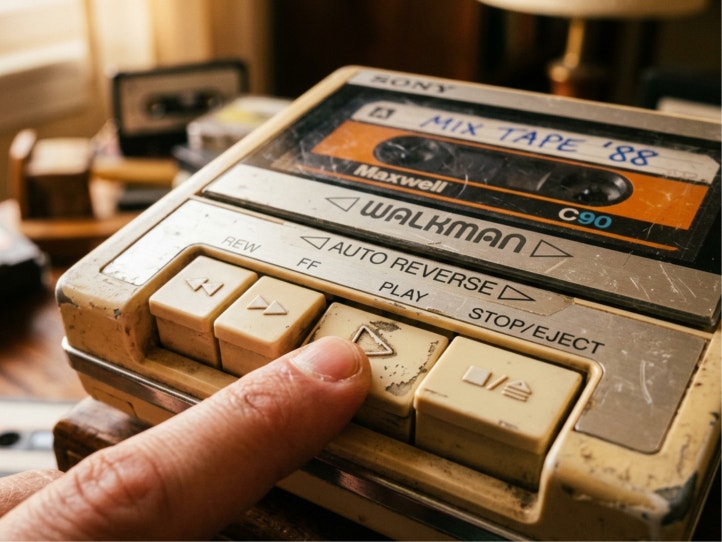

Use the free Adobe Firefly sound effect generator to take a rough concept for a button sound and turn it into something tangible by describing the feeling, timing, or interaction. Explore ideas early and iterate quickly before choosing a final sound for a specific interaction or moment.
Describe the sound you want the button to make and use the Duration slider to choose the length of the audio clip. You can also use your voice as a guide.


Generated sound effects are great for video, animation, and audio work, but you can also create button sound effects for text alerts, gaming sounds, UX design, or just sounds for soundboards.
Firefly models are designed to be commercially safe. They’re trained on public domain and licensed content, so you can use your Firefly generations in professional, branded, and monetized projects. Learn more about the Firefly AI approach to generative AI for business.

In the left panel of the Adobe Firefly homepage, select Audio › Voice to Sound Effects to go to Generate Sound Effects.
On the Generate Sound Effects page, upload a video or audio file that you want to improve with sound effects.
Type a simple prompt, like “smartphone button with haptic feedback” or “click of an old tape player button.”
Listen to the generated button sound effect and then fine-tune the length, tone, and intensity until you’re satisfied.
Preview output variations, select your favorite, and add it to the timeline at your playhead. If you’d like, you can reposition and change volume in the timeline.
Download your custom button sound effect by itself in WAV or embedded in your MP3 or MP4.
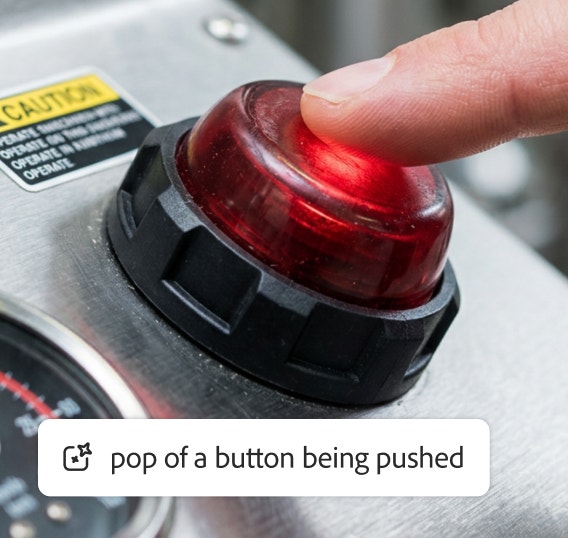
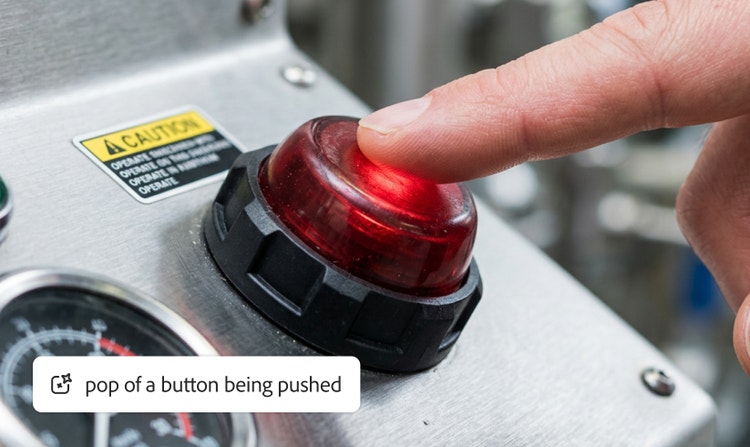
No need to scroll through sound libraries for the perfect sound effect with the right timing when you can generate it yourself.
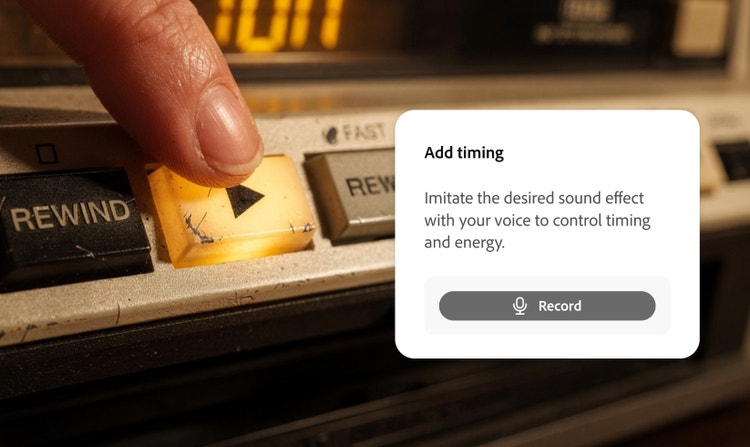
With a simple text prompt or voice sample, you can get the timing and intensity just right.
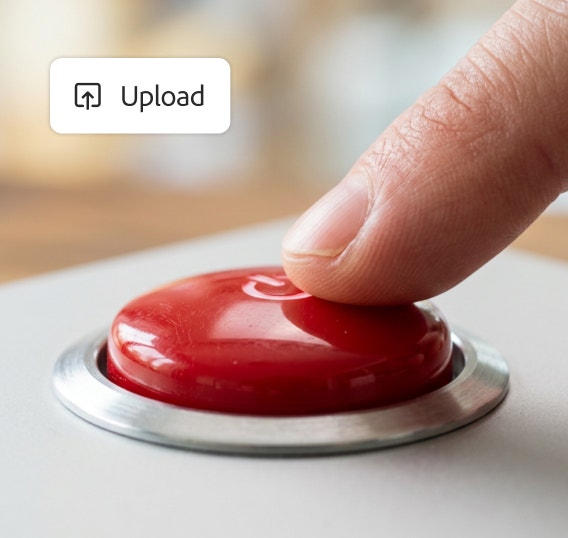

Upload your own video or audio files and then add your button sound effect exactly where you want it. You can even layer multiple button sound effects.


Firefly is trained on licensed and public domain content so you can use your outputs for professional projects.
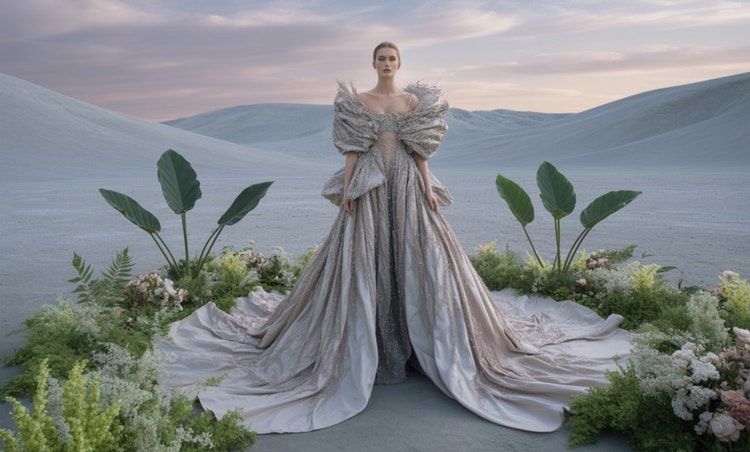

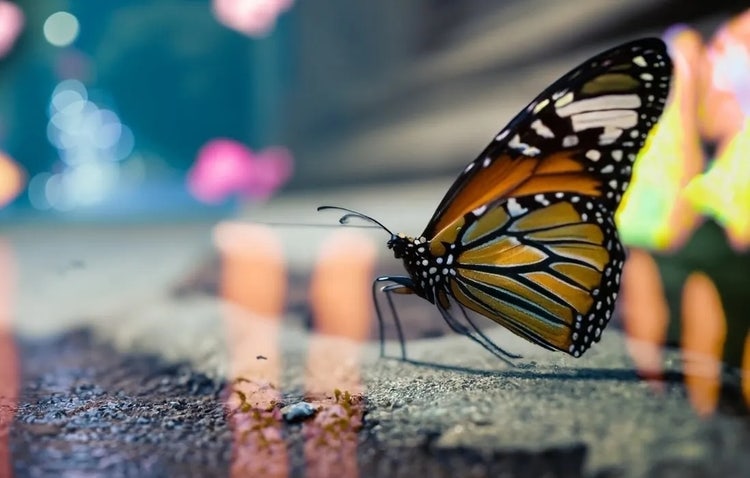
New generative AI tools are rapidly changing how we work and create. Learn how you can use them to boost productivity and discover new possibilities while maintaining creative control.
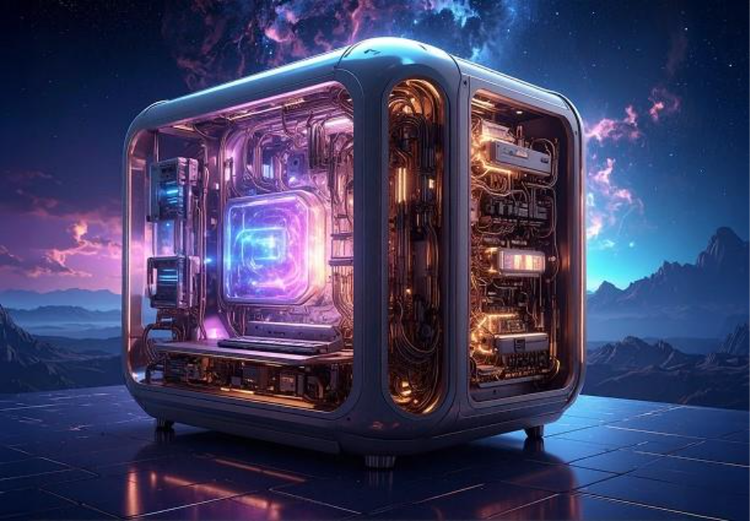
Generative AI is all over the headlines, and that’s not empty hype. This new technology is likely to be part of your life soon — if it’s not already. Learn how generative AI works and start streamlining your workflow.

Generative AI includes technologies like large language models (LLMs) and multimodal models that blend text, images, and more that let users creatively transform everything from design to video. Learn more about generative AI — how it works, what it’s trained on, and how it’s reshaping creative workflows.
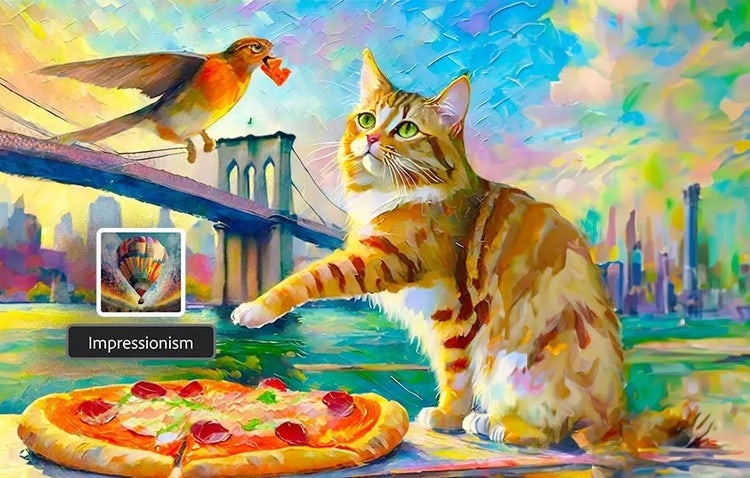
Surrealism, Cubism, Impressionism — find out how to create images in these and other art styles with generative AI.


