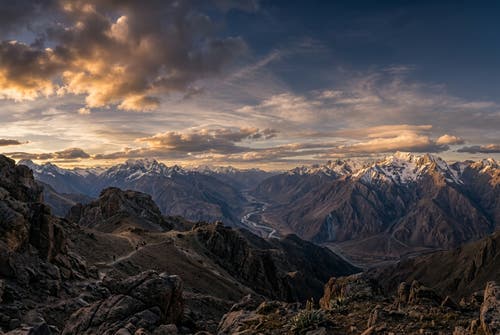
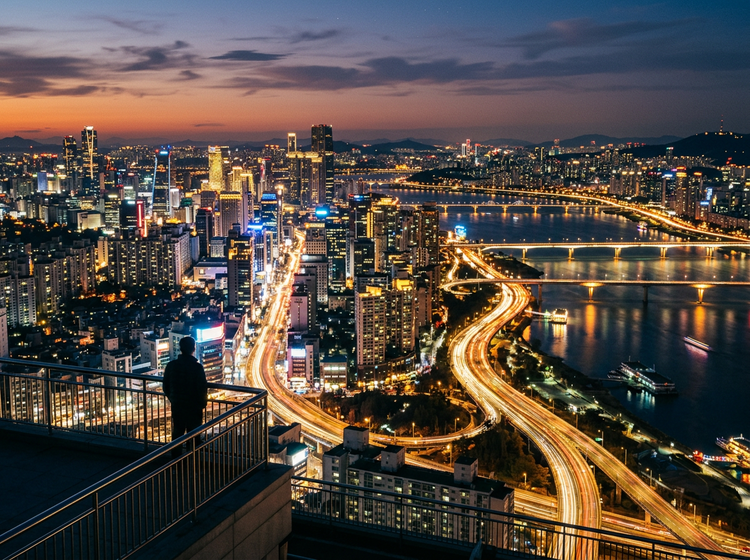
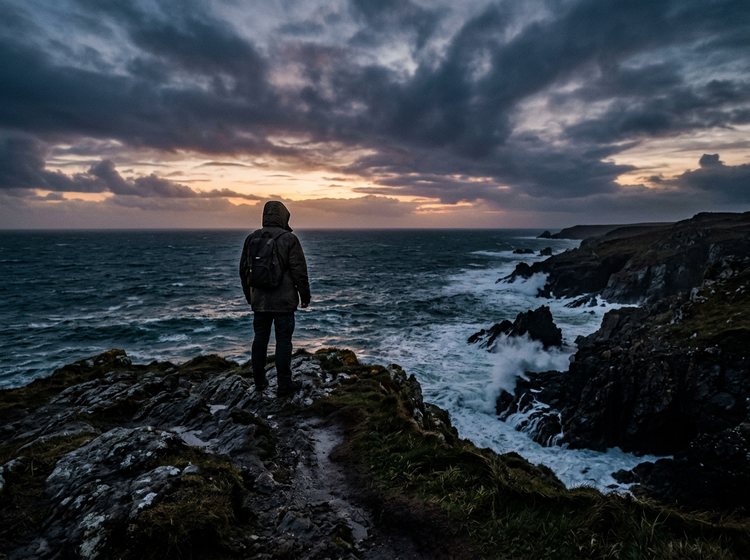
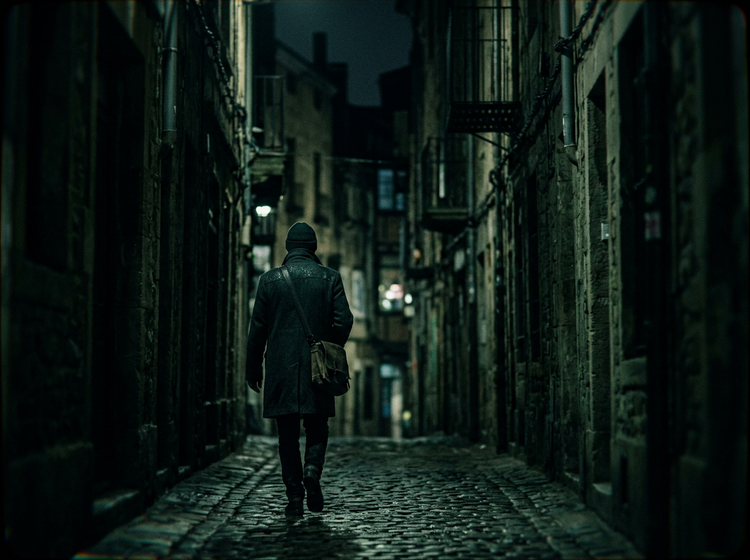
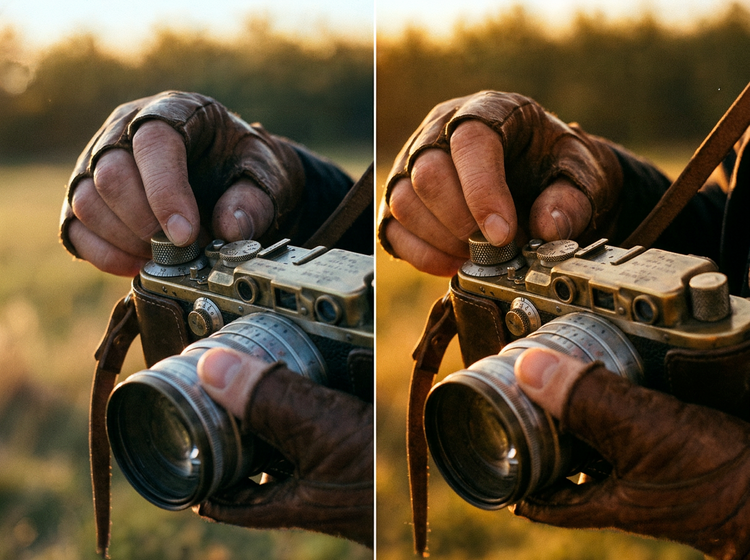
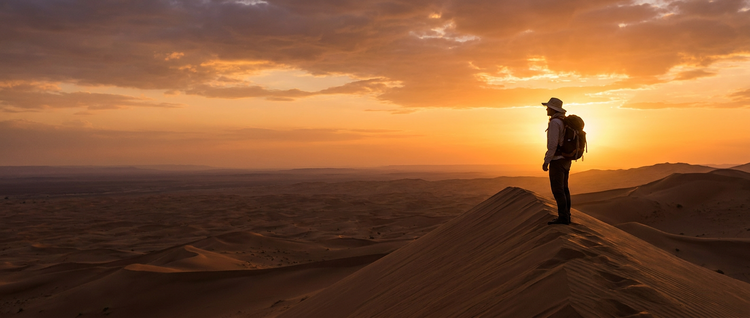
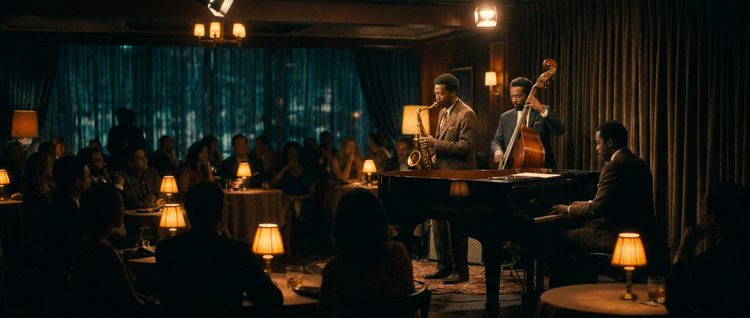
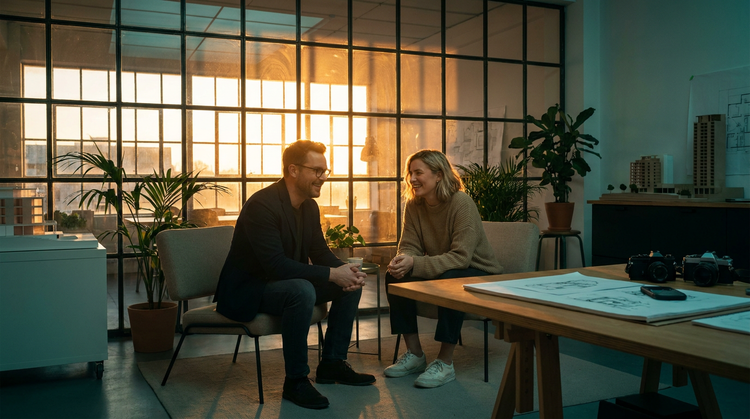
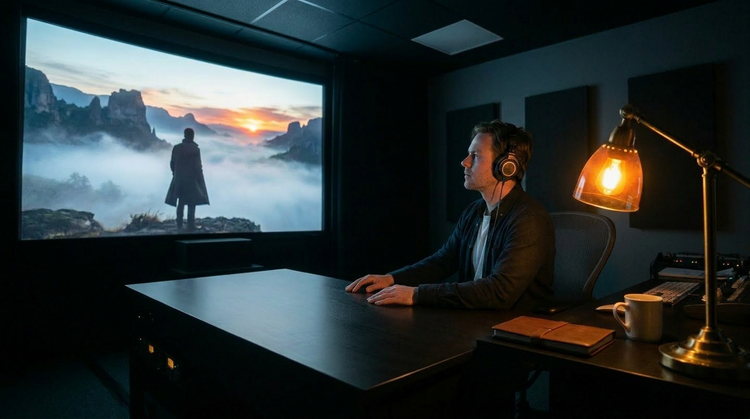
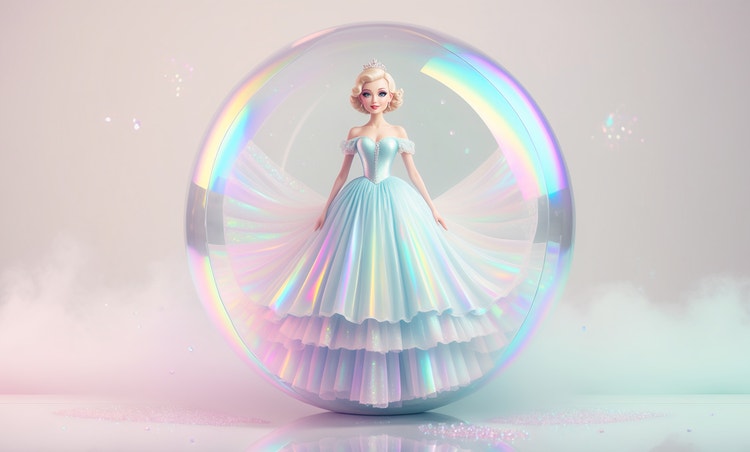
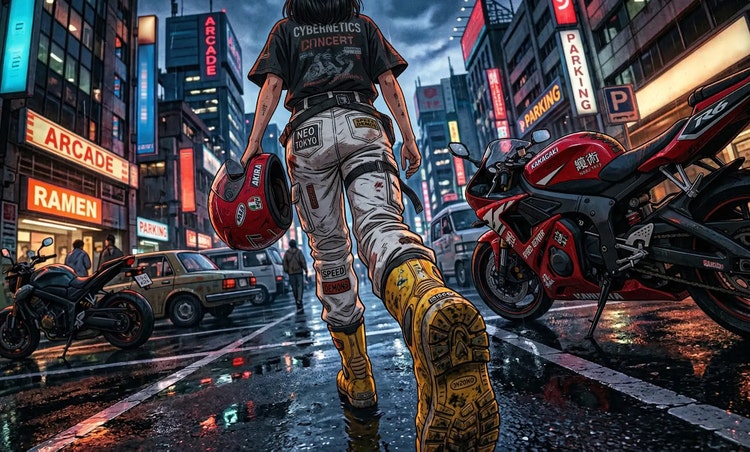
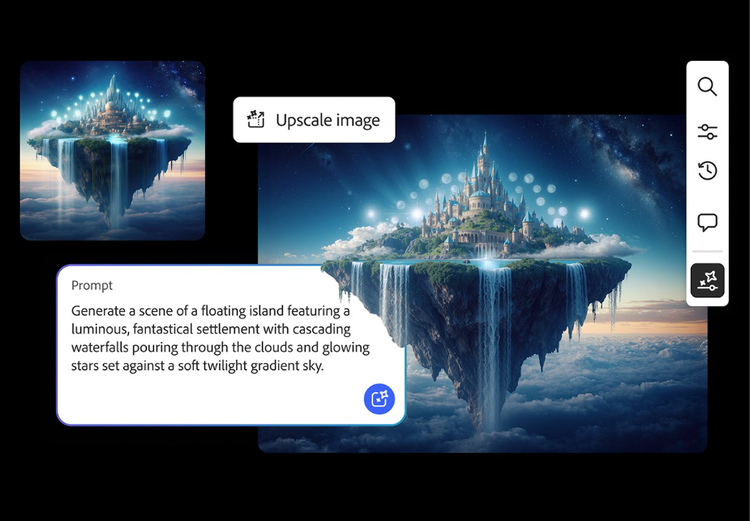
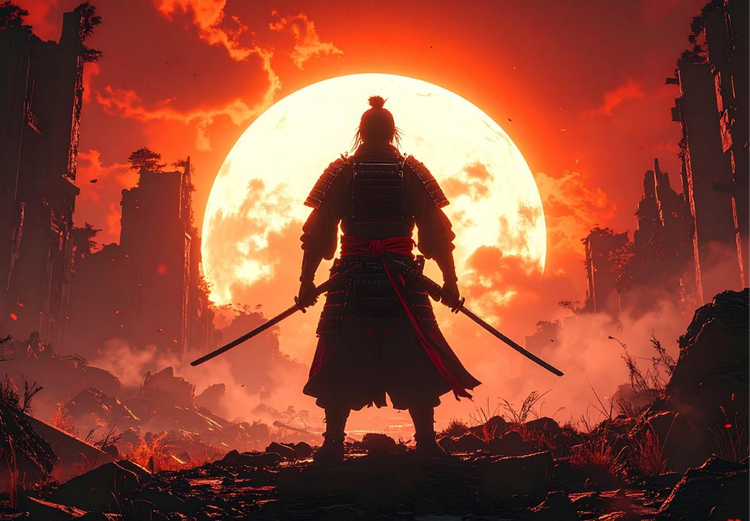
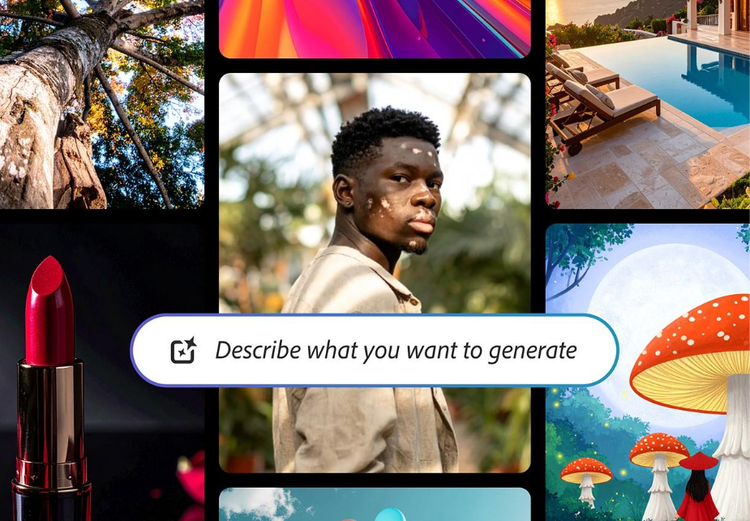
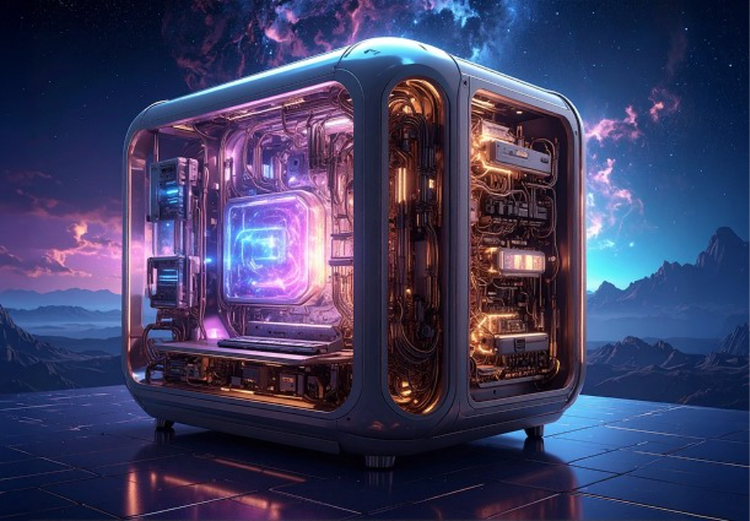
Cinematic photography refers to images that mimic the look of professional film stills: intentional color grading, dramatic lighting, rich contrast, and a strong sense of mood or narrative. The Adobe Firefly Generate Image feature lets you describe these visual qualities in plain language and produces an image that reflects your prompt.
Yes. Images generated with Adobe Firefly models are commercially safe, so you can use them in paid client work, advertising campaigns, editorial publications, and brand projects. Adobe Firefly models are trained on licensed and public-domain content. If you generate images using partner models available inside Adobe Firefly, review that model's terms for commercial use, as they may differ.
Specificity in your prompt is the biggest factor. Reference a lighting setup such as a “harsh side light,” “practical light from a window,” a color palette like “desaturated teal and orange” or “muted earth tones,” a film format “wide anamorphic frame,” “35mm grain,” and a mood such as “tense and quiet,” “melancholy golden hour.” The more directorial detail you give Adobe Firefly, the closer your result will be to a frame pulled from an actual film.
The best AI tool for cinematic photography gives you precise creative control over lighting, palette, and mood; produces commercially safe output; and integrates with professional editing tools for further refinement. Adobe Firefly provides all of these, along with a free tier and direct connection to Adobe Photoshop on the web for detailed retouching after generation.
Yes, you can generate cinematic style photos for free with Adobe Firefly. A free account gives you access to free daily generations, so you can try Adobe Firefly without a paid plan.
Learn more about using Adobe Firefly for free. Additional access is available when you purchase an Adobe Firefly subscription.
The range is broad. You can generate noir shadow play, warm golden-hour westerns, cold Scandinavian thriller palettes, neon-drenched urban night scenes, sun-bleached wide-open landscapes, and high-gloss contemporary drama aesthetics. Any cinematic style you can describe, Adobe Firefly can generate an image for. The more detail you include in your prompt, the more specific the result.
Yes. You can upload a reference image in the General Setting panel of the Generate Image feature and describe the cinematic treatment you want applied to it. This is useful when you have a composition you like and want to shift its color grade, lighting mood, or overall visual register toward a specific cinematic style.
Very specific. Adobe Firefly's Generate Image feature responds well to detailed cinematic language: lens type, depth of field, color grade descriptions, lighting setups, grain characteristics, time of day, and stylistic references like “1970s New Hollywood” or “contemporary Scandinavian thriller.” The more precise your prompt, the more closely the output will reflect your intended look.
Images generated with the Adobe Firefly Generate Image feature download as PNG files. PNG preserves full image quality and is compatible with professional editing tools including Adobe Photoshop.