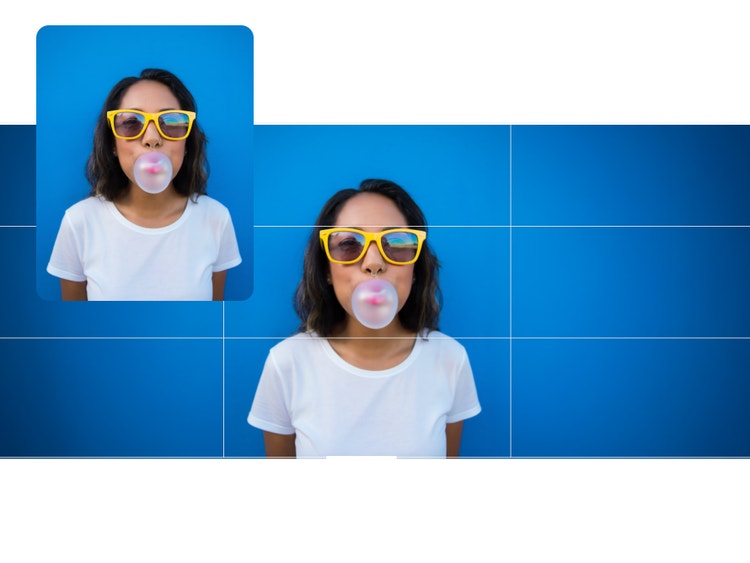
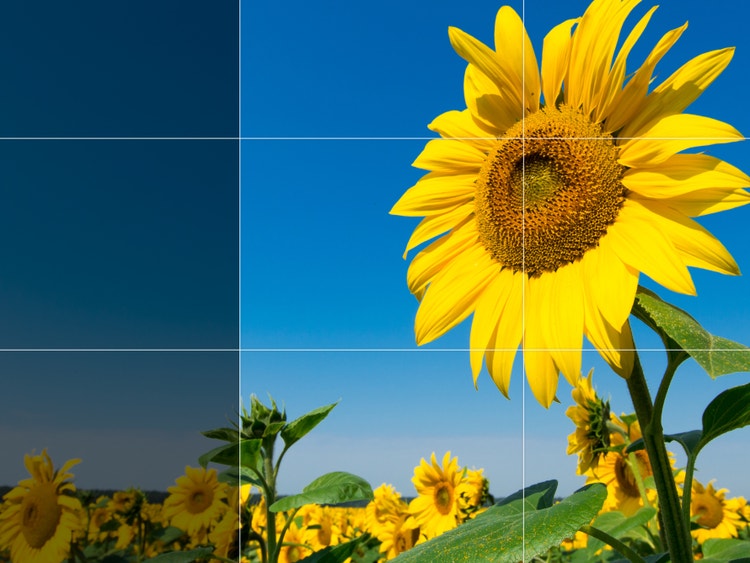
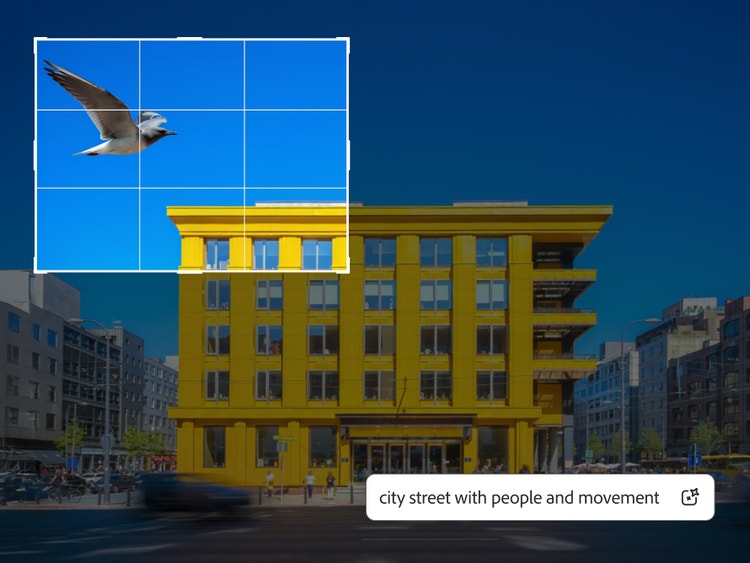
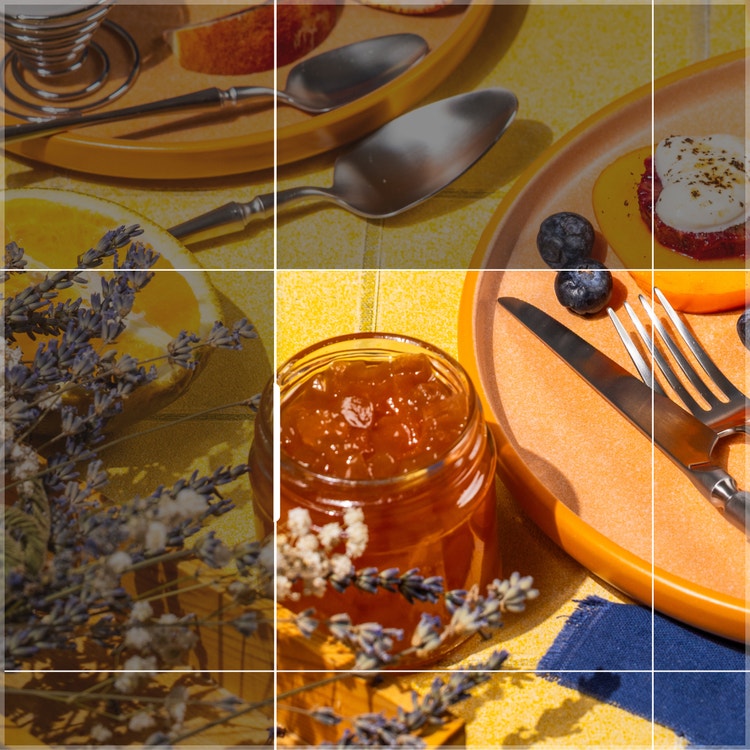
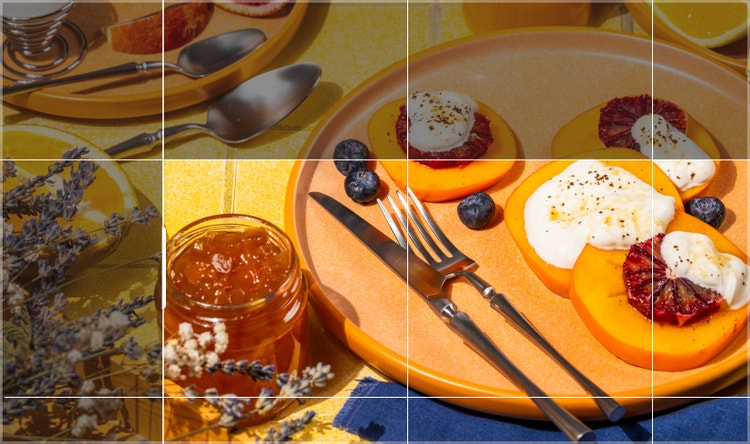
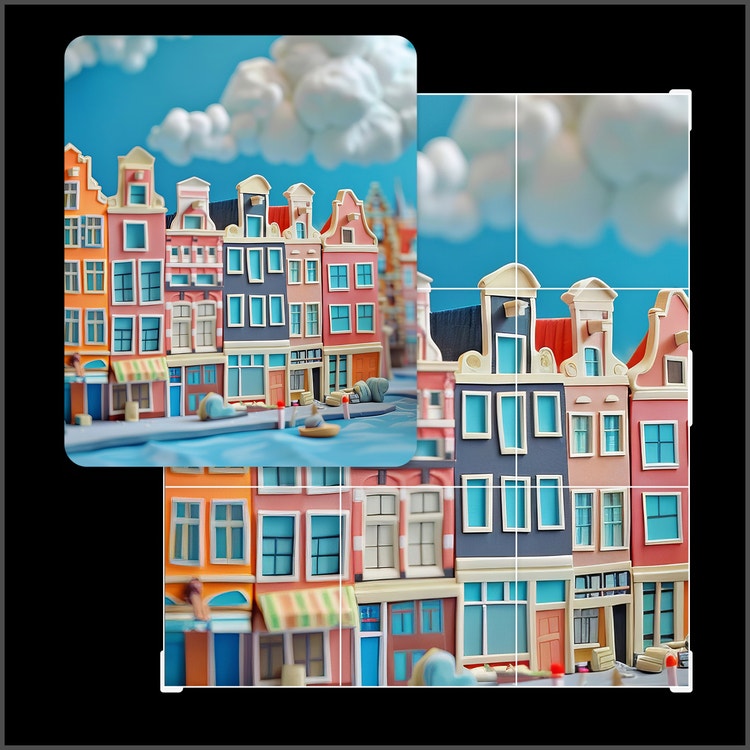
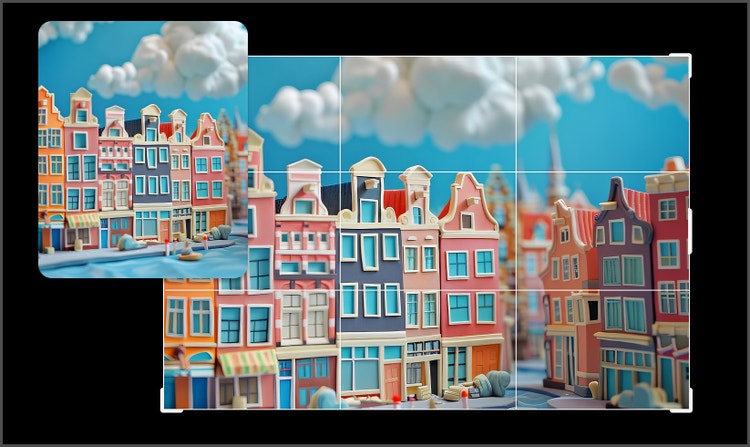
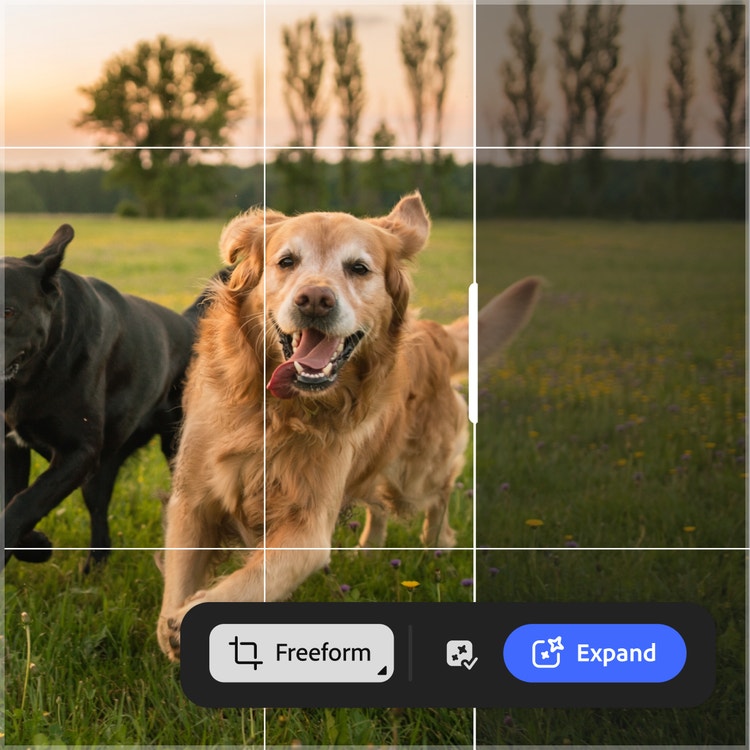
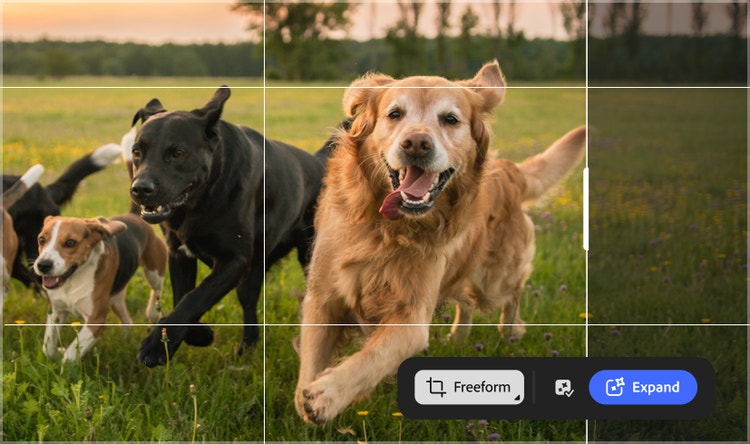
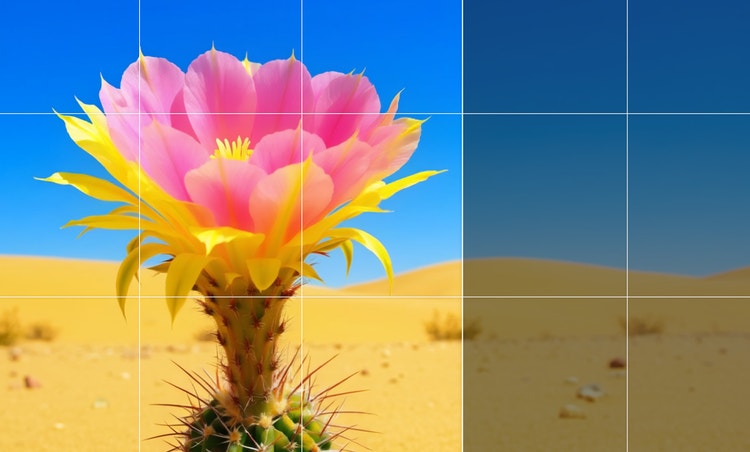
Generative Expand enables to you extend an image beyond its original edges by automatically generating new, matching content, making it easy to change aspect ratios or add background without cropping or manual retouching.
Yes, images created with Firefly models using generative AI features without the beta label can be used commercially.
Firefly is a strong choice for AI image expansion because its Generative Expand feature intelligently extends images beyond their original edges, adding realistic, context‑aware content while preserving the look and composition of the original. The process is non‑destructive, easy to control with or without prompts, and integrated into Adobe’s creative tools, making it fast and reliable for resizing images across different formats and use cases.
Yes, you can use the Adobe Firefly AI image expander for free with an Adobe account. If you have a free account, you’ll get free daily generations to extend and expand the edges of images using AI, adding new content that blends seamlessly with the original. Learn more about
using Adobe Firefly for free. Upgrade to a paid plan for higher-volume use and access to additional features.
Yes. Generative Expand allows you to adjust an image to different aspect ratios such as 1:1 for Instagram, 9:16 for Reels, or 16:9 for presentations while keeping the original subject intact.
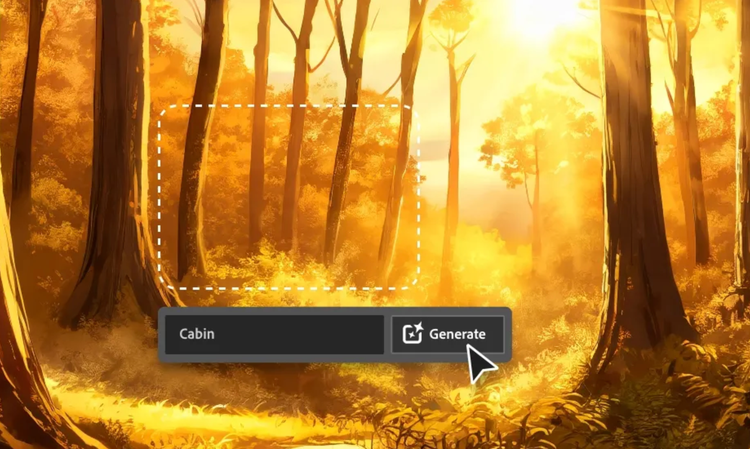
Use Generative Expand when you want to extend the canvas of an image outward. Use Generative Fill when you want to replace or remove content within the image. Expand adds space around your subject, while Fill edits content inside the existing frame.
The best generative expand tool extends an image beyond its original borders while preserving realism, lighting, and composition. The Firefly Fill & Expand model is built directly into its image editing workflow, making it easy to adjust images for social media, presentations, print layouts, or widescreen formats. Because it works alongside other tools like Generative Remove and Generative Upscale, you can expand, refine, and export high-quality visuals without switching platforms.