

Add some Color to your content.
Add curated color combinations to your Adobe Express projects and swap them out with one click. Plus, with Adobe Color integration you can choose from a variety of generated color themes.
Powered by Adobe Color
1. Choose a template.
Pick template from the list below or start from scratch.
2. Select a palette.
Browse hundreds of color themes to find the perfect combination.
3. Download.
Instantly download your content or share it to social media.
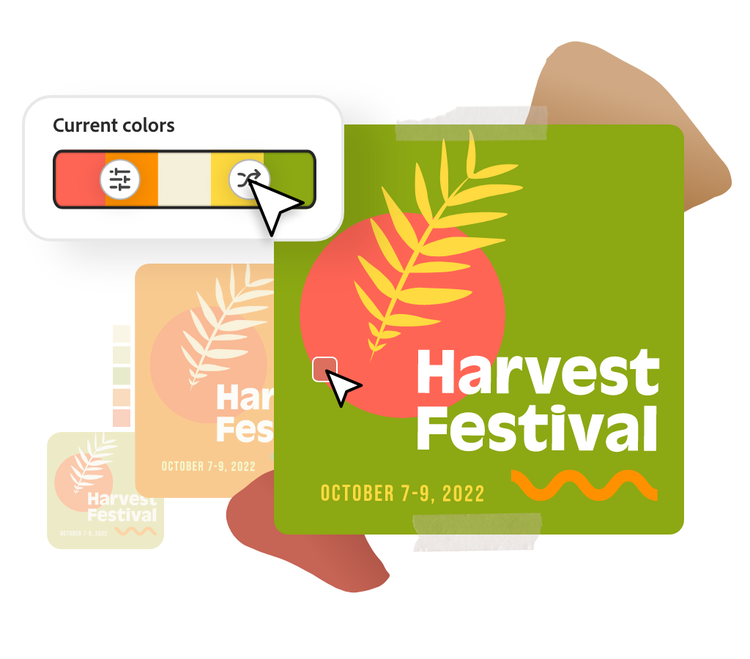
Apply your color theme in seconds.
If you want to completely change the look of your template, swap it out with a whole new palette in seconds. With just a click, you can swap through any color palette you choose and instantly apply it to your project.
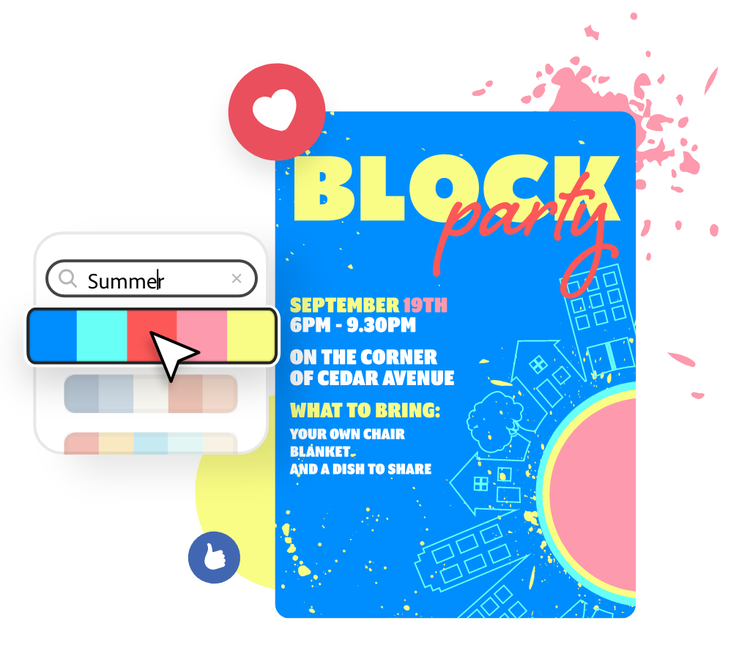
Search for color themes by keyword.
You can now search for color palettes within Adobe Express. Under the Colors tab, enter a keyword to find palettes that match your ideal theme.
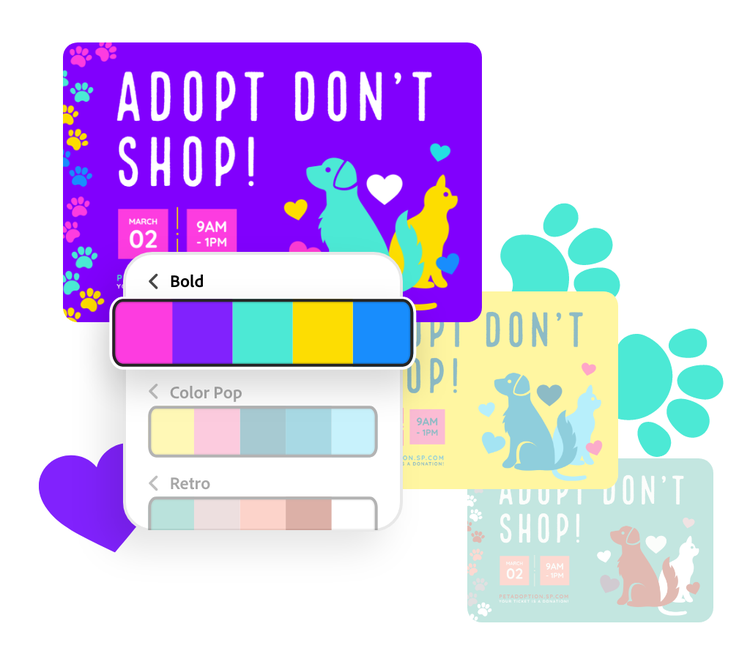
Browse from all-new color categories.
Finding new color palettes is now even easier, with new groupings based on common color themes. Generated by Adobe Color, you can get started even quicker with categories like Bold, Pastel, and Retro.


Frequently asked questions.
What are the tips to add color to the content?
Using the Colors menu, you can generate a color palette in a few different ways. First, use our auto-generated color palette based on your design. You can edit that to fine tune your palette to your liking. You can also create a color palette entirely from scratch. Search for professionally curated color palettes using our library of options generated by Adobe Color
Can I edit the content further after I add the color?
Absolutely. You can pause on any project at any time, and Adobe Express will save it automatically. Make as many changes or different versions as you need.
How to choose the perfect colors for social media?
Easily search through our library of preset color palettes to find the perfect curation for any need. You can search by social media platform, or by content aesthetic — bold, holiday, pastel, etc.
How do I import a color theme from Adobe Colors into Adobe Express?
You can copy the color themes in Adobe Color and paste them into your Adobe Express project. See Import color themes to Adobe Express for more information.
Can I use Adobe Express for free? If so, what’s included?
Yes, we have a free plan available for anyone. Enjoy everything you need to stand out, including dozens of quick action tools, thousands of templates, photo editing and effects, and much more. Explore our plans and pricing for details.