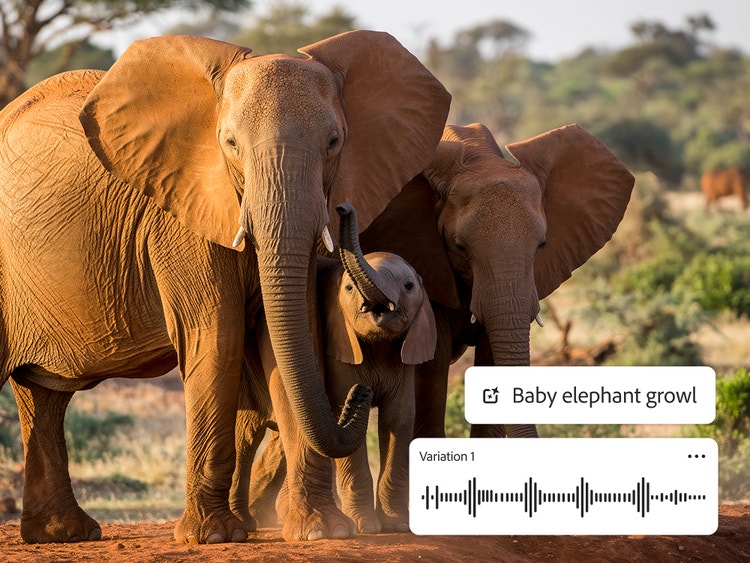
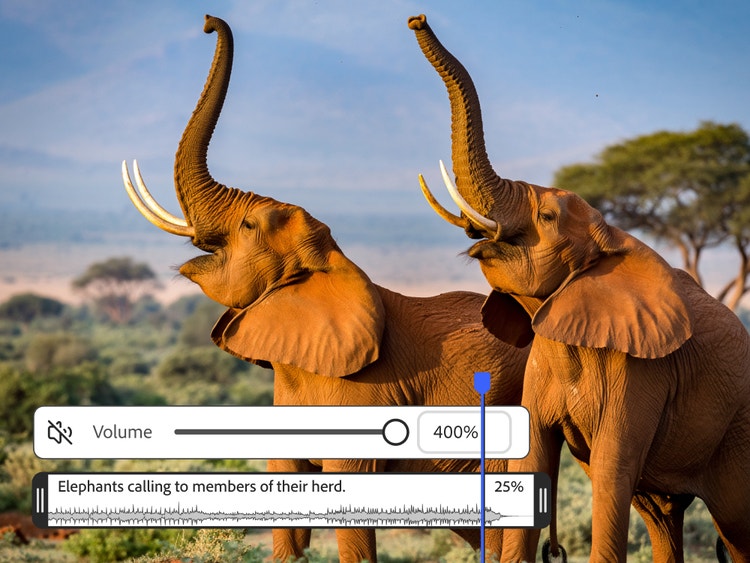
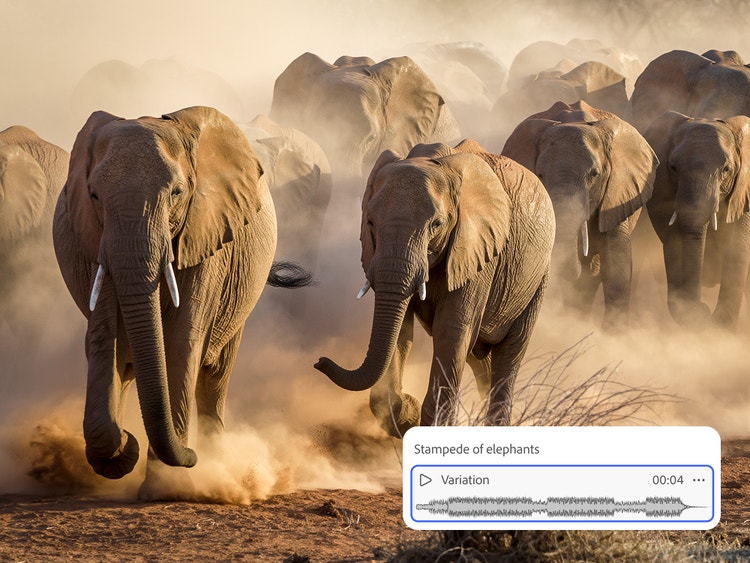
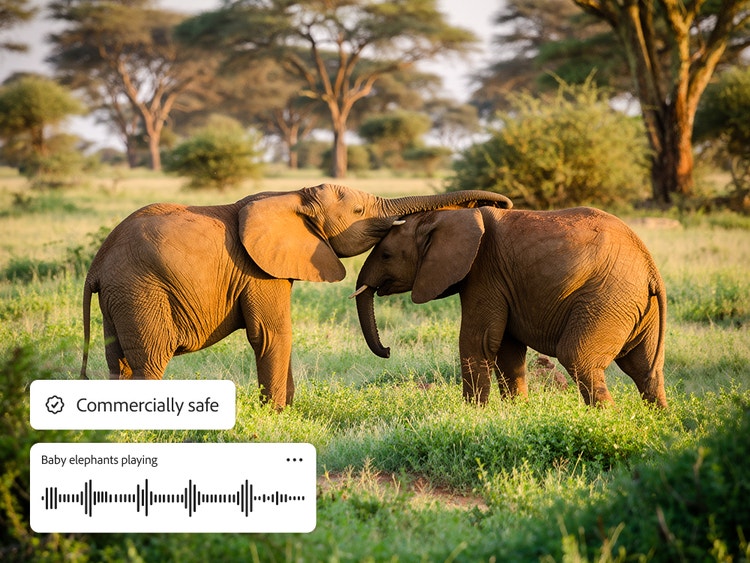
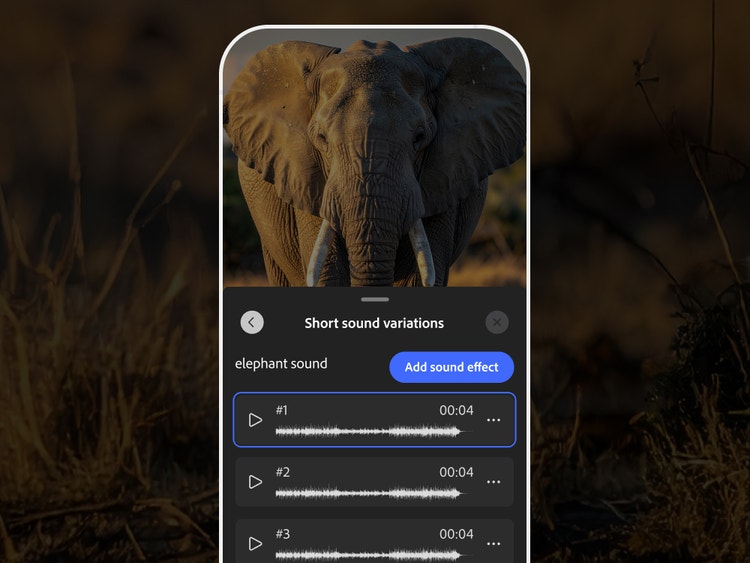
The best AI elephant sound effect generator should allow you to create realistic elephant sounds, such as trumpets, rumbles, and footsteps, with control over timing, intensity, and tone. Adobe Firefly enables this through the Firefly Audio Model, generating natural and realistic elephant sound effects from simple text prompts.
Yes, you can generate elephant sound effects for free with Adobe Firefly using a free Adobe account. If you have a free account, you’ll get free daily generations to try the elephant sound effect generator and create authentic wildlife audio for your projects. Learn more about
using Adobe Firefly for free. A paid plan is available for higher-volume generation.
You can create a wide range of elephant sounds, including loud trumpets, rumbles, growls, grunts, breathing sounds, and slow or heavy elephant footsteps.
Download your elephant sound effects and import them directly into your video or audio editing software to place them accurately within your project timeline.
Adobe Firefly supports common audio formats such as MP3 and WAV for elephant sound effects.
Yes, the Adobe Firefly AI video editor works on mobile devices. At this time, it’s supported through your mobile web browser, so you can access and use it without installing a separate app.