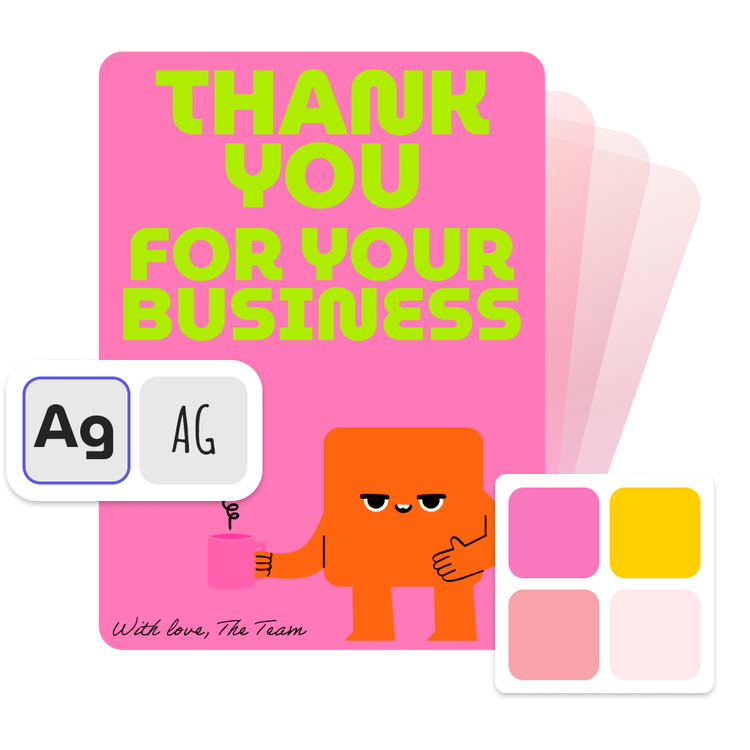
Whether you're a startup, a small business, an enterprise, or a creative professional, staying consistent with your visual identity is key to building trust and recognition.
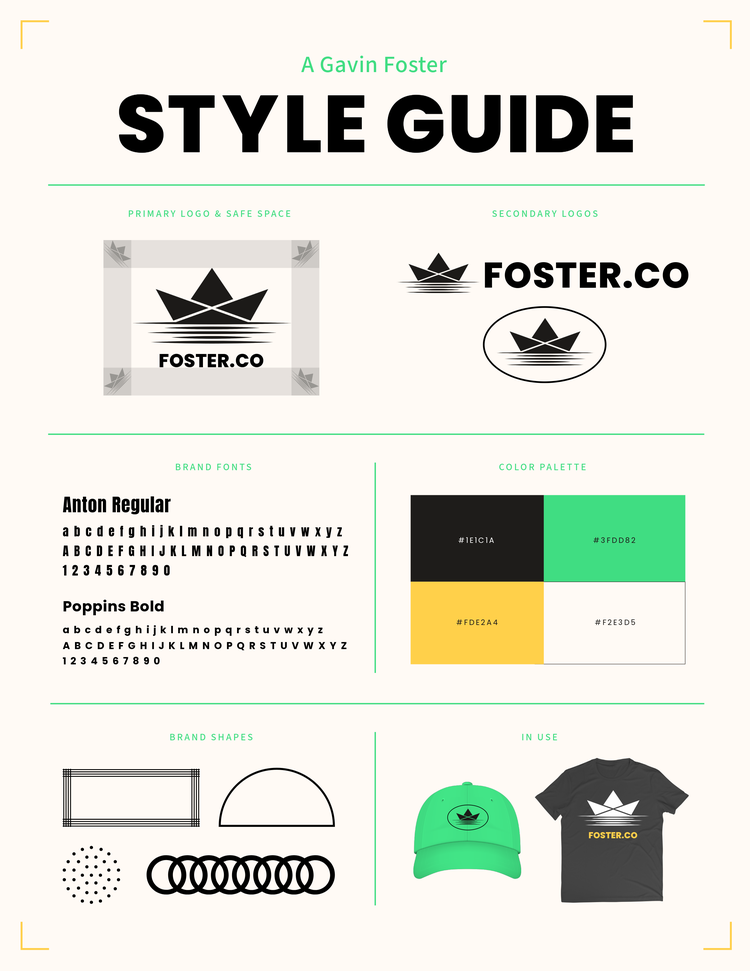
What is a brand kit? A brand kit is a collection of assets, guidelines, and resources that define how your brand should appear and be used. It includes the core visual and messaging elements that shape your brand's identity. Without a well-defined brand kit, your business runs the risk of looking unprofessional, disjointed, and forgettable. But with one in place? You ensure every touchpoint looks, feels, and sounds like you.
Easily share & provide access to your collaborators so everyone is working from the same brand source.
Upload Brand Assets.
Centralize all brand-related visuals—including icons, background patterns, product photography, and branded illustrations—by uploading your JPEG, SVG, PSD, Ai, and Id files.
Pick Your Fonts.
Tap into the massive Adobe Fonts library and choose one or two primary typefaces for headings and body text.
Choose a Color Palette.
Select 3–5 core brand colors with exact HEX and RGB codes. Make sure your palette reflects your brand personality.
Gather Your Logo Files.
Include all versions of your logo (full color, black and white, horizontal, stacked) in multiple formats (PNG, SVG, EPS, PSD, Ai).
Define Your Brand Identity.
Start with the foundation—your brand mission, values, and personality. This will influence your tone, visual style, and design choices.
Benefits of Creating a Brand Kit.
Creating a brand kit helps your team—and anyone working with your brand—communicate clearly and consistently. Here's how:
Saves Time.
No more hunting for the right logo file or color palette. With a brand kit, everything is in one place and ready to use.
Consistency Across All Channels.
Your website, social posts, print materials, and ads should all speak the same visual language. A brand kit ensures that regardless of who's designing the content, it all feels visually cohesive.
Facilitate Collaboration.
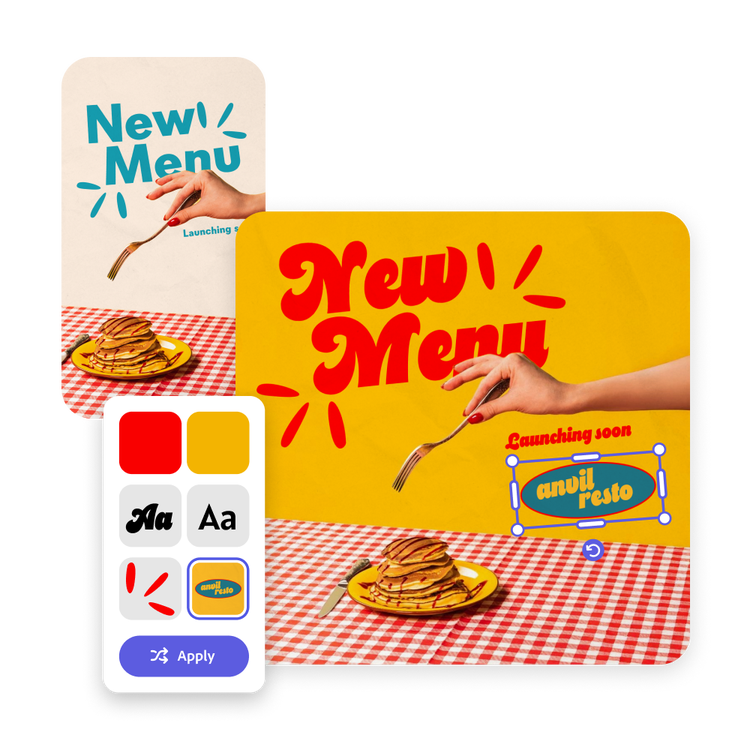
Because everyone has access to the branded assets (logos, colors, fonts), you can ensure every output from your team is polished & on-brand.
Builds Brand Recognition.
Consistent use of color, logos, and typography helps customers instantly recognize your brand—whether they're scrolling Instagram or receiving an email.
A well-crafted brand kit is a must have.
A brand kit empowers your team, streamlines your content creation, and ensures your brand always looks its best—no matter where it shows up. Ready to build yours? Start by gathering your brand assets and defining your visual identity today.
Frequently asked questions.
What if my team already has branded assets in Adobe Creative Cloud?
You can easily streamline brand kit creation by converting your Library into a brand. From there, make any updates you need before sharing it with your team. See here on step-by-step directions on how.
What else can I do in Adobe Express?
Use Adobe Express if you want to make stunning social posts, images, videos, flyers, and more. It’s easy, fast, and fun to use for both personal and professional projects, especially with AI features like Generate Image and Generate Text Effects.
Is Adobe Express really free?
Yes. Adobe Express is a free app that anyone can use. The Adobe Express Premium plan, normally US$9.99/month for individuals, is included at no charge with the Creative Cloud All Apps plan and some Single App plans. With the Premium plan, you get access to millions of premium templates, Adobe Stock assets, Adobe fonts, and timesaving features like Resize and Brand Kits.
You can control how Adobe websites use cookies and similar technologies by making choices below. But note that if you disable cookies and similar technologies entirely, Adobe websites may not function properly.
Cookies are small text files stored by your web browser when you use websites. There are also other technologies that can be used for similar purposes like HTML5 Local Storage and local shared objects, web beacons, and embedded scripts. These technologies help us do things like remembering you and your preferences when you return to our sites, measure how you use the website, conduct market research, and gather information about the ads you see and interact with.
You can make choices in the menu below about what cookies and other technologies you want us to use on Adobe sites when you visit them from this browser. You can always change those choices later by clicking on the Cookie Preferences link at the bottom of the page.
If enabled:
We can improve your experience by tailoring the site and the content to things we think might be of interest
We can better keep track of your preferences — like what language you prefer to use
We will better understand your likely interests so we can provide you more relevant Adobe ads and content on non-Adobe websites and in non-Adobe apps
It will help us improve the performance of our website and those of our partners who use the Adobe Experience Cloud
If disabled:
We won’t be able to remember you from session to session so the experience may not be tailored to your interests
You’ll still have access to the content of the site but certain features that depend on cookies may not function
You’ll still see ads, they just may not be as relevant to you
General information
You can control how Adobe websites use cookies and similar technologies by making choices below. But note that if you disable cookies and similar technologies entirely, Adobe websites may not function properly.
Cookies are small text files stored by your web browser when you use websites. There are also other technologies that can be used for similar purposes like HTML5 Local Storage, web beacons, and embedded scripts. These technologies help us do things like remembering you and your preferences when you return to our sites, measure how you use the website, conduct market research, and gather information about the ads you see and interact with.
You can make choices in the menu below about what cookies and other technologies you want us to use on Adobe sites when you visit them from this browser. You can always change those choices later by clicking on the Cookie Preferences link at the bottom of the page.
If enabled:
We can improve your experience by tailoring the site and the content to things we think might be of interest
We can better keep track of your preferences — like what language you prefer to use
We will better understand your likely interests so we can provide you more relevant Adobe ads and content on non-Adobe websites and in non-Adobe apps
It will help us improve the performance of our website and those of our partners who use the Adobe Experience Cloud
If disabled:
We won’t be able to remember you from session to session so the experience may not be tailored to your interests
We’ll still count your use of our site and services
You’ll still have access to the content of the site but certain features that depend on cookies may not function
You’ll still see ads, they just may not be as relevant to you
Operate the site and core servicesOperate site and measure engagement
Always active
These cookies are required, and they are used to enable the site and related services core functionality. Without them the site could not operate, so they cannot be disabled.
These cookies enable the site and related services’ core functionality and collect statistics about user engagement, such as counting active use to help us understand trends. These cookies cannot be disabled.
Measure performance
These cookies are used to analyze site usage to measure and improve performance. Without them Adobe cannot know what content is most valued and how often unique visitors return to the site, making it hard to improve information we offer to you.
These cookies are used to analyze site usage to measure and improve performance. Without them Adobe cannot know what content is most valued, making it hard to improve information we offer to you.
Extend functionality
These cookies are used to enhance the functionality of Adobe sites such as remembering your settings and preferences to deliver a personalized experience; for example, your username, your repeated visits, preferred language, your country, or any other saved preference.
Personalize advertising
These cookies are used to enable Adobe and our partners to serve ads more relevant to your interests. Without them you will still see ads, but they might not be as relevant to you.