



Free Happy Anniversary GIF maker.
Celebrate your significant other with your own video-turned-GIF using the fast and simple Happy Anniversary GIF maker from Adobe Express. Upload your video or photo below, customize it your way with text and animations, and make your milestone a memorable one.
1. Upload.
Drag and drop your video or photo to the Happy Anniversary GIF maker or browse your computer for the ideal clip.

2. Customize.
Fine-tune the length of the clip using the slider. Then select the desired file size (large, medium, or small) and your preferred layout (square, landscape or portrait).
3. Share.
Download your new Happy Anniversary GIF and share via texts, social media, email newsletters, and more.
Make a Happy Anniversary GIF for social media, websites, and newsletters.
Create playful, romantic, or silly Happy Anniversary GIFs to tell your customers you’re thinking of them, offer a discount, or just tell your own spouse you love them. With the Adobe Express Happy Anniversary GIF maker, you can easily adjust the orientation of the GIF to fit various social media platforms and websites.
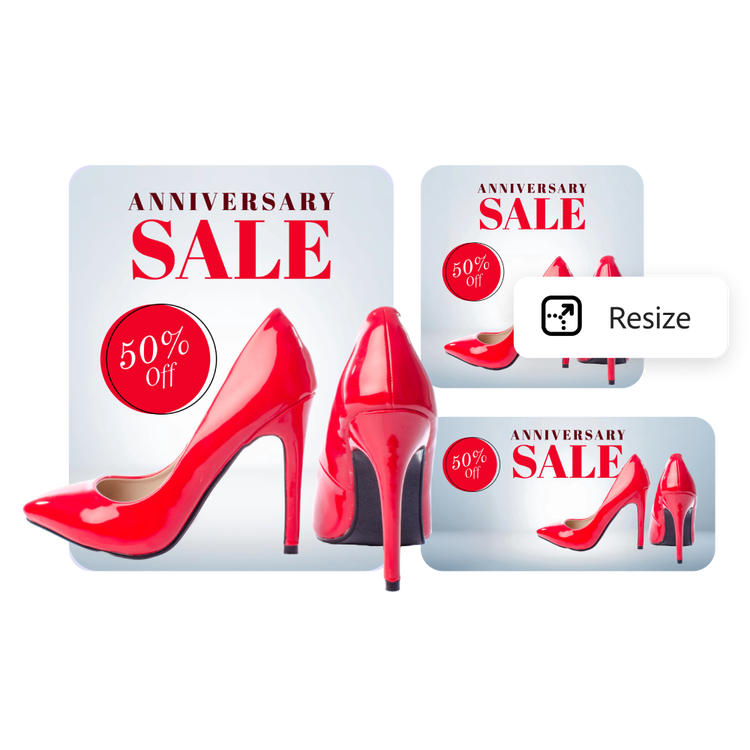
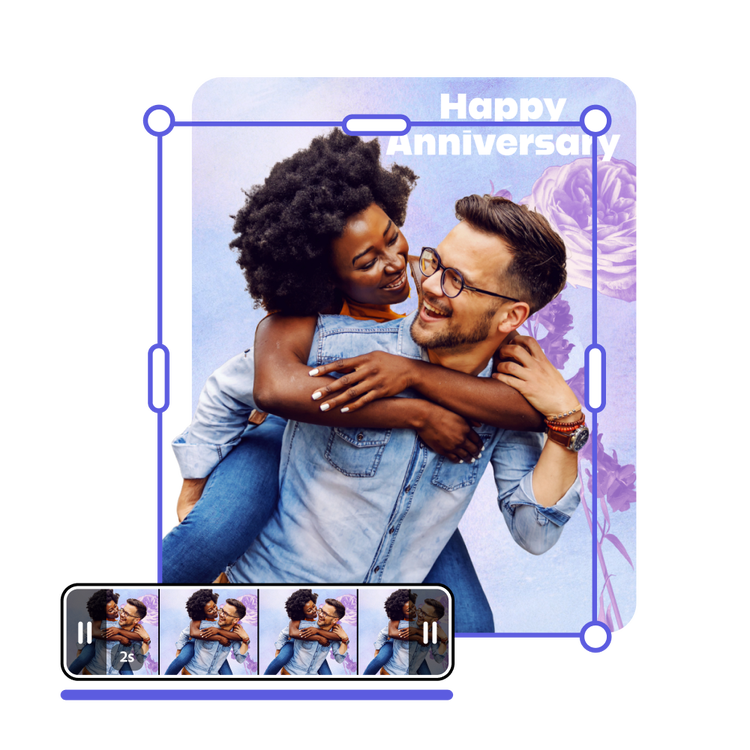
Adjust your Happy Anniversary message — short, long, fast, or slow.
Create Happy Anniversary GIFs that loop at the right speed to celebrate the occasion perfectly. Play around with the simple video slider to trim and select the perfect clip. You can even preview the GIF in the Happy Anniversary GIF maker before you download. Adobe Express makes it simple to create and customize GIFs.
Make your Happy Anniversary GIF personal with your own videos.
A personalized GIF comes from the heart, and from your own filmed moments. Enhance your video by adding text effects, filters, and cute graphic elements in Adobe Express. Then drop your edited video into the Happy Anniversary GIF maker and celebrate the years with your own flair and personality.
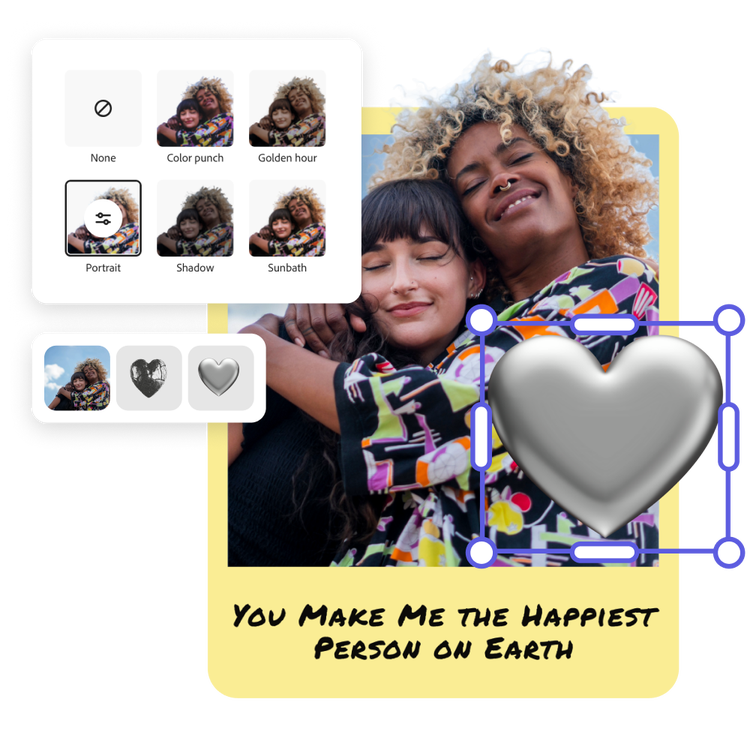
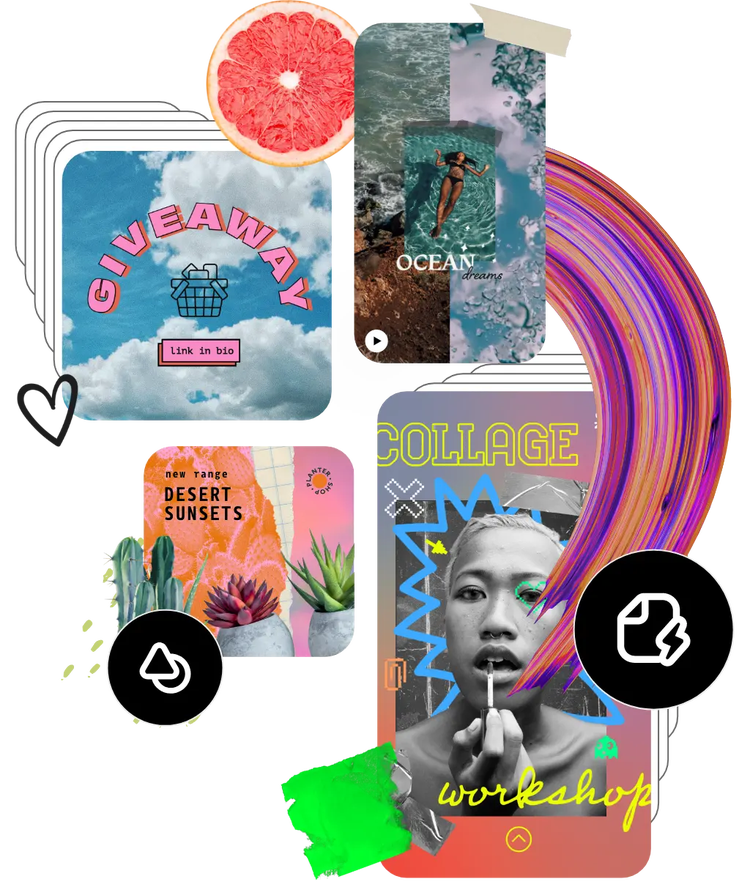
Browse hundreds of thousands of assets to start customizing today.
Use video to say what you can’t with words. Browse the Adobe Stock collection of videos to get started. Easily search for the message you’re trying to send and continue editing from there. You can even bring multiple videos together and turn them into a one-of-a-kind GIF.
Frequently asked questions.
Can I edit my videos and photos before converting them into a Happy Anniversary GIF?
Yes, you can edit them before. Adobe Express offers a range of editing tools, including filters, text overlays, and cropping options, allowing you to perfect your videos before turning them into an animated Happy Anniversary GIF.
What file formats are supported for creating Happy Anniversary GIFs?
You can use photos or video to create your GIF. Adobe Express supports MP4, MOV, M4V, JPEG, and PNG. You can upload media in these formats to create your Happy Anniversary GIFs seamlessly.
Will the quality of my videos and photos be preserved in the Happy Anniversary GIF?
Yes, Adobe Express is designed to maintain the high quality of your media during the conversion process. Your GIFs will retain clarity and detail, ensuring they look professional and captivating.
How quickly can I create a Happy Anniversary GIF using Adobe Express?
Creating a GIF is incredibly fast. Once you've uploaded your videos and customized your settings, your GIF can be created in just a few seconds, making it a time-efficient tool for busy business owners and content creators.
Can I get Adobe Express for free? If so, what’s included?
Yes, we have a free plan available for anyone. Enjoy everything you need to stand out, including thousands of templates, hundreds of Adobe Stock images, photo editing and effects, and much more. Visit our plans and pricing for details.
illustrator

