Free text meme generator.
Choose from our text meme templates to design your own in minutes.
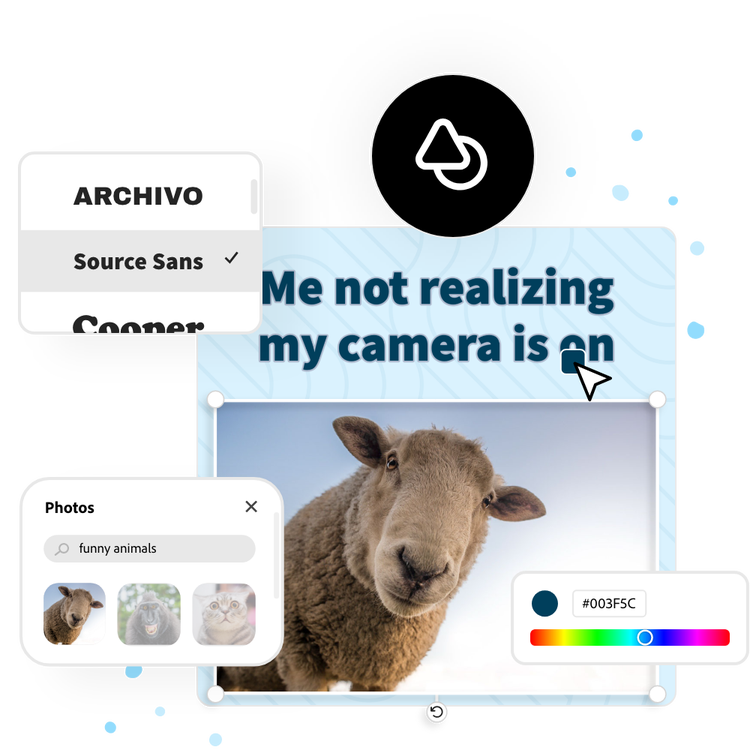
Or start with these popular templates
Explore more categories:
How to make a text meme.
1. Pick a meme template.
Choose from a wide selection of popular and trending meme templates to match your humor and style. Start quickly with a design that works for any joke or social media post.
2. Customize your meme.
Add your own text, adjust fonts and colors, and upload images or use free Adobe Stock assets. Make your meme unique and shareable in seconds.
3. Download and share.
Once your meme looks exactly how you want it, download it in your preferred format; PNG for still images, GIF for looping animations, or MP4 for short video memes. You can then share it directly to your favorite social platforms, including Instagram, TikTok, Facebook, and X, all from within Adobe Express.
Bring on the laughs with creativity on your side.
Use our text meme generator to personalize popular memes or turn your images into iconic memes of their own. Resize your memes to feature them on any online platform, including Instagram, Twitter, TikTok, or Tumblr. Duplicate your designs with ease to create memes over and over again. Have fun getting creative with your meme format and punchlines. There are endless creative opportunities at your fingertips.
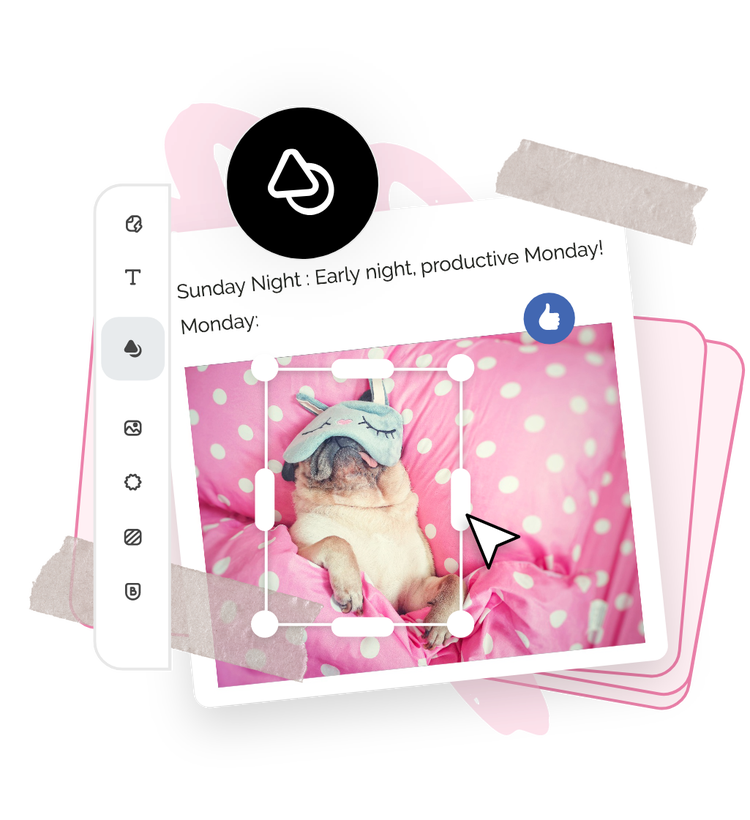

Let Adobe Express be your text meme design expert.
Explore professionally designed templates to get your wheels spinning or create your text meme from scratch. Establish a theme for your designs using photos, icons, logos, personalized fonts, and other customizable elements to make them feel entirely authentic. With Adobe Express, it’s free and easy to make, save, and share your designs within minutes.
Make shareable memes for free with text meme templates.
The Adobe Express meme generator makes meme design quick and easy. Discover text meme templates and choose one to customize. Add your own messaging and images, then handpick your fonts. Download your meme instantly to share across all your social platforms.
Template IDs
(To pull in manually curated templates if needed)
Orientation
(Horizontal/Vertical)
Width
(Full, Std, sixcols)
Limit
(number of templates to load each pagination. Min. 5)
Sort
Most Viewed
Rare & Original
Newest to Oldest
Oldest to Newest
Behaviors
(still/multiple-pages/video/animated)
Premium
(true, false, all) true or false will limit to premium only or free only.