



Add catchy clip art to your designs for free.
Say it all with a standout graphic. Clip art can be added to web banners, flyers, mood boards, and more using Adobe Express. Showcase your style—create and edit designs regardless of skill level.
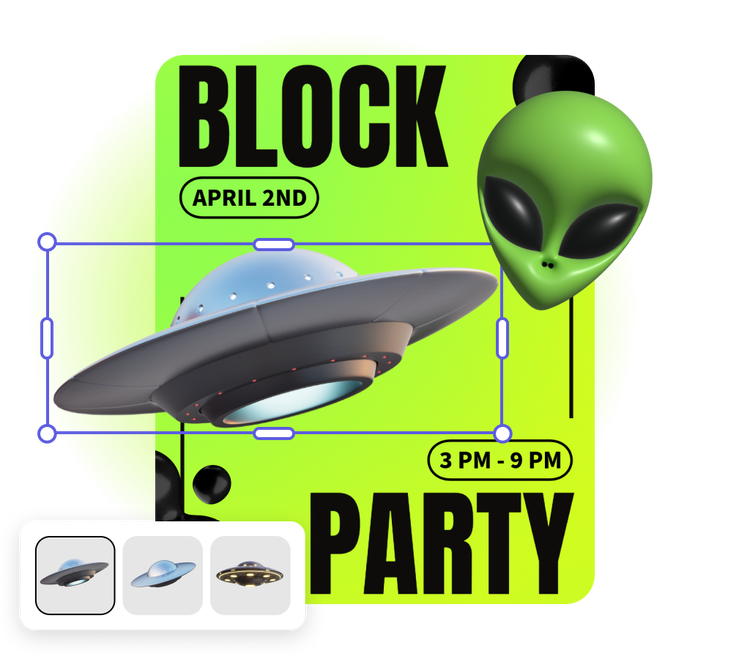
1. Get started for free.
Go to Adobe Express and sign into your Adobe account. If you don’t have one, you can quickly create a free account.

2. Browse clip art.
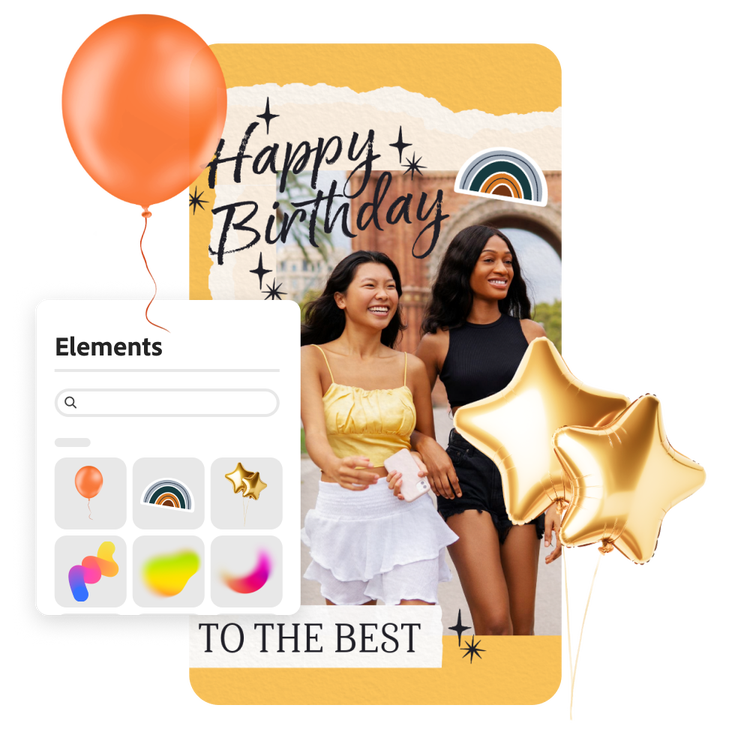
In the Adobe Express editor, open the Elements tab. Use the search bar to find what you’re looking for or browse through icons, shapes, and design assets.

3. Continue editing.
Make changes to your clip art by adjusting the color palette, opacity, border thickness and style, and position on the page. Keep editing the rest of your project by adding images, animations, charts, and so much more.
Endless creations with clip art.
Clip art can enhance digital and printed projects. Add a recycling symbol to your product packaging, a cupcake to a baby shower mood board, or balloons to a festive birthday card. The Adobe Stock library is full of thousands of clipart options in categories ranging from celebrations to nature to travel.
Make clip art your own.
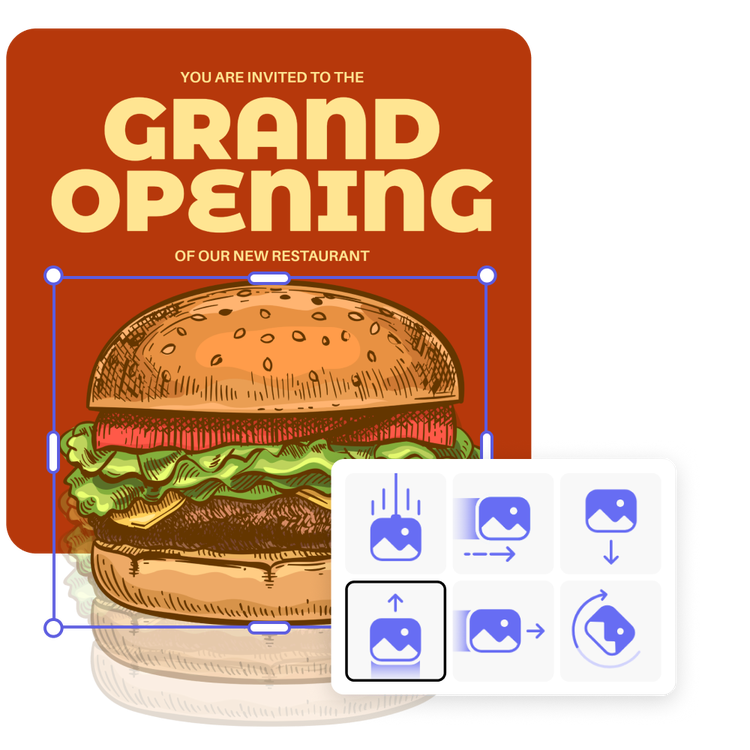
Adobe Express gives you the ability to edit clipart and make it what you need. Change the element’s color, size, and position on the canvas. Play with the blending and reduce the opacity to create a watermark effect. And for digital projects like presentations and social posts, easily add animation to your clipart. The possibilities are endless.

Explore clipart add-ons for even more options.
Easily install clipart related add-ons your Adobe Express editor. In the Icons Add-ons you’ll find programs that generate clipart with the use of AI, a custom avatar creator, and clipart icon add-ons specific to different professional fields like healthcare.
Tons of free templates, video, and audio assets to start from.
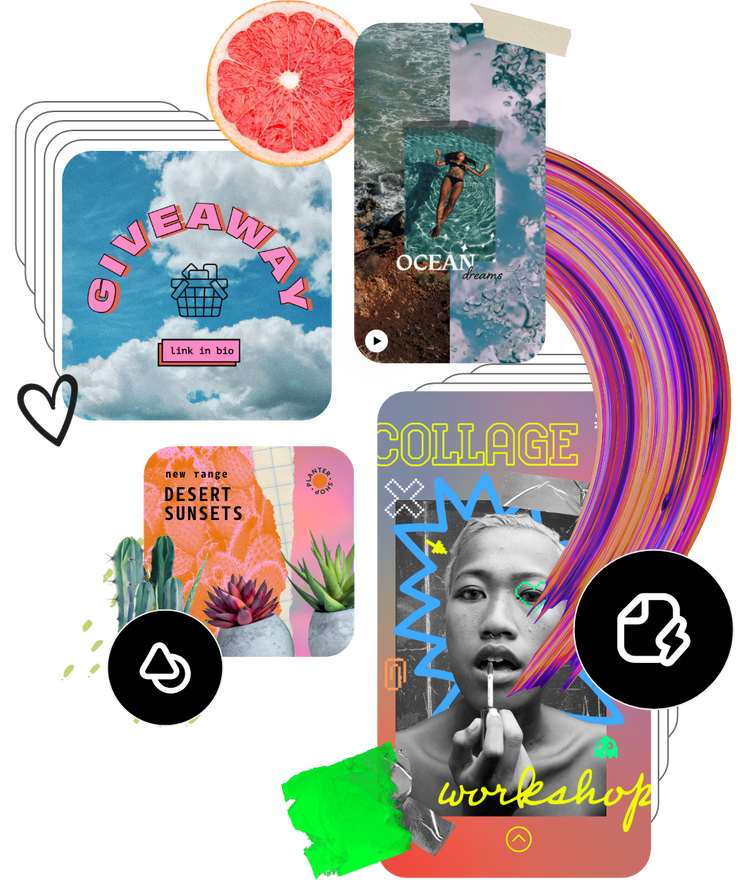
Add your newly edited clipart to a stunning flyer, social post, album cover, profile photo, and unlimited other designs. Explore our template library to get started. Then, add other pre-loaded design assets, fonts, icons, or GIFs to personalize your project. There are endless creative opportunities to elevate your designs.
Frequently asked questions.
What is clip art?
Clip art generally refers to graphic elements added to digital designs. They can be used to add visual appeal or add clarity to a design. Icons, stickers, and shapes are all examples of clipart.
Is clip art adjustable or customizable?
Yes. In Adobe Express you can easily adjust the size, color, position, opacity, and border on many clip art icons.
Where can I find free clip art?
Adobe Express users have access to thousands of free Adobe Stock elements, including icons, shapes, and other clip art symbols.
Can I add clip art to my project from my phone?
Yes, you can easily access clip art from the Adobe Express mobile app. You can also edit and adjust any clip art selection while on-the-go.
Can I use Adobe Express for free? If so, what’s included?
Yes, we have a free plan available for anyone. Enjoy everything you need to stand out, including dozens of quick action tools, thousands of templates, photo editing and effects, and much more. Explore our plans and pricing for details.

