



Quickly change the background of your image for free.
Easily remove distracting backgrounds and swap them out with something attention-grabbing. Continue editing your new image in Adobe Express to add fonts, graphics, and more.
Drag and drop an image
or browse to upload.
File must be JPEG, JPG, PNG or WebP and up to 40MB
 Free to useNo credit card required
By uploading your image or video, you agree to the Adobe Terms of Use and Privacy Policy
1. Upload image.
To get the best results, upload an image where the subject has clear edges with nothing overlapping. Then, watch as the background is removed in seconds.
2. Change the image background.
Select Add a background. You’ll be directed to the full Adobe Express editor to create your new background or choose from a wide collection of free background options in the Elements panel to swap in.

3. Continue editing.
Download your new image with a new background to save, share, or keep editing in Adobe Express.
See what people are saying about Adobe Express.
I enjoy using the remove background feature in Adobe Express during my product launches! In just a few steps, I’m able to quickly remove the original background and add a fun one with my product."

Shelly Kim
Owner @ Letters by Shells
As a marketer who is always on the move. Adobe Express helps me to create fast, high quality content. Absolute endless features to enhance my creativity!"

Abs Ahlijah
Marketing & Content Coordinator @ Soul Session
The remove background image tool in Adobe Express saved me hours of tedious editing, effortlessly removing backgrounds and refining my images with just a few clicks."

Penuel Stanley-Zebulon
Student @ Pennsylvania State University
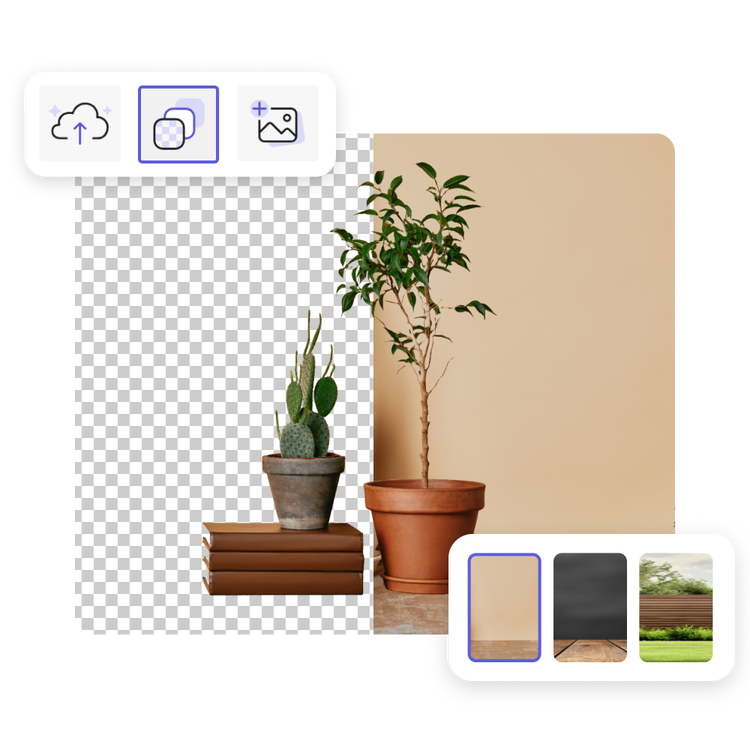
Change image backgrounds with ease.
Set the stage for your photos and turn them into something eye-catching with the background changer. Remove unwanted or blurry backgrounds instantly and replace them with textures, bold patterns, and more. Need a plant-filled backdrop for your houseplant business? No problem. A neutral tone for product shots? Done. Easily transform any image when you change the background with Adobe Express.
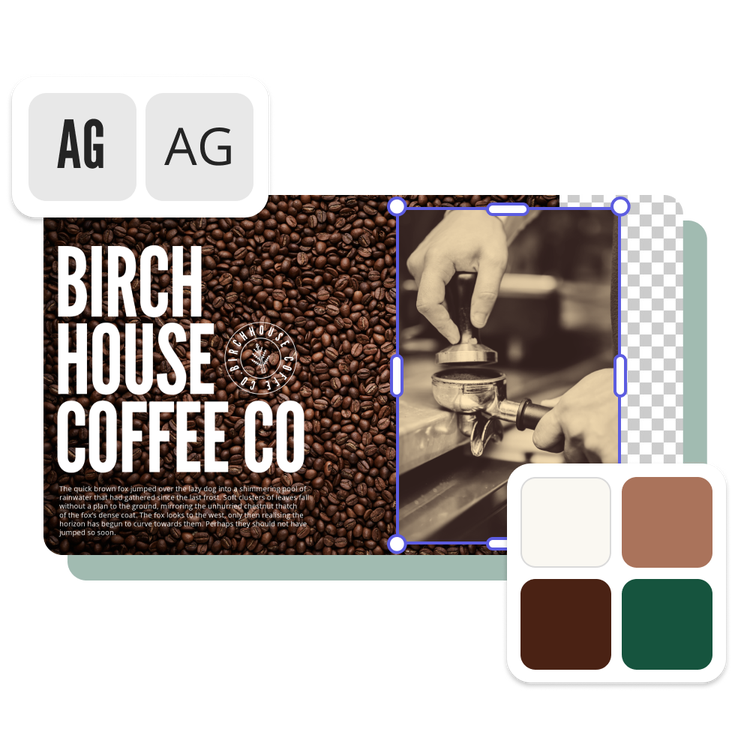
Create on-brand images quick.
Put your brand front and center with the photo background changer. Easily create the perfect backdrop and maintain brand consistency across all your visual content by uploading your logos, fonts, and colors. Deliver a sleek, cohesive look across all your projects that you can recreate with ease every time. Consistency has never been this effortless.
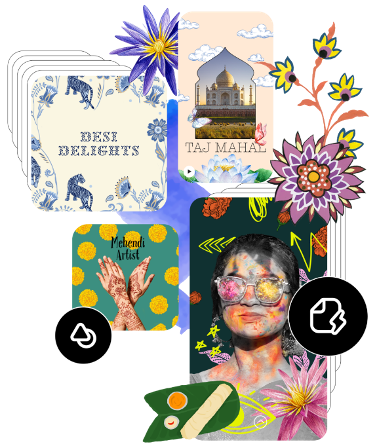
Fine-tune images with quick editing tools.
Looking to make additional tweaks? Not only can you change your image background, you can also edit your photos with ease. Fine-tune your background, overlay text, resize images, adjust colors, apply filters, and so much more. There are countless ways to create a compelling image for any printed or digital format.
Stand out with Adobe Express.
Adobe Express is the quick and easy create-anything app to make impactful social posts, images, videos, flyers, presentations, documents, and more. Create one-of-a-kind content fast, regardless of skill level, with powerful generative AI, easy-to-use editing tools, thousands of customizable templates, and Adobe Stock design assets at your side.

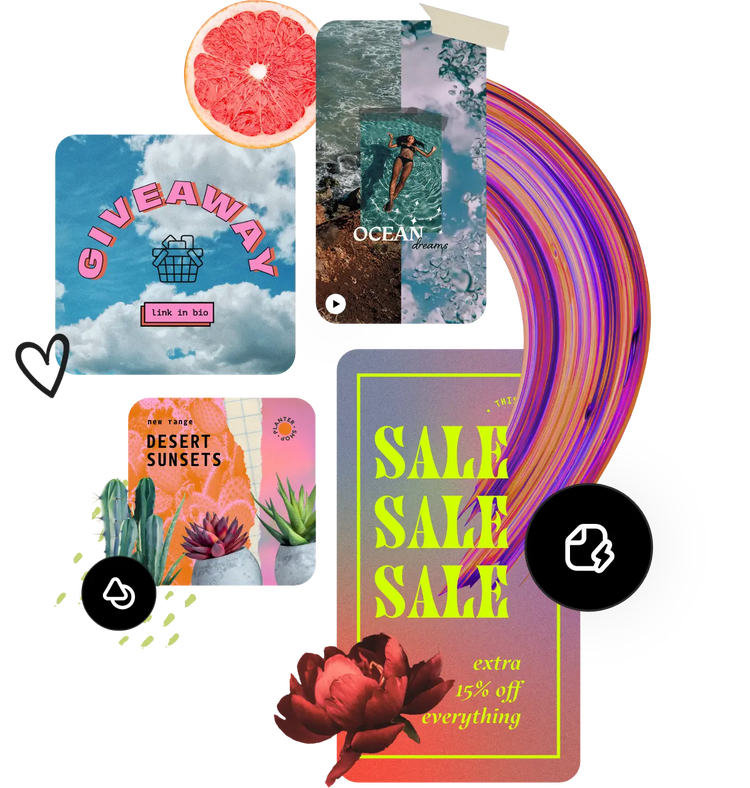
Hundreds of thousands of templates and assets to start customizing today.
Turn your newly edited image into a stunning flyer, social post, album cover, profile photo, and unlimited other designs. Explore our template library to get started. Then add other design assets, fonts, icons, or GIFs to personalize your image. There are endless creative opportunities to elevate your designs.
Frequently asked questions.
How do I customize my image’s background after I remove it?
After removing the background from your image, you can easily change or customize the background by selecting Add new background. You’ll then be directed to the full Adobe Express editor where you can quickly and easily do specific edits like adding filter effects, contrast, and so much more to it. You can also create a new background from scratch, add text, and so much more to your image. The possibilities are endless with Adobe Express.
What’s the difference between removing a background vs. changing a background?
With the remove background feature, the background of your image is completely eliminated, leaving a transparent or clear backdrop. On the other hand, the change background feature allows you to replace the original background with options like patterned wallpapers, your brand colors, or other creative designs to make your images even more striking.
Why should I change my photo’s background?
Changing your photo’s background opens a world of opportunities to repurpose it as shareable content or to freshen up its overall look. Maybe the background is bland or blurry, but your subject is in focus. Replacing the background allows you to seamlessly add a high-quality backdrop to highlight your subject. Incorporating your brand colors into the background can also enhance brand recognition when sharing the image on social media.
Can I use my own background?
Absolutely. If you’re looking to swap in a specific background you already have, you can definitely do that. After you’ve removed the background from your original image, simply upload your new one in the full Adobe Express editor.
Can I use Adobe Express for free? If so, what’s included?
Yes, we have a free plan available for anyone. Enjoy everything you need to stand out, including dozens of Quick Action tools, thousands of templates, photo editing and effects, and much more. Visit our plans and pricing for details.

