Free online GIF cropper.
The online GIF Crop tool from Adobe Express transforms your images into the perfect size in seconds.

How to crop a GIF.
1. Select.
Upload a GIF from your device.

2. Crop.
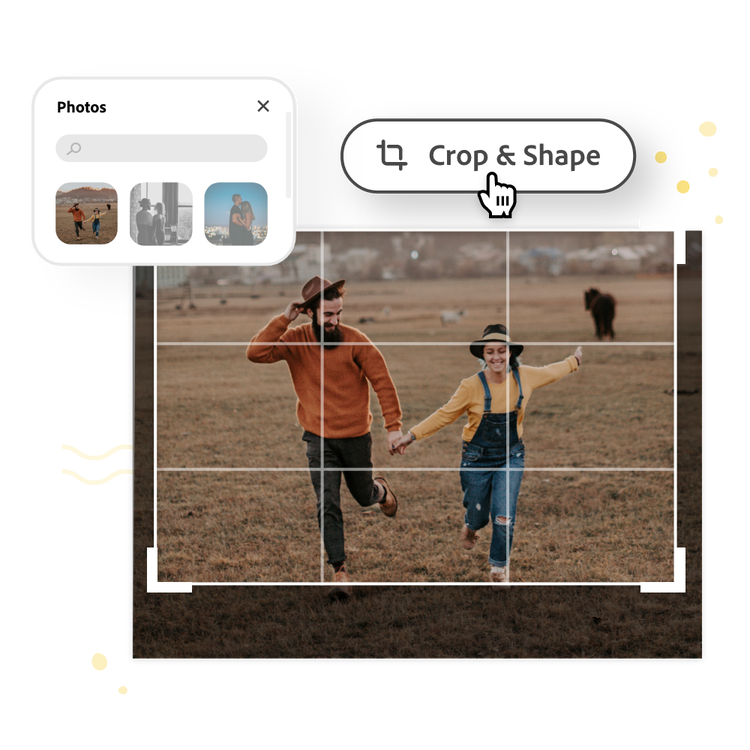
Drag the handles to create your desired crop.

3. Continue editing.
Instantly download your cropped image or keep editing.
Upload, crop, and download instantly.
Easily crop a GIF online in seconds. Choose a photo to crop, upload it to our GIF Crop tool, and use the freeform box and guidelines to create a perfect crop.
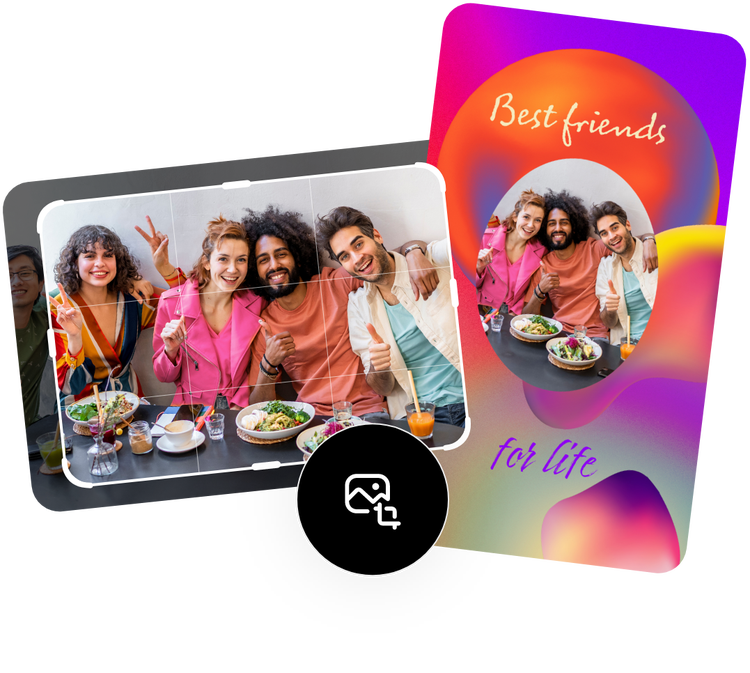
Share your cropped GIF online.
Out of all the picture cropping apps, Adobe Express lets you cut GIFs quickly so you can share them instantly. Download your newly cropped photo to share on social media or any other printed or digital destination.
Do more with your image.
Cropping your GIF for another project? Unleash your creativity with the photo editing capabilities and design tools from Adobe Express. Remove the background of your image to highlight the subject, apply filters, or add animation for a dynamic design. There are countless ways to create a compelling image for any printed or digital format.
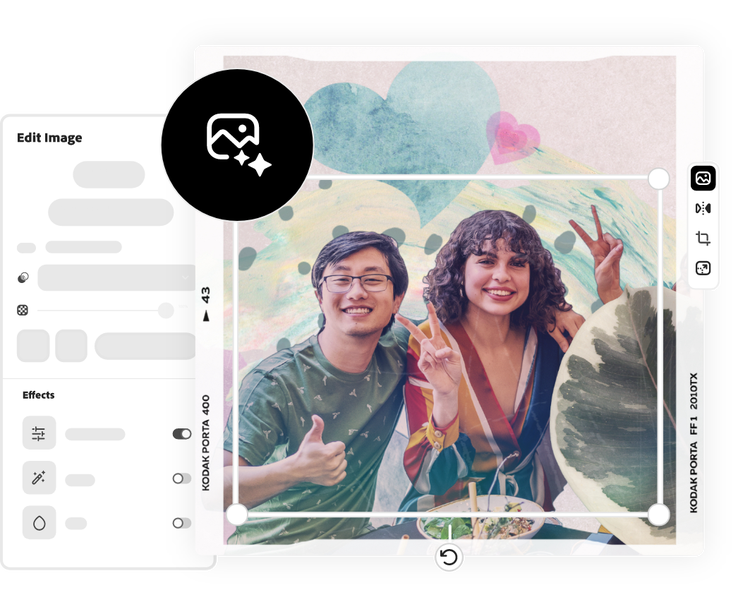
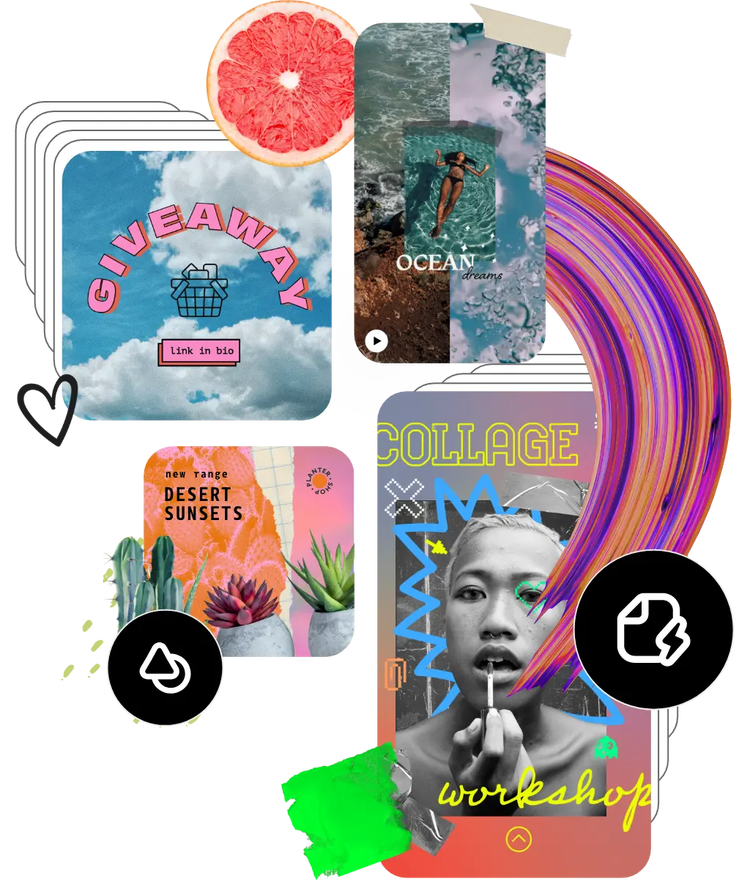
Hundreds of thousands of templates and assets to start customizing today.
Get inspired and save time with expertly designed templates to get you started. Adobe Express has an ever-growing collection of portrait, landscape, square, and vertical templates to create designs that stand out on any channel, any device.