



Online vCard QR code maker.
Share your contact anywhere with a QR code that directs to your virtual contact file. Using the Swiftools vCard QR Generator add-on in Adobe Express, you can easily create a scannable code to replace physical business cards and streamline your networking.
1. Access the add-on.
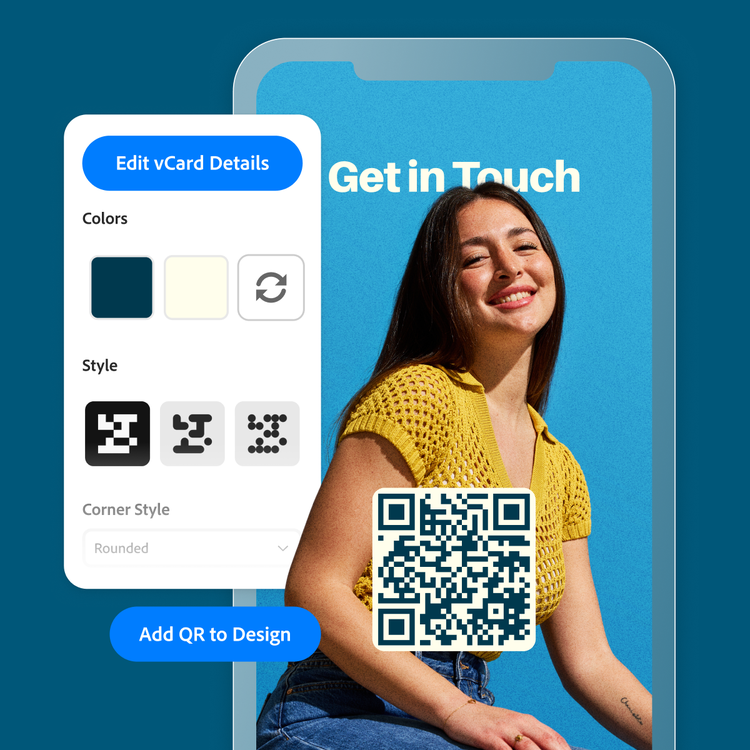
Open the Adobe Express app on your desktop. Type vCard into the add-on search bar and click Open.
2. Generate.
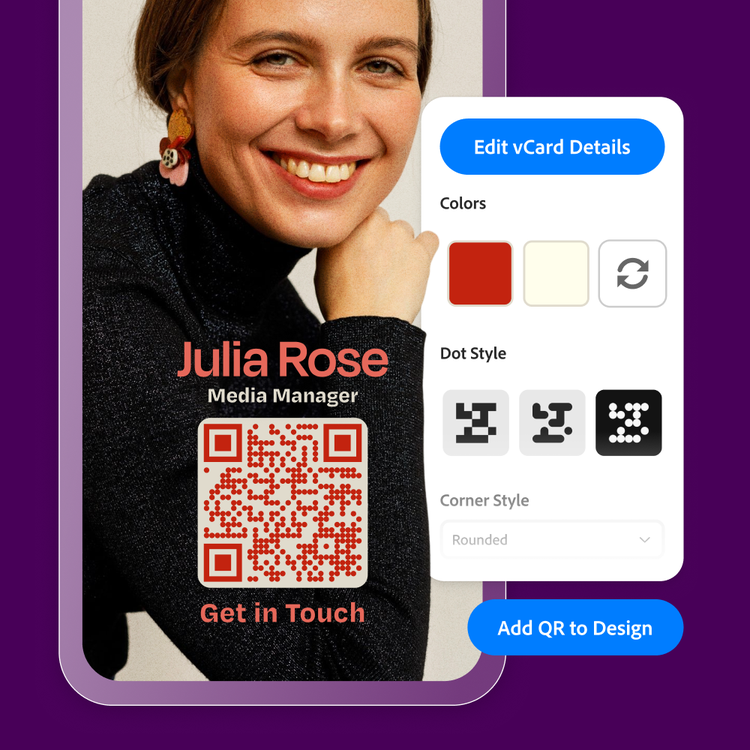
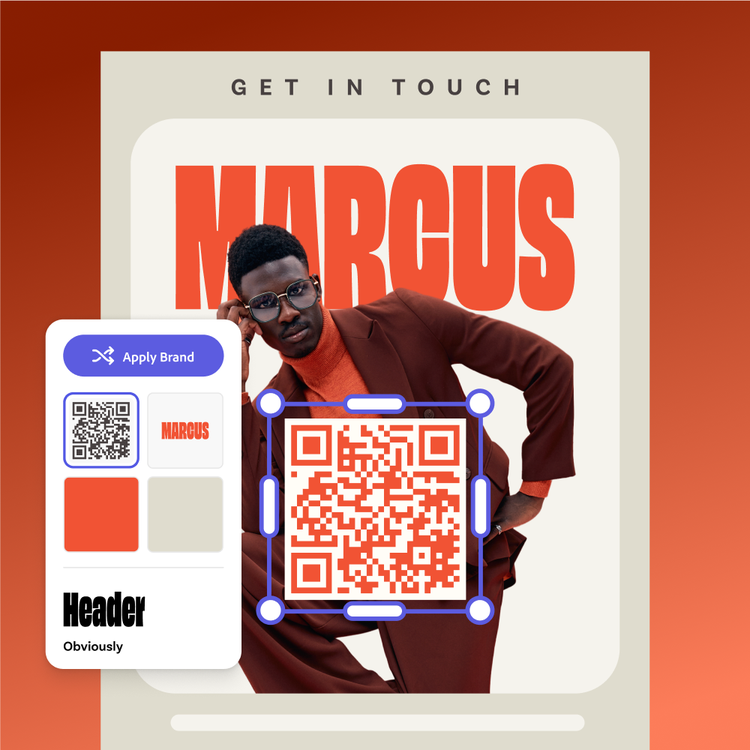
Fill in your contact information including name, email, phone number, website, and social media links. Then customize the look of your QR code from the color to the shape. Click Add QR code to Design.

3. Continue editing.
Add your new vCard QR code to tradeshow flyers, desk placards, or a digital business card you can save to your smartphone's digital wallet. Customize your design with borders, textures, images, and more.
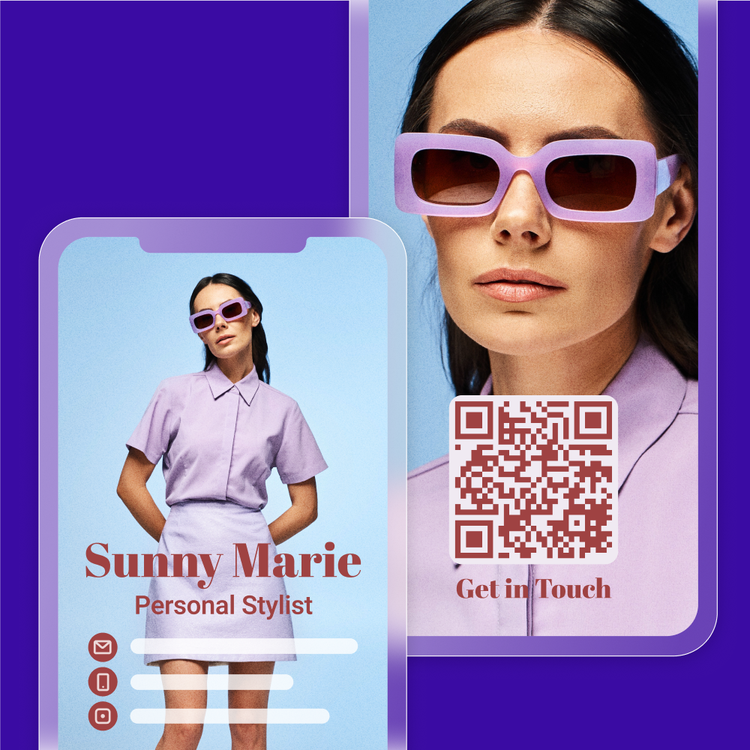
Display your contact information with a quick scan.
With the vCard QR code maker add-on in Adobe Express, you can say goodbye to printed business cards and any mix ups related to hand transferring contact info. Once your new connection scans the QR code a complete contact card will be loaded into their mobile device, ready to save. The vCard QR code maker add-on is a smart solution for networking.
Let Adobe Express boost your networking efforts.
Spend more time connecting and less time finding ways to connect. Adobe Express has professionally designed templates for flyers, business cards, banners, and more. Customize, then duplicate your designs to create consistency across your outreach collateral. With Adobe Express, it’s free and easy to draw attention to networking events and follow up by exchanging vCard contact info.
Make personalized vCard QR codes quickly.
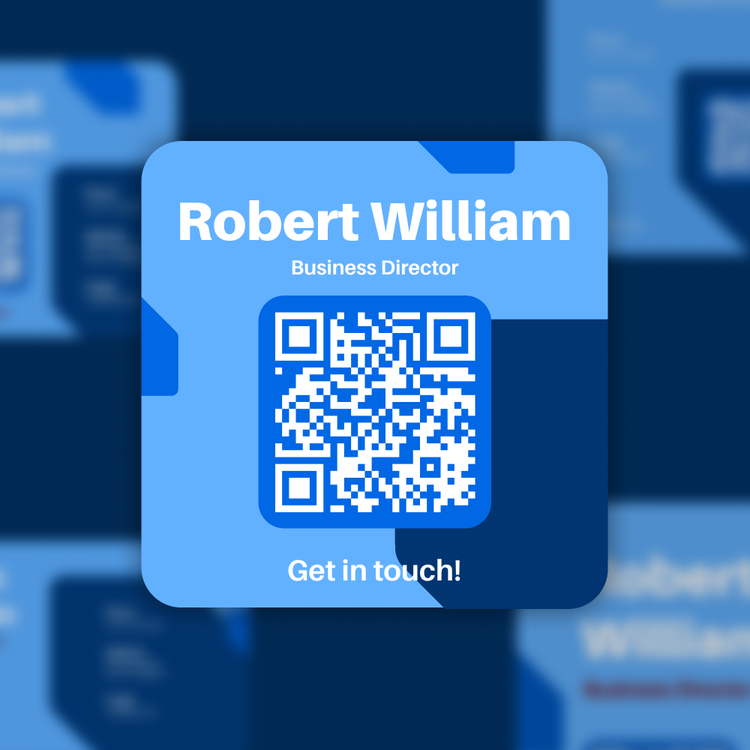
Create a vCard QR code that aligns with your personal or professional brand. With the vCard QR code maker you can choose the QR code color, background color, and QR code shape. As you make your selections, the add-on will alert you if your QR code is readable or not, so you can ensure your final product will work.
Create more in Adobe Express.
Clients, customers, and even new friends will have no problem reaching you when they’ve saved your vCard information. Let Adobe Express help you create your outreach touchpoints—from a snazzy portfolio page to a branded social media profile picture—so you make a shining first impression.
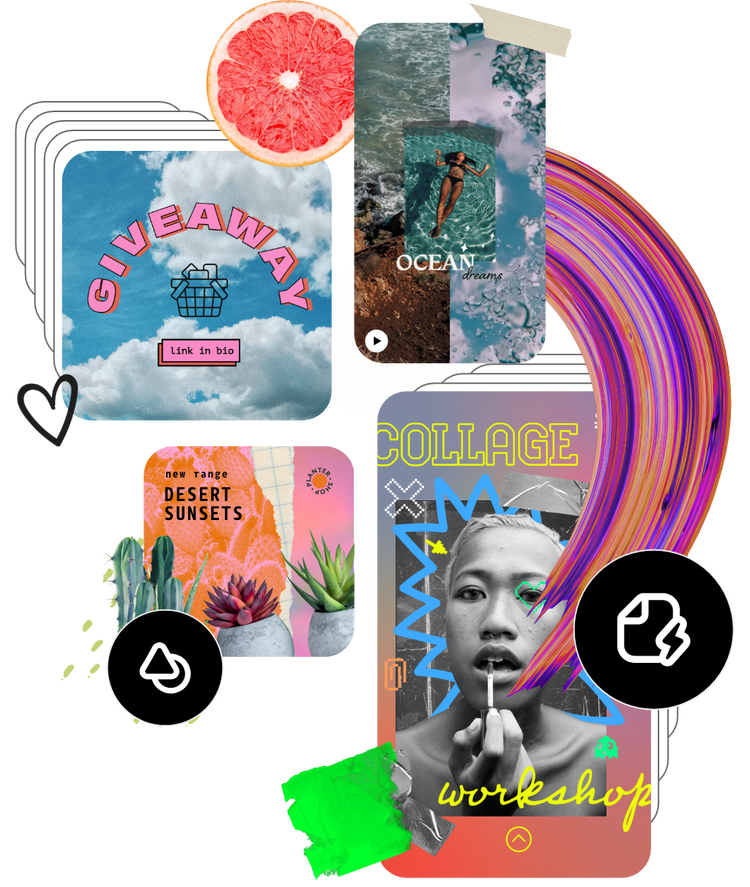
Tons of free templates, video, and audio assets to start from.
Turn your newly edited image into a stunning flyer, social post, album cover, profile photo, and unlimited other designs. Explore our template library to get started. Then, add countless other designs, fonts, icons, or GIFs to personalize your image. There can be endless creative opportunities to elevate your designs.
Frequently asked questions.
What information can I include in my vCard?
The vCard QR code maker add-on has a simple form to fill out. It includes your name, email, phone number, organization name and title, website(s), street address(es), and social media/calendar app links. First name, last name, and email are the minimum required to submit the form.
How do I create a vCard QR code using Adobe Express?
It’s quick and easy to create a vCard QR code with Adobe Express on desktop. Start by opening the Swiftools vCard QR Code Generator add-on. Then follow the prompts to upload your contact information. Adjust the QR code colors and shape, then upload it to your Adobe Express project.
How should I display my vCard QR code?
There are numerous ways to display vCard QR codes. Start by thinking about how you will meet your network. If you will be meeting one-on-one, you can keep it as a digital card on your phone, ready to share anytime. You can also consider print options, such as a placard to leave on a reception desk to replace business cards or on a flyer for an event or service you’re promoting. The possibilities are endless.
Will my QR code expire?
No. Unless you choose to break the link, your QR code will remain static for your use. However, if you want to update any links within the vCard QR code, you will need to generate a new QR code.
Can I get Adobe Express for free? If so, what’s included?
Yes, we have a free plan available for anyone. Enjoy everything you need to stand out, including thousands of templates, hundreds of thousands of Adobe Stock images, photo editing and effects, and much more. Visit our plans and pricing for details.

