Free screen recording software for Microsoft Windows.
Adobe Express Photos lets you record your screen on any Windows device. Capture your screen, add a voiceover, and share your recording without switching apps.
Now available on Windows only.
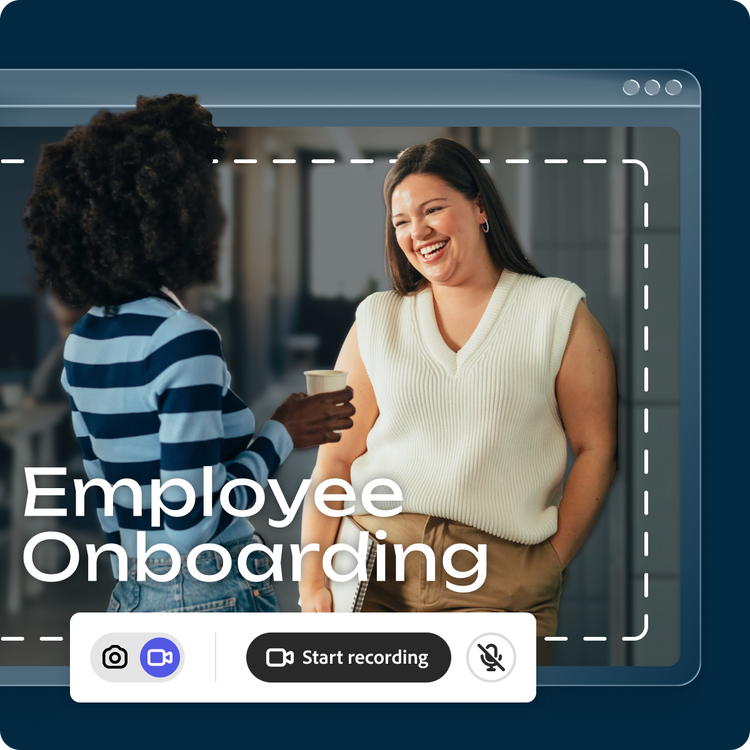
How to record your screen with Adobe Express Photos.
1. Download Adobe Express Photos.
Search "Adobe Express Photos" in the Microsoft Store and install the free app on your Windows device.
2. Start your screen recording.
Open the app and select Capture screenshot. Click the record icon in the toolbar, choose the area you want to record, and add a voiceover in real time.

3. Save and share your recording.
Save your recording directly to your device or send it straight to Adobe Express to add text, graphics, and design elements.
Everything you need in one free screen recorder.
Adobe Express Photos makes it easy to capture your screen and create a polished recording without juggling multiple tools. Record your screen, add commentary, and share—all from one simple app for Windows.
• Start recording with a simple control bar
• Add a voiceover in real time while you record
• Works offline—no internet required
• Capture and share without additional software

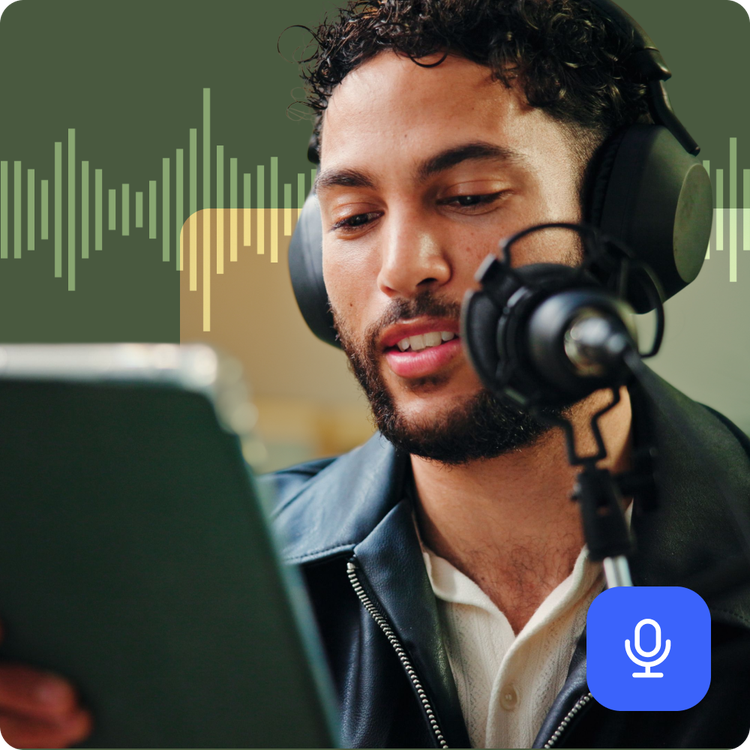
Record your screen and add voiceovers in one step.
With Adobe Express Photos, you can narrate your recording live as you capture. In one place you can make training videos for a new team member, record a video walkthrough for a client, or capture a presentation to share with anyone not viewing it live. No extra editing software needed.
Enhance screen recordings with beginner-friendly tools.
Once you've captured your recording, bring it into Adobe Express to polish it further. Add text, graphics, and animations. Access Adobe Stock assets to bring your vision to life, then apply your branding to fully make it your own.