



Free MOV to MKV converter.
Convert your MOV files into MKV with Adobe Express' free online video converter.
Drag and drop a video
or browse to upload.
File size can be up to 1GB
 Free to useNo credit card required
By uploading your video, you agree to the Adobe Terms of use and Privacy Policy
1. Upload.
Drag and drop your MOV file into the converter, or upload it directly from your device.
2. Convert.
Choose MKV as your output format, then start the conversion.

3. Continue editing.
Download your new MKV file instantly or open it in Adobe Express to keep creating without uploading it again. Trim scenes, resize for different platforms, add captions and graphics, then export when you’re ready.

Create more versatile video files.
MKV is useful when you need to keep multiple subtitle languages, alternate audio tracks, or chapter markers together in a single video file. Converting MOV to MKV gives you that more flexible container format, ideal for organizing media libraries, preserving content, or playing videos on compatible media players.
Convert with confidence.
MOV to MKV conversion in Adobe Express is optimized for the most common Apple codecs, so no re-encoding is required. Whether you’re archiving iPhone recordings, moving Final Cut Pro exports to a media server like Plex or Jellyfin, or preparing footage for playback on non-Apple devices, you can convert with confidence.

Convert and enhance your videos in one place.
Adobe Express helps you do more than switch file formats. After converting your MOV file to MKV, you can trim clips, resize your video, add text overlays, captions, music, transitions, and branded graphics. Spend less time switching between apps and more time creating in one streamlined editor.
Hundreds of thousands of templates and assets to personalize your project.
Transform your converted video into polished content with professionally designed templates, fonts, icons, stock photos, and design elements. Whether you’re creating a tutorial, presentation, marketing video, or social media post, Adobe Express gives you creative tools to help your content stand out.

Convert videos for playback, storage, and future editing.
Different projects call for different video formats. MKV is a popular option for storing high-quality video because it supports advanced features such as multiple subtitle tracks, multiple audio streams, and chapter markers. Simply upload your MOV file, convert it to MKV, and download your new file in just a few clicks.
Need another format later? Adobe Express also makes it easy to convert MOV to MP4, GIF, MP3, and more, so your content is ready for virtually any platform or workflow.
A smarter way to convert MOV to MKV.
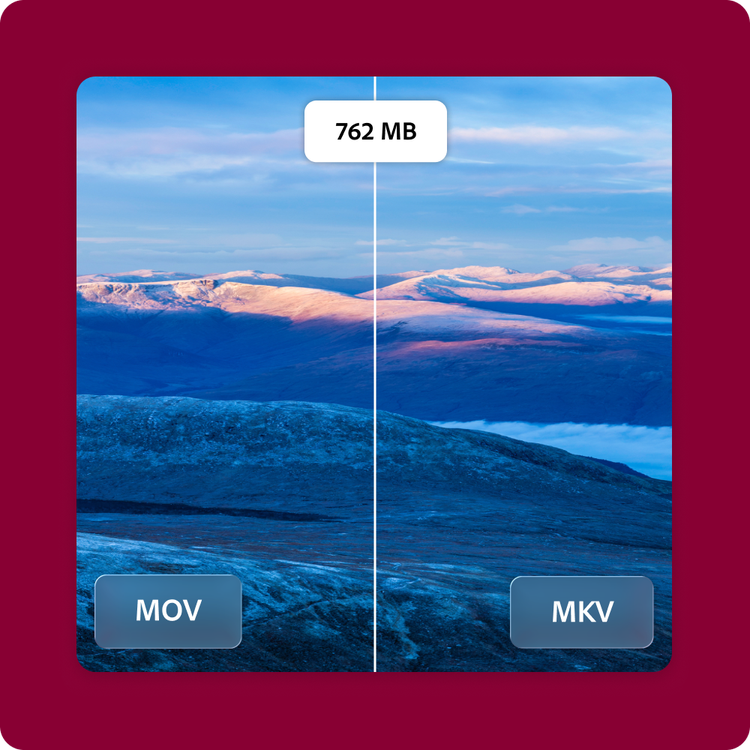
A 4K MOV recording from an iPhone 15 that would otherwise only open easily in QuickTime or iMovie converts to MKV with Adobe Express. Because it is a remux rather than a re-encode, the file size stays the same.
Once converted, continue editing in Adobe Express. Trim clips, add captions or music, and export a finished file ready for your next project.
Frequently asked questions.
Why should I convert MOV to MKV?
Converting MOV to MKV gives you a flexible video file format that supports multiple audio tracks, subtitle files, chapters, and high-quality video in a single file. MKV is often preferred for archiving videos, organizing media collections, and playing content on compatible media players.
What is the maximum supported MOV file size?
Adobe Express supports MOV files up to 1 GB with resolutions ranging from 480p to 4K, making it easy to convert everything from short video clips to high-resolution recordings.
Can I convert MOV to MKV on my phone?
Yes. The Adobe Express MOV to MKV converter works on desktop browsers, tablets, and mobile devices, allowing you to convert videos wherever you’re working.
Can I use Adobe Express for free? If so, what’s included?
Yes, we have a free plan available for anyone. Enjoy everything you need to stand out, including dozens of quick action tools, thousands of templates, photo editing and effects, and much more. Explore our plans and pricing for details.

