



Free MP4 to MOV converter.
Make your media files work for you with our MP4 to MOV converter and compressor.
Drag and drop a video
or browse to upload.
File size can be up to 1GB
 Free to useNo credit card required
By uploading your video, you agree to the Adobe Terms of use and Privacy Policy
1. Upload.
Drag and drop your MP4 file into the converter tool. Or upload from your device.
2. Convert.
Select MOV as your output format and start the conversion.

3. Continue editing.
Download your video as a MOV file, then share it or edit in Adobe Express with visual effects, Adobe Stock fonts and audio, and much more for a personal touch.
Opt for a smoother editing process.
Your video may be shot and stored as an MP4, but MOV files often work better for editing; they offer more efficiency, fewer codec issues, and typically handle effects better. Convert your MP4 to MOV in Adobe Express for a simpler editing experience.
Compress first with the option to convert.
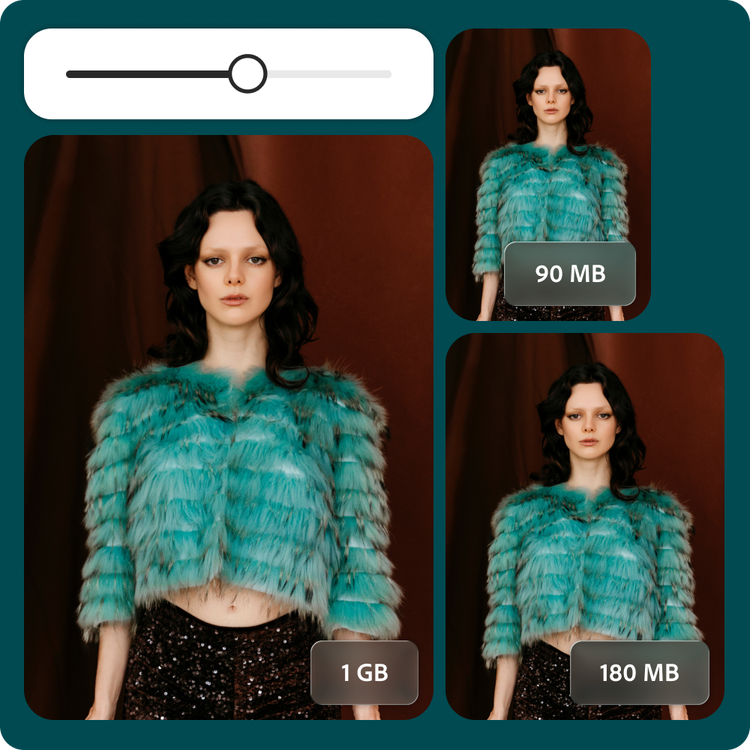
Upload your large MP4 file and compress it before converting to MOV for easy sharing. In Adobe Express, you can shrink a 4K travel vlog from 1 GB down to 180 MB. Use the compression slider to choose the right balance for your project: more compression for a smaller file, less for higher resolution.
All your video editing tools in one place.
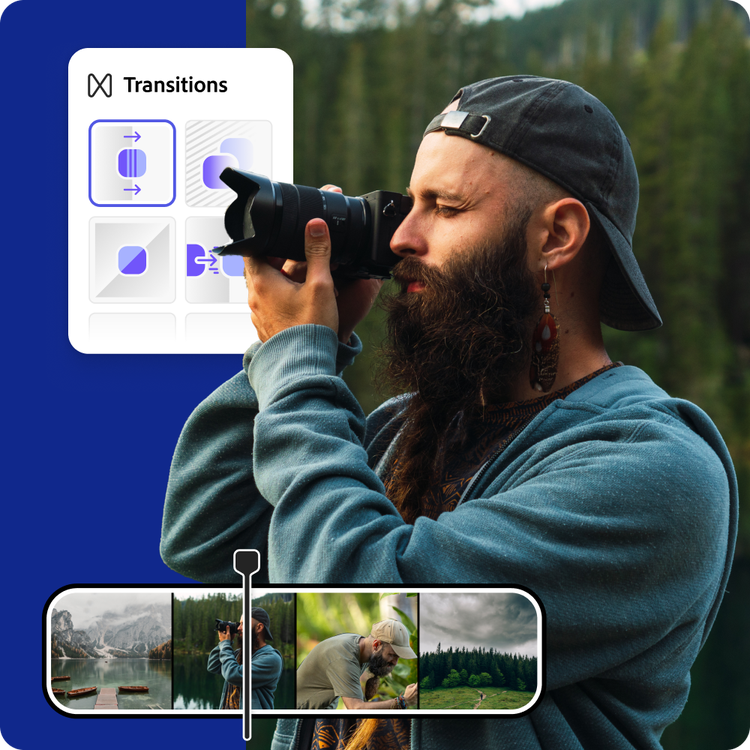
Whether you’re a professional wedding videographer or aspiring content creator, converting and compressing videos takes no time in Adobe Express. Take your projects further with video editing tools that are professional-quality but beginner-friendly.
Hundreds of thousands of templates and assets to start customizing today.
Turn your newly converted MOV file into a glamorous project preview, polished welcome video, or short social clip. Explore our template library to get started. Then, add other pre-loaded design assets, fonts, icons, or images. You’ll walk away with a truly unique video, ready to share.
Convert your video for Apple-friendly workflows.
Your content can go further when converted to MOV. Turn a social media clip into an editable master file for post-production, where you can refine color, layering, and timing with greater flexibility, especially within Apple editing software.
Adobe Express makes it easy to convert MP4 files into MOV format, helping ensure smoother compatibility with editing tools and creative suites. Choose MOV when you need a format that’s better suited for high-quality editing.
Simplify your workflow.
Deadlines are important to meet, whether you’re a professional content creator or a student. When it comes to multi-stage video projects, Adobe Express allows you to move seamlessly from creative to refinement to final delivery. Shrink large MP4s to more manageable sizes and convert them into MOV format for editing and post-production without extra steps or software switching.
When it’s time to wrap things up, add collaborators for final feedback, then download to your device or share directly to your social channels from the Adobe Express web.
Frequently asked questions.
What is the difference between an MP4 and MOV?
MP4 and MOV are both media file formats, with MP4 being more common due to its ability to store high-quality visuals in a smaller file size. It also works on most devices and websites. MOV files were developed by Apple and are often larger, higher-quality files. They are commonly used for professional video editing.
What is the maximum supported file size?
The Adobe Express video compressor supports media files up to 1 GB in size and video resolutions from 480p up to 4K. The video compressor will give an estimated output file size as you adjust the compression slider.
Can I convert and compress MP4 to MOV on my phone?
Absolutely. This MP4 to MOV converter and compressor works on both web and mobile, so you can compress your videos anytime, anywhere.
Can I use Adobe Express for free? If so, what’s included?
Yes, we have a free plan available for anyone. Enjoy everything you need to stand out, including dozens of quick action tools, thousands of templates, photo editing and effects, and much more. Explore our plans and pricing for details.

