



Free MP4 to MKV converter.
Convert your MP4 videos into MKV files online for free.
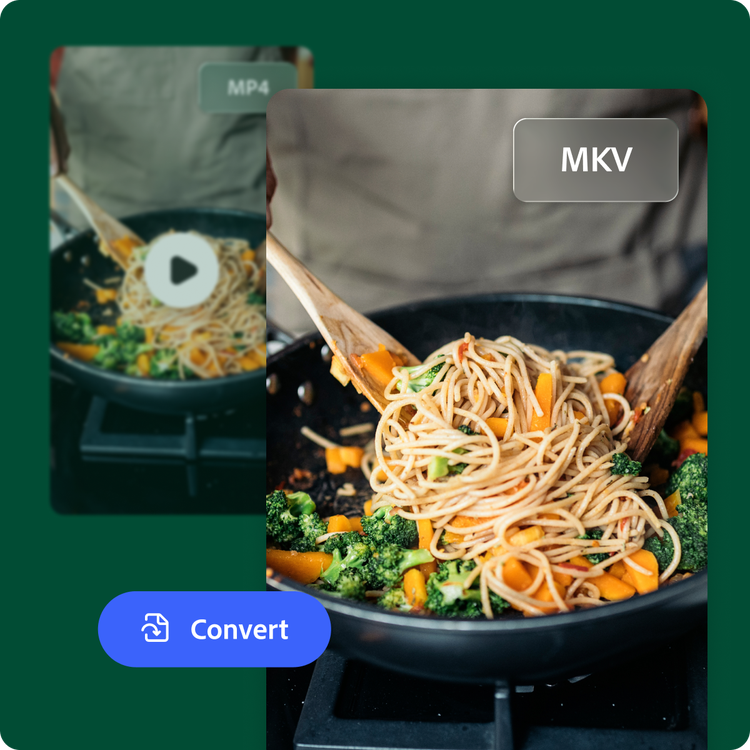
Drag and drop a video
or browse to upload.
File size can be up to 1GB
 Free to useNo credit card required
By uploading your video, you agree to the Adobe Terms of use and Privacy Policy
1. Upload.
Drag and drop your MP4 file into the converter, or upload from your device.
2. Convert.
Select MKV as your output format and start the conversion.

3. Continue editing.
Your new MKV file is ready to download. Save it, share it, or continue editing in Adobe Express.

Convert videos for editing, sharing, and storage.
Different projects require different file formats. MKV is a popular choice for storing high-quality video because it supports advanced features like multiple audio streams, subtitles, and chapters.
A video format that works for your workflow.
Whether you're organizing a personal video collection, preparing files for a media server, or archiving footage with multiple subtitles or audio tracks, MKV offers greater flexibility than many standard video file formats.
Converting your file with Adobe Express can be fast. Just upload your file, convert it to MKV, and keep creating with Adobe Express. Edit your video, enhance it with graphics or animations, and export content that's ready for your next project.

Convert and customize in one place.
Need more than a format change? After converting your MP4 to MKV, continue editing with Adobe Express. Trim unwanted footage, resize your video, add text, music, transitions, or captions, and create a polished final project without switching between multiple tools.
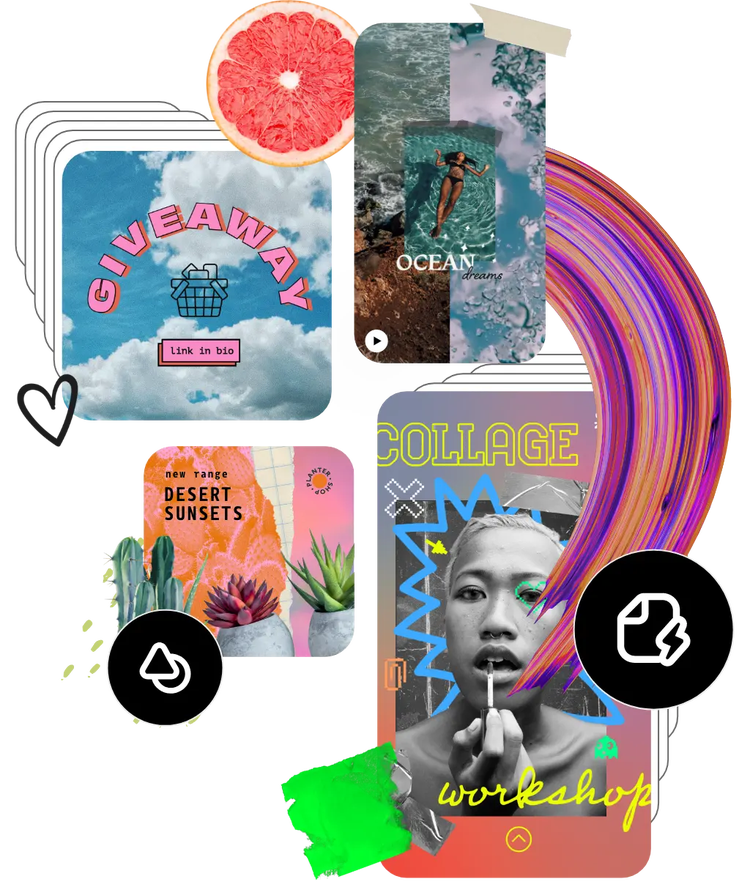
Hundreds of thousands of templates and assets to start customizing today.
Take your converted video even further with professionally designed templates, fonts, icons, stock images, and creative assets. Whether you’re creating a presentation, tutorial, highlight reel, or social media content, Adobe Express gives you everything you need to personalize your project.
Convert videos for editing, sharing, and storage.
Different projects require different file formats. MKV is a popular choice for storing high-quality video because it supports advanced features like multiple audio streams and subtitles.
Need another format later? Adobe Express also makes it easy to convert your videos into formats like MOV or GIF, helping you prepare content for virtually any workflow or audience.
A video format that works for your workflow.
Whether you’re organizing a personal video collection, preparing files for a media server, or archiving footage with multiple subtitle or audio tracks, MKV offers greater flexibility than many standard video formats.
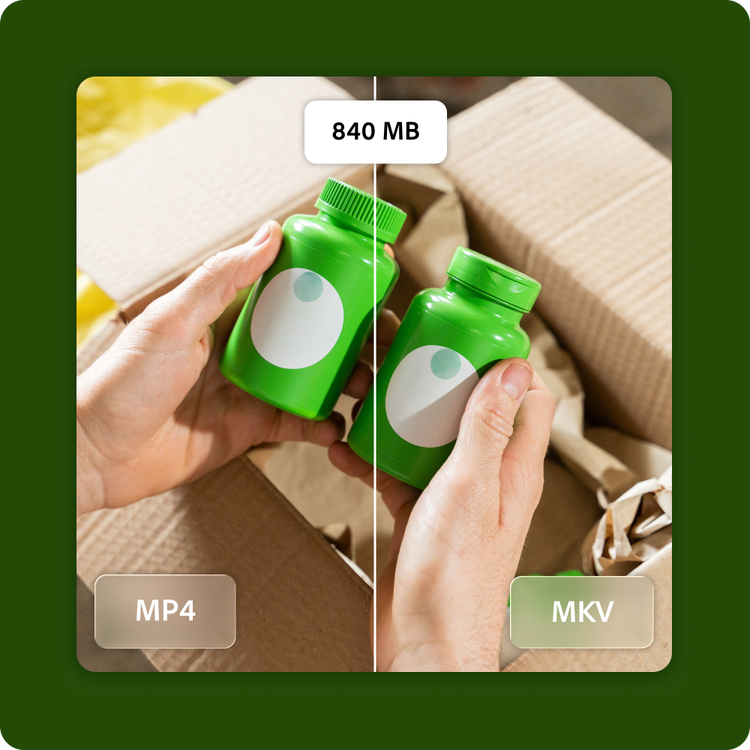
A 1 GB MP4 file converts to MKV. Just upload your file, convert it to MKV, and keep creating with Adobe Express. Edit your video, enhance it with graphics or animations, and export content that’s ready for your next project.
Frequently asked questions.
What is MKV and when should I use it?
MKV, also known as Matroska Video, is a flexible, open-source container format that supports multiple audio tracks, subtitle files, chapters, and high-quality video in a single file. Its name comes from "matryoshka," the Russian word for nesting dolls, since MKV nests multiple types of content into one file. It's also widely used for archiving video since it doesn't impose quality restrictions on what it stores. Choose MKV when you need flexible playback options, multiple language tracks, or a format built for long-term storage.
Will converting my MP4 reduce video quality?
In most cases, you won't notice a difference. Adobe Express processes your video during conversion, so there can be small changes in quality or file size, but at standard settings these are usually too minor to see or hear.
What is the maximum supported MP4 file size?
Adobe Express supports MP4 files up to 1 GB in size with resolutions ranging from 480p to 4K, making it easy to convert everything from short clips to high-resolution videos.
Can I convert MP4 to MKV on my phone?
Yes. The Adobe Express MP4 to MKV converter works on both desktop and mobile devices, so you can convert your videos wherever you are.
Can I use Adobe Express for free? If so, what’s included?
Yes, we have a free plan available for anyone. Enjoy everything you need to stand out, including dozens of quick action tools, thousands of templates, photo editing and effects, and much more. Explore our plans and pricing for details.

