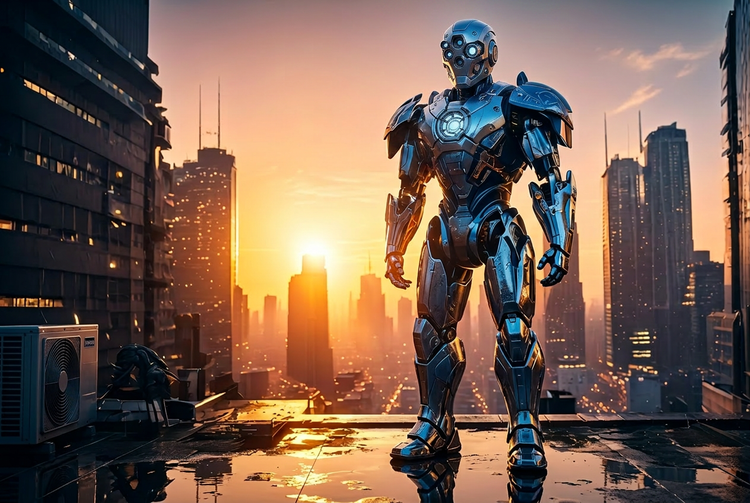
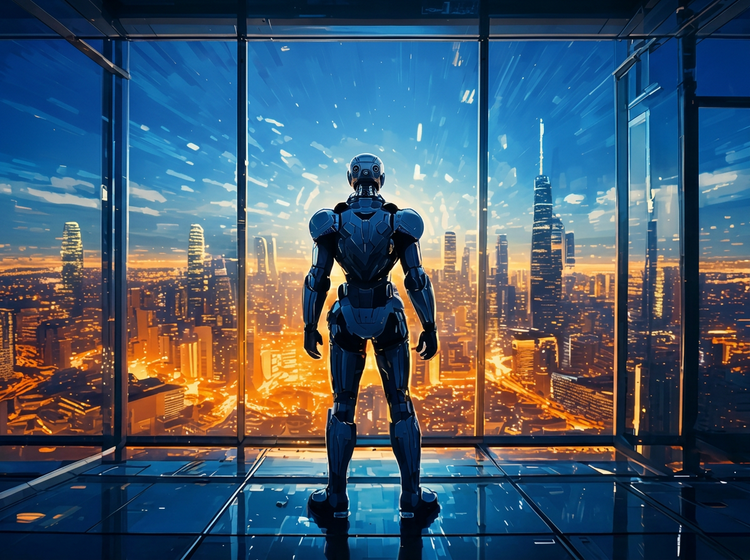
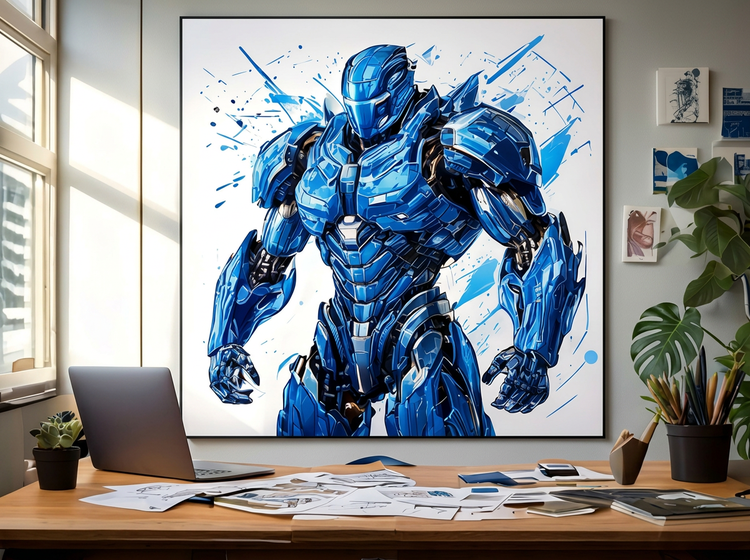
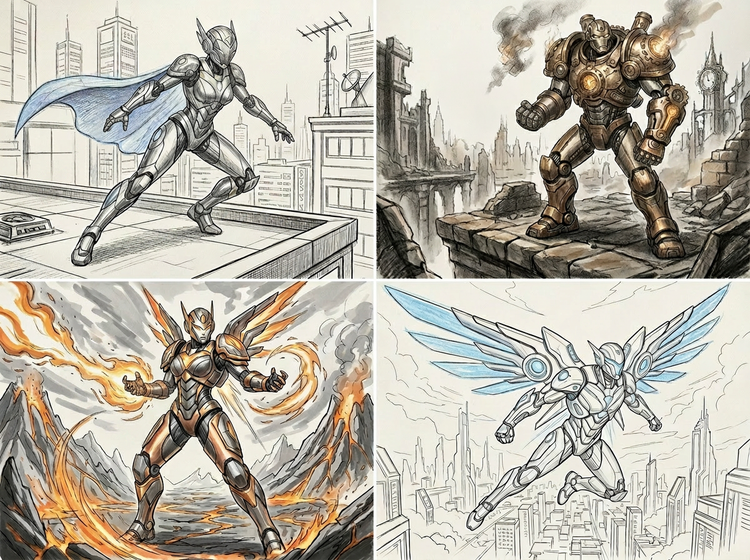
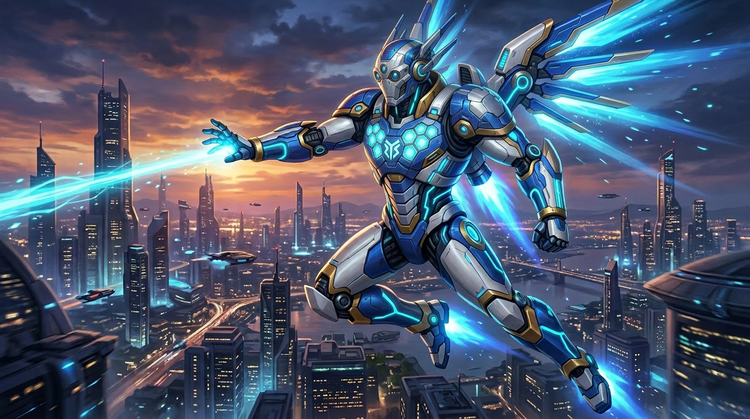
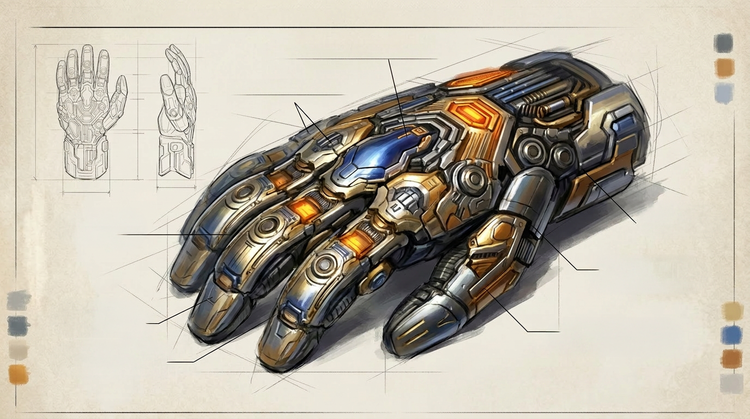
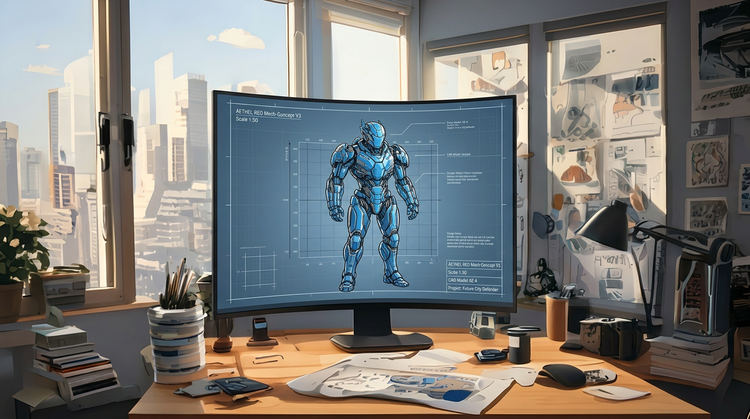
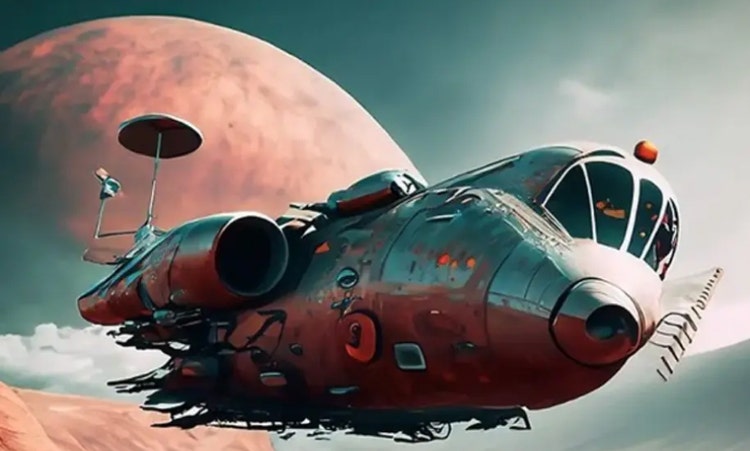
Strong robot superhero prompts describe the armor style, silhouette, and lighting. For example: “a humanoid robot hero with modular chrome armor and a glowing blue energy core, standing on a rain-slicked city rooftop, warm amber rim light, painterly digital illustration style.” Including material details such as titanium, carbon fiber, or liquid metal gives Adobe Firefly more to work with and produces more distinctive results.
Content generated with Adobe Firefly models is commercially safe. Adobe Firefly models are trained on licensed content and public-domain material. You can use your robot superhero concept art in game design documents, film pre-production, client pitches, marketing campaigns, and production pipelines. You’re responsible for determining whether content generated with partner models is appropriate for your projects.
Include style descriptors in your prompt, such as “sleek mecha anime style, cobalt blue and white palette” or “gritty industrial heavy armor, warm orange energy glow.” You can also upload a reference image to anchor the visual register, and use the settings panel to adjust color temperature, tone, composition, and aspect ratio after generation.
The best AI tool for robot superhero concept art turns detailed prompts into high-quality, usable character concepts. It should offer precise control over silhouette, material finish, lighting, and mood, and produce output safe for professional and commercial use. Adobe Firefly delivers these results, and it integrates with Adobe Creative Cloud so you can generate and then refine your robot hero designs for production.
Yes. If you have a free account, you can start creating AI generated images and artwork in Adobe Firefly using free daily generations. This lets you explore what Adobe Firefly can do without committing to a plan. When you’re ready for more, you can upgrade to a paid subscription for additional access. Learn more about
using Adobe Firefly for free.
No. Describe your robot heros design in plain language and Adobe Firefly will generate the concept art for you. Refine your results by adjusting your prompt, trying different style descriptors, or uploading a reference image. No illustration or design experience is required.
Yes. Upload a reference image in the Adobe Firefly
Generate Image feature to anchor the visual style and proportions of your results. This is useful when you have a mood board, an existing character, or a visual direction you want Adobe Firefly to match or extend.
Concept art generated with the Generate Image feature downloads as a PNG file. You can save your image and open it in any image editor, including Adobe Photoshop, for further compositing and refinement.
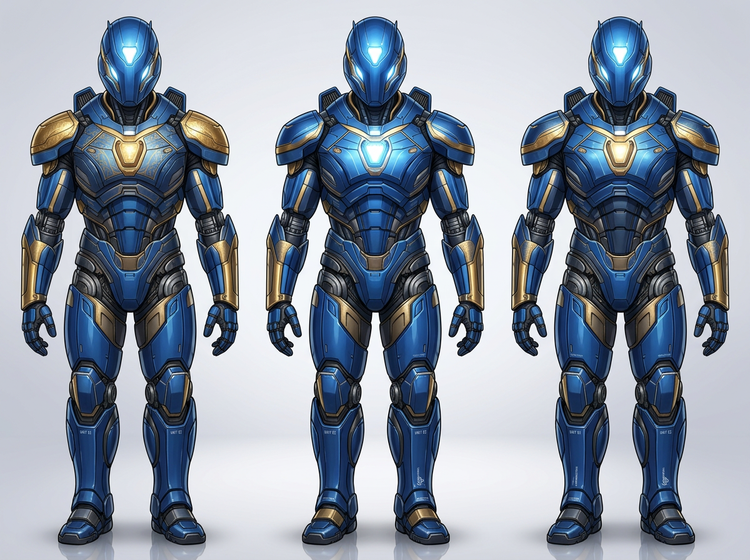
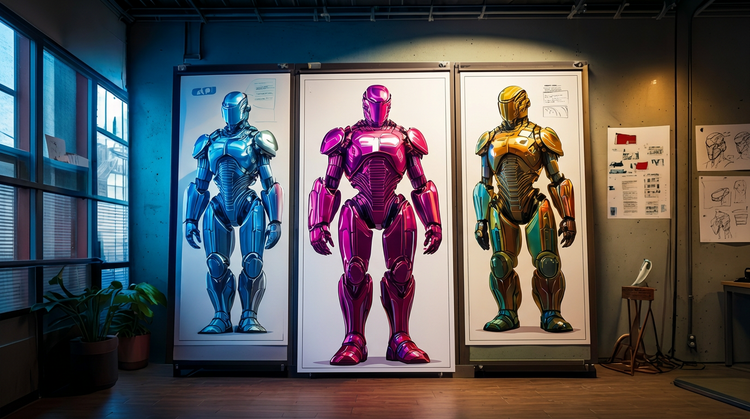
Yes. Adobe Firefly Image 3 and Firefly Image 4 generate multiple image variations from each prompt. Review the results side by side, then refine your prompt to explore different armor configurations, color palettes, and poses. This iterative approach lets you develop a full set of character directions quickly.
Game designers, film and animation pre-production teams, comic book creators, tabletop RPG developers, and independent artists all use AI concept art generators to explore character directions quickly. Adobe Firefly fits into professional workflows because content generated with Adobe Firefly models is commercially safe. Move your outputs into Adobe Creative Cloud apps for further production.