


.

Describe a face and generate it instantly.

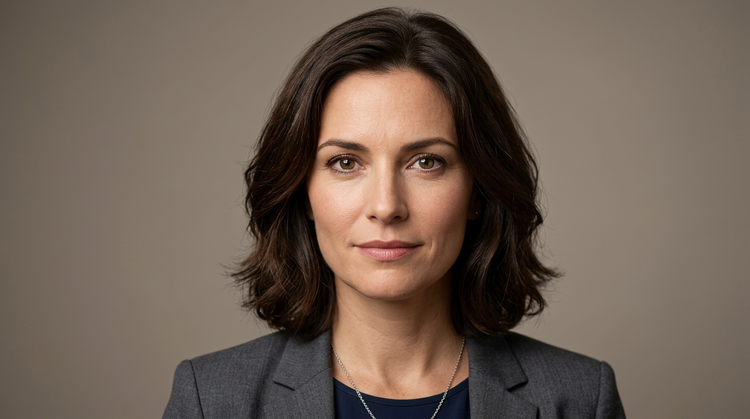
All you need is a simple text prompt, such as "a confident woman in her 30s with warm studio lighting", to generate a realistic face. Adjust your description to explore different ages, expressions, hair styles, and more.
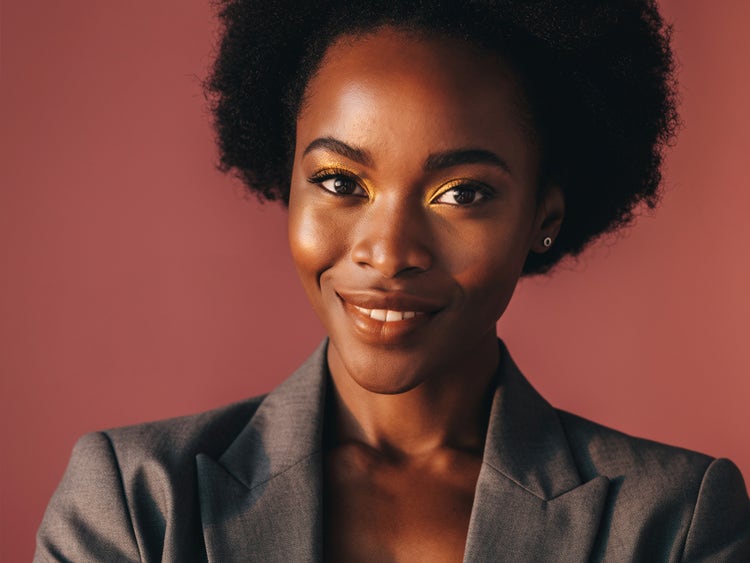
A photorealistic portrait of a fictional woman in her early 30s with warm studio lighting and a confident expression, generated with Adobe Firefly.
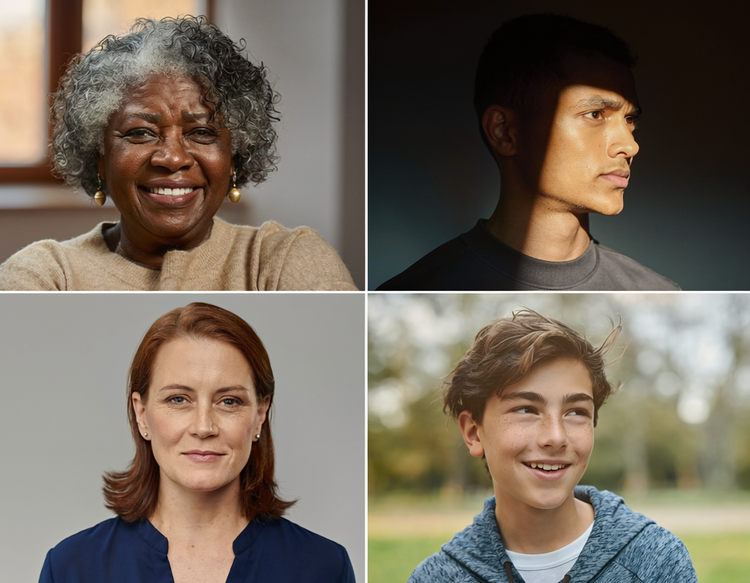
A grid of AI-generated faces showing diverse ages and expressions made with Adobe Firefly.

Customize every detail with precision.

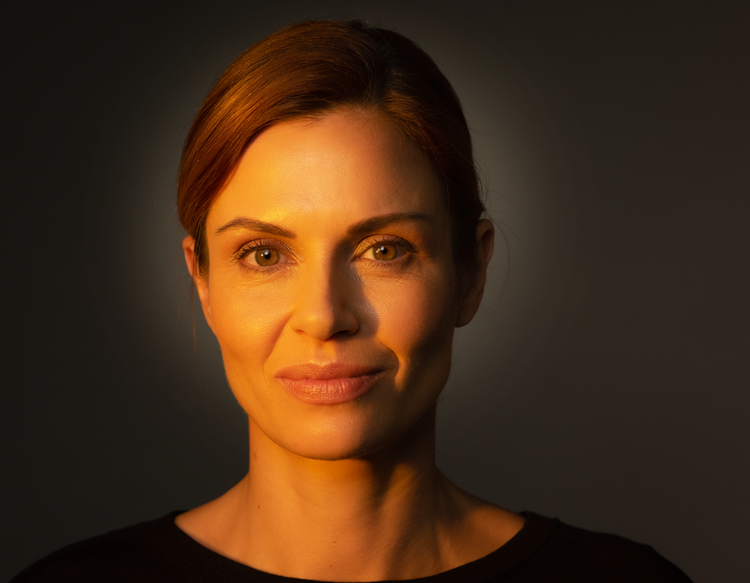
Use detailed prompts to guide the lighting, facial attributes, mood, background and more. Upload a reference image to guide the look of your results, and use the settings in Firefly to fine-tune style, composition, camera angle, and more.

How to generate random AI faces with Firefly.

See what you can create with Firefly.

Discover even more features.

Questions? We have answers.

Share this page.

Explore more Firefly tools.

Adobe Firefly

The next evolution of creative AI is here for all your ideas, with image, video, audio, and vector tools.

Generate faces