
.

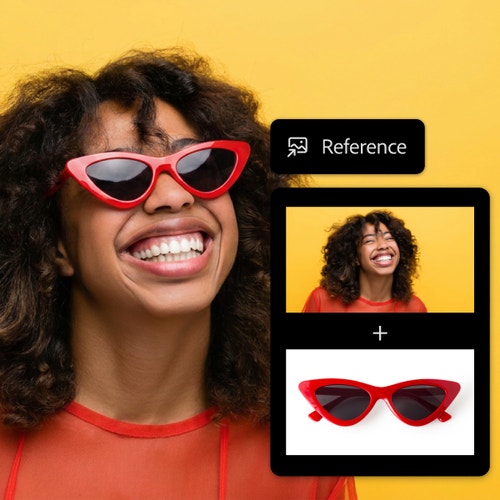
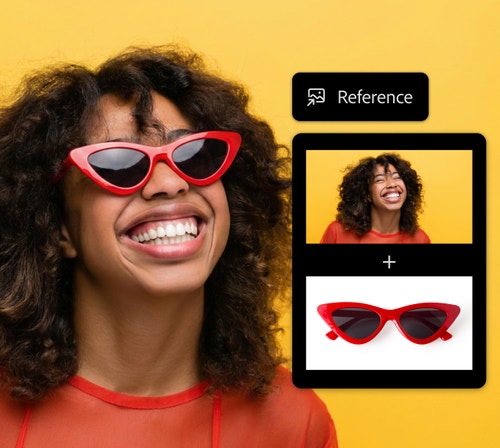
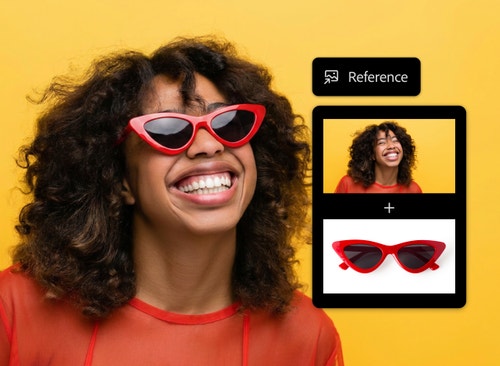
How to combine images with AI using Adobe Firefly.

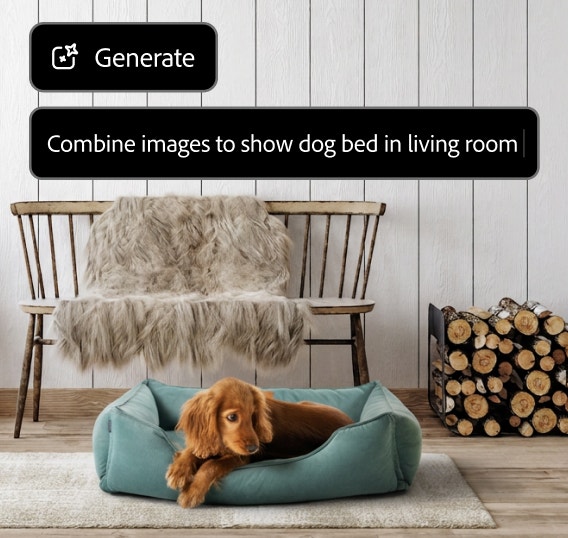
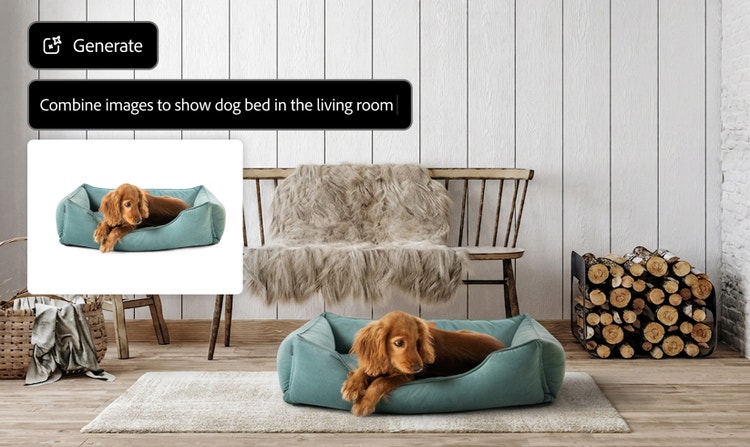
Dog resting in a teal pet bed in a cozy living room, created by combining a separate image of the dog and bed with the interior scene.

Realistic results

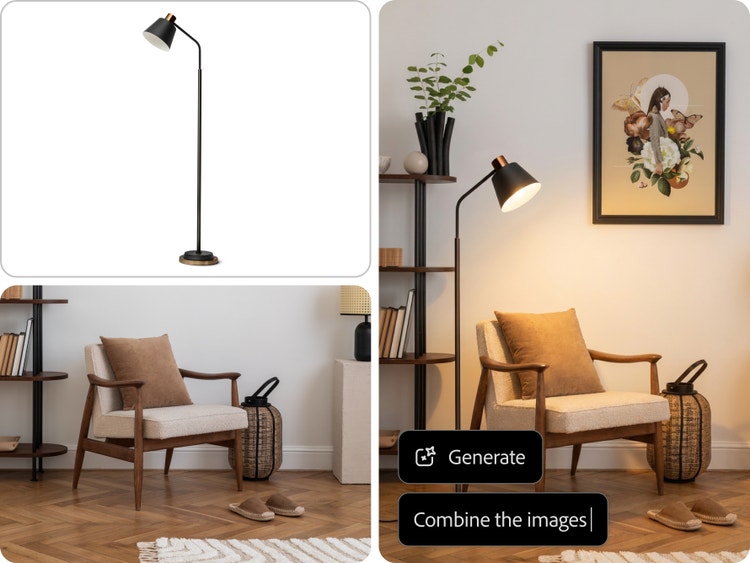
Firefly helps match depth of field, shadow direction, lighting, and overall mood across your combined image, so the result feels like one cohesive scene, not two separate images stitched together.

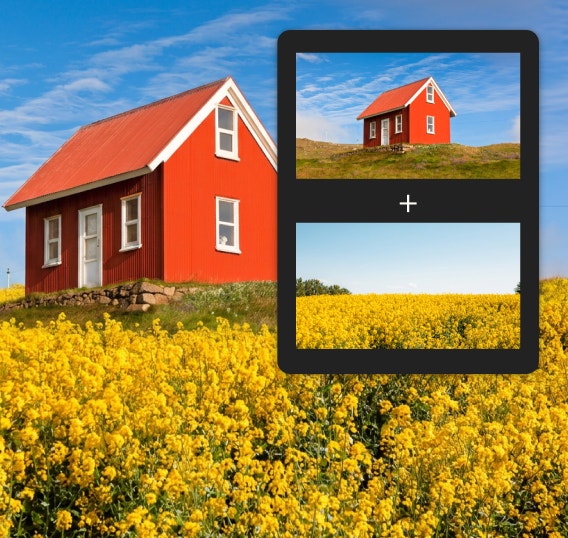
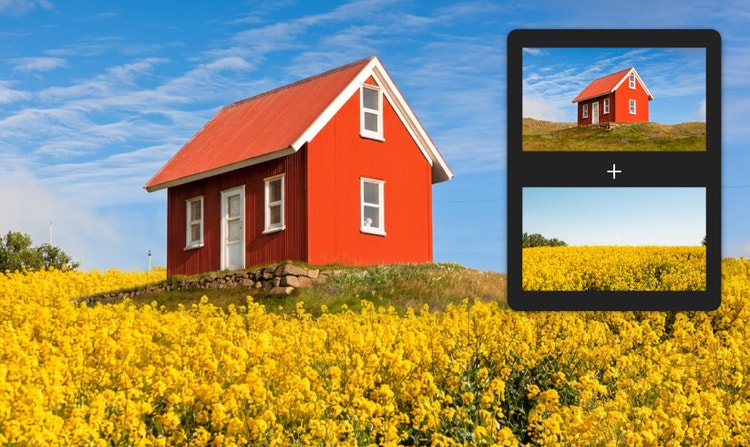
Red cottage on a grassy hill surrounded by a field of yellow flowers, with reference images showing the house and flower field used to create the combined scene.

Simple to start

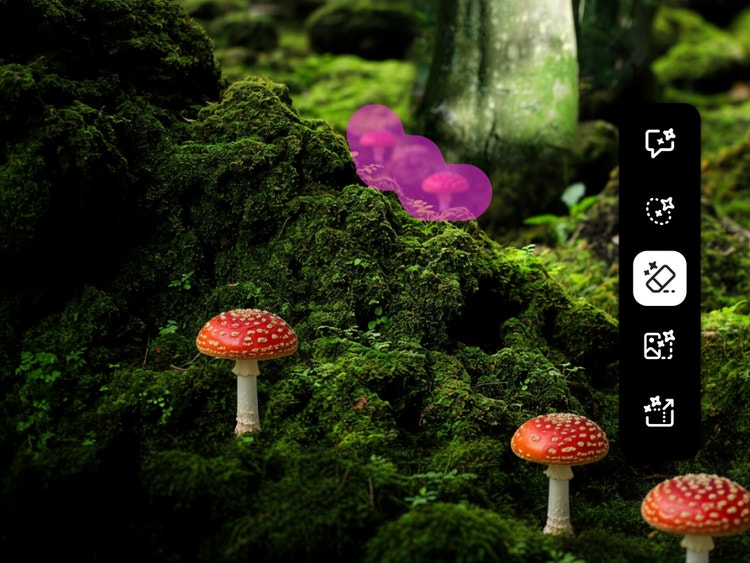
No need to install software or know how to work with layers and masks. Just upload your reference images, describe how you want to combine them, and use Firefly to generate a polished final result.

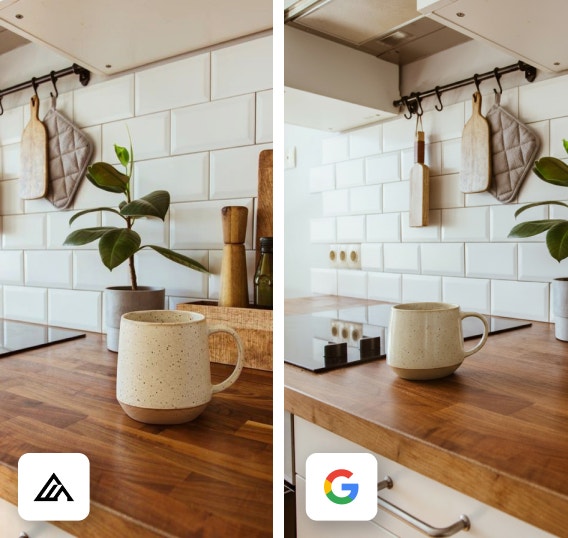
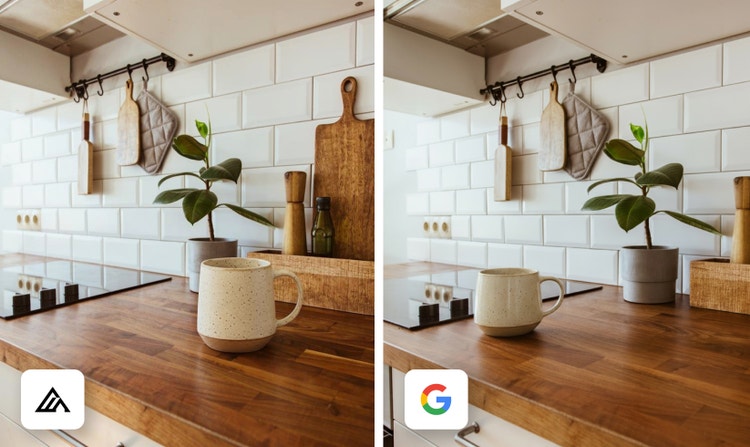
Side-by-side AI-generated variations of a ceramic mug on a wooden kitchen counter, showing subtle differences in composition and styling from different AI models.

More models to choose from

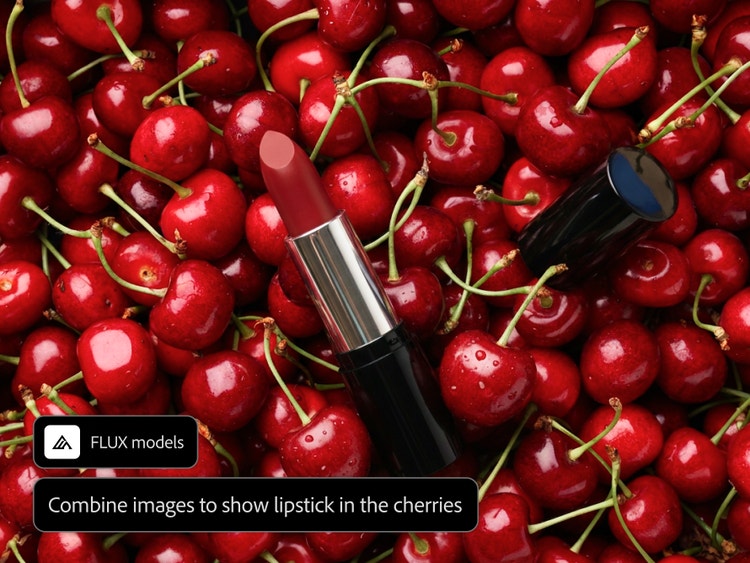
Explore different looks across Firefly and AI partner models like GPT Image, FLUX and Gemini. Each model brings a different style, tone, and level of realism to your merged image.

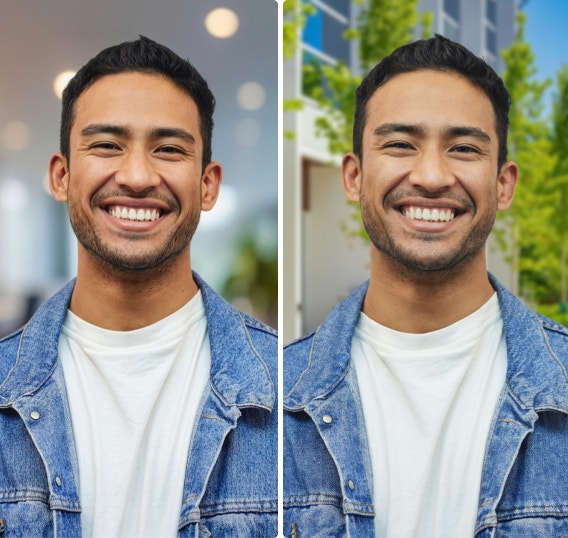
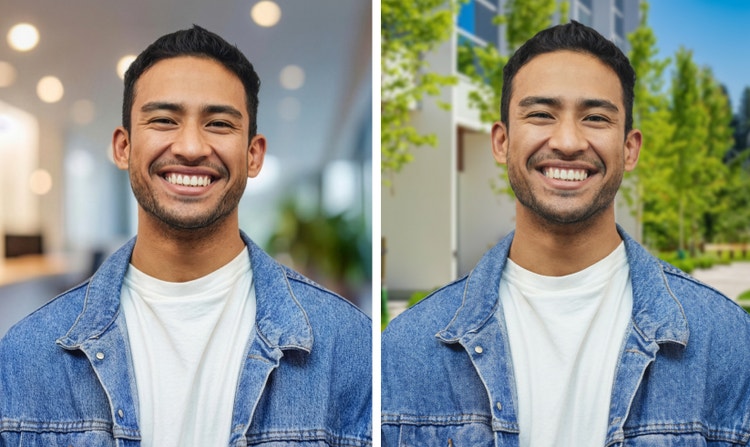
Side-by-side portraits of a smiling man in a denim jacket, showing the same subject placed against two different backgrounds.

Versatile use cases

Use the image combiner in Firefly for product photography, portrait backgrounds, character scenes, style transfers, campaign concepts, social posts, and more.

See what you can do in Firefly.

Discover even more features.

Questions? We have answers.

Share this page

Explore more Firefly tools.

Adobe Firefly

The next evolution of creative AI is here for all your ideas, with image, video, audio, and vector tools.

Combine images


Save today