



.

How to edit photos using the Adobe Firefly AI photo editor.

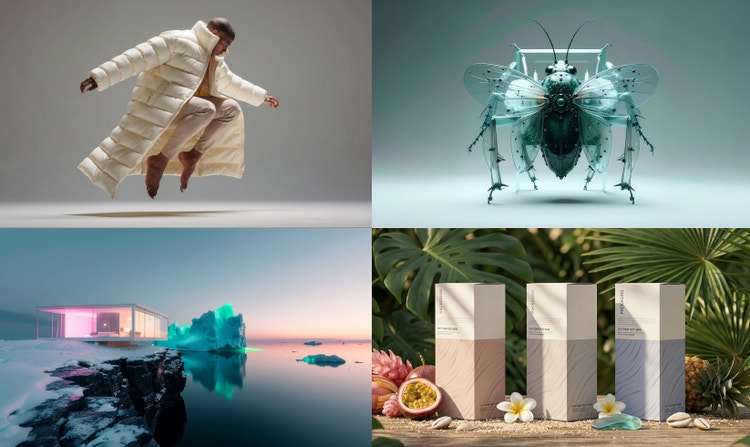
A series of images including a robotic fly and a neon-lit building within a tundra demonstrate the creative range of Firefly.

Professional-grade results

Firefly combines creative expertise with advanced generative AI to deliver stunning, high-quality images you can trust for personal and commercial projects.

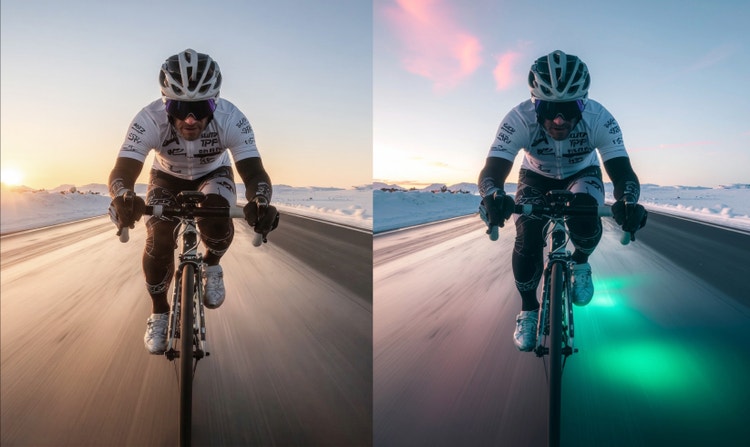
A before and after image of a cyclist on a road show a realistic image paired next to one showing glowing green light beneath the wheels.

Smarter creative workflow

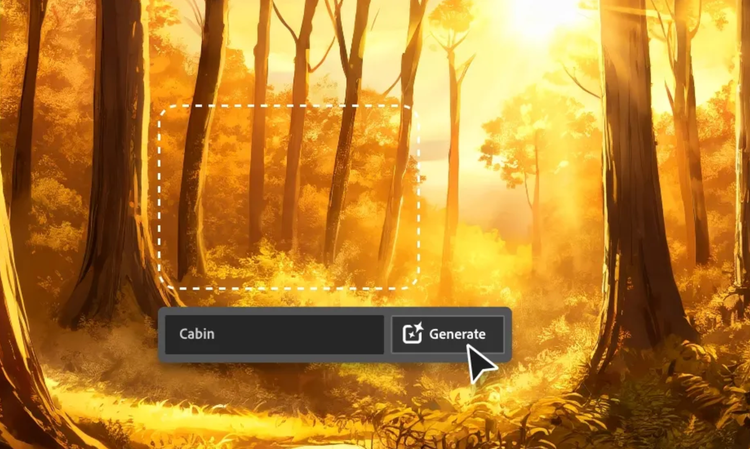
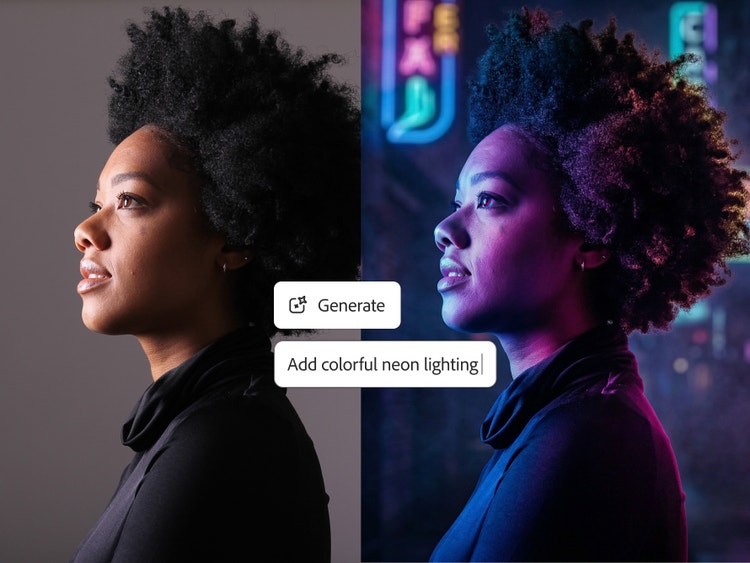
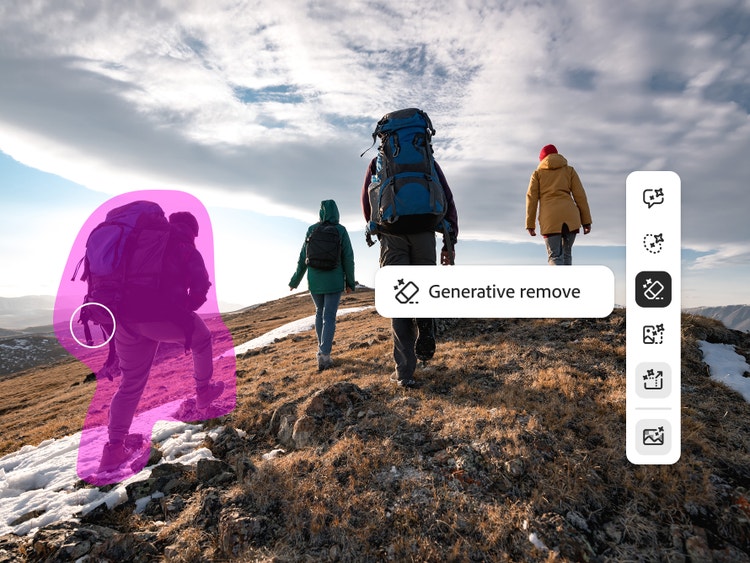
Use natural-language prompts to enhance photos, remove distractions, or generate entirely new visuals in just a few clicks.

An generated image of a futuristic building is shown underneath logos for AI partner models available in Firefly.

Flexible AI models

Choose between Firefly models for commercially safe, brand-ready results trained on licensed Adobe and public domain content, or explore partner models from Google, OpenAI, Runway, and more for faster style experimentation.

A man standing in a flooded parking lot is covered in a purple brush mark indicating they will be removed from the image.

Creative control made simple

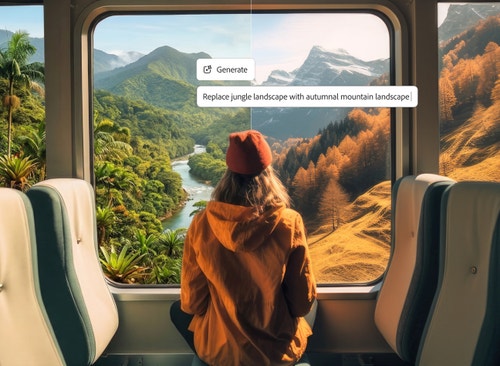
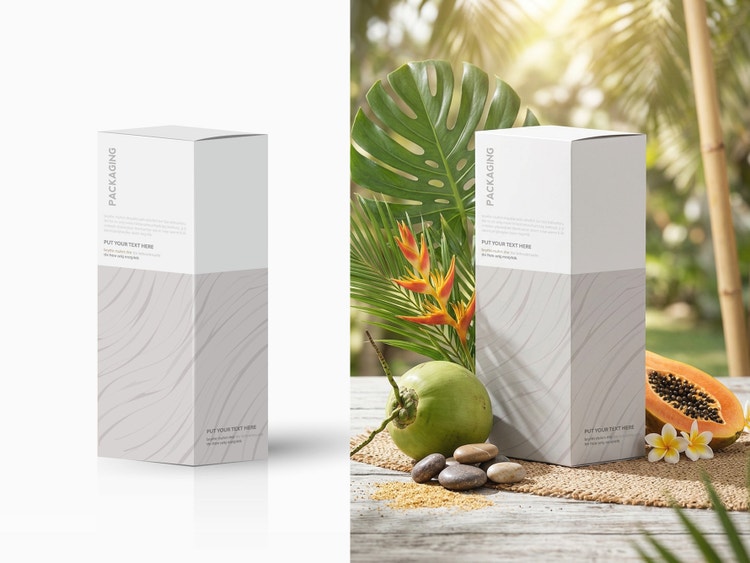
Fine-tune your image from lighting and composition to tone and texture with Prompt to Edit, Generative Fill, Generative Recolor, Replace Background, and one-click Quick Actions like crop or resize for instant polish.

See what else you can do in Adobe Firefly.

Discover even more features.

Questions? We have answers.

Share this page

Explore more Firefly tools.

Adobe Firefly

Use everyday language to create extraordinary results with generative AI.

Edit photos with AI