


#000

Adobe Firefly

{{nbsp}}

Generate horse sound effects

https://main--cc--adobecom.aem.live/cc-shared/assets/img/product-icons/svg/firefly-80.svg

Adobe Firefly

The next evolution of creative AI is here for all your ideas, with image, video, audio, and vector tools.

Generate horse sound effects

https://main--cc--adobecom.aem.live/cc-shared/assets/img/product-icons/svg/firefly-80.svg

Adobe Firefly

The next evolution of creative AI is here for all your ideas, with image, video, audio, and vector tools.

Generate horse sound effects

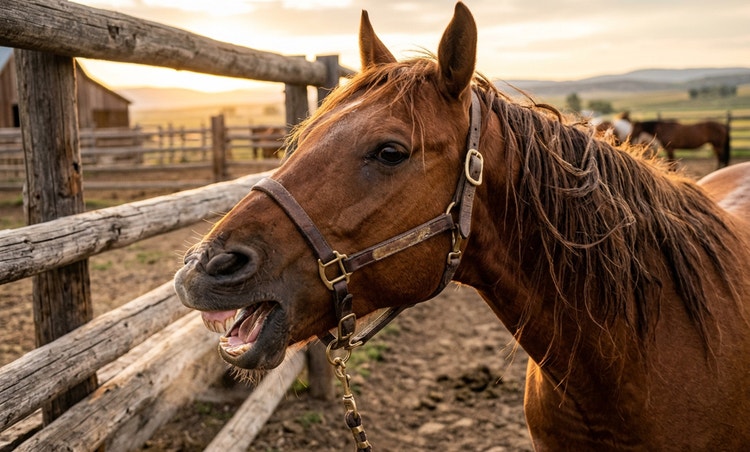
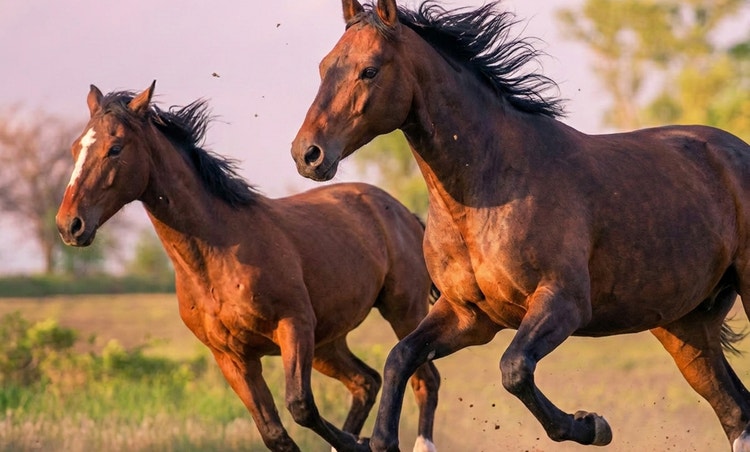
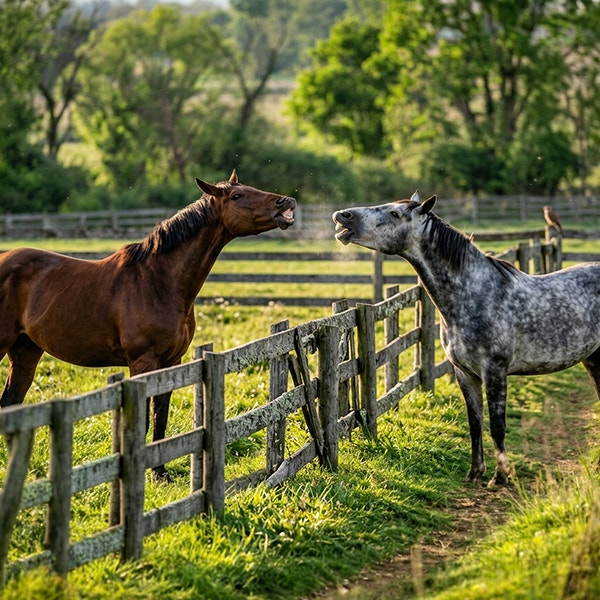
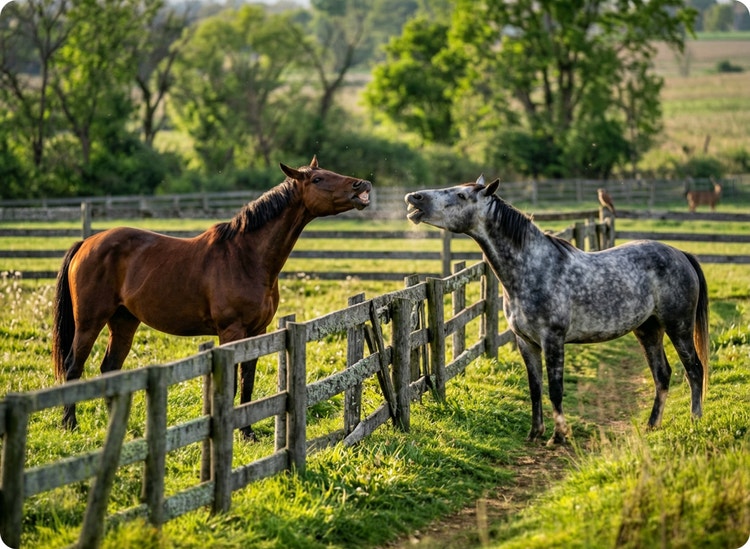
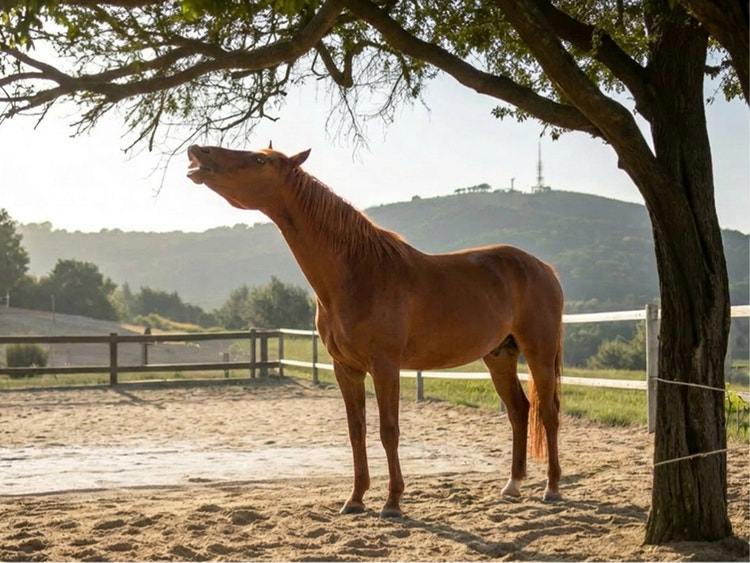
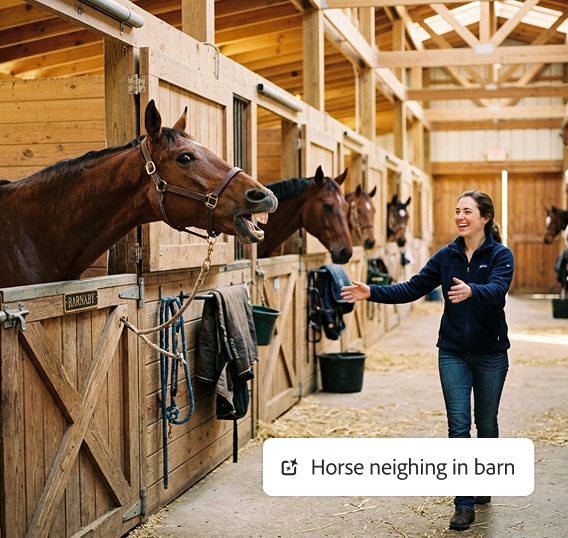
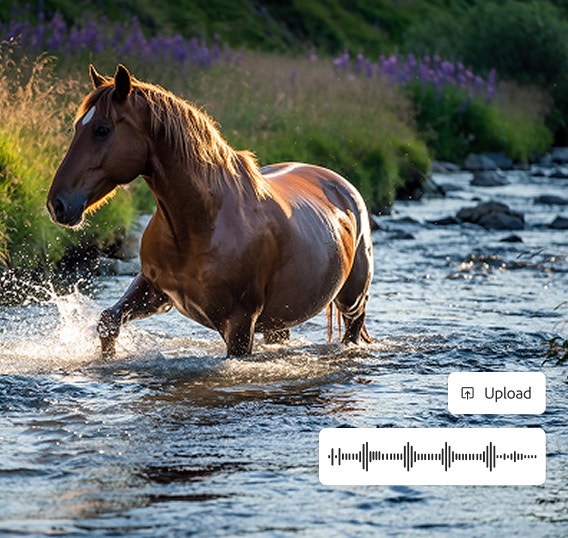
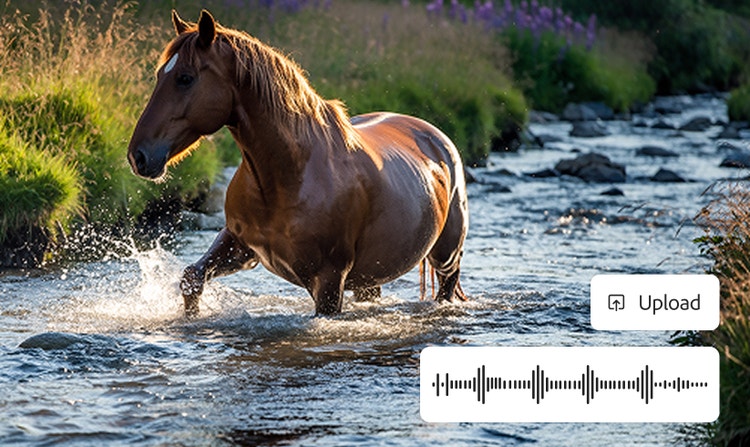
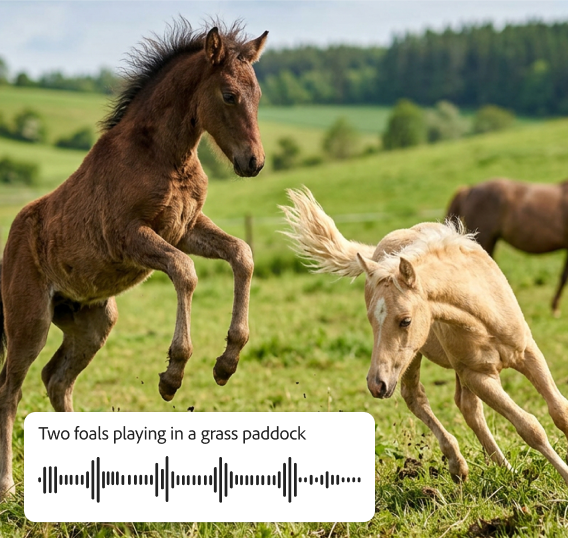
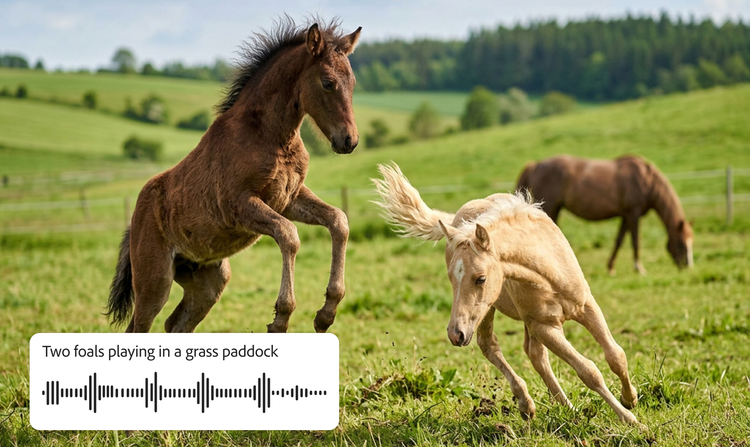
Explore horse sounds created with Firefly.

How to generate horse sound effects in Firefly.

Why use Firefly for horse sound effect generation?

An AI horse sound effect generator uses artificial intelligence to create horse sound effects from text prompts and voice guides. Adobe Firefly is a strong choice for generating horse sound effects because it offers these key advantages:

#FFF

Ease of use

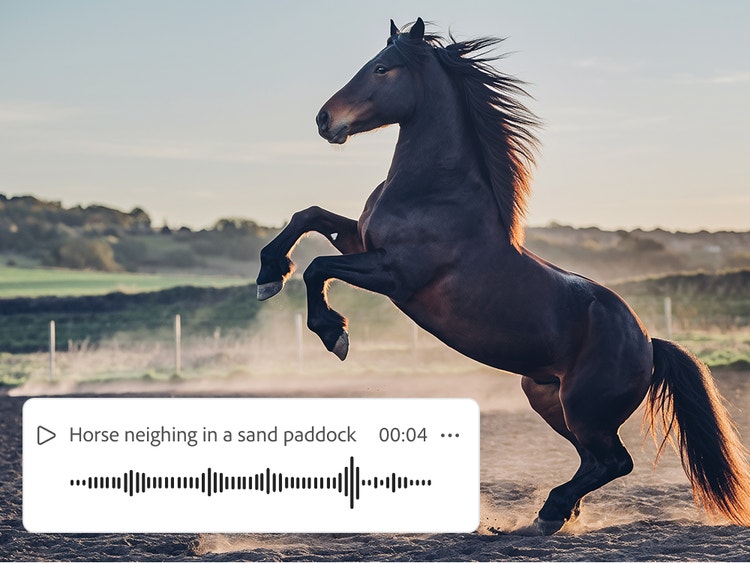
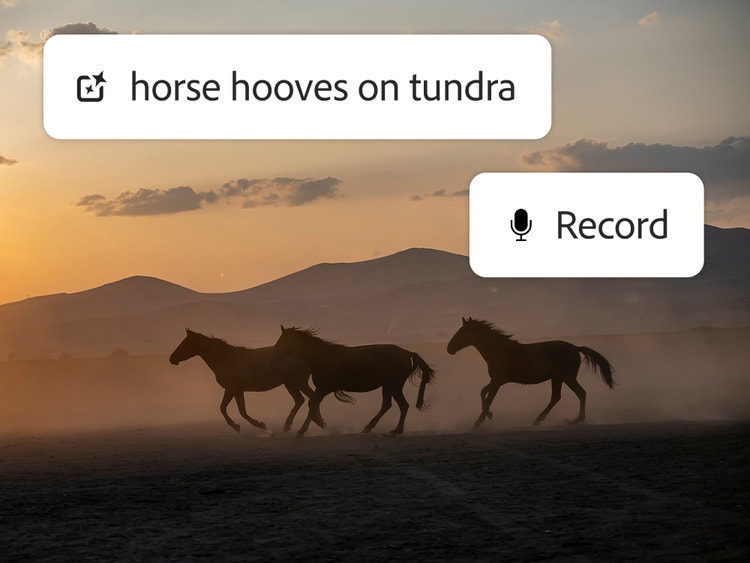
With just your voice and a text prompt, you can create the exact horse sounds you need to match your video or fit in among other audio elements.

#FFF

High-quality results

You can make any effect sound realistic in Firefly using text or voice prompts. Layer individual sounds in the timeline to create a complete soundscape.

#FFF

Precise timing

Upload your own video or audio file, use the timeline to start the effect at the right moment, and then use your voice to get the rhythm right.

#FFF

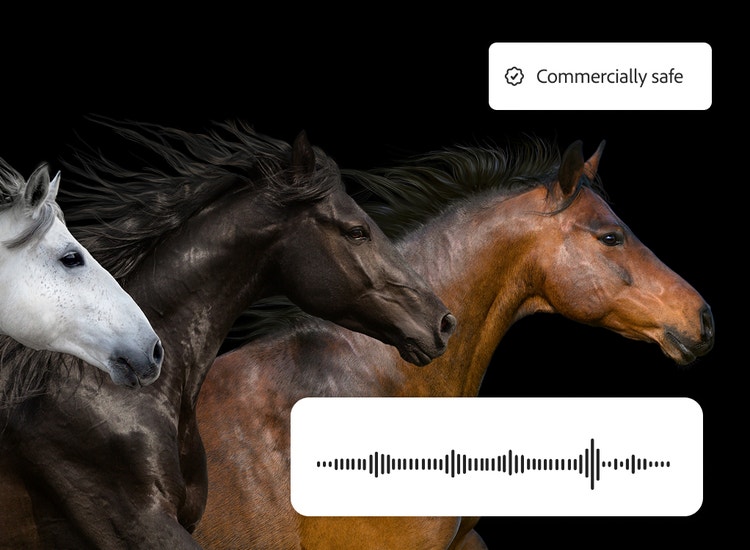
Commercially safe models

Firefly models are trained on licensed and public domain content so you can use your outputs for professional projects.

See what you can do in Firefly.

Discover even more features.

Questions? We have answers.

Share this page

#F0F0F7

Explore more Firefly tools.