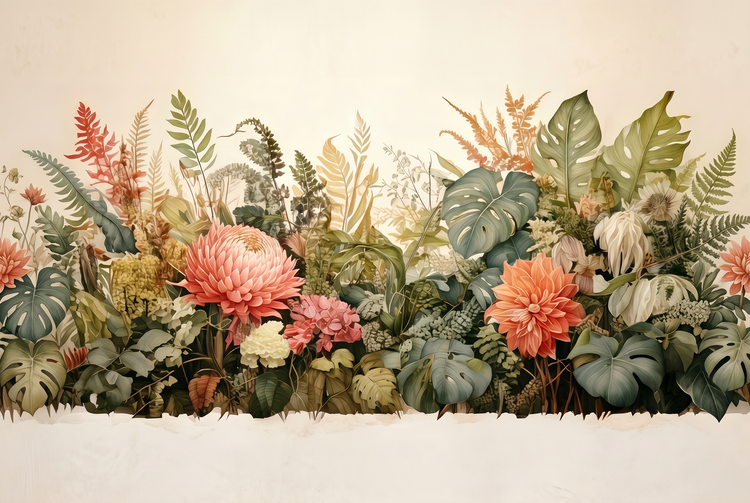
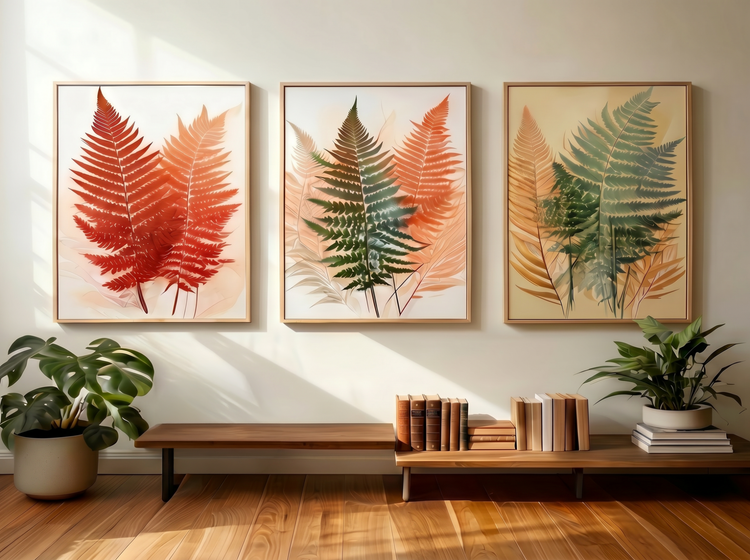
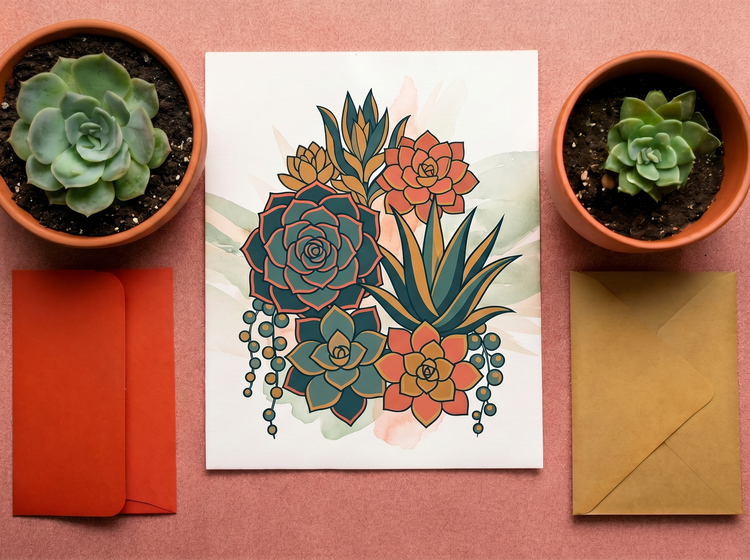
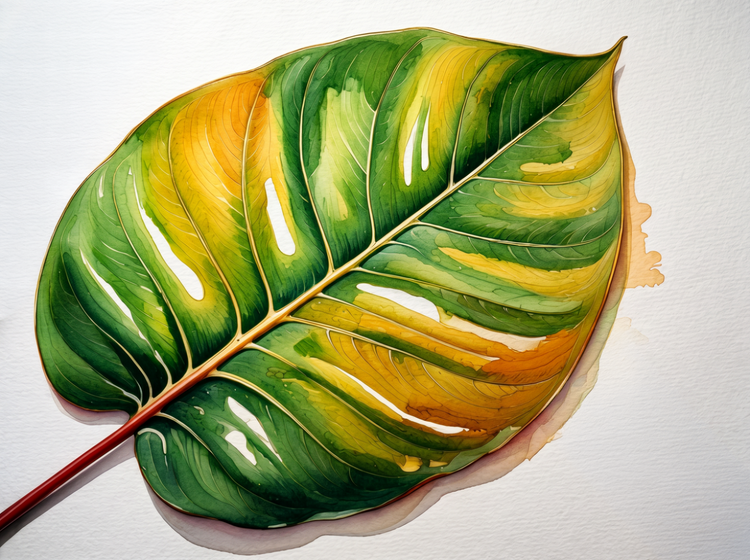
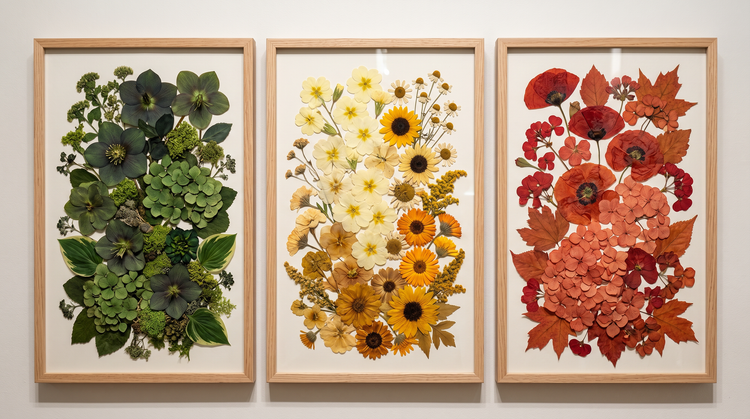
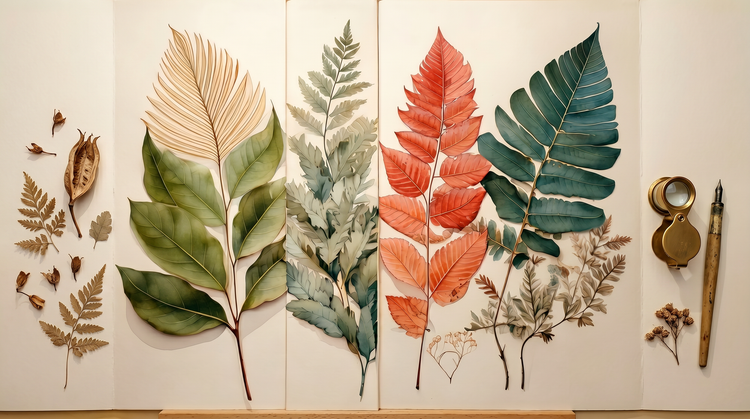
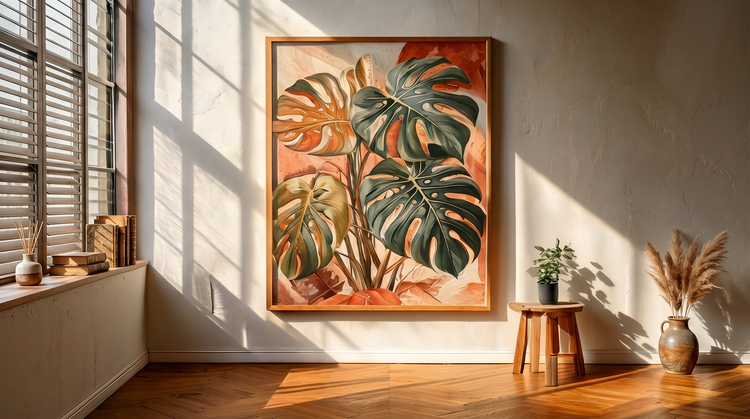
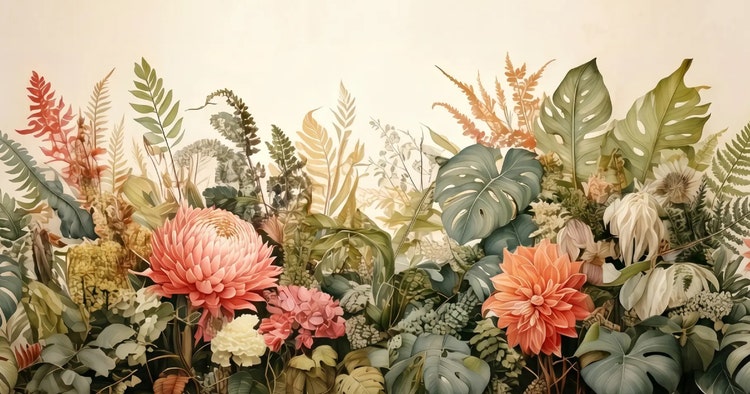
Images generated with Adobe Firefly models produce commercially safe output, so you can use them in products, prints, social content, and client projects. The Adobe Firefly generative AI models were trained on licensed and public-domain content. If you generate images using partner models available in Adobe Firefly, you’re responsible for determining whether that output is appropriate for your intended use.
The range is wide. You can generate plant art in watercolor, gouache, pen-and-ink, risograph, botanical engraving, flat design, oil painting, Japanese woodblock, digital illustration, and more. Describe the style in your prompt alongside the plant type and color palette, and Adobe Firefly will apply it. Try multiple models in the same session to compare how each one interprets your description.
Open Generate Image in Adobe Firefly and write a prompt that describes the plant, the illustration style, and the mood you want. For example: “a detailed botanical illustration of lavender on ivory paper, fine ink lines, soft watercolor fill.” Use the style controls to adjust medium, color and tone, and composition. Refine your prompt until the result matches your vision, then download and use the image in your project.
Yes. Free users receive free daily generations, so you can try the Adobe Firefly plant art generator. For more generations, access to advanced features, or higher-resolution downloads, a
paid plan is available.
Yes. Describe the consistent elements in your prompt, style, color palette, background treatment, and vary only the plant type between generations. You can also use the
Image-to-Image tool in Adobe Firefly to keep a reference image consistent across multiple outputs, making it straightforward to produce a coordinated set of botanical prints.
Plant art you generate in Adobe Firefly works across a wide range of creative and commercial projects. Designers and independent sellers use it for wall prints, greeting cards, fabric patterns, packaging, and social media graphics. Wellness brands use it for logos and branded content. You can generate a full set of coordinated botanical illustrations, adjust styles between outputs, and download images ready for print production or digital use.
Generate Image in Adobe Firefly downloads your plant art as a PNG file. PNG preserves clean edges and transparent backgrounds, which makes it practical for use in print layouts, product mockups, and layered design files. If you need a different format for your project, you can open the downloaded PNG in the editing app of your choice and export to the format you need.
A useful plant art generator gives you real style range, the ability to refine your results, and output you can take straight into a professional workflow. Adobe Firefly brings together multiple AI models in one creative studio, so you can try different visual styles side by side and compare results without switching tools. Once you have an image you like, precision editing tools in the same workspace let you adjust color, remove backgrounds, or expand the canvas before you download.