Three trumpeting elephants with audio waveform overlays suggesting use of an AI sound effect generator to create elephant sounds.

https://main--cc--adobecom.aem.page/cc-shared/assets/img/firefly.svg Adobe Firefly

Generate an elephant sound effect.

Create customised elephant sound effects — like trumpets, low rumbles, heavy footsteps or subtle breathing sounds — simply by describing the sound or using an audio reference.

con-block-row-supplemental (xs-body)

Bring elephant sound effects to life with AI.

It’s easy to create realistic elephant sound effects using simple text prompts in Firefly. Just describe the sound you need, like “powerful elephant trumpet,” “baby elephant growl” or even “heavy elephant footsteps through grass.”

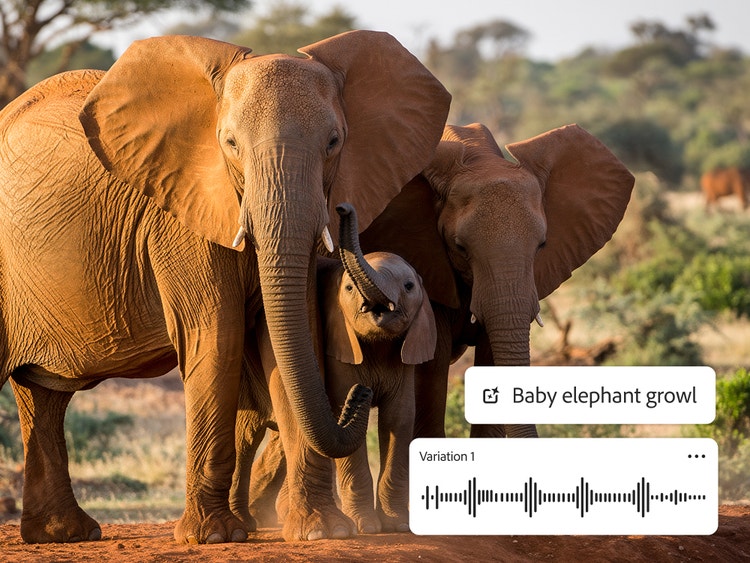
Two adult elephants and a baby elephant standing in the sun with overlays of the prompt “Baby elephant growl” and an audio waveform.
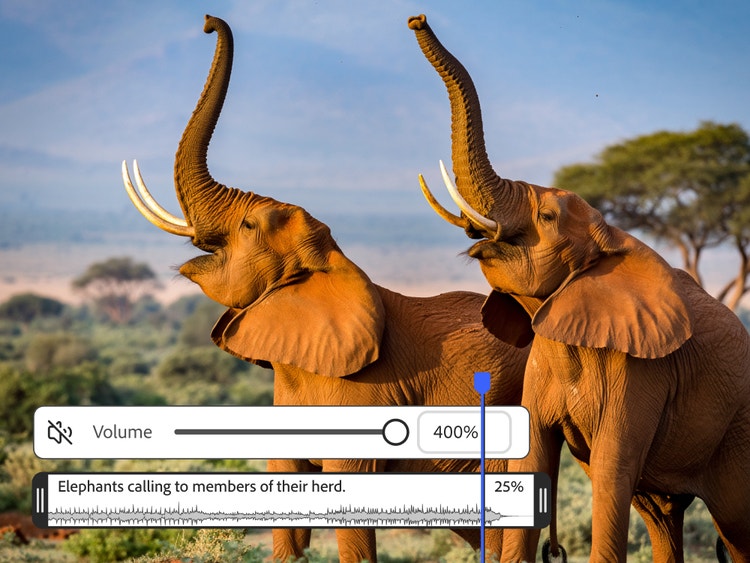
Two elephants with mouths open and an overlay of the volume control slider and the prompt “Elephants calling to members of their herd.”

Perfect your elephant sound effect.

Make sure the timing is right by recording your own voice imitating the sound. Upload existing video or audio and use the timeline to insert your sound effect at the right moment. With the sound effect generator, you can layer multiple sound effects and individually adjust the volume of each one to create a harmonious mix.

Add your elephant sound effect wherever you need it.

Create every type of elephant sound effect and use it for any type of creative project, including films, videos, commercials, games and podcasts. Use the Firefly AI video editor to trim and rearrange clips, add titles and insert more audio.

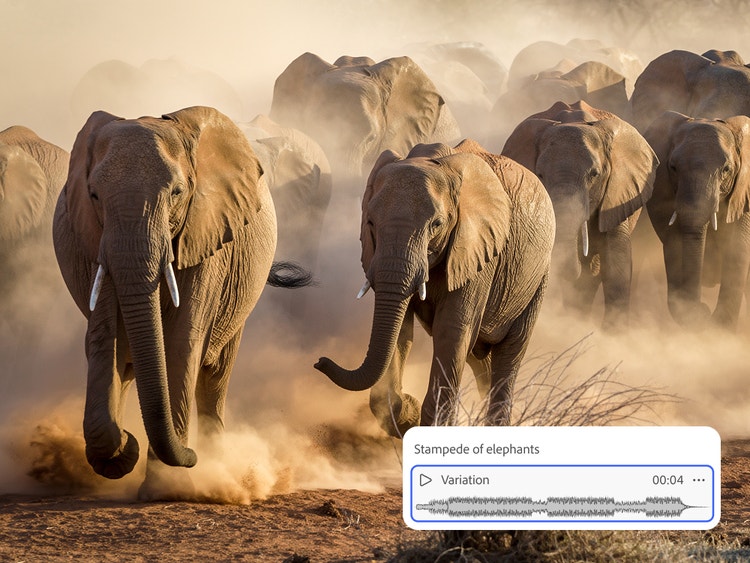
A herd of elephants running toward camera and raising dust with an overlay of the sound effect “Stampede of elephants.”
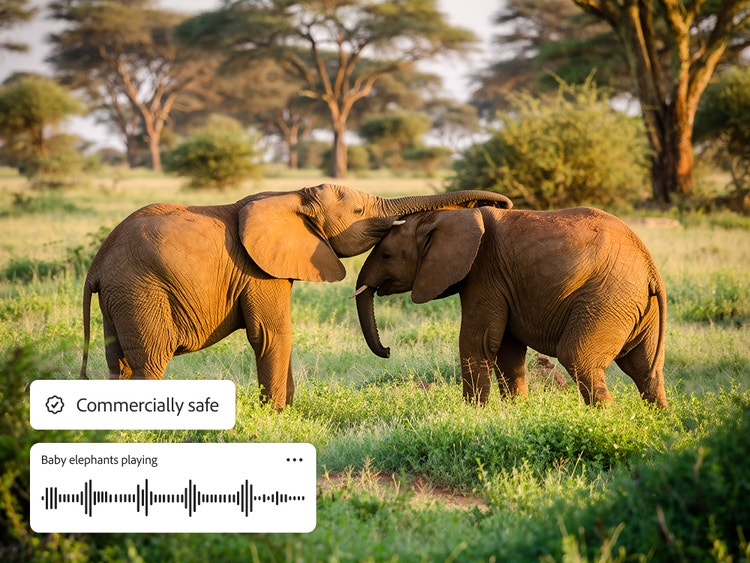
Two elephants in profile on the savannah with one resting her trunk on the other’s head and a badge overlay that reads “Commercially safe.”

Use your elephant sound effect commercially.

Trained on licensed and public domain content, Firefly models are commercially safe, so you can confidently generate a whole herd of elephant sound effects for use in professional projects.

Generate elephant sound effects any time, anywhere with Firefly.

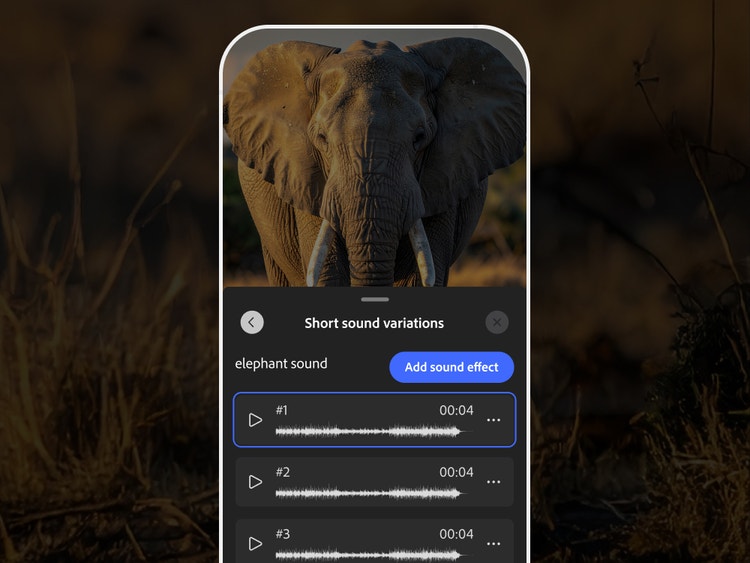
Create new elephant sounds wherever inspiration strikes and avoid scrolling through pages of effects on your phone. Generate and edit an elephant sound effect quickly and easily in the Adobe Firefly mobile app and your mobile projects will sync automatically with the web app.

A smartphone screen showing an elephant and the Generate Sound Effects interface in the Firefly mobile app.

Why Firefly for elephant sound effect generation?

Questions? We have answers.

#F8F8F8

You may also like

AI for graphic designers.

Learn about the AI tools available to graphic designers and how they can help you be more productive and take your work in surprising directions.


Learn more | Learn more - AI for graphic designers

How generative AI works: From training to output.

Generative AI is all over the headlines and that’s not empty hype. This new technology is likely to be part of your life soon — if it’s not already. Learn how generative AI works and start streamlining your workflow.


Learn more | Learn more - How generative AI works: From training to output

A creative revolution: The top three use cases for AI art.

Discover the many applications of AI art and how it’s transforming the creative landscape


Learn more | Learn more - A creative revolution: The top three use cases for AI art

AI art prompts for graphic designers.

Learn how to write effective prompts for generative AI to get amazing results for graphic design.


Learn more | Learn more - AI art prompts for graphic designers