.
  • audio
  • Keep it short and specific, like birds chirping
  • Adobe Generative AI Terms
  • Generate
  • Describe what you want to generate
  • Prompt
  • Suggestions
  • Tip
  • Variation 1
  • Variation 2
  • Variation 3
  • Variation 4
  • ff_campaign=embed_generate_acom&promoid=Y2KRGKFV&mv=other
  • Unable to process the request
  • Please describe what you want to generate.
  • Prompt exceeds the max length of 750 characters
  • Unable to play audio. Please try other variations.
  • Enter prompt

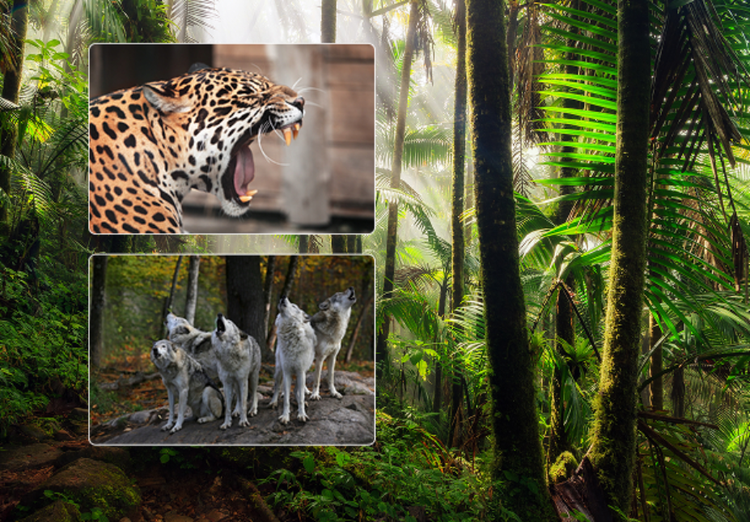
Explore animal sound effects created with Firefly.

How to create animal sound effects with generative AI.

Enhance any soundscape

Animal sounds play a crucial role in storytelling. Add missing sounds or build a richer audio experience by adding texture to the background audio.

Natural-sounding results

Get realistic results from your animal sound effects by adjusting your prompts and settings. Add descriptive words, control clip duration, layer sounds, and more.

Commercially safe

Adobe Firefly models are trained on licensed content from Adobe Stock and public domain content where copyright has expired, so you can safely use your results.

Multiple variations

Generate multiple sound options from one prompt so you can choose the one you like best and refine it until it’s perfect.

See what you can do in Firefly.

Discover even more features.

Questions? We have answers.

Share this page

Explore more Firefly tools.

Adobe Firefly

The next evolution of creative AI is here for all your ideas, with image, video, audio, and vector tools.

Generate animal sound effects